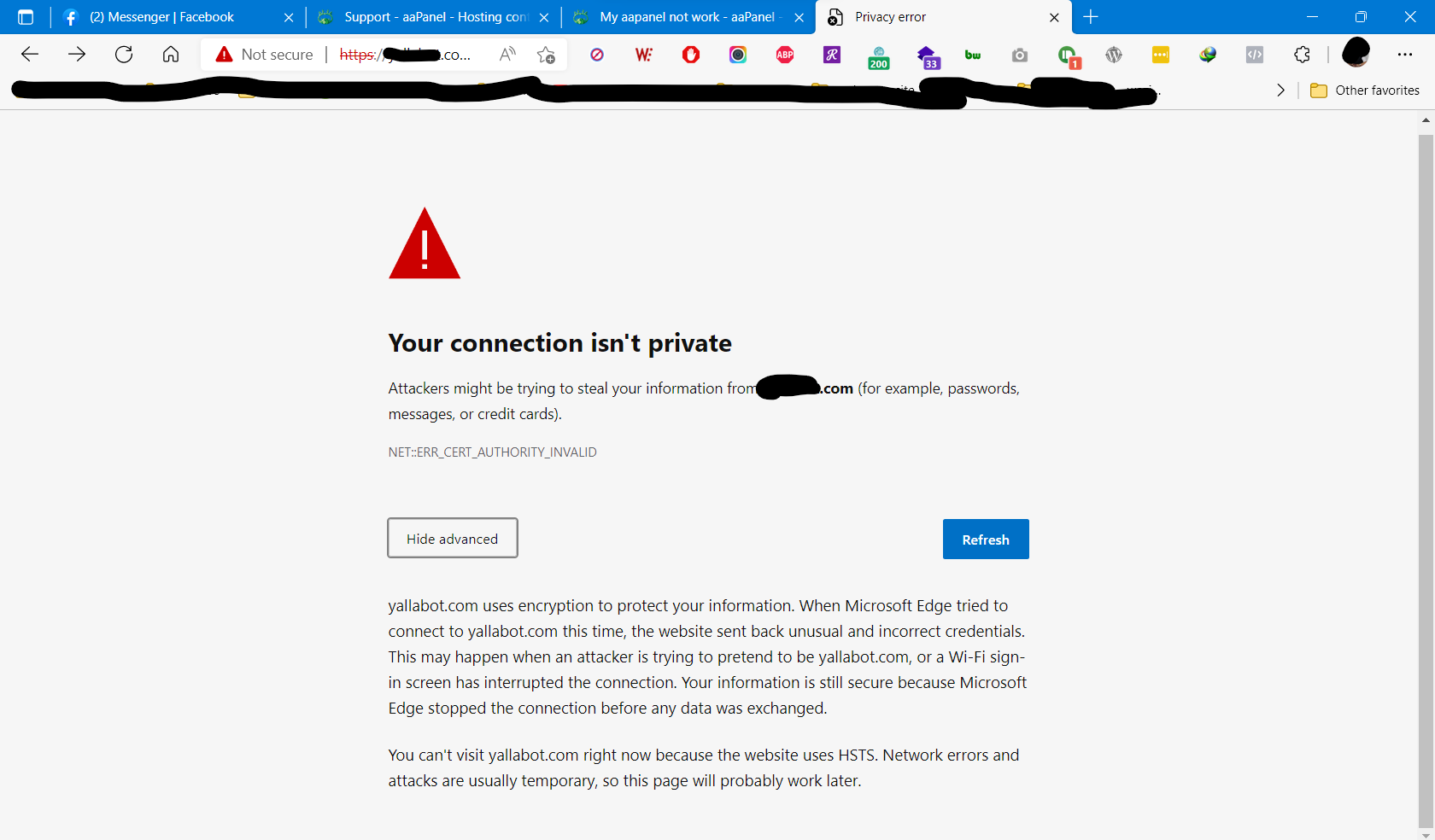
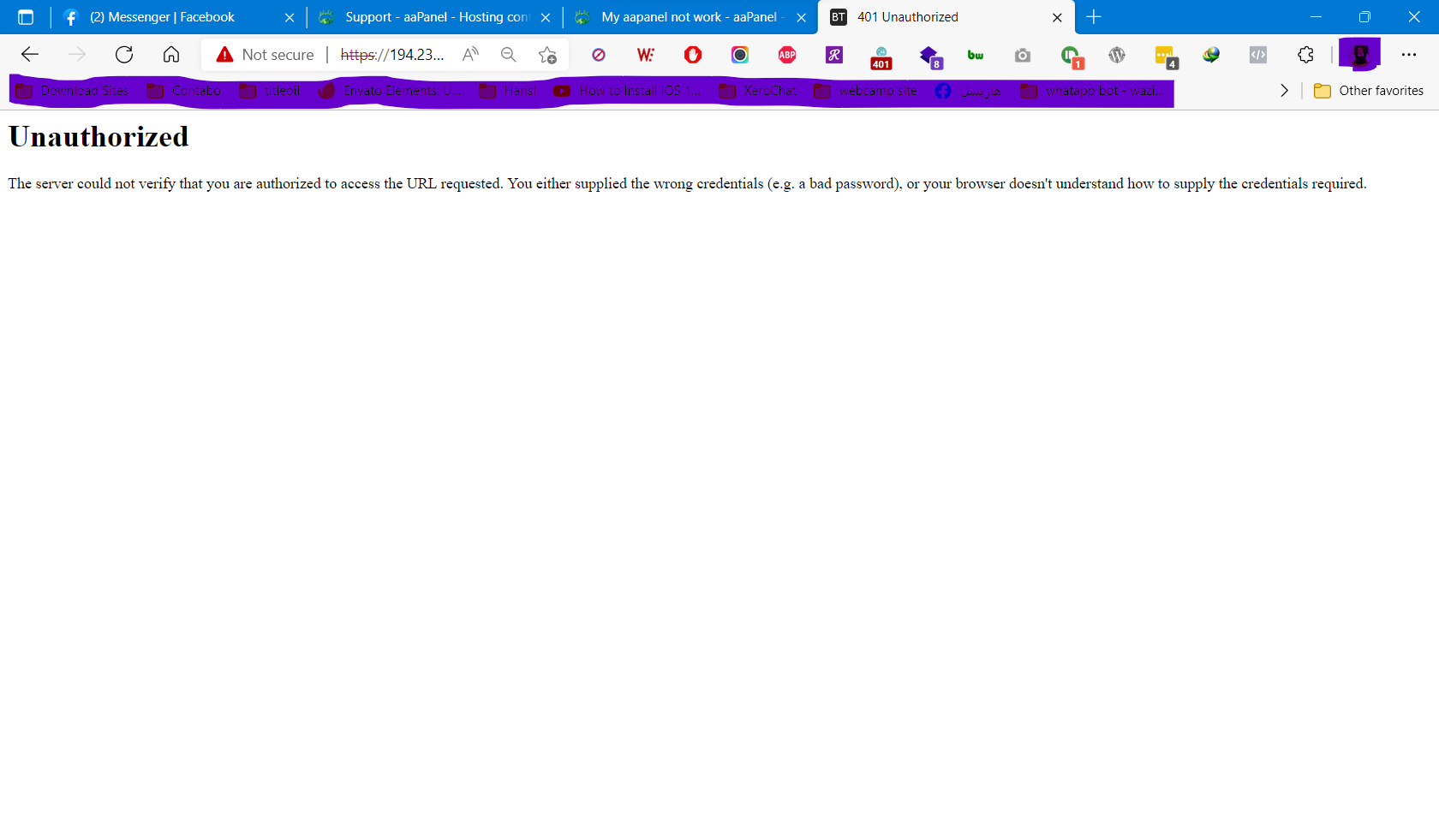
Harisl now i change my login address from https://xxx.xxx.xx.xx:7800/xxxxxxxx to https://website.com:7800/xxxxxxxx from aa panel setting to get ssl for my access link but i cant access my aa panel any more with any of those links please help me asap to access my aa panel again this error with " https://website.com:7800/xxxxxxxx " this error with "https://xxx.xxx.xx.xx:7800/xxxxxxxx"
aaPanel_Kern Harisl Hello, the domain of the website and the panel cannot be the same, the panel needs a new subdomain. Use the ssh tool to execute the command to unbind the domain: bt 12 https://www.aapanel.com/forum/d/13132-aapanel-cannot-log-in-and-cannot-be-accessed-workaround
Harisl gr8 support brother but the problem not solved with : bt12 it solved by : bt13 (13) Cacel IP access limit By The Way MANY tHANX TO SUPPORT ME
aaP_kotakomputer.ceo Just enable SSL on: Website - Configuration - SSL You may set Force HTPPS = True, so any link will be HTTPS
aaPanel_Kern Harisl Hello, you can directly select "Self-Signed Certificate" when "Panel SSL" is turned on in "Setting".
aaPanel_Kern Harisl Hello, when you try to turn off the panel SSL and then reopen the panel SSL, select the self-signed certificate
aaPanel_Kern Harisl Normal, this is a self-signed certificate browser can't verify it. Does not show insecure, requires a domain name application that can be trusted by SSL such as: Let's Encrypt