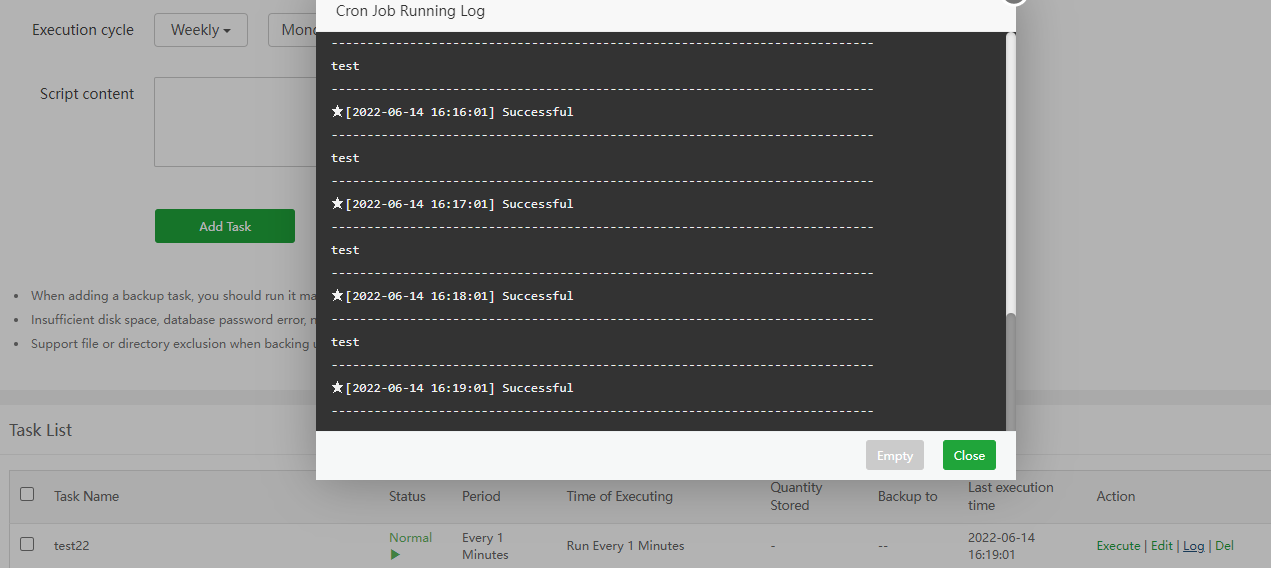
Hello so we are facing problem with newest aa panel version that our crons doesn't start automatically on ubuntu VM with newest aapanel and we have to manually execute them. Anyone else have this problem or have a solution to fix it? Tried to restart server, tried to update to beta, tried to fix panel but nothing changed.
Last execution time 10:24:50 and now we have 10:27:30 and nothing changed (did not executed automatically).
`cron.service - Regular background program processing daemon
Loaded: loaded (/lib/systemd/system/cron.service; enabled; vendor preset: enabled)
Active: active (running) since Tue 2022-06-14 10:14:53 EEST; 13min ago
Docs: man:cron(8)
Main PID: 123157 (cron)
Tasks: 1 (limit: 6861)
Memory: 1.3M
CGroup: /system.slice/cron.service
└─123157 /usr/sbin/cron -f
Jun 14 10:14:53 .net systemd[1]: Started Regular background program processing daemon.
Jun 14 10:14:53.net cron[123157]: (CRON) INFO (pidfile fd = 3)
Jun 14 10:14:53.net cron[123157]: Error: bad day-of-month; while reading crontab for user root
Jun 14 10:14:53.net cron[123157]: (root) ERROR (Syntax error, this crontab file will be ignored)
Jun 14 10:14:53.net cron[123157]: (CRON) INFO (Skipping @reboot jobs -- not system startup)
Jun 14 10:17:01.net CRON[124063]: pam_unix(cron:session): session opened for user root by (uid=0)
Jun 14 10:17:01.net CRON[124070]: (root) CMD ( cd / && run-parts --report /etc/cron.hourly)
Jun 14 10:17:01.net CRON[124063]: pam_unix(cron:session): session closed for user root
`
root@aa:~# cat /www/server/cron/3ab48c27ec99cb9787749c362afae517

#!/bin/bash

PATH=/bin:/sbin:/usr/bin:/usr/sbin:/usr/local/bin:/usr/local/sbin:~/bin

export PATH

/www/server/panel/pyenv/bin/python -u /www/server/panel/class/acme_v2.py --renew=1

echo "----------------------------------------------------------------------------"

endDate=date +"%Y-%m-%d %H:%M:%S"echo "★[$endDate] Successful"
echo "----------------------------------------------------------------------------"
root@aa2754:~#