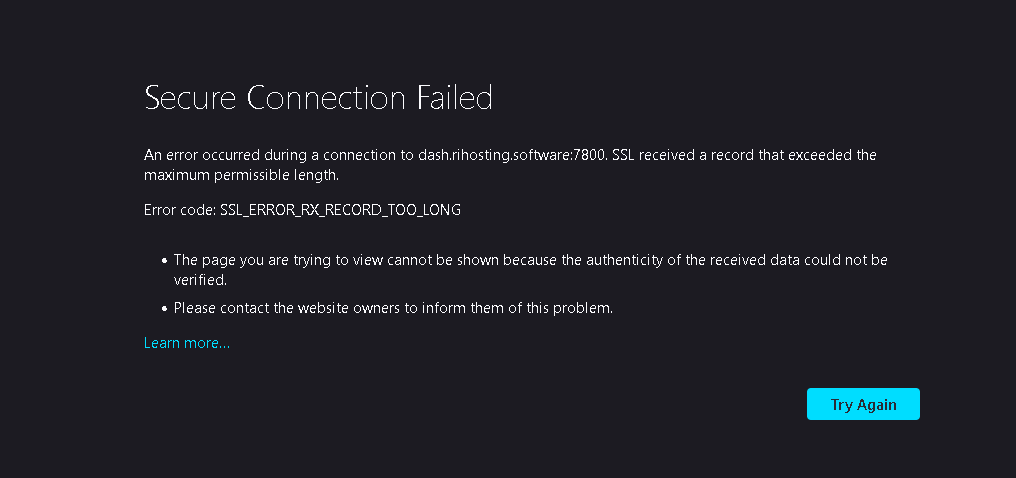
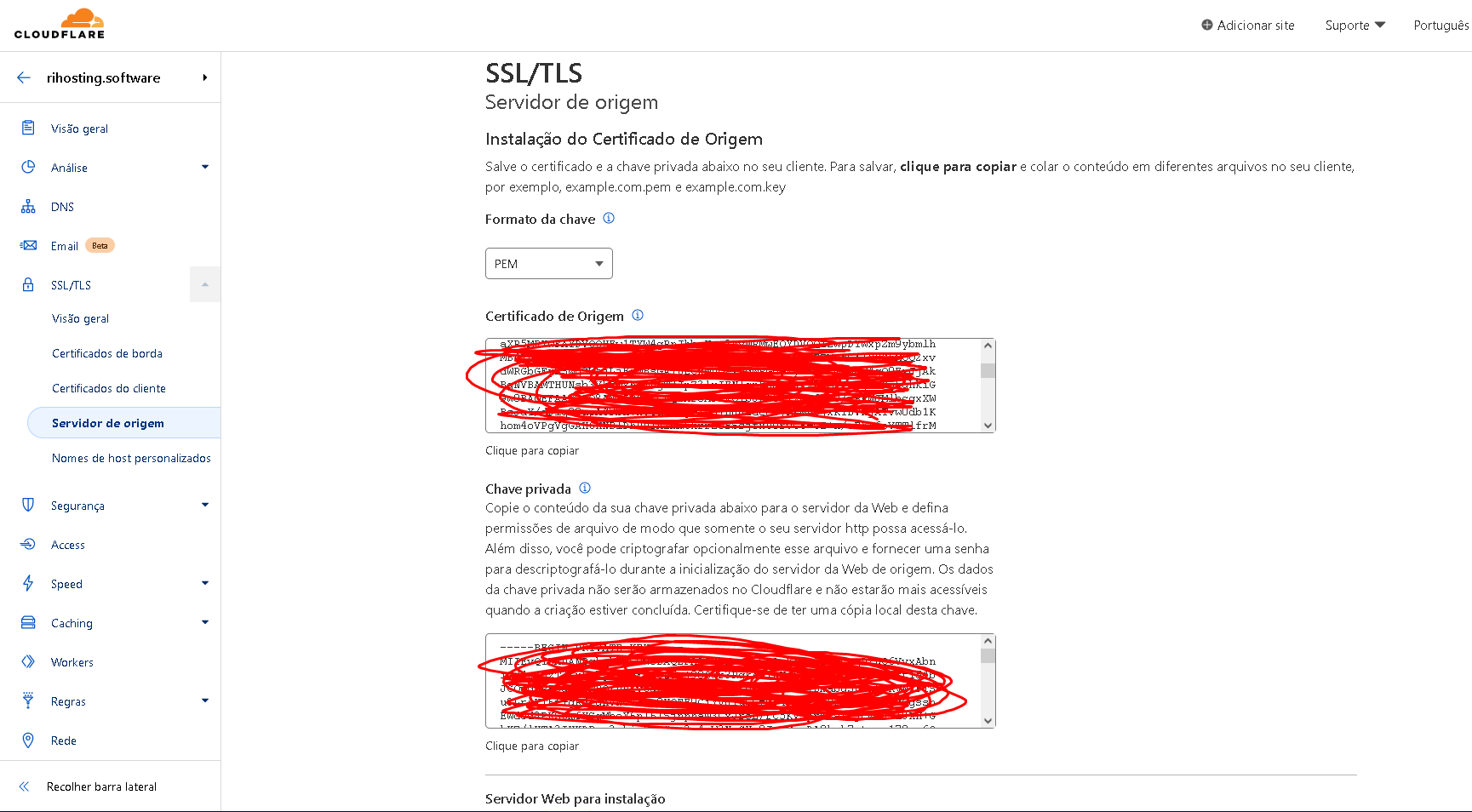
aaP_ricardinbaum When i try to enable ssl in my panel, return this error: I try lets encrypt and the cloudflare ssl service, and gives the same error 🙁 i dont know how to solve this.
aaP_strong aaP_ricardinbaum you need to change port with HTTPS ports supported by Cloudflare https://developers.cloudflare.com/fundamentals/get-started/reference/network-ports/
Dhanamerdeka https://www.aapanel.com/forum/d/13643-dumb-question-ssl-panel-not-working-but-for-sites-works-perfect same issue i think.... current version of aapanel had this ssl issue i think they didn't fix it yet.... 🙁
aaP_ricardinbaum HMMMMMMM, i dont know, but, i saw in this discussion(https://www.aapanel.com/forum/d/13642-cant-reach-to-panel-after-enabling-ssl) the code mkdir /www/server/panel/ssl, after do this, and remake the ssl cert, it worked normally 🙂 but thanks for all peoples!!
Dhanamerdeka aaP_ricardinbaum 🙂 i glad to see that today i also had the solution for my issue https://www.aapanel.com/forum/d/13643-dumb-question-ssl-panel-not-working-but-for-sites-works-perfect/16 🙂 atlest we try to solve it XD