ahmad8 Hi all, I installed the panel on virtual machine that provided By synology NAS. until now everything going well. but when I want to add a domain to the aapanel. (so I have to add A record with my public IP (my router public IP) in the domain register website. after doing that. when I open the domain in browser it shows me as the domain is hosted on synology NAS not on VM-aapanel. by the way: internal link for aapanel works fine. but internet link does not work. best regards
aaPanel_Kern ahmad8 The Synology NAS should be using port 80. Is the Synology NAS VM a docker? Have you done port mapping?
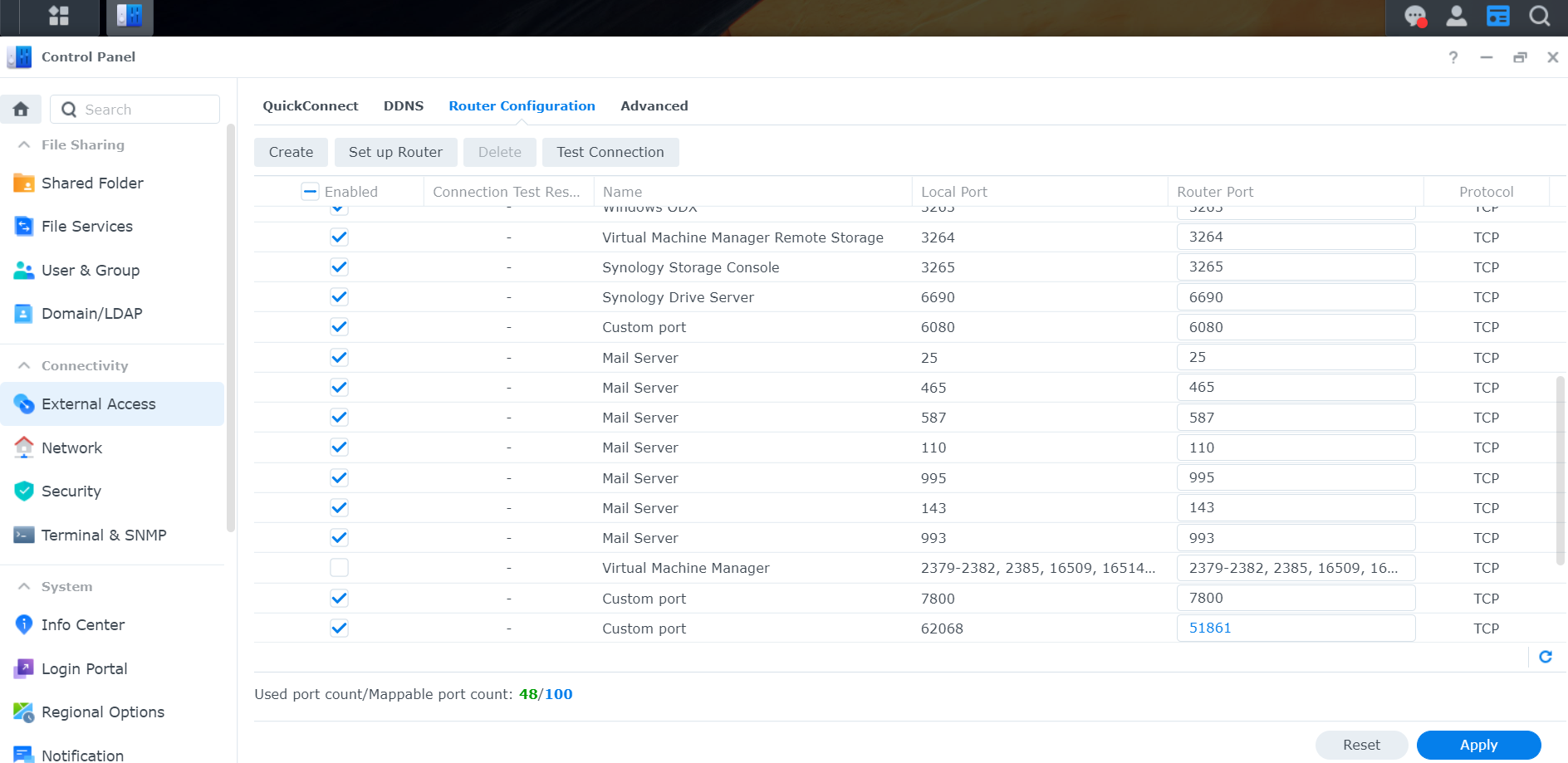
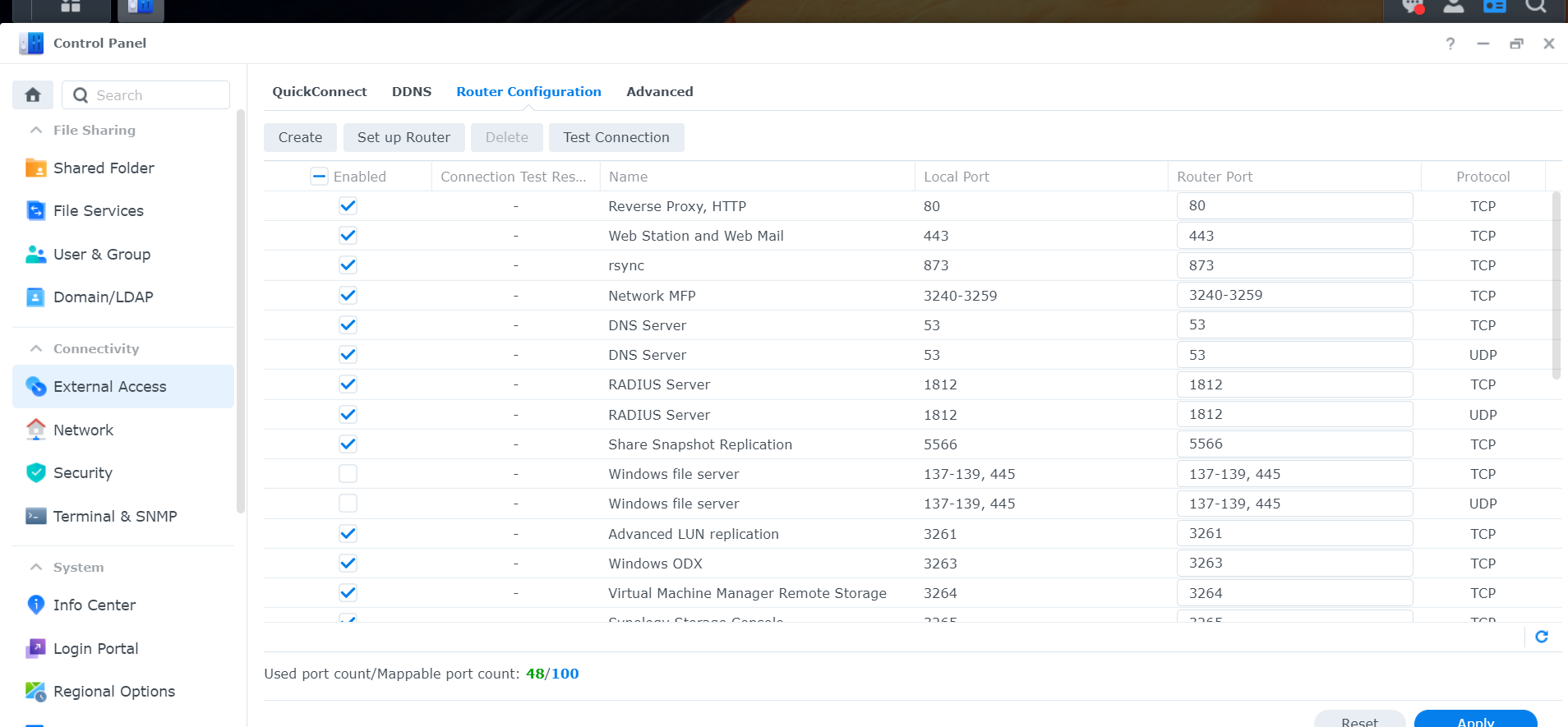
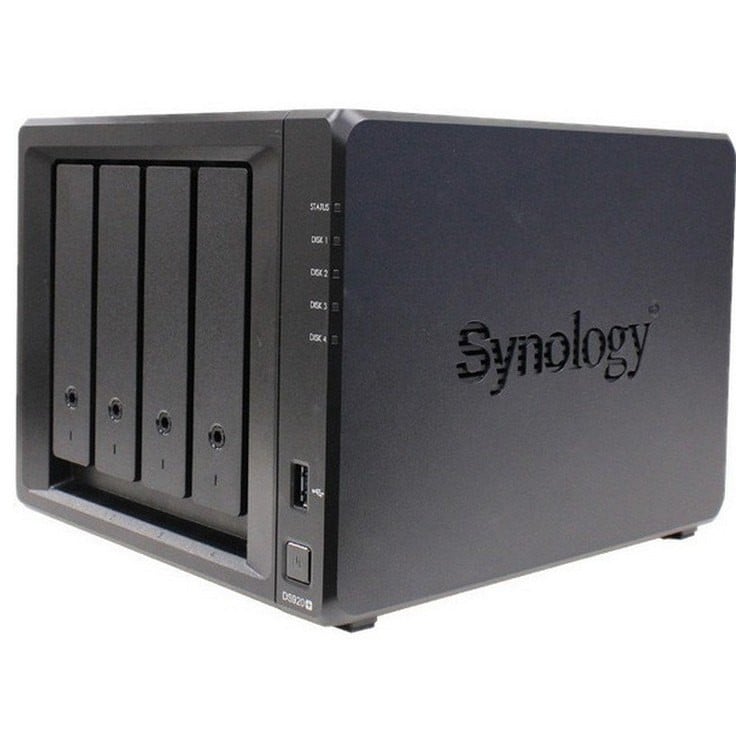
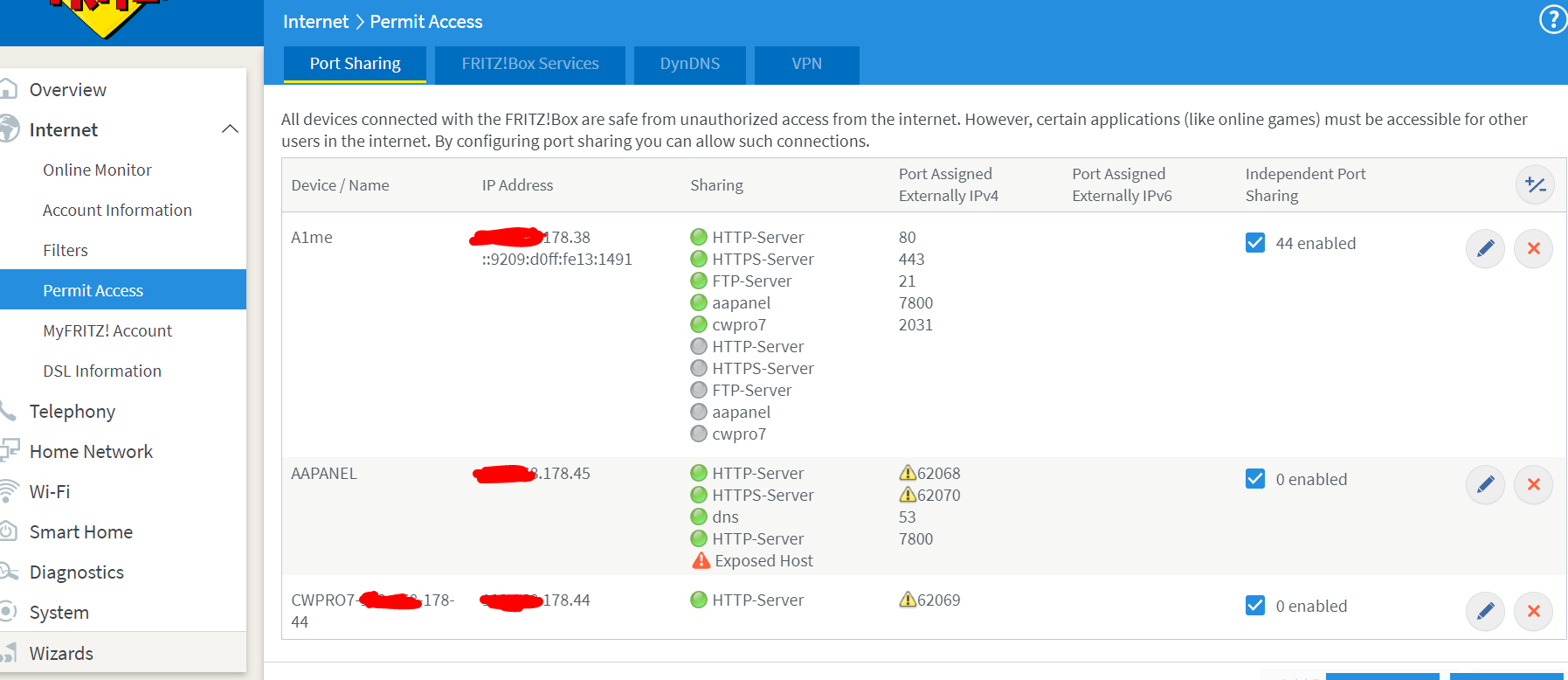
ahmad8 the ports 80, 443 , are opened. in my router too i exposed all synology nas ports. and even my aapanel is recognized as a dsepatreted device. synology NAS is a server for home and small business use. it has webstation, virtual machine creator,
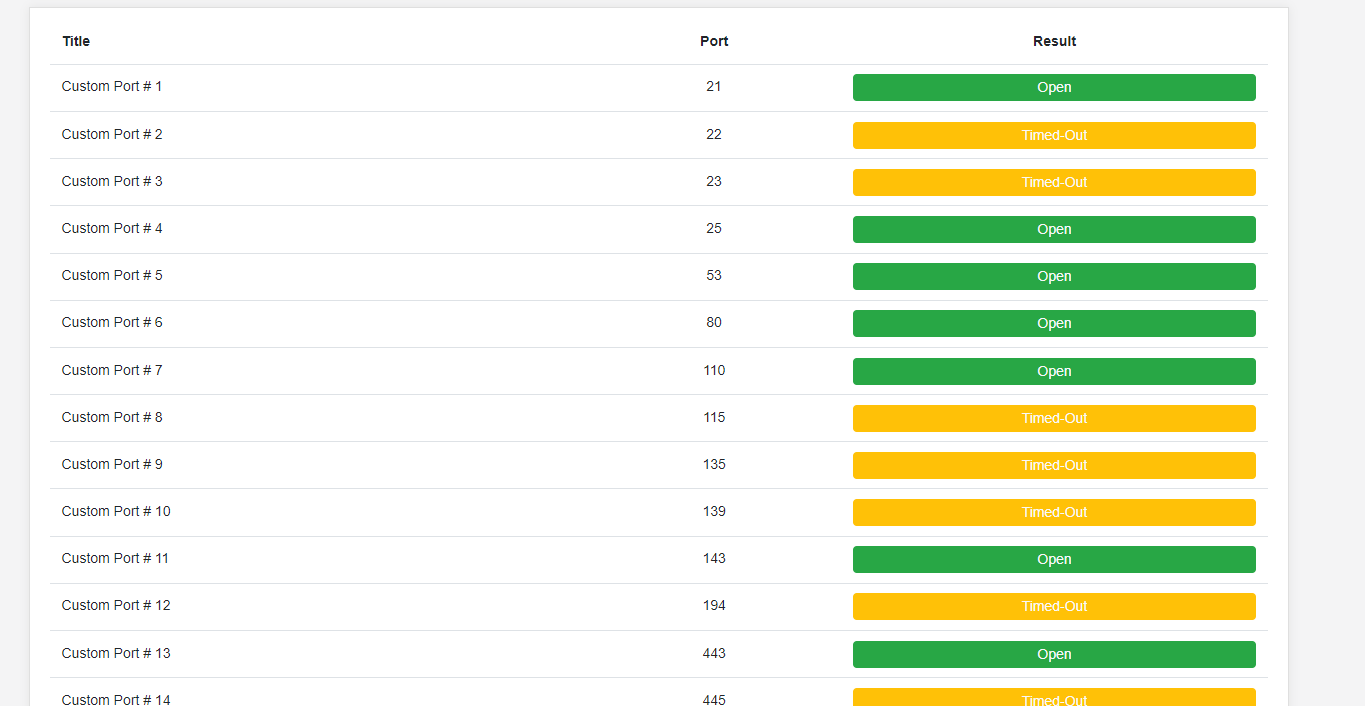
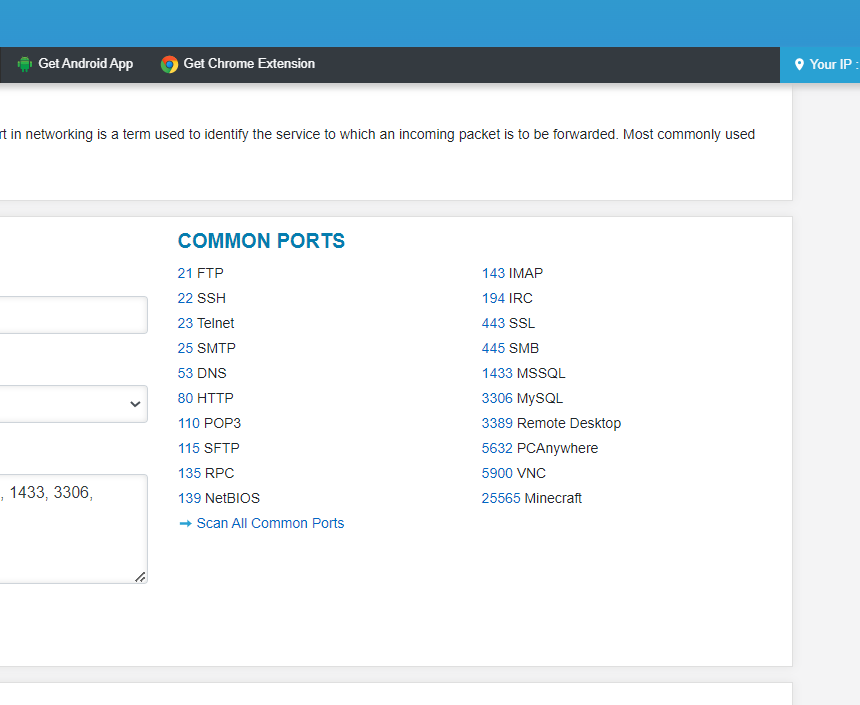
aaPanel_Kern ahmad8 Does the network provider need to do mapping or open ports? Use website to scan ports https://dnschecker.org/port-scanner.php
ahmad8 the ports 80, 443 are open on my IP router on aapanel security : port 80 status: listening port 443 status: not listening