Hello aaPanel_Kern,
thanks again for your support! This is awesome. Unfortunately it still doesn't work.
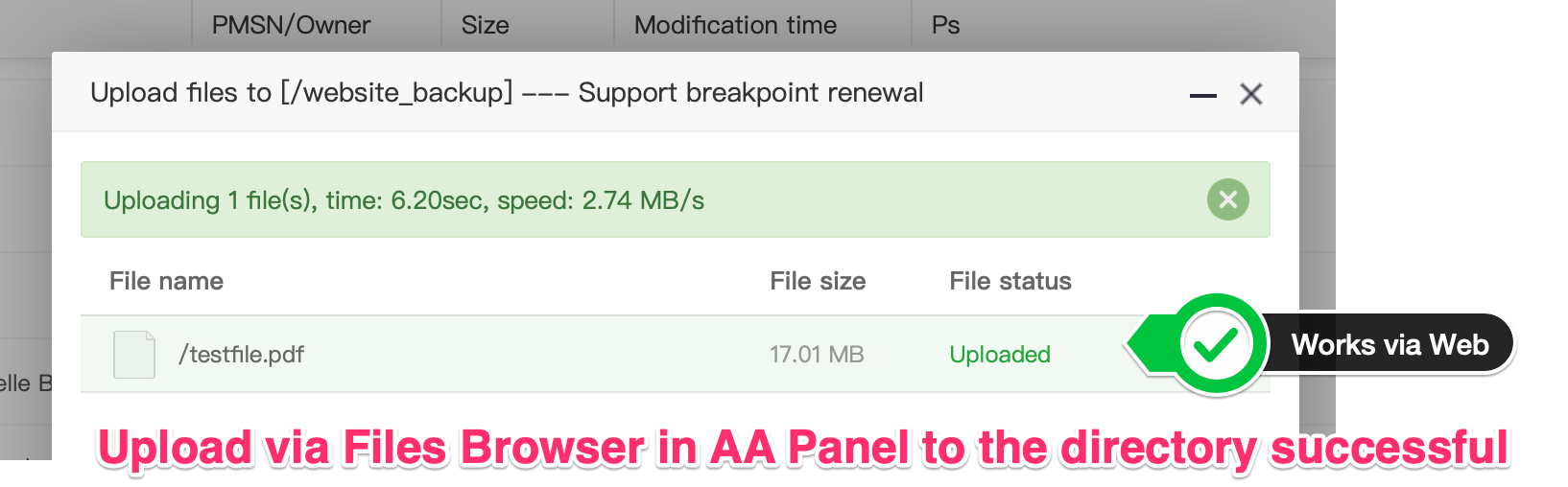
- When I use the files browser in AA-Panel I can upload files to my director via the web interface. √
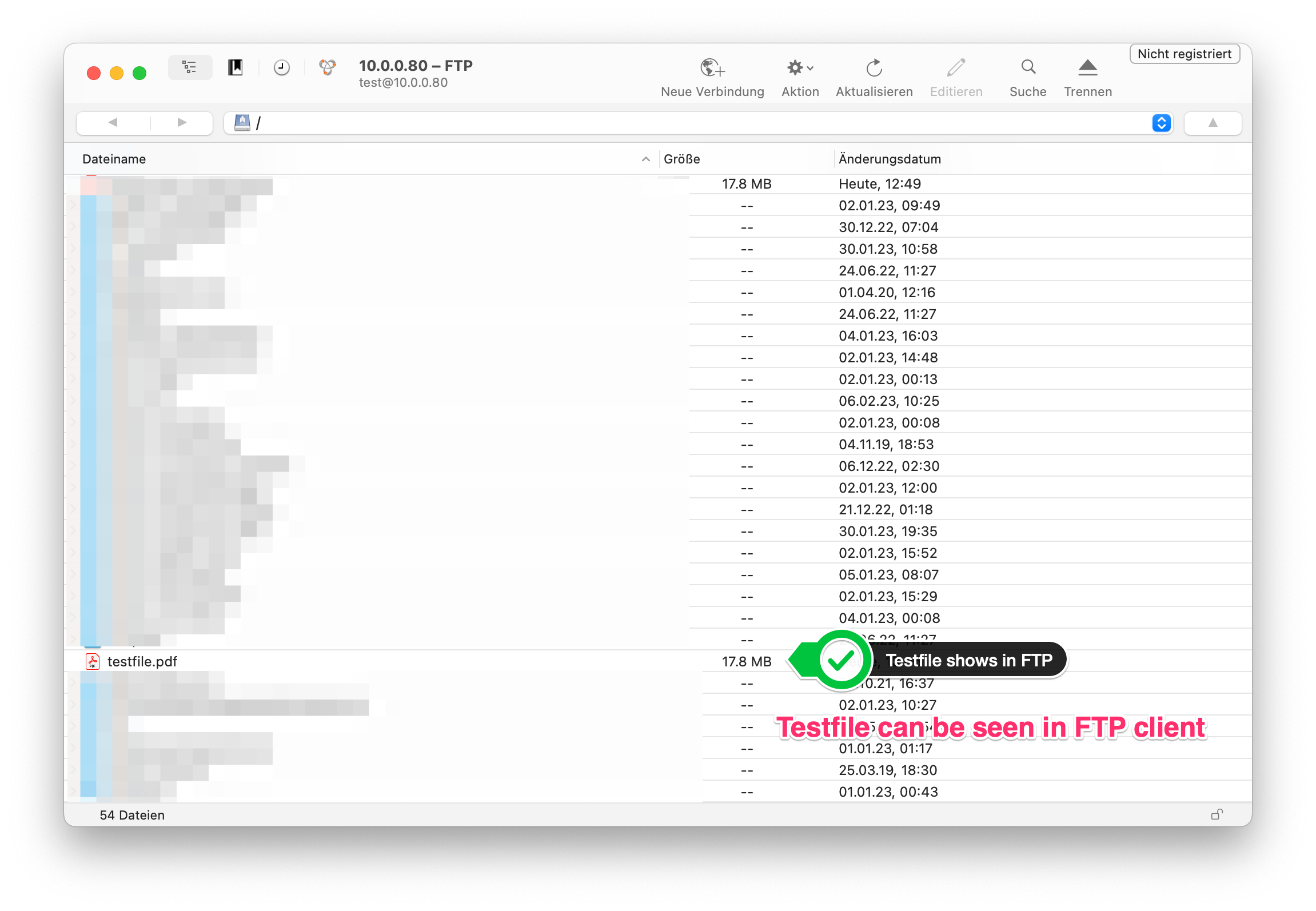
- When I login via FTP Client I can see my uploaded Test-File √
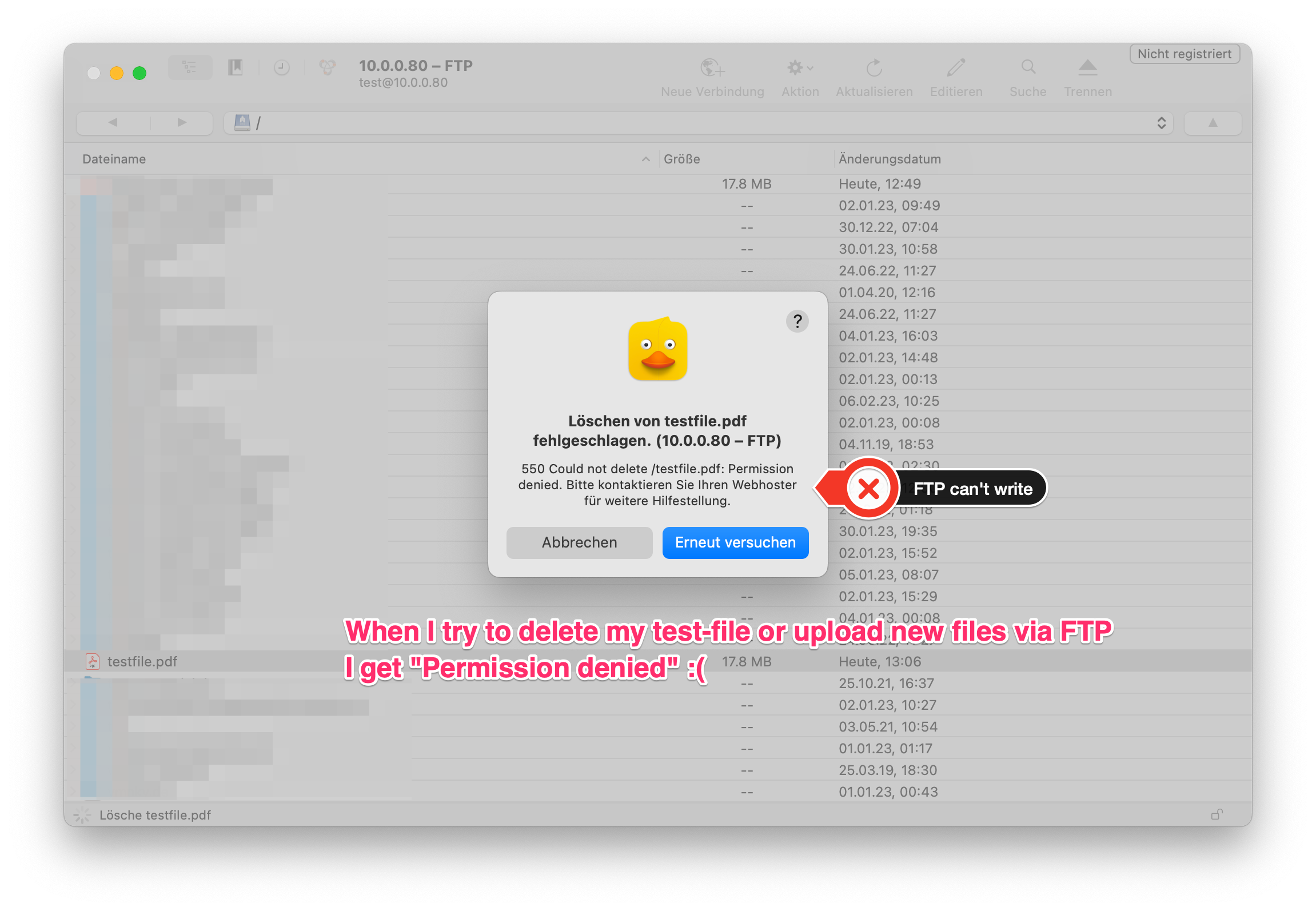
- When I login via FTP I still can't delete or Upload new files (X)
I modified the pureftpd.passwd so that it reads something like:
testuser:$2a$10$eh5P3xJ5EPb4NnUX0LSyUu/rm/XEg9pOr7KxpPfMmV1Wf1rp8ABf6:1000:1000::/website_backup/./::::::::::::
Don't know if it helps but here are some screenshots 🙂
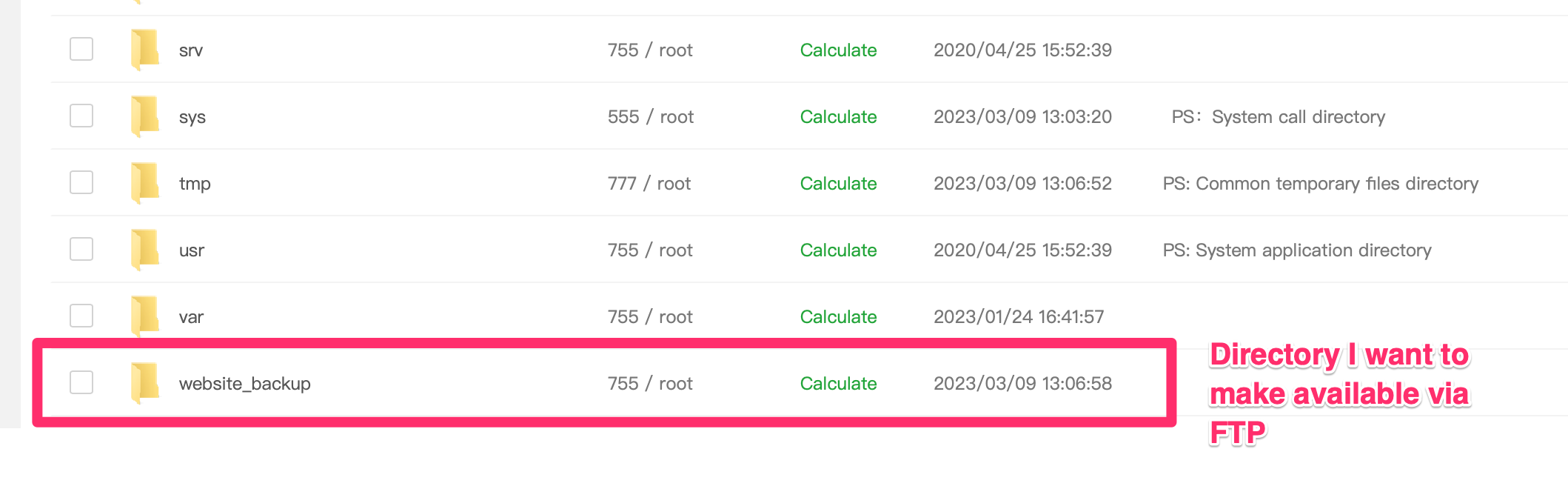
Directory in AA-Panel-File-Browser:
Upload works fine in AA-Panel-Browser:
Directory and uploaded file can be seen in FTP-client:
FTP-Client can't do anything other than read 😢
Any Idea what else I could do?
Thanks again a lot for your help. This so so so much appreciated!
Kind regards,
Niklas
PS: I also tried setting the UID and group ID to 0 in the pureftpd.passwd file. No luck either. Same problem. 😢


