The solution to this is simple, just go in the phpmyadmin module and change in the settings to run with php7.4.
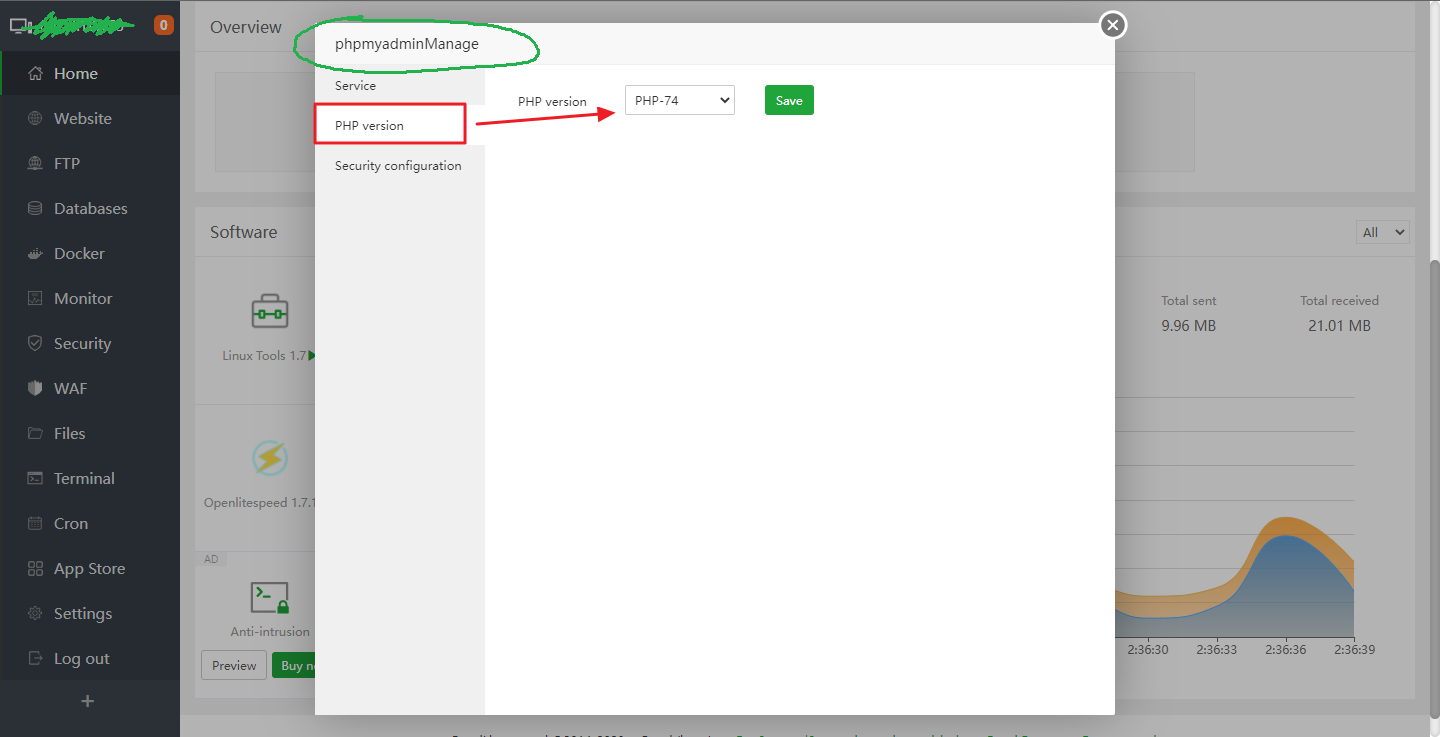
I'm testing the aaPanel now and had the same problem. This is a mismatch of php8.0 and php8.1. 🙂

The incompatible configuration running is:
Ubuntu 20.04 LTS
phpMyAdmin 5.0.4
MySQL 5.7.40
Openlitespeed 1.7.16
There is no need to change configuration files as said in previous solutions (you'll get errors depending on the application you run). To solve in the best possible way, just use php7.4 for phpMyAdmin according to the incompatibility versions mentioned above, or others if there is incompatibility depending on which version you are using.. =)
I'm posting this tutorial here as it seems to be a common problem in new installations. ✅
