aaPanel_Kern after adding a website to the panel you see this message
"Welcome to nginx!
If you see this page, the nginx web server is successfully installed and working. Further configuration is required.
For online documentation and support please refer to nginx.org.
Commercial support is available at nginx.com.
Thank you for using nginx."
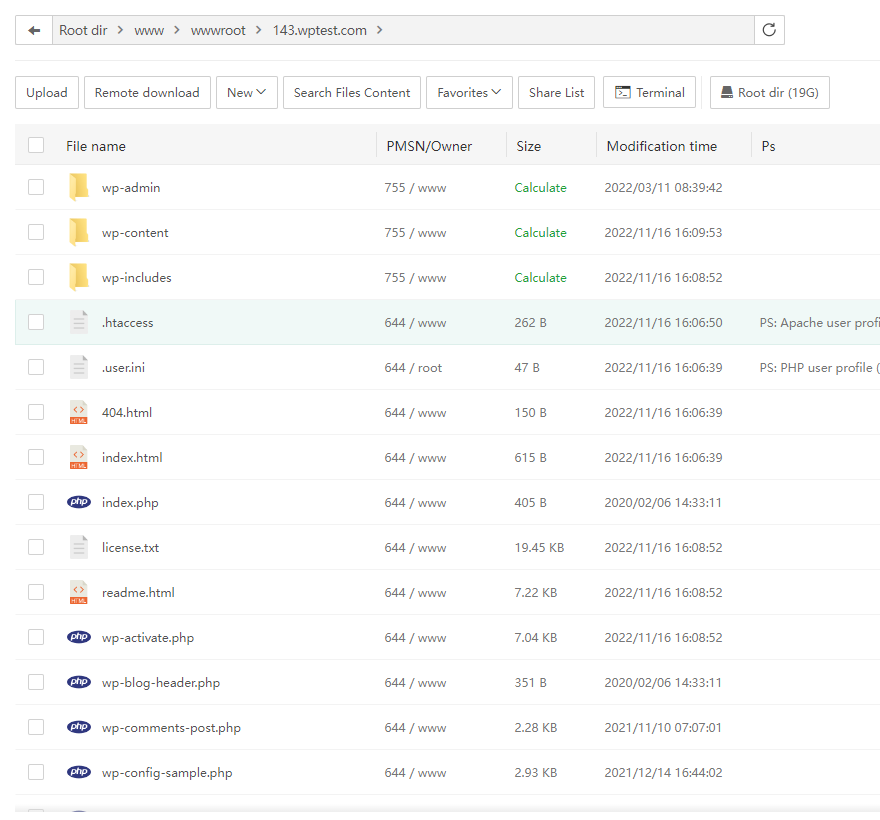
so I opened website folder and uploaded compressed local WordPress files uncompressed, select all files inside the folder cut, paste to the main website folder, deleted the empty folder name WordPress, still having the same page nothing change, restarted the server but no change.
So I deleted the website, re added, installed WordPress so I've WordPress and I'm not being taken to welcome to nginx, and then same process got the WordPress local file unzip it, but I can't see anything but the basic installed WordPress