arsse I edited phpmyadmin config file and add mysql root password and now it work. But a problem: after mysql root password is changed from aapanel>database section, when we uninstall and again reinstall phpmyadmin, it use old password for phpmyadmin!!
aaPanel_Jose arsse but reinstalling phpmyadmin will not affect the mysql password mysql and phpmyadmin are two independent applications.
arsse aaPanel_Jose but reinstalling phpmyadmin will not affect the mysql password mysql and phpmyadmin are two independent applications. Thanks for help. so, if we change mysql root password from panel then it not automatically change password of access to db in phpmyadmin config file.
aaPanel_Jose arsse If you change the mysql root password from the panel. phpmyadmin will follow the changes. Could you tell me what is the version of the panel you are using?
arsse aaPanel_Jose Thanks. Latest version. Last day after panel update i saw this problem but now i saw it is automatic and php my admin open inside panel without needing any user and pass for using it. Thanks for a such good panel.
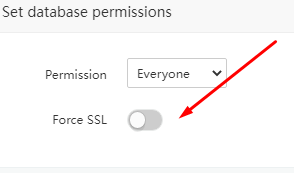
arsse Hello. Please Help me. You made panel that when we click on databases>phpmyadmin button it automatically open phpmyadmin without needing insert username/passwords. Today after i clicked on phpmyadmin button it requested user/pass also it not be SSL! Please help about this problem. Thanks
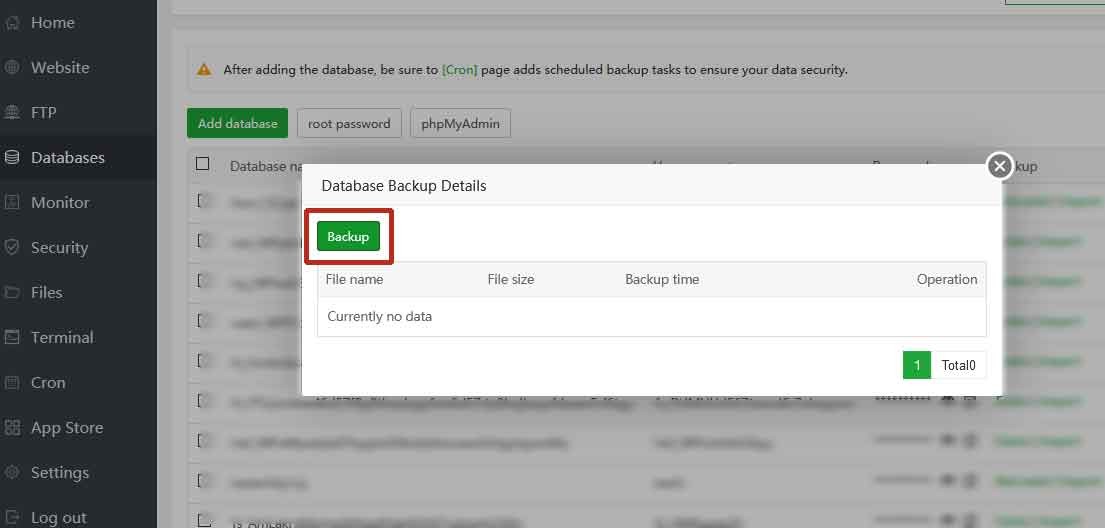
arsse ...also it can not make backup by cliking backup button! Please help There are sevral problem in mysql.
arsse aaPanel_Jose Hello Jose. Thanks for answering this request. No. backup problem solved automatically! problem is previous post: You made panel that when we click on databases>phpmyadmin button it automatically open phpmyadmin without needing insert username/passwords. Today after i clicked on phpmyadmin button it requested user/pass also it not be SSL!
arsse aaPanel_Jose Please try to reinstall and setup ssl phpmyadmin I tried to set port for ssl and enable ssl in panel dialog box but it said could not because it is OLS web server. I remember it was auto login with ssl on OLS even phpmyadmin dialog box was disabled SSL.
arsse Today i changed mysql root password from panel and after that it could not create backup from panel and after restarting mysql can not start. All my site is down. Please help. Thanks
arsse 2020-11-07 15:38:21 47254201338304 [Note] Found 1 prepared transaction(s) in InnoDB 2020-11-07 15:38:21 47254201338304 [ERROR] Found 1 prepared transactions! It means that mysqld was not shut down properly last time and critical recovery information (last binlog or tc.log file) was manually deleted after a crash. You have to start mysqld with --tc-heuristic-recover switch to commit or rollback pending transactions. 2020-11-07 15:38:21 47254201338304 [ERROR] Aborting
arsse arsse 2020-11-07 15:38:21 47254201338304 [Note] Found 1 prepared transaction(s) in InnoDB 2020-11-07 15:38:21 47254201338304 [ERROR] Found 1 prepared transactions! It means that mysqld was not shut down properly last time and critical recovery information (last binlog or tc.log file) was manually deleted after a crash. You have to start mysqld with --tc-heuristic-recover switch to commit or rollback pending transactions. 2020-11-07 15:38:21 47254201338304 [ERROR] Aborting Hi What command must i do in terminal for solving this problem? Please help.