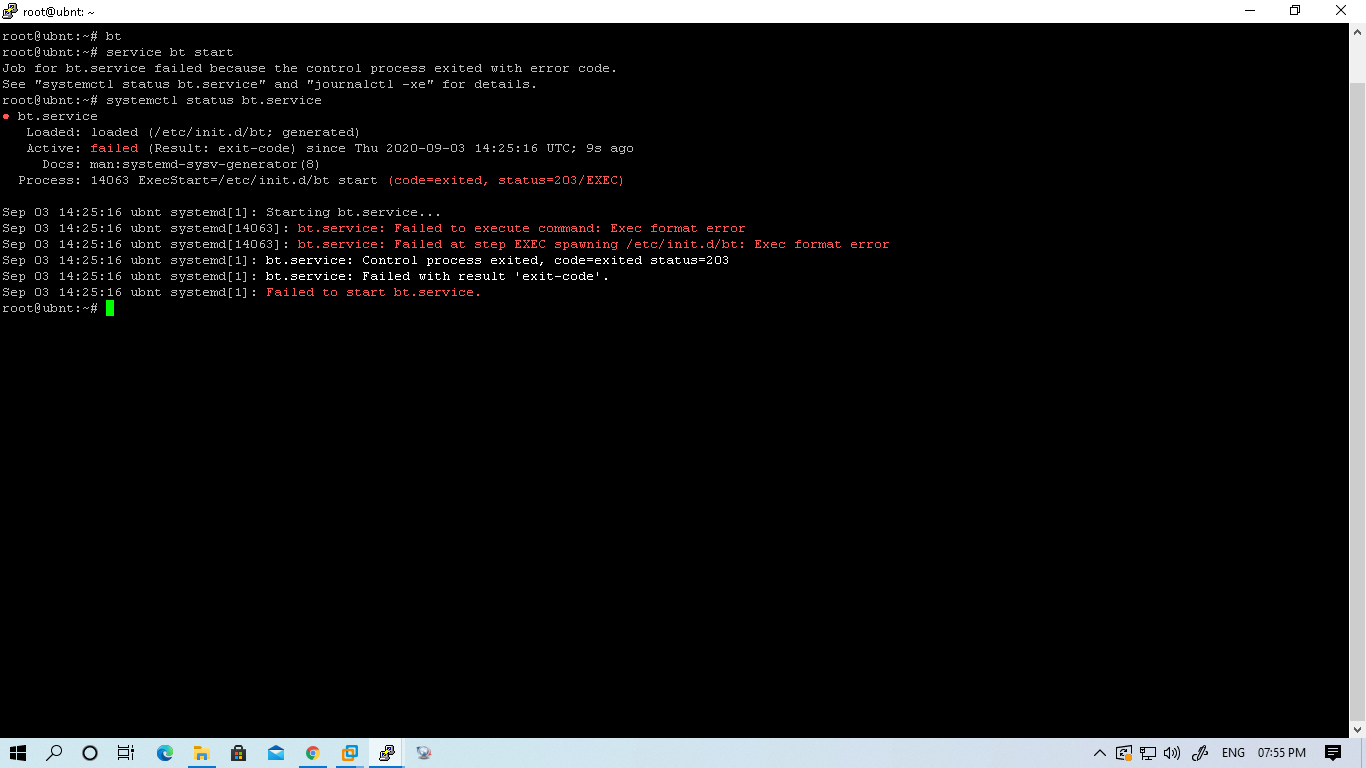
Initially, I tried to start the panel with # service bt start command then the output is as below
Output: Job for bt.service failed because the control process exited with error code.
See "systemctl status bt.service" and "journalctl -xe" for details
And then I tried with "systemctl status bt.service" then the output is
● bt.service
Loaded: loaded (/etc/init.d/bt; generated)
Active: failed (Result: exit-code) since Thu 2020-09-03 14:09:10 UTC; 35s ago
Docs: man:systemd-sysv-generator(8)
Process: 13752 ExecStart=/etc/init.d/bt start (code=exited, status=203/EXEC)
Sep 03 14:09:10 ubnt systemd[1]: Starting bt.service...
Sep 03 14:09:10 ubnt systemd[13752]: bt.service: Failed to execute command: Exec format error
Sep 03 14:09:10 ubnt systemd[13752]: bt.service: Failed at step EXEC spawning /etc/init.d/bt: Exec format error
Sep 03 14:09:10 ubnt systemd[1]: bt.service: Control process exited, code=exited status=203
Sep 03 14:09:10 ubnt systemd[1]: bt.service: Failed with result 'exit-code'.
Sep 03 14:09:10 ubnt systemd[1]: Failed to start bt.service.
I had tried to use bt command then there is no output to repair the panel.