root@vultr:~# btpip uninstall docker -y
Found existing installation: docker 6.0.1
Uninstalling docker-6.0.1:
Successfully uninstalled docker-6.0.1
WARNING: Running pip as the 'root' user can result in broken permissions and conflicting behaviour with the system package manager. It is recommended to use a virtual environment instead: https://pip.pypa.io/warnings/venv
root@vultr:~# btpip install docker
Collecting docker
Using cached docker-7.1.0-py3-none-any.whl.metadata (3.8 kB)
Requirement already satisfied: requests>=2.26.0 in /www/server/panel/pyenv/lib/python3.12/site-packages (from docker) (2.31.0)
Requirement already satisfied: urllib3>=1.26.0 in /www/server/panel/pyenv/lib/python3.12/site-packages (from docker) (1.26.18)
Requirement already satisfied: charset-normalizer<4,>=2 in /www/server/panel/pyenv/lib/python3.12/site-packages (from requests>=2.26.0->docker) (3.3.2)
Requirement already satisfied: idna<4,>=2.5 in /www/server/panel/pyenv/lib/python3.12/site-packages (from requests>=2.26.0->docker) (3.7)
Requirement already satisfied: certifi>=2017.4.17 in /www/server/panel/pyenv/lib/python3.12/site-packages (from requests>=2.26.0->docker) (2024.2.2)
Using cached docker-7.1.0-py3-none-any.whl (147 kB)
Installing collected packages: docker
Successfully installed docker-7.1.0
WARNING: Running pip as the 'root' user can result in broken permissions and conflicting behaviour with the system package manager. It is recommended to use a virtual environment instead: https://pip.pypa.io/warnings/venv
[notice] A new release of pip is available: 24.0 -> 25.1.1
[notice] To update, run: /www/server/panel/pyenv/bin/python3.12 -m pip install --upgrade pip
root@vultr:~# bt 1
EXECUTING
Stopping Bt-Tasks... done
Stopping Bt-Panel... done
Starting Bt-Panel.... done
Starting Bt-Tasks... done
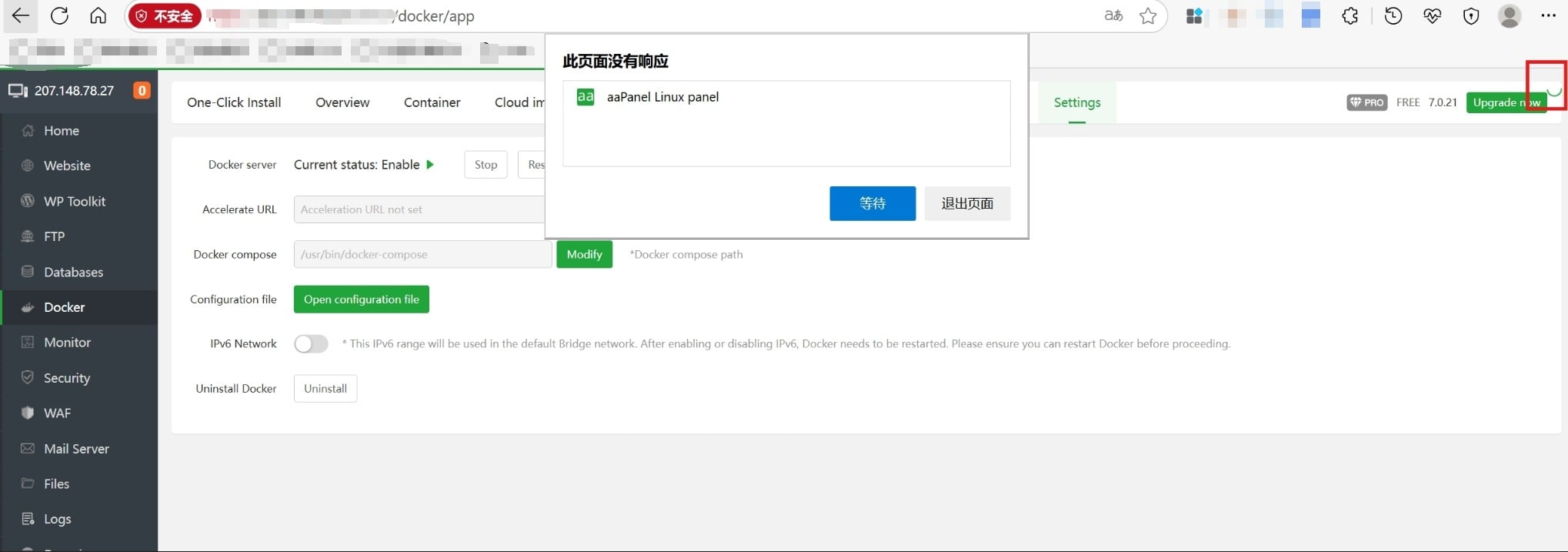
> >! I can only access the Docker control panel once, and after that, I can no longer enter it;
> >! It's not until I use the command to stop Docker that I can access the Docker control panel again.
> >! root@vultr:~# sudo systemctl stop docker
root@vultr:~# sudo systemctl stop docker
Warning: Stopping docker.service, but it can still be activated by:
docker.socket