I have resolved this issue, although, I am not happy.
Step 1. Go to "Databases" and install PgSQL from there. It will install PostreSQL Manager. (Side note, this, for some reason, is different than the Application that it installs through the app store. Use that instead - go to App Store, search "pg" it will come up, then enable it to show on dashboard).
Step 2. Go to "Docker" and install it.
Step 3. Go to "All" and search for pgAdmin" - then install it.
Step 4. Make sure you go to your VPS/Firewall and open the port mentioned. Use http not https to access it http://ip:port
Step 5. Go to terminal:
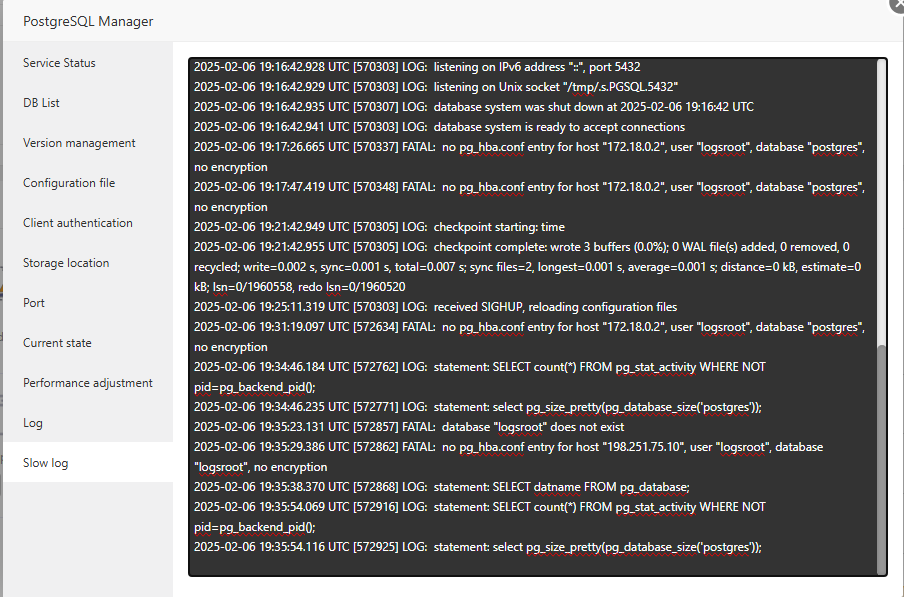
nano /www/server/data/pgsql/pg_hba.conf
At the end of the line add this:
# Allow connections from Docker network (pgAdmin container)
host all all 172.18.0.0/16 md5
# Allow connections from your public IP (replace with actual IP)
host all all {YOUR ACTUAL VPS IP}/32 md5
Your actual VPS IP goes where it says it should go.
Step 6. Go to PostgreSQL Manager and restart it.
Step 7. Access your pgAdmin through
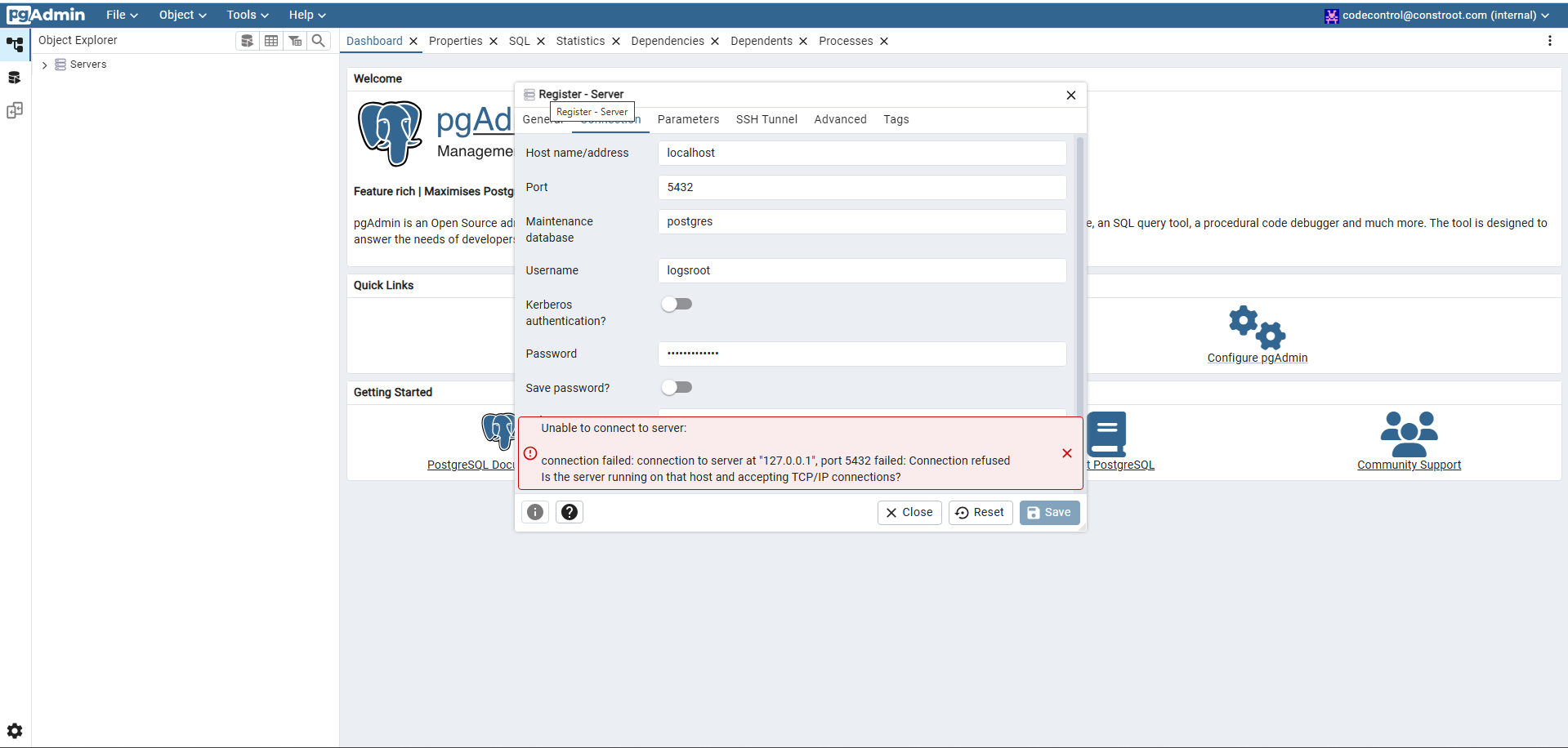
and then add your postgre server. (FYI, you do not need to have a database in place).
Step 8. Profit.
I do not know if this is good for production server. I personally don't like this approach.
I hope someone from aaPanel team can comment.