Step 1: Install aaPanel
SSH into your VPS/server.
Run the install script for aaPanel (for CentOS/Debian/Ubuntu):
bash
Copy
Edit
For CentOS:
yum install -y wget && wget -O install.sh http://www.aapanel.com/script/install_6.0_en.sh && bash install.sh
For Ubuntu/Debian:
apt-get install -y wget && wget -O install.sh http://www.aapanel.com/script/install-ubuntu_6.0_en.sh && bash install.sh
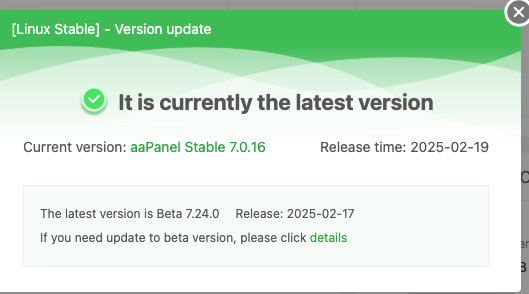
After installation, log into the aaPanel web interface using the credentials provided.
Step 2: Install Required Software in aaPanel
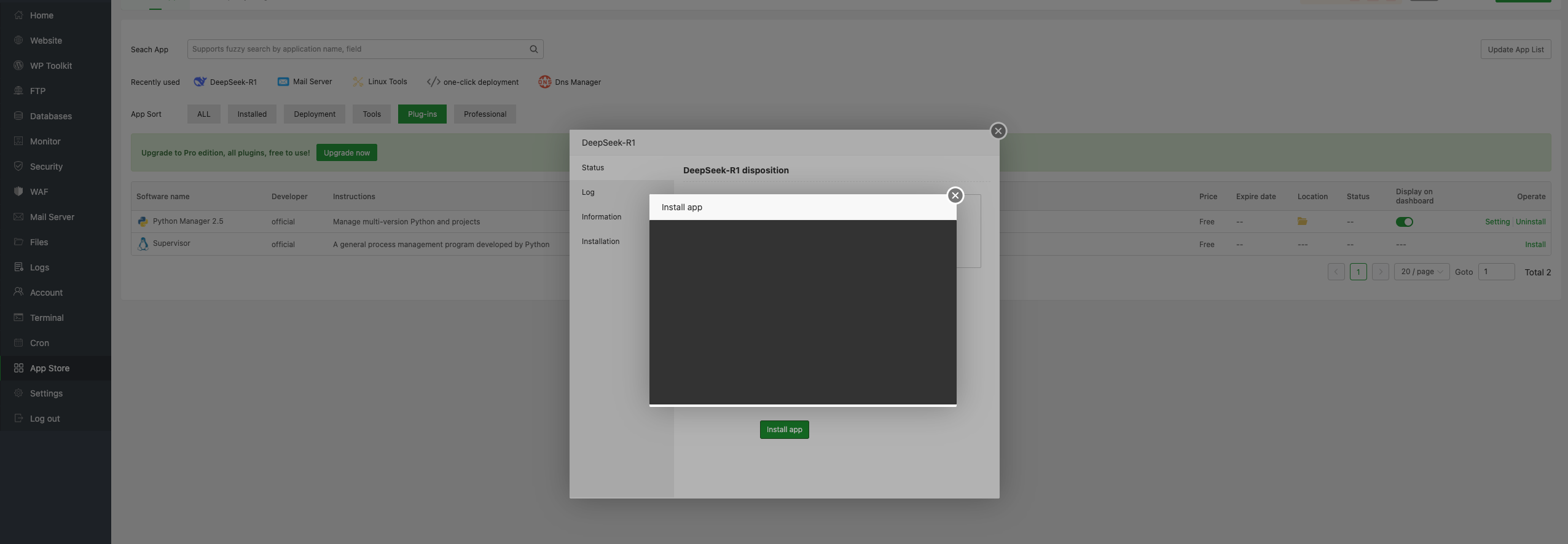
Go to the App Store inside aaPanel.
Install:
Python Manager
Docker Manager (optional, depending on how DeepSeek is packaged)
Any web stack you plan to use (e.g., Nginx, MySQL, PHP)
Step 3: Install DeepSeek
Depending on the format DeepSeek is delivered in (Python package, Docker container, or custom binary):
Option A: Using Python (if DeepSeek is a Python project)
Open the Python Manager.
Create a new virtual environment.
Install DeepSeek using pip (e.g., pip install deepseek or its local path).
Configure your app using aaPanel's Project Manager or run via scheduled tasks/startup script.
Option B: Using Docker (recommended for easy deployment)
Open Docker Manager in aaPanel.
Use the "Create Container" option.
Enter DeepSeek's image (e.g., deepseek/deepseek:latest if hosted on DockerHub).
Map necessary ports, volumes, and environment variables.
Start the container.
Step 4: Configure Access
Use aaPanel’s Website Manager to set up a domain or subdomain.
Configure Nginx to reverse proxy to your DeepSeek app (if needed).