aaPanel_Kern
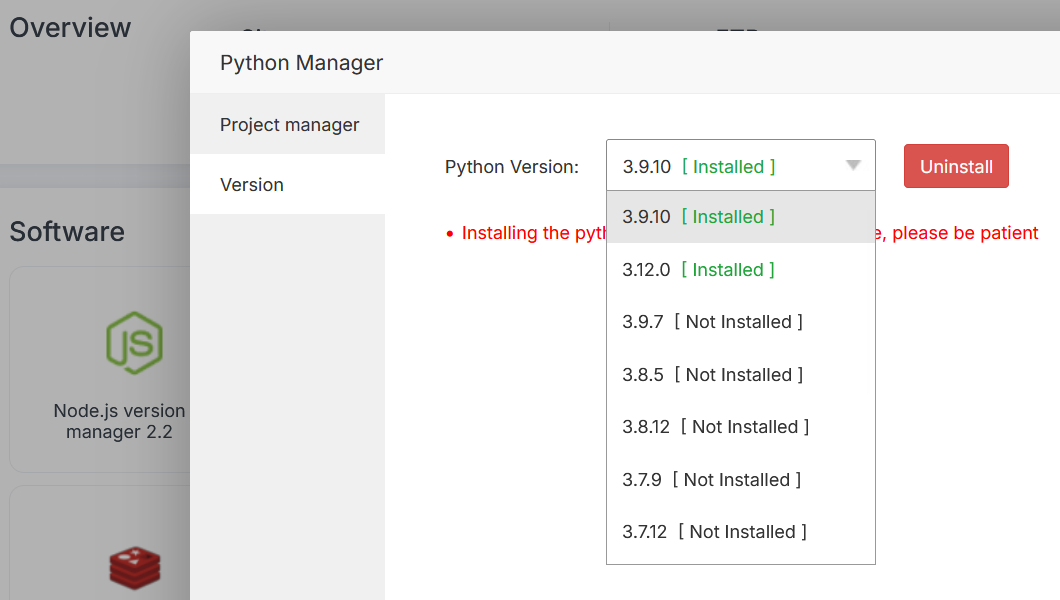
I redeployed my Flask application under Python 3.12 using Python Manager 2.0. (Note: I previously tested Python Manager 2.5, but encountered a bug where it failed to install Python packages correctly, so I reverted to version 2.0.)
However, I seem to have encountered another issue during redeployment. I made two attempts:
First attempt: I aborted midway due to what appeared to be a bug. No package was showing up inside /home/myusername/myproject312/e777777777777777465ac4d3ec0da777_venv
Second attempt: The Python Manager created the following virtual environment directory: /home/myusername/myproject/e8886bd888888129465ac4d3ec0da888_venv
After installing the required packages for my project, I noticed that only a few packages were present in this virtual environment /home/myusername/myproject/e8886bd888888129465ac4d3ec0da888_venv. Instead, the full set of packages was installed in: /www/server/python_manager/versions/3.12.0/lib/python3.12/site-packages/
This directory contains all the necessary packages, including duplicates of those found in the virtual environment. My Flask app appears to rely solely on the packages in the global site-packages directory /www/server/python_manager/versions/3.12.0/lib/python3.12/site-packages/, not the ones in the virtual environment.
I discovered this behavior while patching a library with a known bug. I initially applied the patch inside the virtual environment, but the issue persisted. After patching the same library in the global site-packages directory, the fix took effect.
I’m unsure whether this is expected behavior or if Python Manager 2.0 is misconfiguring the environment by mixing project-specific packages with those used by aaPanel itself.
I can provide a full list of packages from both directories if needed.
Could you please clarify whether this is a bug or intended behavior?
And if it’s a bug, could you advise on how to properly configure the environment to isolate project dependencies?