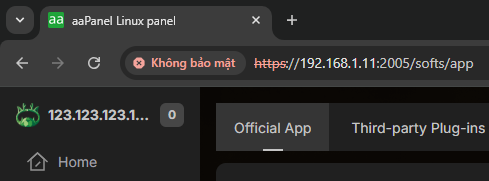
Hi @Lleanhvip,
If your server has been assigned a new public IP but your panel still shows the old one, you’ll need to update the panel’s configuration to reflect the new IP. The exact steps depend on the panel software you’re using, but generally:
Check panel configuration files – Look for any settings where the server IP is defined and update it to the new public IP.
Restart the panel/service – After updating the config, restart the panel to apply changes.
Avoid using local IP for production – Setting your panel to a local IP (like 192.168.1.11) is not safe for a production server if it needs to be accessible over the internet. Local IPs are only reachable within your internal network.