Hi,
I'm trying to link my existing website directory to a GitHub repository using the Git module in aaPanel.
Current State:
- I have already generated an SSH Key via aaPanel and added it to my GitHub Deploy Keys.
- When I test the connection via terminal (ssh -T git@github.com), it says "Successfully authenticated".
- My website directory /www/wwwroot/example.com already contains a .git folder.
The Problem:
When I go to the Git tab of my website and click "Import", I fill in the Repository (SSH URL) and Branch (main). However, I keep getting this error:
Connection to GIT failed: fatal: No remote configured to list refs from.
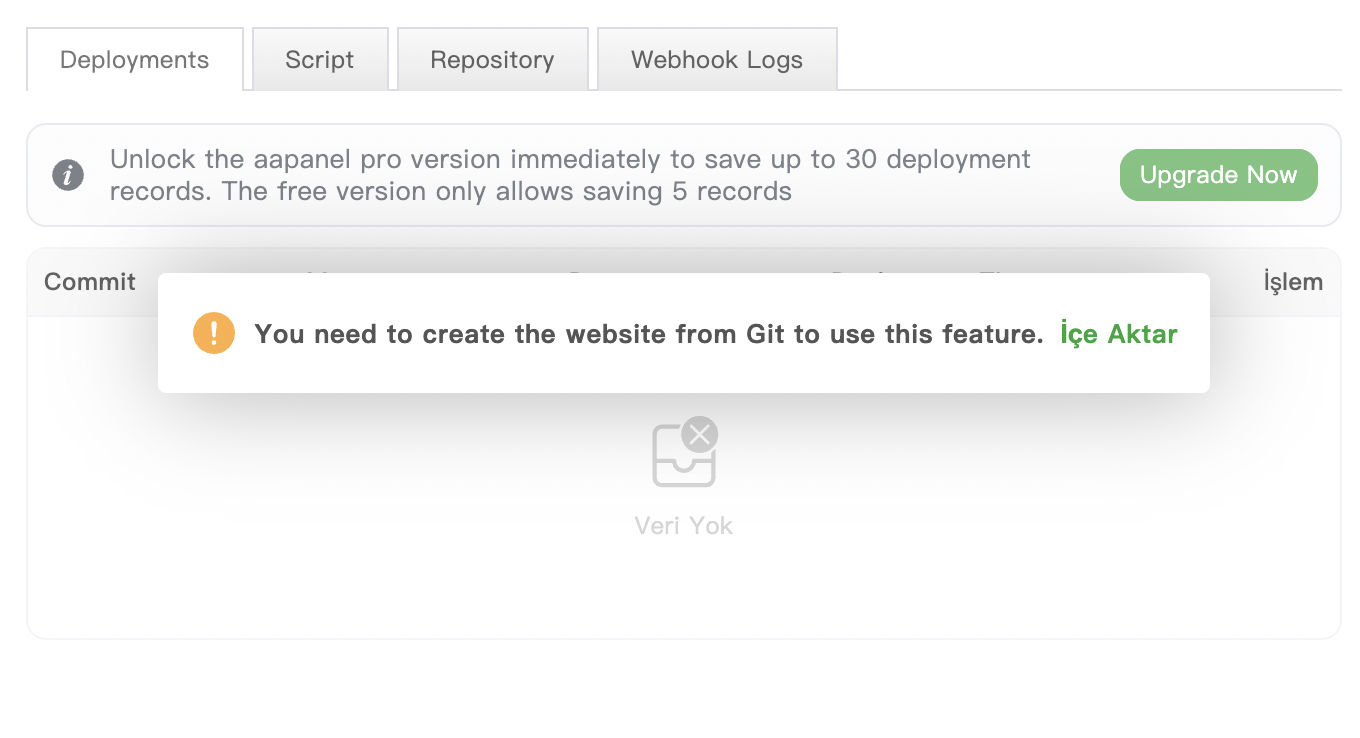
Also, the UI shows: You need to create the website from Git to use this feature.
How can I make aaPanel recognize the existing .git configuration or successfully import this project without deleting my files?