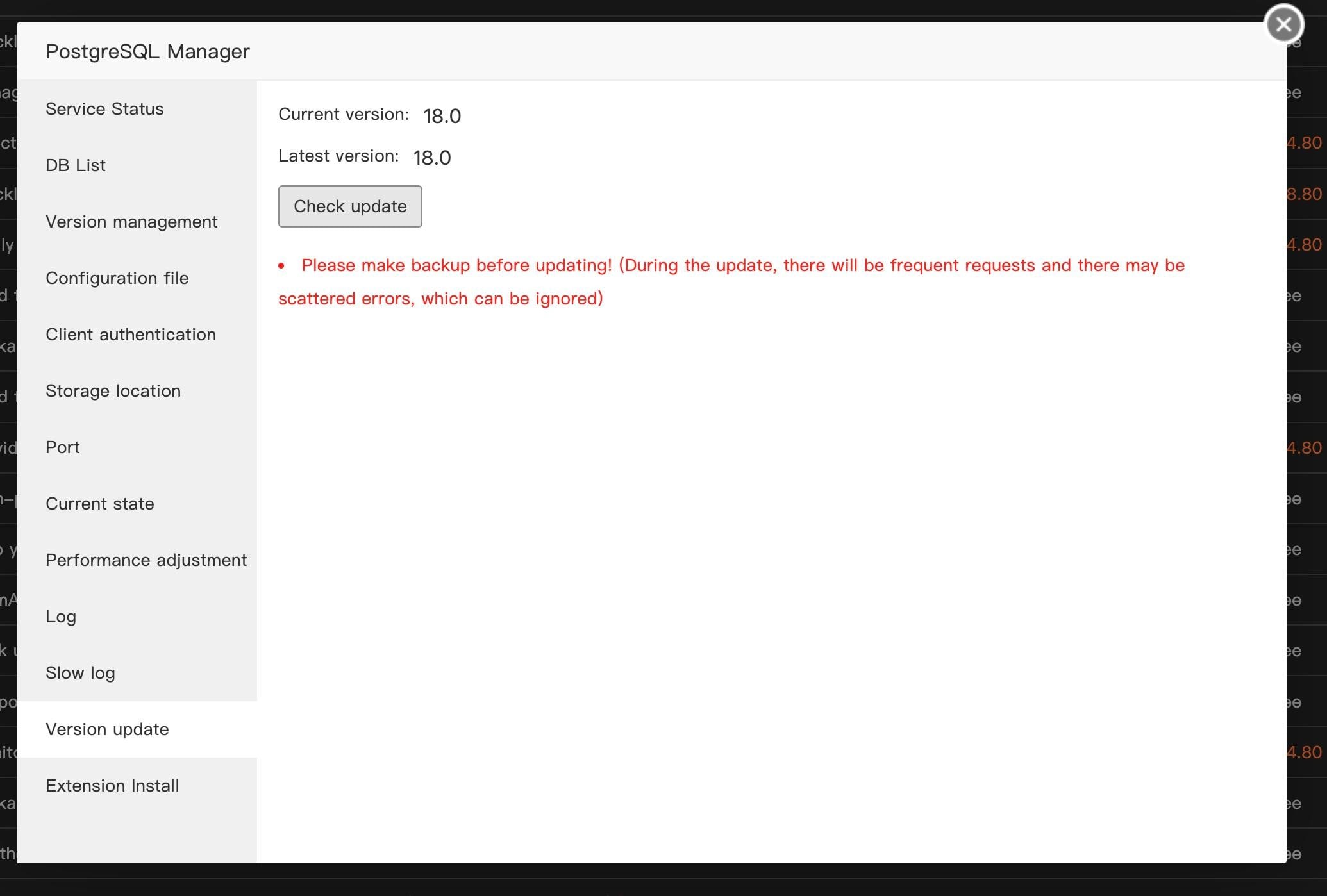
Thank you for your reply. The update isn't available in the Manager, even though the official PostgreSQL repositories have been added to the system and newer versions are available.
apt policy postgresql ✔ root@fusa
postgresql:
Installed: (none)
Candidate: 18+290.pgdg24.04+1
Version table:
18+290.pgdg24.04+1 500
500 https://apt.postgresql.org/pub/repos/apt noble-pgdg/main amd64 Packages
18+289.pgdg24.04+1 500
500 https://apt.postgresql.org/pub/repos/apt noble-pgdg/main amd64 Packages
16+257build1.1 500
500 https://archive.ubuntu.com/ubuntu noble-updates/main amd64 Packages
16+257build1 500
500 https://archive.ubuntu.com/ubuntu noble/main amd64 Packages
Updating via the OS is also impossible. In the script/www/server/panel/plugin/pgsql_manager/pgsql_install.sh, you can see how aaPanel installs PostgreSQL - it downloads the source archive from its own server and compiles the binary files. This has nothing to do with the OS package manager and is not connected to the official PostgreSQL repositories. You can only update these binary files by manually recompiling from source, however, the official source code won’t work, since your archive already contains modified configurations and instructions for building binary files that are adapted for aaPanel and are not official.
There is a script for updating: /www/server/panel/plugin/pgsql_manager/pgsql_update.sh — but again, it is tied to your remote server and your sources, and does not use the official sources