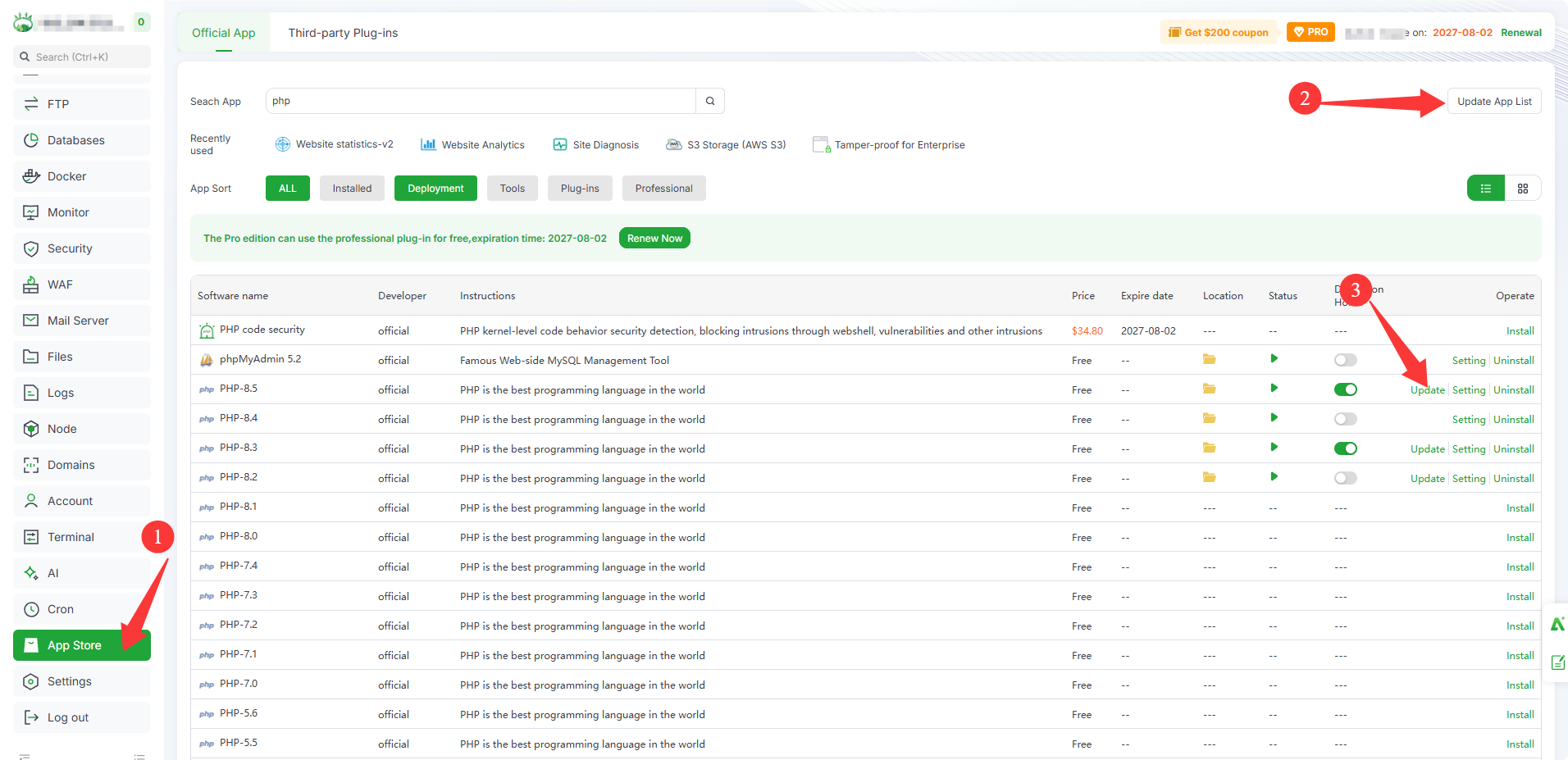
I tested updating manually on a droplet running aaPanel for php 8.3 -- worked well... running it on 2 more servers (with snapshots taken before hand) now, but here's the steps I did:
Manual build, shown for 8.3; adjust the version number:
Get the existing build options so the new build matches the old one:
/www/server/php/83/bin/php-config --configure-options
Back up the current install:
cp -a /www/server/php/83 /www/server/php/83.bak
Download and verify the source:
cd /usr/local/src

 wget https://www.php.net/distributions/php-8.3.36.tar.gz

 sha256sum php-8.3.36.tar.gz   # compare against php.net

 tar xzf php-8.3.36.tar.gz && cd php-8.3.36
Build with the same options. Paste the output from step 1 so the --prefix matches.
./configure <options from step 1>

 make -j$(nproc) && make install
Restart PHP-FPM and confirm the version:
/etc/init.d/php-fpm-83 restart

/www/server/php/83/bin/php -v
Verify php module differences:
diff <(/www/server/php/83.bak/bin/php -n -m) <(/www/server/php/83/bin/php -n -m)
Things to know:
Extensions you added through aaPanel, such as redis or imagick, are separate .so files. They keep working after a patch-level update because the extension API doesn’t change within 8.3.x.
Do one box first, check a site, then repeat on the others.
If you need to roll back, stop FPM, swap the .bak folder back, and restart.