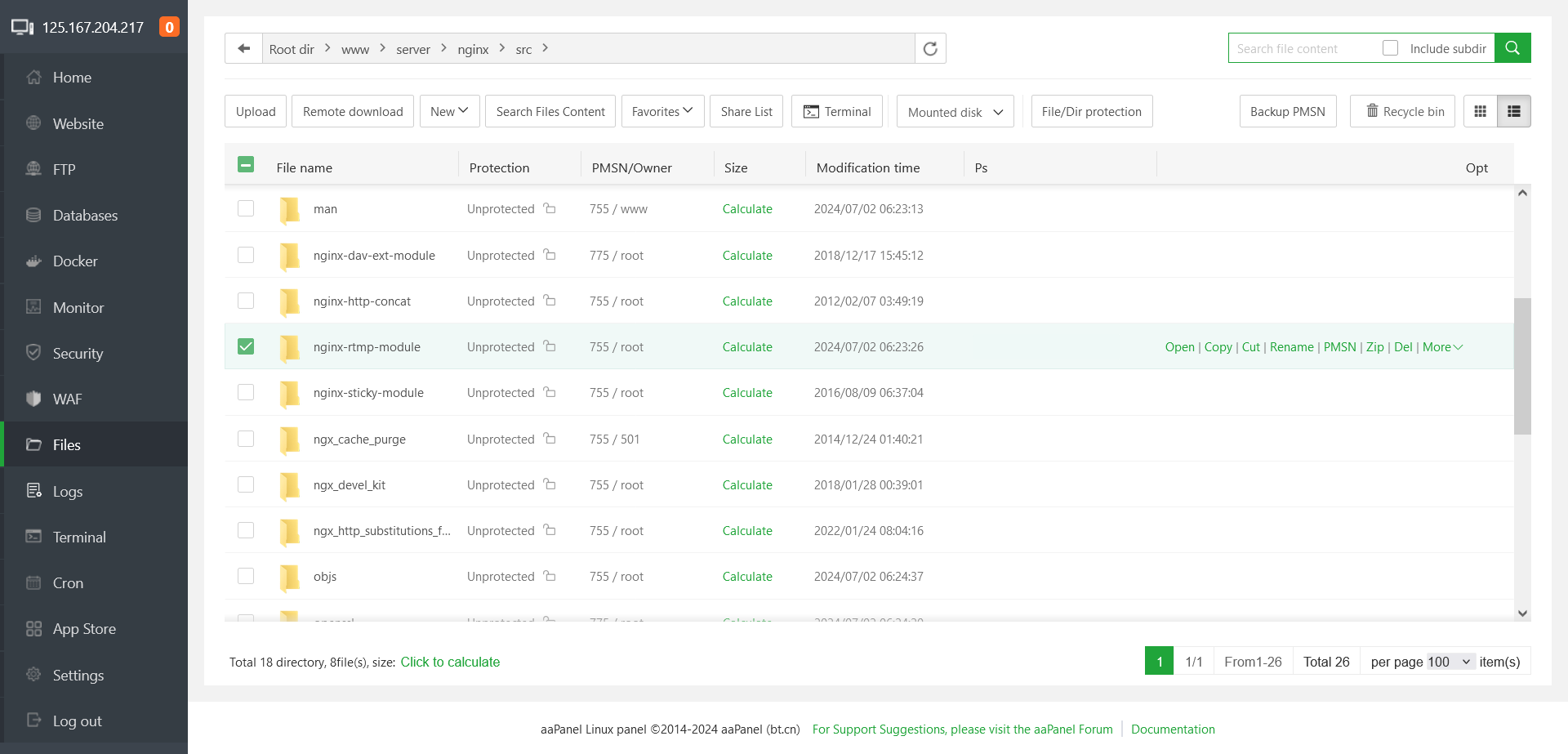
One correction to the earlier build recipe: do not put sudo ./configure at the end of the prefix script after changing to /www/server/nginx/src. The RTMP repository contains a config file, not its own configure executable. Nginx's configure step must run from the extracted Nginx source directory, with the RTMP source directory passed through --add-module=/absolute/path/to/nginx-rtmp-module.
For aaPanel's source-build/Add Module workflow, the prefix script should prepare the module source; let the panel's Nginx build perform configure. Preserve the existing Nginx build options and back up before rebuilding a working website server. This correction does not establish that every compile error has the same cause.
We tested a separate installation on our Ubuntu 22.04 aaPanel lab rather than replacing its website-serving Nginx:
- Nginx 1.30.6 with
nginx-rtmp-module commit 6c7719d0ba32e00b563ec70bd43dad11960fa9c4 built successfully.
- A generated H.264/AAC stream reached the RTMP application.
- The HLS playlist and segment returned HTTP 200; the segment decoded successfully with FFmpeg.
- A deliberately blocked application rejected publishing.
- The test listeners were localhost-only, and we verified stopping the separate instance.
I've published our full walkthrough, including the configuration, commands, logs to check and rollback steps:
How to Install an NGINX-Based Media Streaming Server — AdminsForum
The walkthrough covers the separate localhost lab instance. We have not verified an aaPanel-managed Nginx replacement, public OBS access or public HTTPS playback, so it should not be treated as a one-click plugin fix. If a build still fails, the first configure/make error and nginx -V output are the useful next diagnostics; redact credentials and private paths before sharing.