aaPanel_Kern aaP_ronywisnuwardana Hello, check if there is an error in the installation process? Check if mysql is running, you can check whether it is running in the app store. If mysql is running, please change the root password in the "Databases" interface
khanhpkvn I also had the same problem, it was the feature to change the root password in the Database menu not working, even though it said successful, the root password was not changed, so I had to change the root password via SSH.
aaPanel_Kern khanhpkvn Hello, is the database installed on the panel? If not the panel cannot be managed. Was the database started when the password was repaired? If it is not activated, the password cannot be changed.
khanhpkvn aaPanel_Kern Yes. I install MySQL in AppStore (aaPanel). After installed, I have the same problem like @aaP_ronywisnuwardana , I try to change root password in Database menu, but the root password not change. So, I must change root password via SSH (I search and following a tutorial on Google), then MySQL working fine @@
aaPanel_Kern This is only the case when mysql is not working properly in the test. If you encounter this, you can view the error log cat /www/server/data/*.err
elzdave @aaPanel_Kern I also encounter this kind of issue when installing MariaDB version 10.4-10.6 with compile method. Still no workaround for this? Previous version of panel work normal.
aaPanel_Kern elzdave This has nothing to do with the version of the panel. This is a problem with the mysql installation process, check what is wrong with the installation process
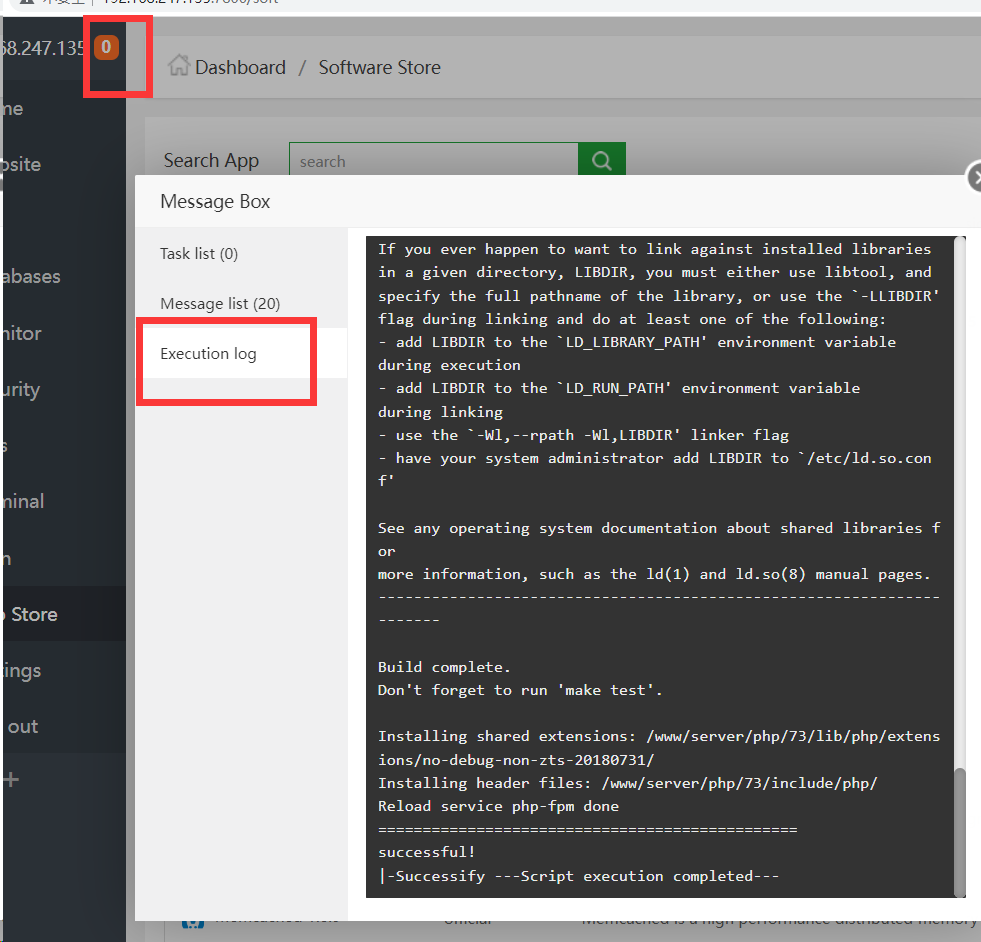
elzdave aaPanel_Kern Where is the panel execution log stored at? It might be good if I include the execution log for you to examine.