Niczk1a
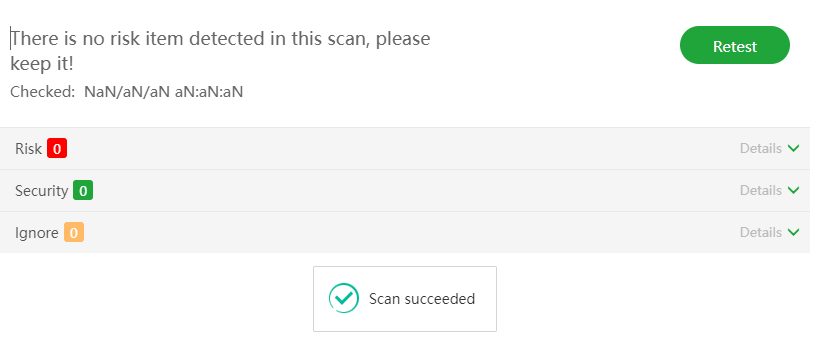
Sorry, there is no way to test at the moment, but you can check the following security settings:
1.Check the security entrance security of the panel
Test type: Safe entranceRisk level:High risk
Risk detail:No security entrance is set, the panel is at risk of being scanned
Solution:1、Please modify the security entrance on the [Settings] page
2、Set the binding domain name on the [Settings] page, or set authorized IP restrictions
3、Note: Please do not set up too simple safety entrance, which may cause safety hazards
2.Check whether the current panel port is safe
Test type: Panel portRisk level:Medium risk
Risk detail:The panel port is the default port (7800), which may cause unnecessary security risks
Solution:1、Please modify the default panel port on the [Settings] page
2、Note: Servers with [Security Group] should release the new port in the [Security Group] in advance to prevent the new port cannot be opened
3.Checks whether the current server's MySQL port is secure
Test type: MySQL securityRisk level:Medium risk
Risk detail:MySQL port: 3306, can be accessed by any server, which may cause MySQL to be cracked by brute force, posing security risks
Solution:1、If not necessary, remove the MySQL port release from the [Security] page
2、Restrict IP access to MySQL port through the [System firewall] plug-in to enhance security
3、Use [ Fail2ban ] plug-in to protect MySQL service
4.Check whether the system firewall is enable
Test type:System firewallRisk level:Medium risk
Risk detail: The system firewall is not opened, and there is a security risk
Solution:1、It is recommended to enable the system firewall to prevent all server ports from being exposed to the Internet. If the server has [security group] function, please ignore this prompt
2、Note: To open the system firewall, the ports that need to be opened, especially SSH and panel ports, should be added to the release list in advance, otherwise the server may not be able to access them
5.Checks whether all databases are set up for periodic backup
Test type: Database backupRisk level:Medium risk
Risk detail:The following databases are not set up for regular backup:
chat
Solution:1、On the [ Cron ] page, set the database that is not backed up, or set all databases to be backed up
2、Tip: if the database is not set up for regular backup, once the data is lost accidentally and cannot be recovered, the loss will be huge
6.Check whether the SSH port of the current server is safe
Test type: SSH securityRisk level:Low risk
Risk detail:The default SSH port (22) has not been modified, and the access IP limit configuration has not been done, there is a risk of SSH breaching
Solution:1、Modify the SSH port on the [Security] page, and consider turning off [SSH password login] in [SSH security management], and turning on [SSH key login]
2、If SSH connection service is not required, it is recommended to disable SSH service on the [Security] page
3、Through the [System Firewall] plug-in or in the [Security Group] modify the release behavior of the SSH port to limit the IP to enhance security
4、Use [Fail2ban] plug-in to protect SSH service