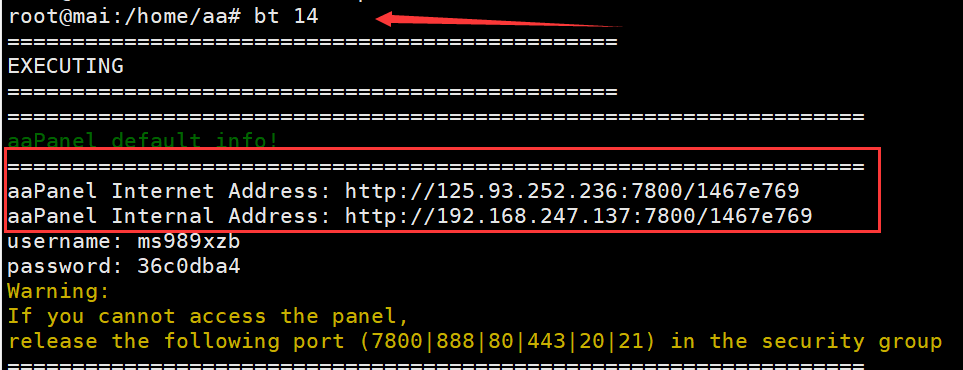
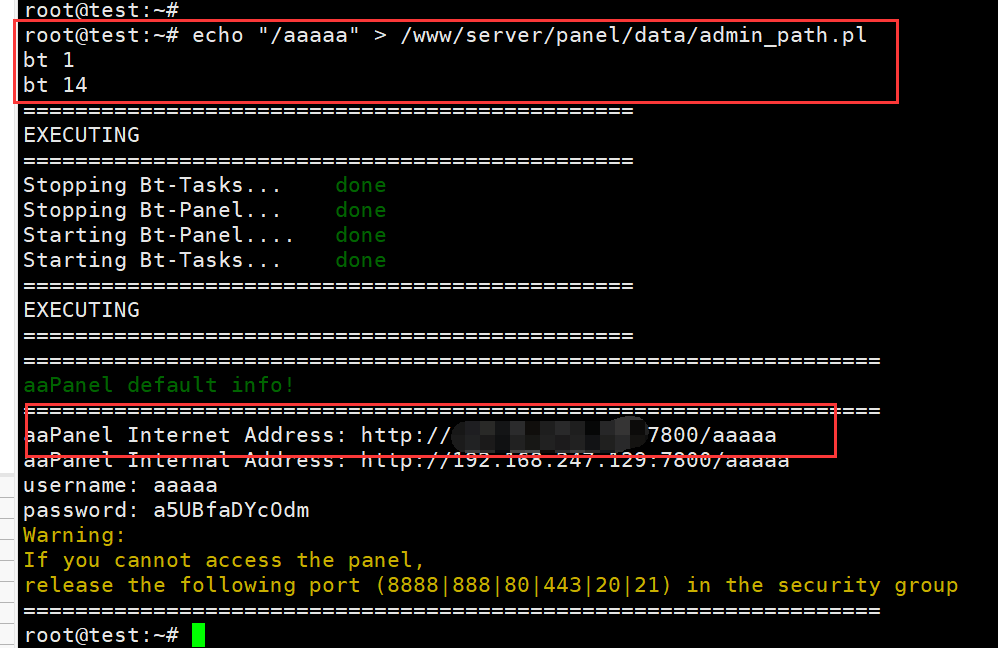
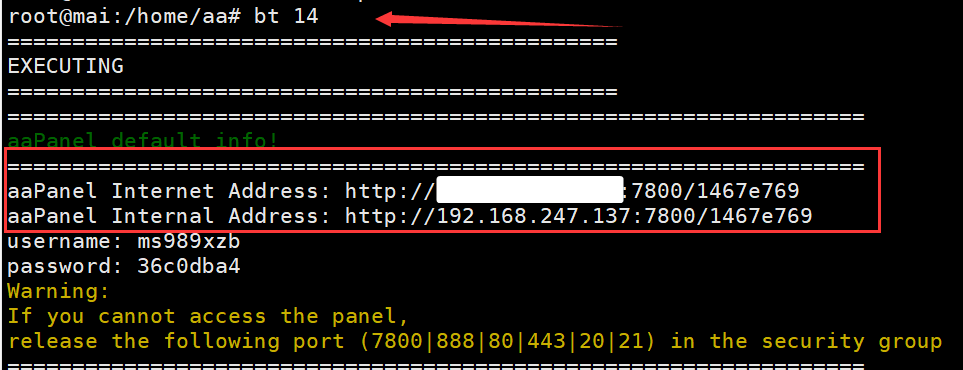
aaPanel_Kern echo "/xxx" > /www/server/panel/data/admin_path.pl bt 1 bt 14 Then use the default link for the bt 14 command to access
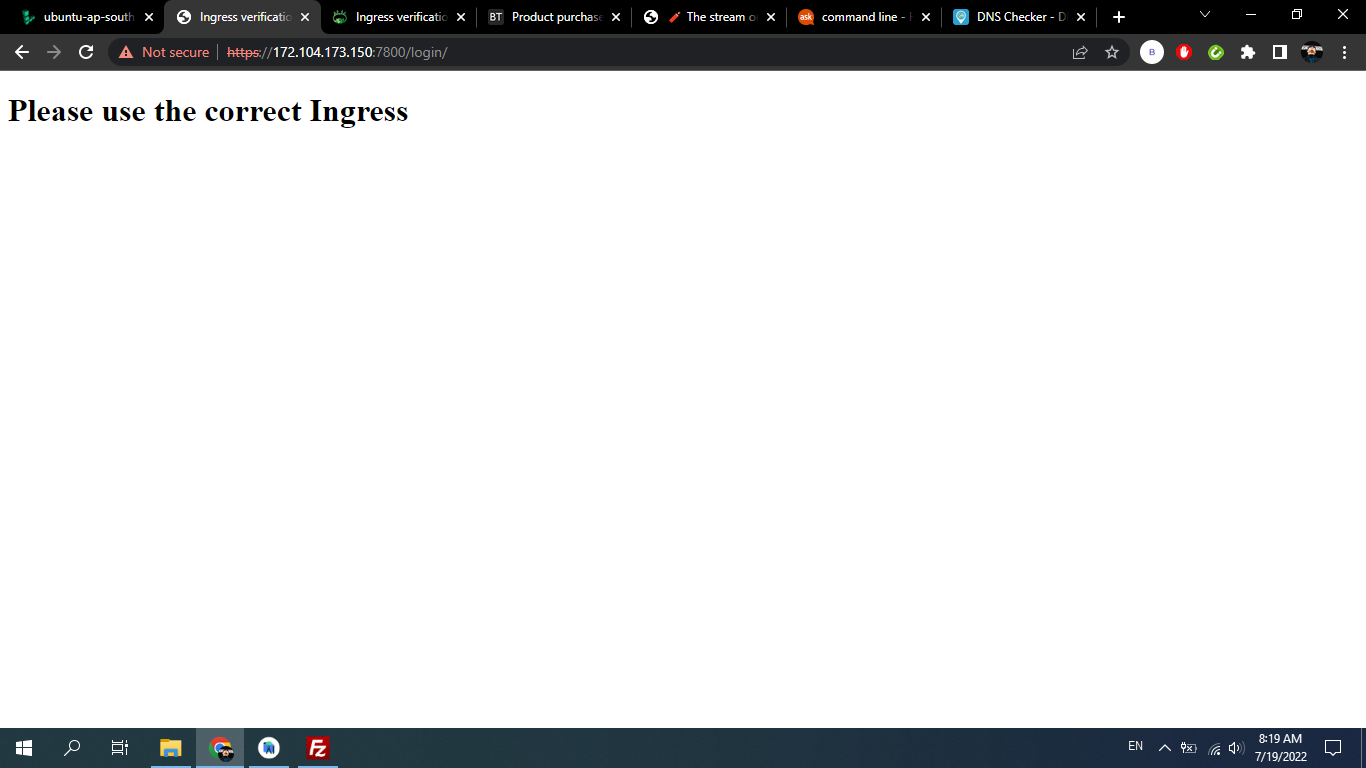
akhadjon After update to new version get an error: "Please use the correct Ingress". idk what to do..
aaPanel_Kern akhadjon Hi,first check whether there is a secure entry, and use the SSH tool to execute the view command: cat /www/server/panel/data/admin_path.pl If the prompt file does not exist, or it is blank, you can add a security entry, and then restart the panel: pay attention to replace /xxxx with your own favorite entry echo "/xxxxx" > /www/server/panel/data/admin_path.pl bt 1 bt 14 Finally, according to the information displayed by the bt 14 command, use the full link to access the panel such as: http://ip:7800/xxxxx
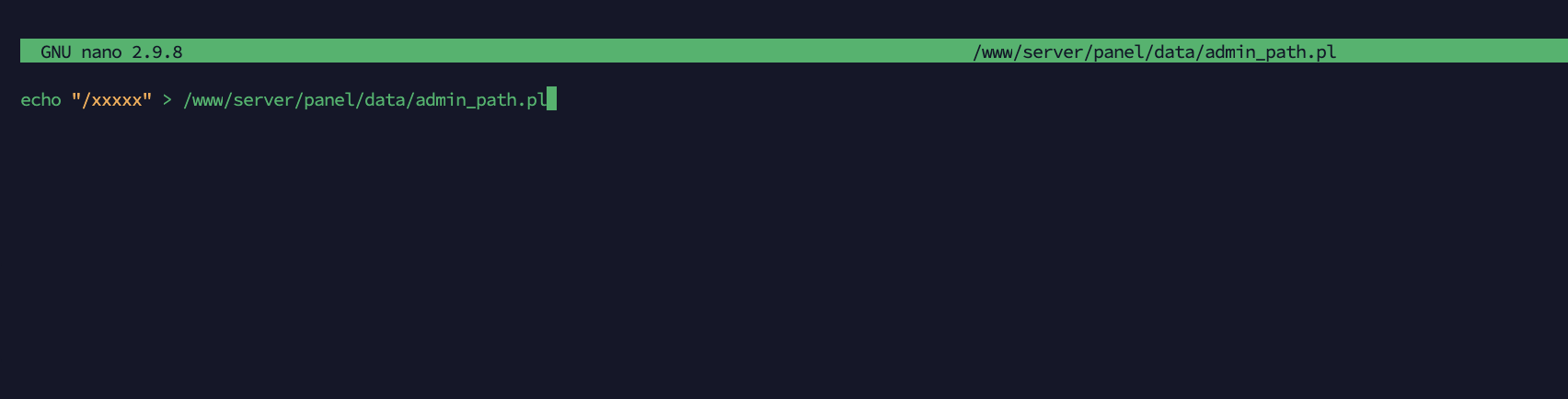
aaP_eshareload aaPanel_Kern Hello Thanks so much for your solution. However, I don't really catch this. What I do: nano /www/server/panel/data/admin_path.pl And it comes up with a blank content means the admin_path.pl does not exist. And now, what should I add into the blank editor? Not sure the following screenshot is right. Thanks
aaPanel_Kern aaP_eshareload Hello, please execute the command directly in the ssh tool, not using nano. As shown in the figure: echo "/xxxxx" > /www/server/panel/data/admin_path.pl bt 1 bt 14
aaP_eshareload aaPanel_Kern It works! Thank you for your support and thank you for this such best web-os server. Thanks
Hyperizon First of all thanks for the solution, today I started getting this error while upgrading the panel to the new version. But I don't want to use secure entrance how do I solve this?
aaP_alimehran200 dear sir. i have the same problem. i tried all the possible ways from this forum. today i added more ips to my aapanel after that my account show this error "Please use the correct Ingress " , or some times 404 nginx . my ip and other credientials i can provide. please help i even dont have backup. thanks
aaPanel_Kern aaP_alimehran200 Hi try to unrestrict ip:bt 13 Cancel domain name binding: bt 12 If there is a security entry, please check whether it is correct: You can use the SSH tool to log in to the server and execute the command to view the default information: bt 14 If there is no security entry, please add:/login after the link tutorial: https://www.aapanel.com/forum/d/13132-aapanel-cannot-log-in-and-cannot-be-accessed-workaround
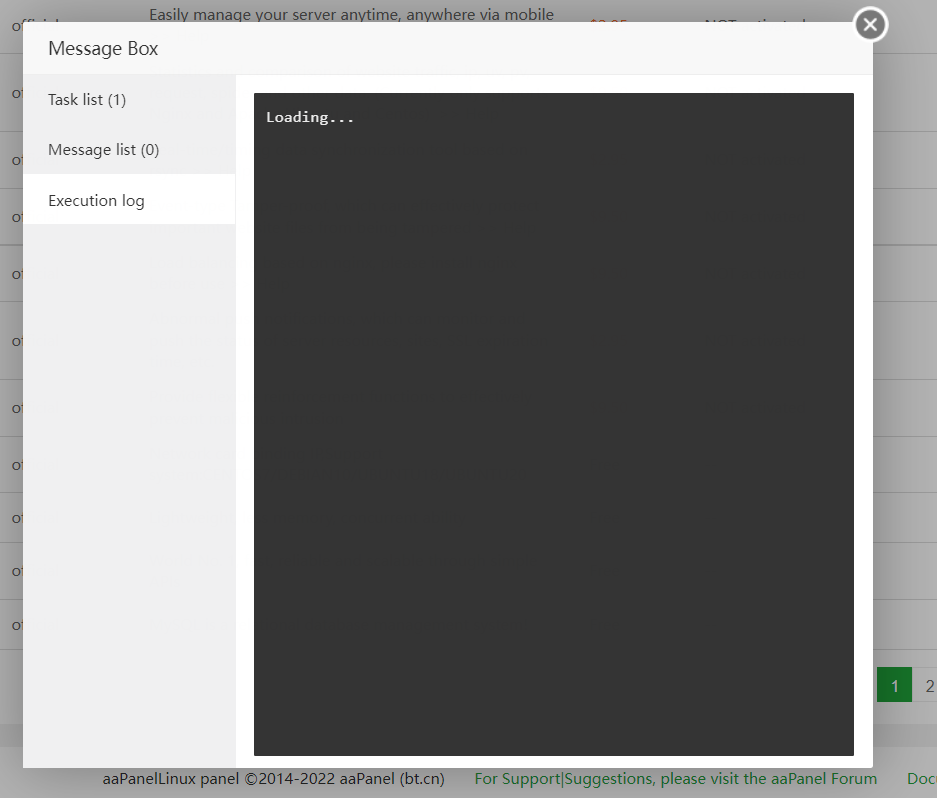
aaP_alimehran200 its solved thatnks... now next problem. no plugin can install. the log just show Loading
aaPanel_Kern aaP_alimehran200 Hi, have you set up a subdomain for the panel? If so, use a subdomain for access. After setting the subdomain ip will disable access. What plugin did you install? Did trying restarting the panel fix it?
aaP_alimehran200 dear.. sir. i tried all the possible ways didnt worked. at last i reinstall the pannel then got also backup of previous data. later i faced the webserver down error. the webserver provider told me that your server is live. in the end i reinstalled the Centos OS and fresh installed the aapanel. after that everthing is smooth. now i have decided that i will not change any settings in the aapel that i am not familiar. 🙂 thanks for your support. 😀
aaPanel_Kern aaP_quanseo101 Hi, do you have the full input link? Use the ssh tool to log in to the server, and then execute the command to view the default information: bt 14 If there is no security entry, please add:/login after the link
aaP_carmo_liu please use the correct ingress i can login successfully by chrome, but failed by other explorers, and also failed on other pcs(no matter which explorer), why? just few minuttes later, all failed totally!
aaPanel_Kern aaP_carmo_liu Hello, please check whether you have access to the panel using the full link. You can use the command to view: bt 14 If there is no security portal, please add /login at the end of the link
aaP_carmo_liu aaPanel_Kern i see the link and username, pwd, but when i login, it says wrong username or pwd
aaP_carmo_liu aaPanel_Kern bt 14 list the link, username, pwd, but login failed, it says invalid username or pwd, how could it be? why? pls help, thanks