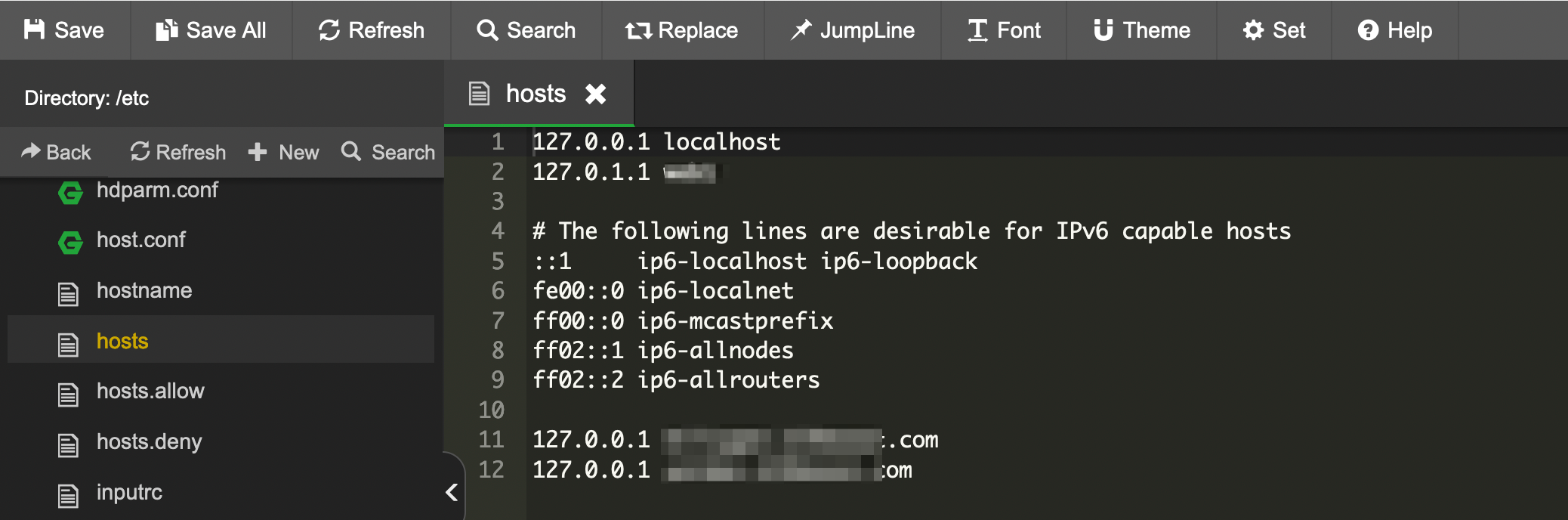
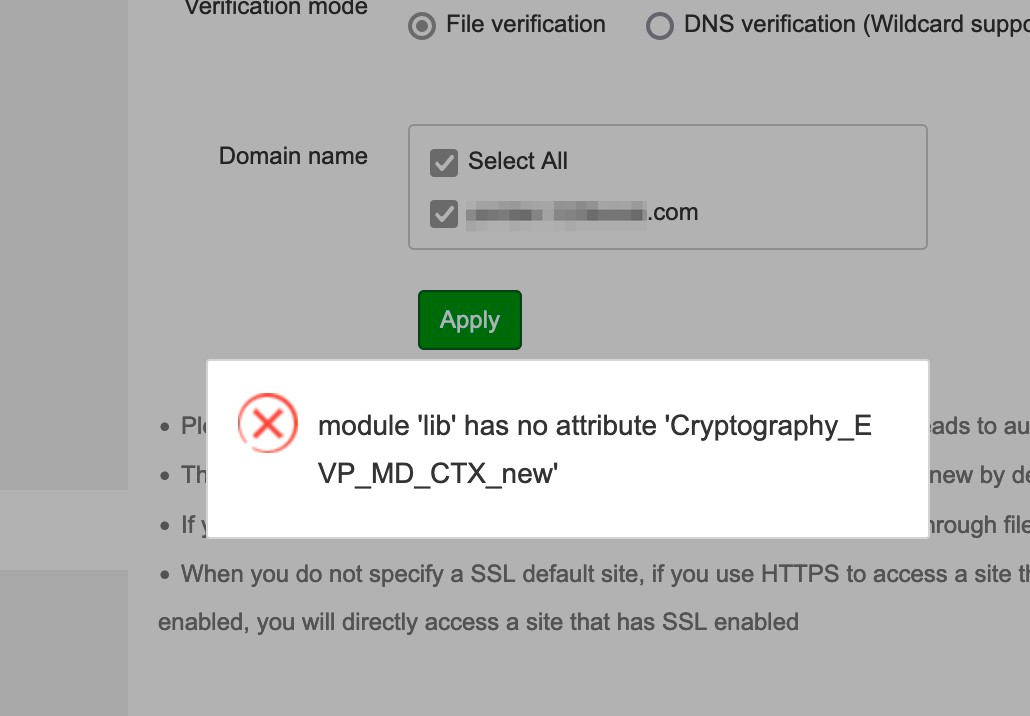
This time I had a different experience and some issues (unsolved).
-
I have added a new sub-domain. WP deploy was OK. But after checking I see that IP address is maybe not solved.
I get :
`nslookup mysub.domain.com
Server: 127.0.0.53
Address: 127.0.0.53#53
Non-authoritative answer:
Name: mysub.domain.com
Address: 127.0.0.1`
(address for my old previsous sub domains return all my server IP address)
I guess this is also why SSL can't be activated.
-
So I have deleted the site from aaPanel website list. Now trying to add the sub-domain simply (without de WP deploy). Once done, still getting 127.0.0.1 in the nslookup
-
PS : note that nslookup returns 127.0.0.1 only for the site installed with WP deploy.
-
For now I have to consider that my sub.domain.com has a conf file somewhere (I don't know were) that force the 127.0.0.1 (DNS resolution work fine from my computer). And yes I have waited 24 hours before worring (even it my TTL is set to 360sec)
Please kindly help me 🙂