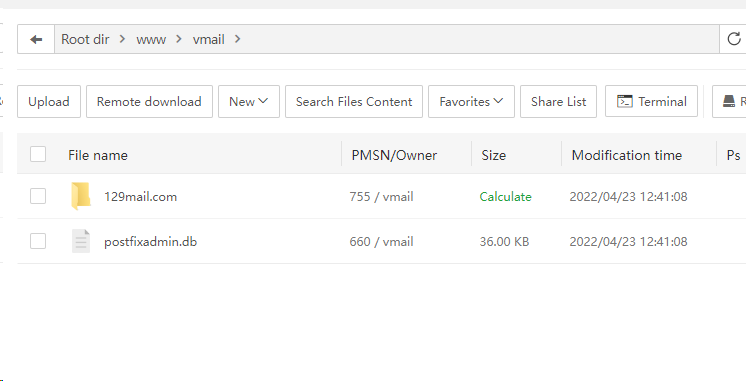
It would seem something has gone wrong with the Mail Server application on a fresh install.
When trying to upload a backup to restore, they are not shown, furthermore any backups made by the CRON job are not shown, in the logs the CRON job shows its successfully saving backups in the appropriate folder but the UI shows this:
"2. Local backups are stored in 'null/path' directory, it can be directly used for recovery.
- Cloud backup needs to be downloaded locally, and then uploaded to the server directory 'null/path' by clicking the [Upload from local] button, after that you can restore the backup."
Where exactly is the UI element getting "null/path" from? The backup folder settings are set correctly and are working correctly for websites and databases, the Mail Server application though seems to have gone rogue, even uninstalling and reinstalling it doesn't fix the problem.
Please let me know where I can manually change this.
Thanks!