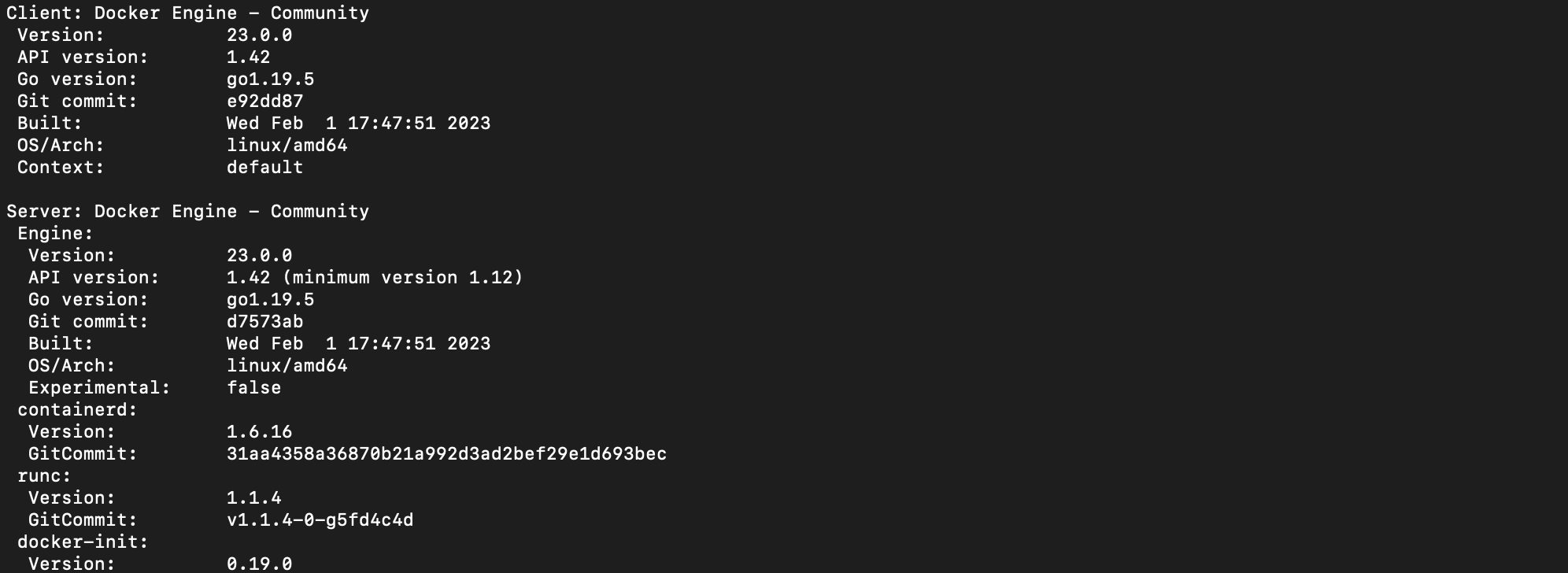
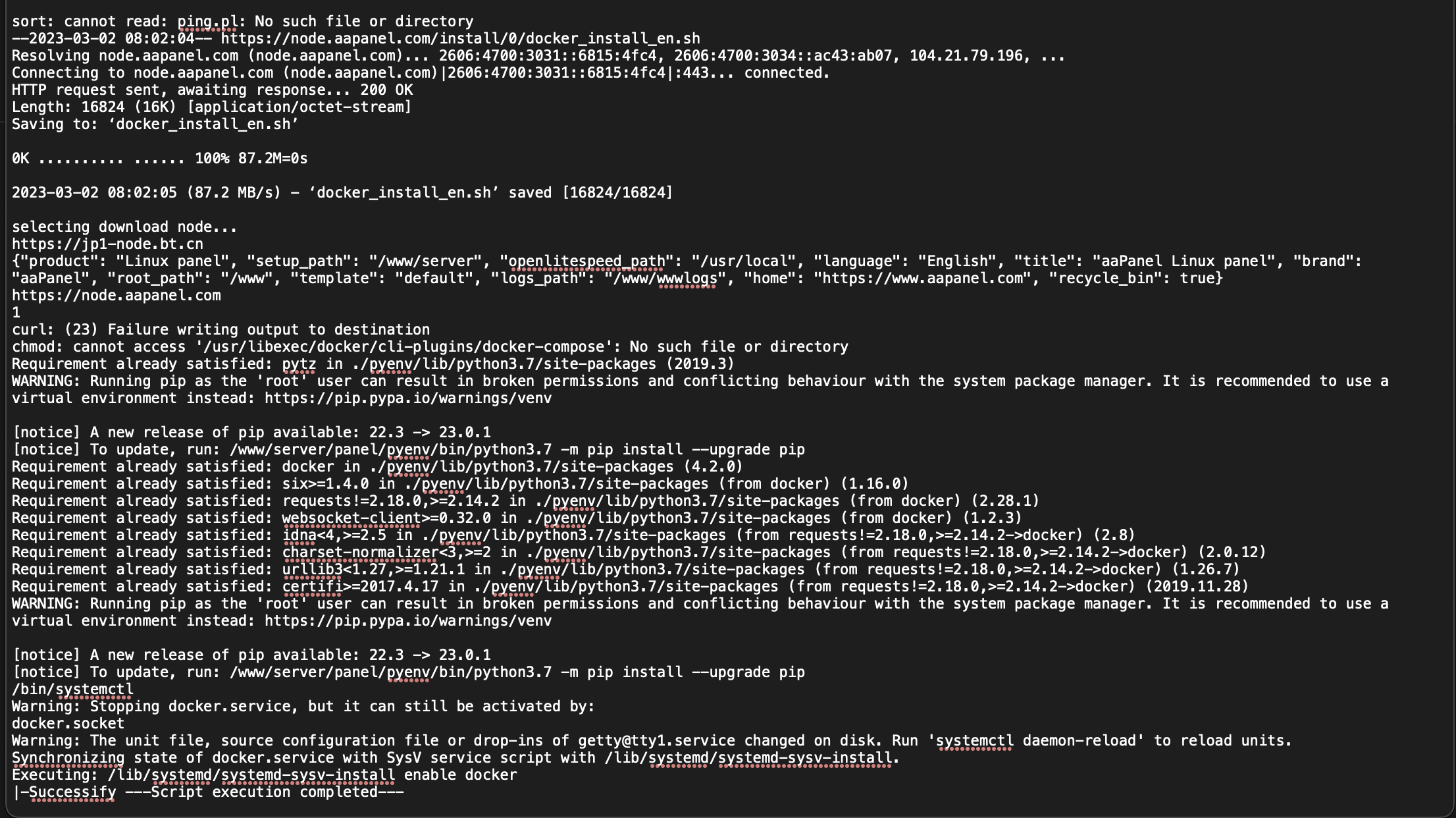
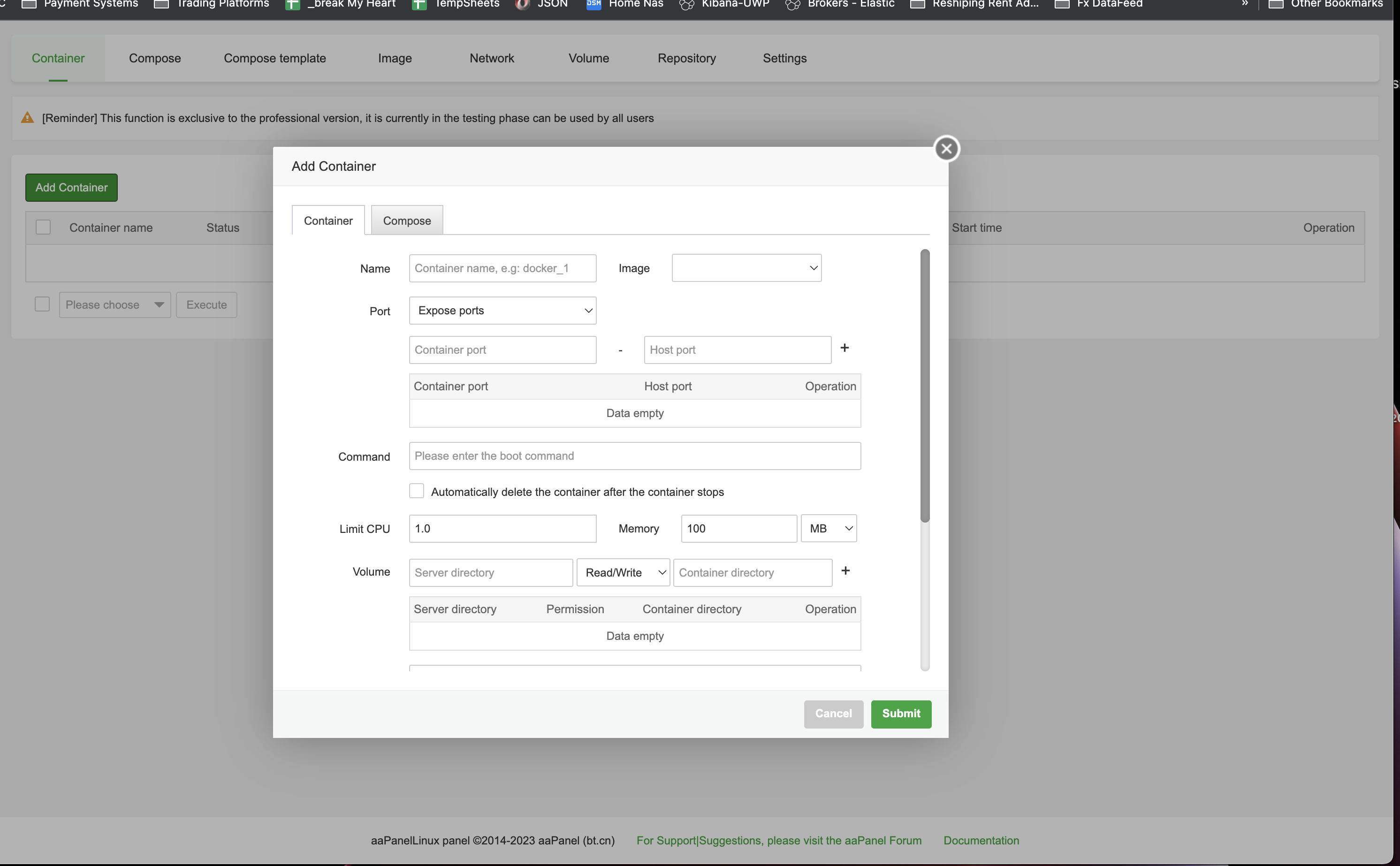
Hi,
I did everything that you wrote above, but all the time it doesn't work
ls -al /usr/local/bin/docker-compose /usr/bin/docker-compose /usr/libexec/docker/cli-plugins/docker-compose
ls: cannot access '/usr/local/bin/docker-compose': No such file or directory
ls: cannot access '/usr/libexec/docker/cli-plugins/docker-compose': No such file or directory
lrwxrwxrwx 1 root root 46 Oct 11 14:15 /usr/bin/docker-compose -> /usr/libexec/docker/cli-plugins/docker-compose
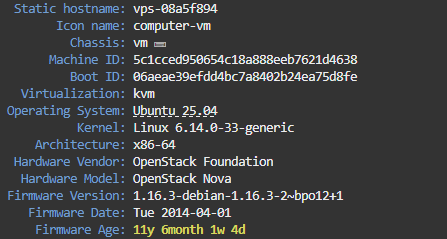
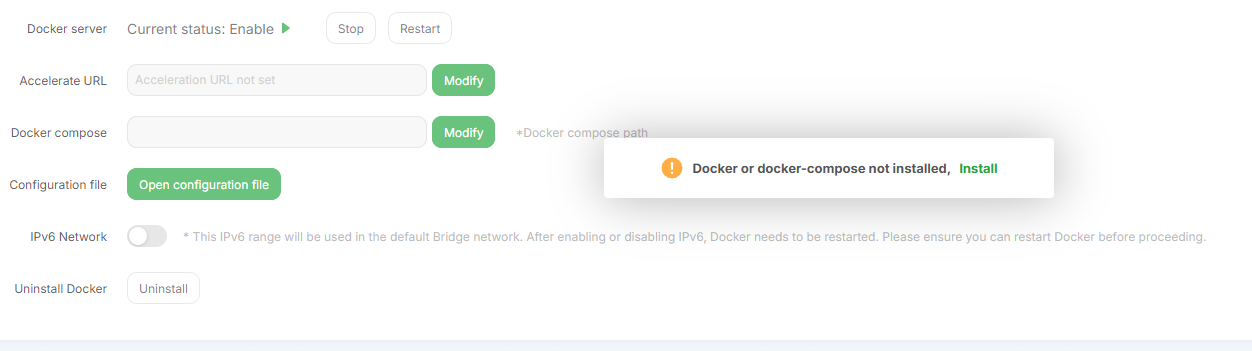
but when I created a container from the terminal that it worked well, but I still don't see it in the panel
Can you help me?
@aaPanel_Kern
FIX:
Ok, finally I've done it
1.
sudo rm /usr/local/bin/docker-compose

sudo ln -s /usr/bin/docker /usr/local/bin/docker-compose
2.
sudo apt install docker-compose -y
Maybe it helps somebody
EDIT:
Now, I have new error. I see container, but I don;t see compose 🙁