hozansahin You need:
- Let's Encrypt (Certbot),
- NodeJS
- Nginx
and then Install Ghost.
How to Install Ghost:
- Select, Create/Make webroot directory:
mkdir -p /var/www/
- Create a Ghost user:
useradd -c "Ghost Application" ghost
- Download and install Ghost:
cd /var/www

wget https://ghost.org/zip/ghost-latest.zip

unzip ghost-latest.zip -d ghost

chown -R ghost:ghost /var/www/ghost/

rm ghost-latest.zip
- Switch to the ghost user:
su - ghost
- Install Ghost:
cd /var/www/ghost

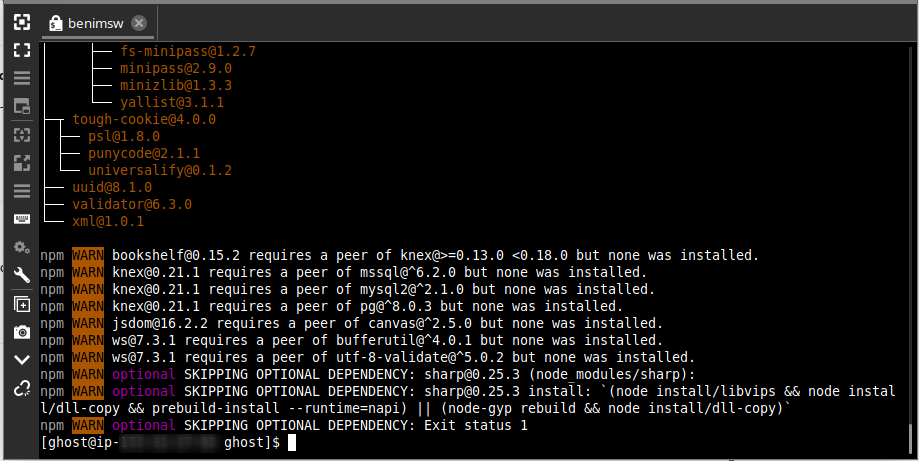
npm install --production
- Configure Ghost by changing url property of production object inside of config.js file:
`cp config.example.js config.js
vi config.js
config = {
// ### Production
// When running Ghost in the wild, use the production environment.
// Configure your URL and mail settings here
production: {
url: 'https://example.com',
...
}
...
... `
- Save config.js file and exit.
- Start Ghost:
npm start --production
Ghost will now be running. Both blog front-end and admin interface are secured with HTTPS and HTTP/2 is working also. You can open your browser and visit site at https://example.com. Don't forget to replace example.com with your domain name.
If you close your terminal session with your VPS, your blog will also go down. That's not good. To avoid this, we are going to use the Forever process manager. That will keep our blog up 24/7.
Install Forever process manager:
npm install forever
Add the new forever command to your path:
echo "export PATH=/var/www/ghost/node_modules/forever/bin:$PATH" >> ~/.bashrc

source ~/.bashrc
Start Ghost with forever:
NODE_ENV=production /var/www/ghost/node_modules/forever/bin/forever start index.js
At this point, forever should have started Ghost. Go to https://example.com/ghost and create a Ghost admin account. Do this as soon as possible. To check running version of Ghost go to https://example.com/ghost/about/ after creating admin account.
That's it. We now have a fully functional Ghost blog. If you want to change the default Ghost theme called Casper to a custom one, you can just download and unzip the theme into the /var/www/ghost/content/themes folder and select it via Ghost admin interface, located at https://example.com/ghost.
You might wanna have a look at this link too.
https://ghost.org/docs/setup/
Best of luck.