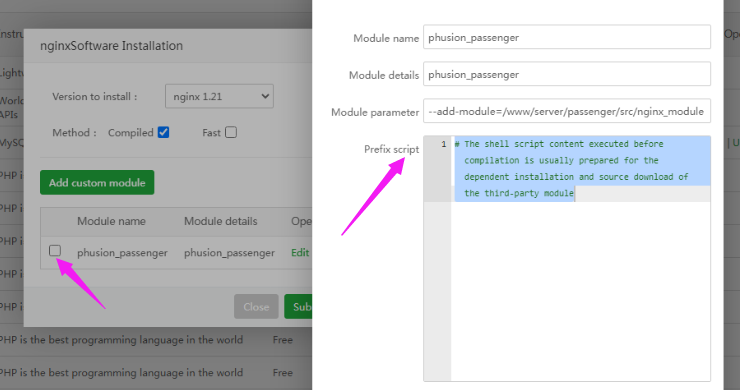
OK, thanks, Kern. I didn't know where was the log on disk and the UI only shows the trailing part of it. So, it generates a panelExec.log of close to 1MB (tell me if you need I paste it in some Pastbin to avoid to overload the forum), but no trace of passenger in it... It sounds like the provided custom module was totally ignored.
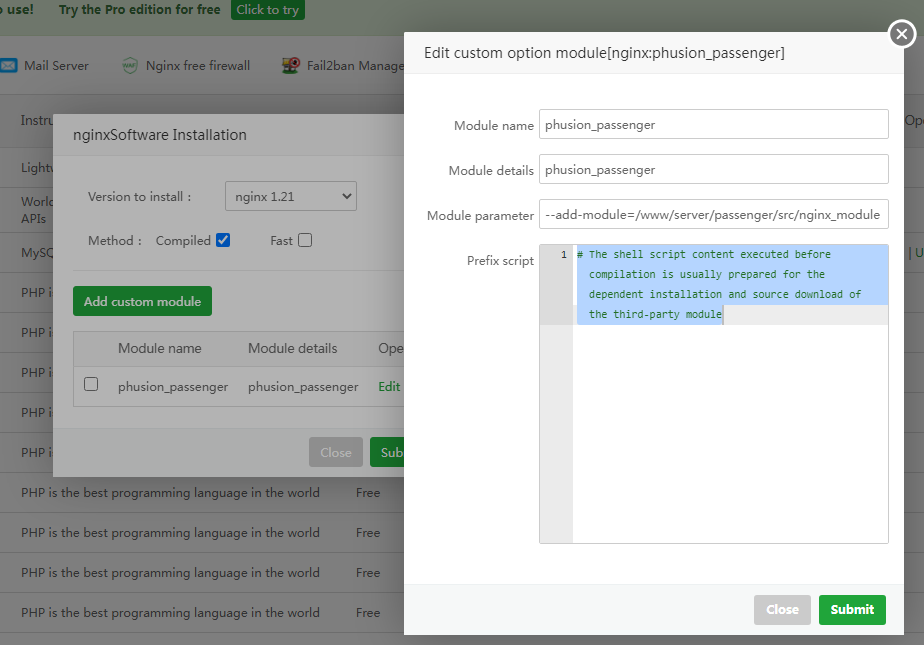
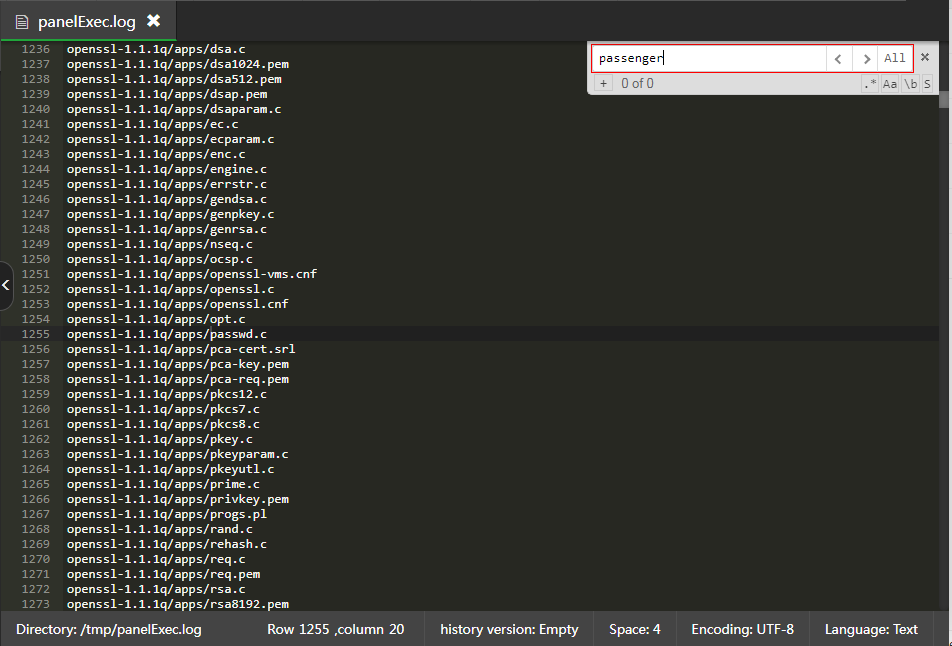
What do you think?
--
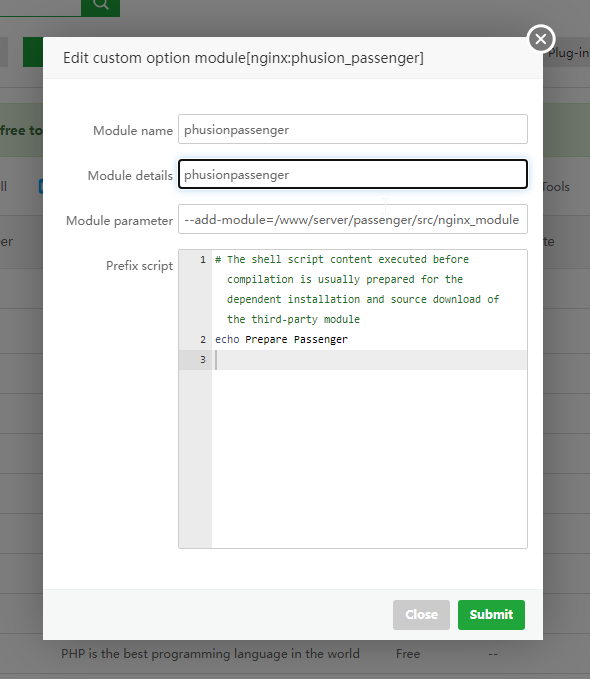
EDIT: I tried with Nginx 1.24 (was 1.21) and indicating "echo Prepare Passenger" as pre-script (to have a point of hint in the build log). I also removed the underscore in the module name... But same result: no mention of passenger in the log.
--
Edit #2 (5 hours later): Well, still no luck going through aaPanel (even adding ruby-devel which was missing in my first attempts above). So I did an attempt using the official Phusion Passenger way with the shipped passenger-install-nginx-module script and it worked (with basic options at this stage). Here is what I did:
cd /www/server
sudo wget https://www.phusionpassenger.com/latest_stable_tarball
sudo tar -xzvf latest_stable_tarball -C .
sudo mv passenger-6.0.17 passenger
sudo rm -f latest_stable_tarball
sudo dnf install -y ruby rubygem-rake ruby-devel
sudo /www/server/passenger/bin/passenger-install-nginx-module
Choosen easy mode
Nging path -> /www/server/nginx
=> Build OK!
passenger-config validate-install
=> Install confirmed OK!
nginx -V
=> Well shows passenger module in build options
It automatically added what required in Nginx conf:
http {
passenger_root /www/server/passenger;
passenger_ruby /usr/bin/ruby;
}
It well apears as installed in aaPanel.
Trying to start from aaPanel (got missing /etc.init.d/nginx, then added one copied from another aaPanel) => Started!
Thus, it could be better to be able to do it from aaPanel directly, but, at least, here is a working way for now...