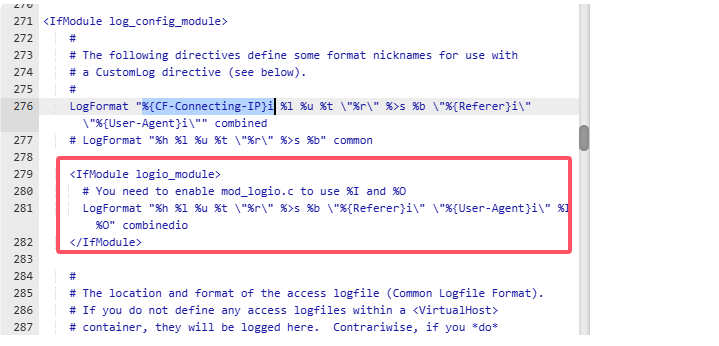
aaP_clous Run the following command in your terminal :
apachectl -M | grep remoteip or /www/server/apache/bin/httpd -M | grep remoteip
If mod_remoteip is enabled, you’ll see an output like this:
remoteip_module (shared)
your config files looks mostly right , apache module might not be working or be enabled though:
create a test php file and place it within your website public path and access it within your browser and check if is showing your network ip
<?php
// Show the IP address as seen by the server
echo 'Real IP from CF-Connecting-IP: ' . $_SERVER['REMOTE_ADDR'] . '<br>';
// Show the X-Forwarded-For header (if available)
if (isset($SERVER['HTTP_CF_CONNECTING_IP'])) {
echo 'CF-Connecting-IP: ' . $SERVER['HTTP_CF_CONNECTING_IP'] . '<br>';
}
// Display X-Forwarded-For header if it exists
if (isset($SERVER['HTTP_X_FORWARDED_FOR'])) {
echo 'X-Forwarded-For: ' . $SERVER['HTTP_X_FORWARDED_FOR'] . '<br>';
}
?>