Hi aaPanel_Kern,
Thank you for your response.
If you decide to develop a Git GUI tool for aaPanel, here are the features I (and probably many developers) would expect and find extremely helpful:
🔧 Basic Git Operations via Web Interface
- Clone repository (HTTPS or SSH support).
- Pull / Fetch latest changes from remote.
- Commit changes with message input.
- Push to remote (support SSH key authentication or HTTPS with credentials/token).
- Add / Remove / Rename files via GUI or select files to include in commit.
- Stage / Unstage files with checkbox interface.
🗂️ Repository Management
- Multiple repo support in different site directories.
- Show current branch, and allow switching branches.
- Create/Delete branches.
- Merge branches (optional for more advanced use).
📊 Git Status & History View
🔐 Authentication & Security
- SSH key management in GUI (upload/view private key).
- Support GitHub/GitLab/Bitbucket OAuth integration (optional).
- Role-based access control (e.g. restrict push for non-root users).
🔄 Integration with Webhooks
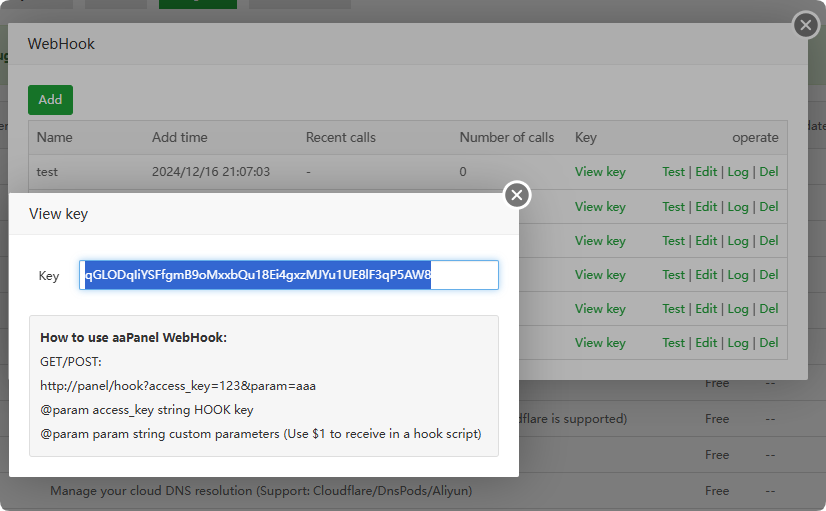
- Auto pull from Git when changes are pushed to remote repo (via webhook).
- Optional notification/log system when Git actions are performed.
👨💻 Why this matters:
Many aaPanel users manage projects directly on their servers and having a visual Git management tool saves time and prevents mistakes. Not all users are comfortable with terminal commands, and a GUI lowers the learning curve.