Hello everyone,
I am running aaPanel on my own on-premise server, and the control panel itself is working perfectly without any issues.
I am currently trying to install OpenClaw using Docker through the official aaPanel documentation:
https://www.aapanel.com/docs/Function/Tutorial/openclaw.html
I followed all the steps exactly as described in the documentation, and the installation process appears to complete successfully. However, I am facing the following issues:
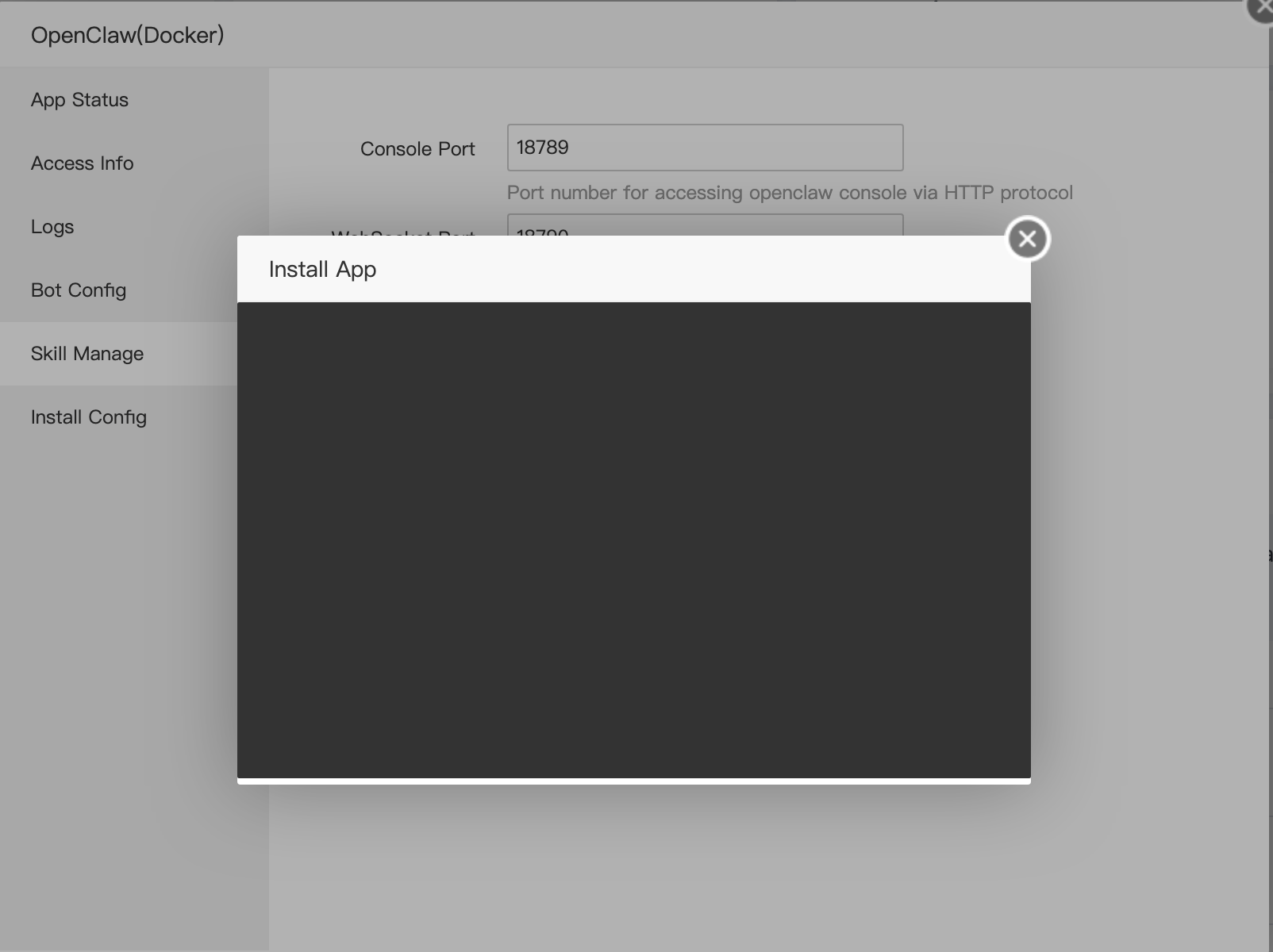
Issue #1: "Install App" Window Remains Black
When I click Install App, the installation window becomes completely black and stays that way indefinitely.
The only way to continue is to manually close the window after waiting for some time.
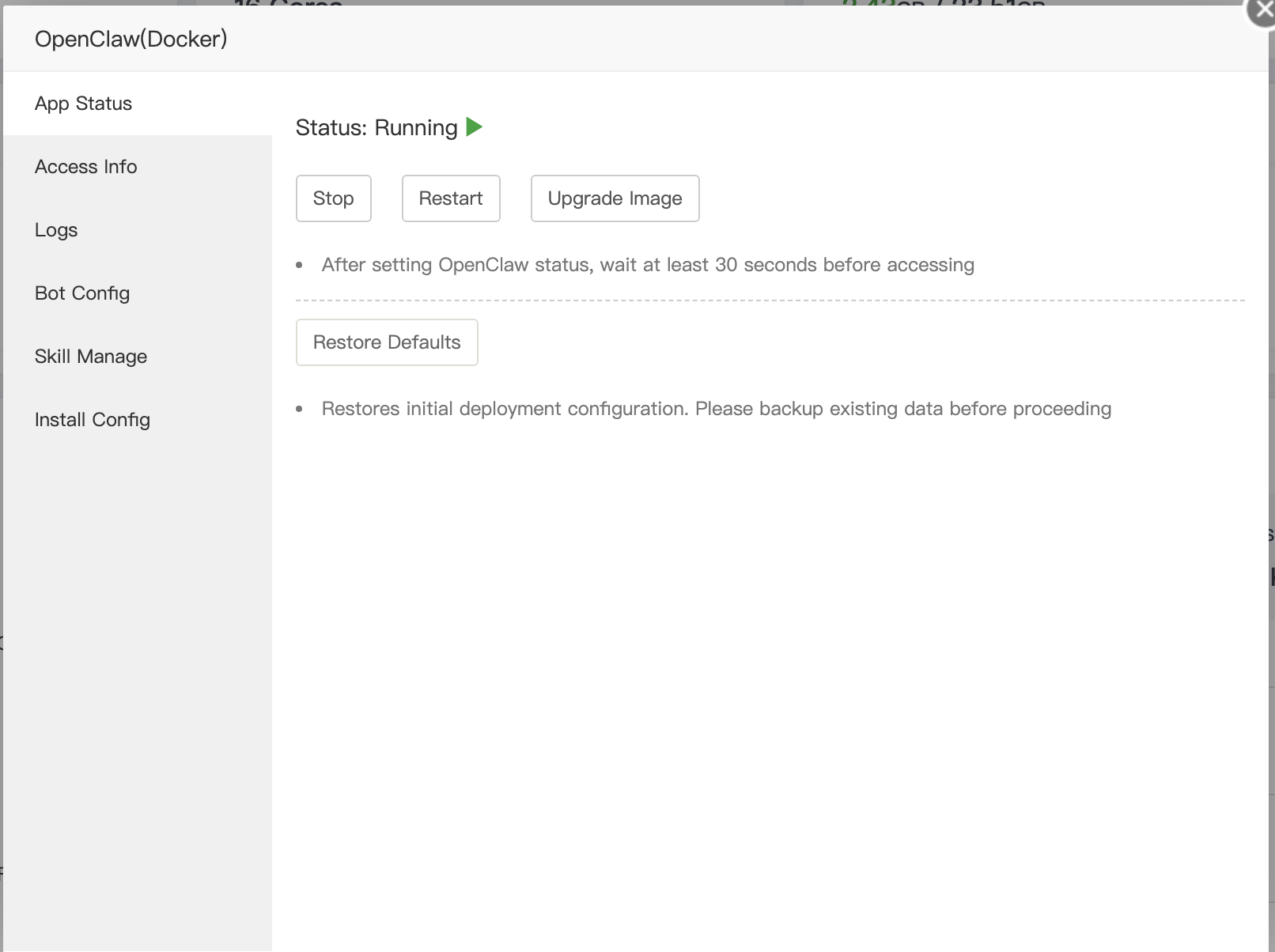
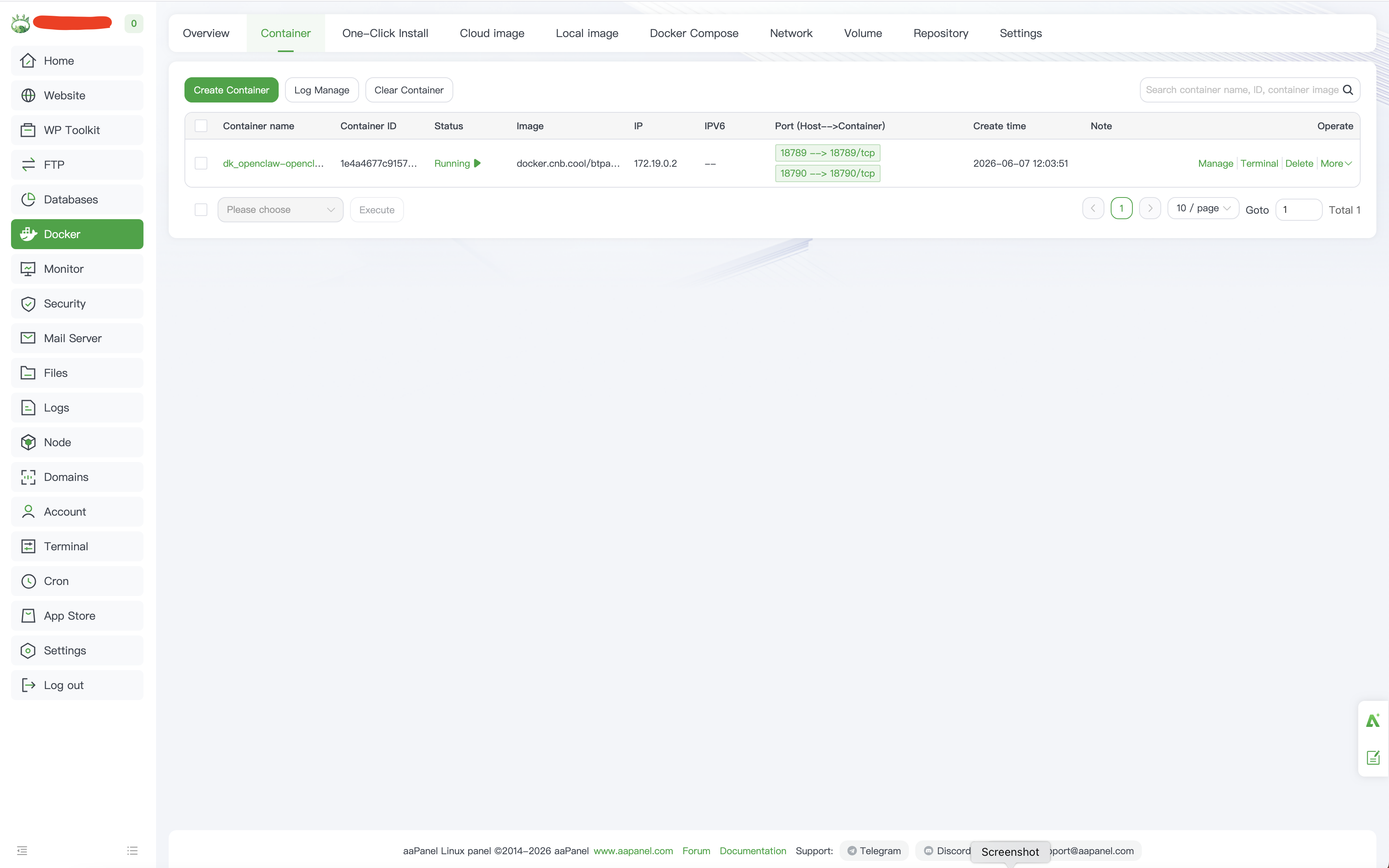
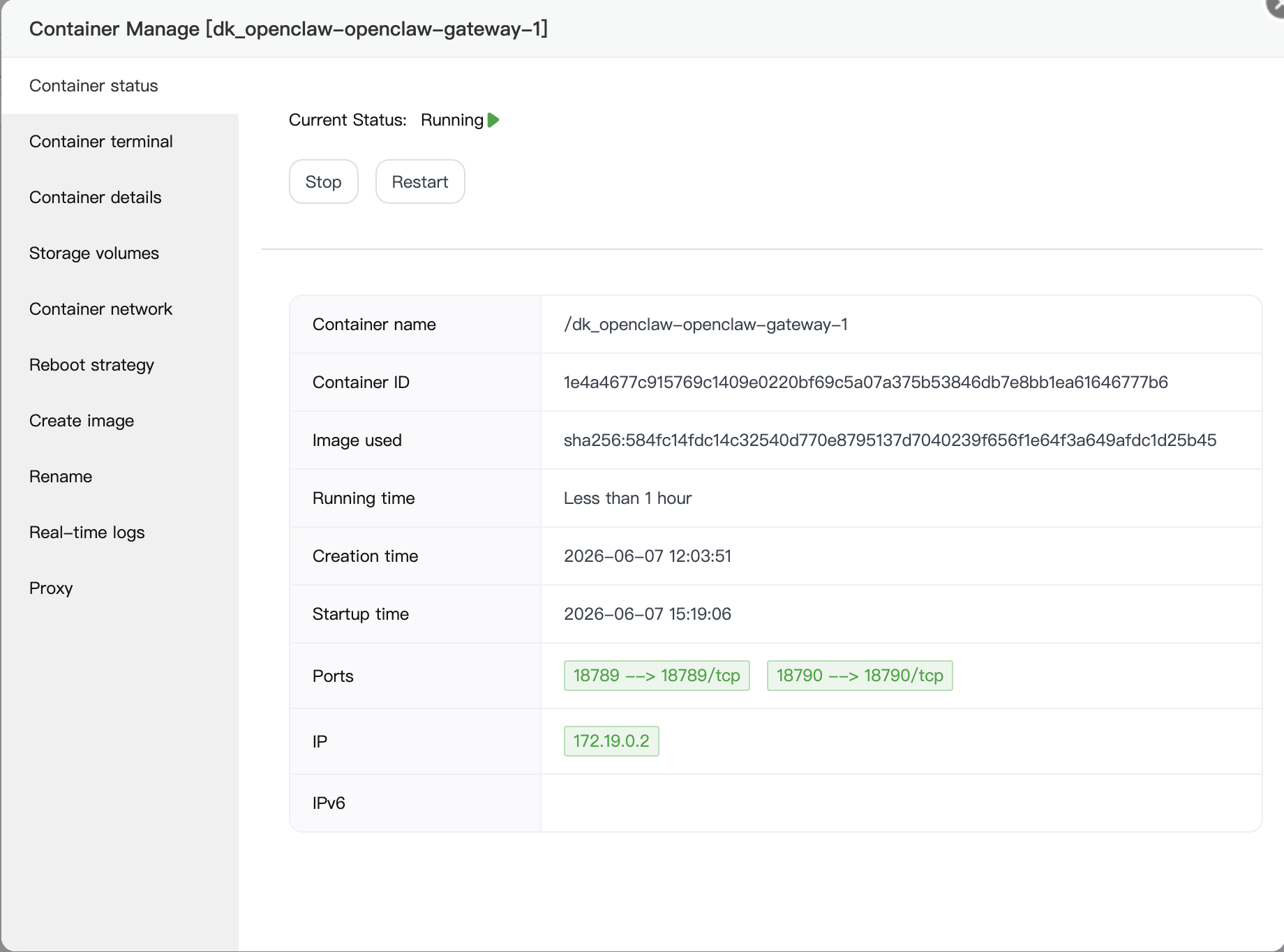
After closing the window, I can see that the Docker containers have actually been created successfully and the application seems to be installed.
The same behavior happens when I perform a Rebuild App operation. The screen turns black and remains open forever until I manually close it.
Has anyone experienced this issue before?
Issue #2: OpenClaw UI Opens but Does Not Respond Properly
After manually closing the installation window, everything appears to start normally.
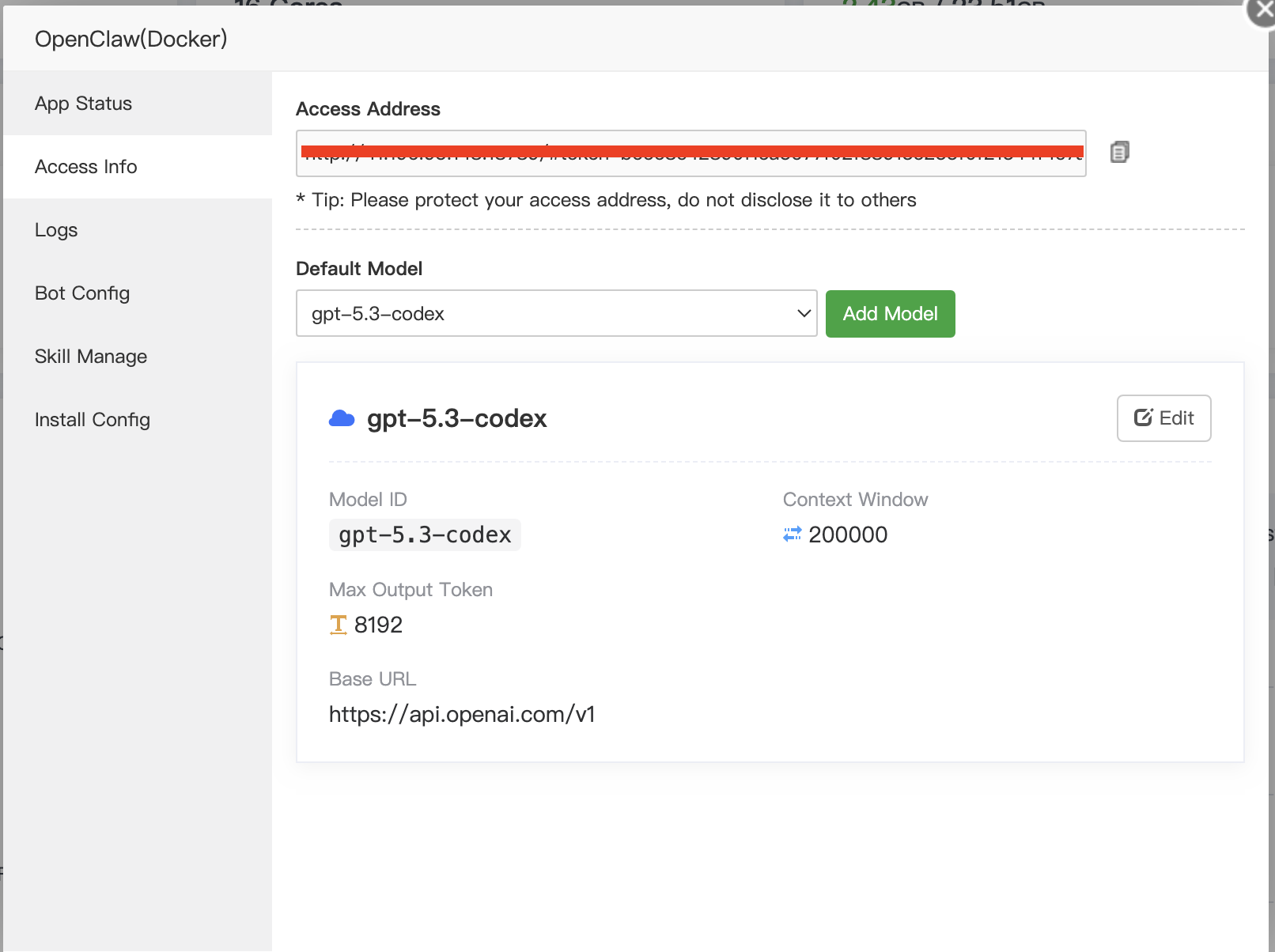
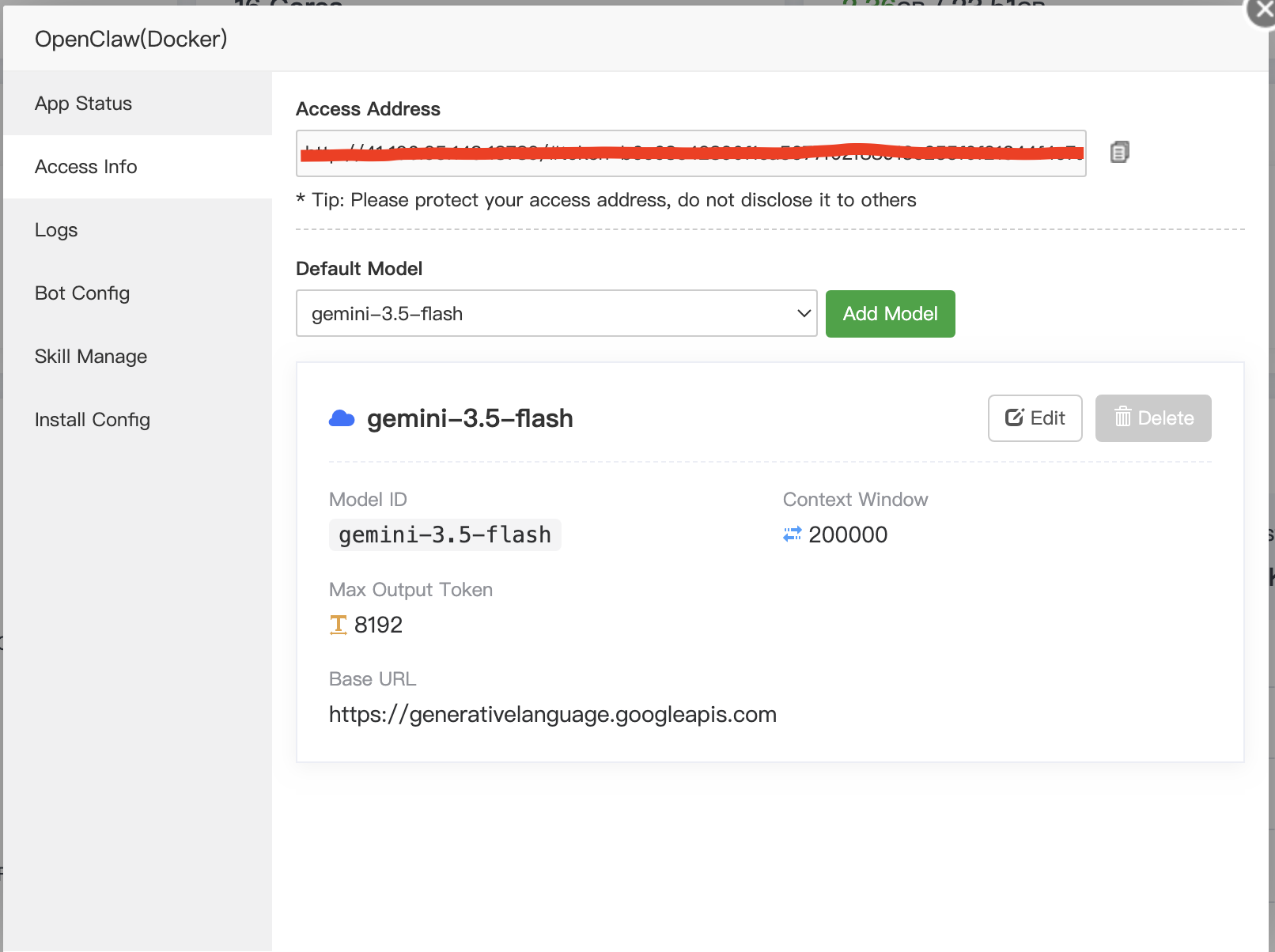
I can access the OpenClaw Control UI using the URL provided in the Access Information section.
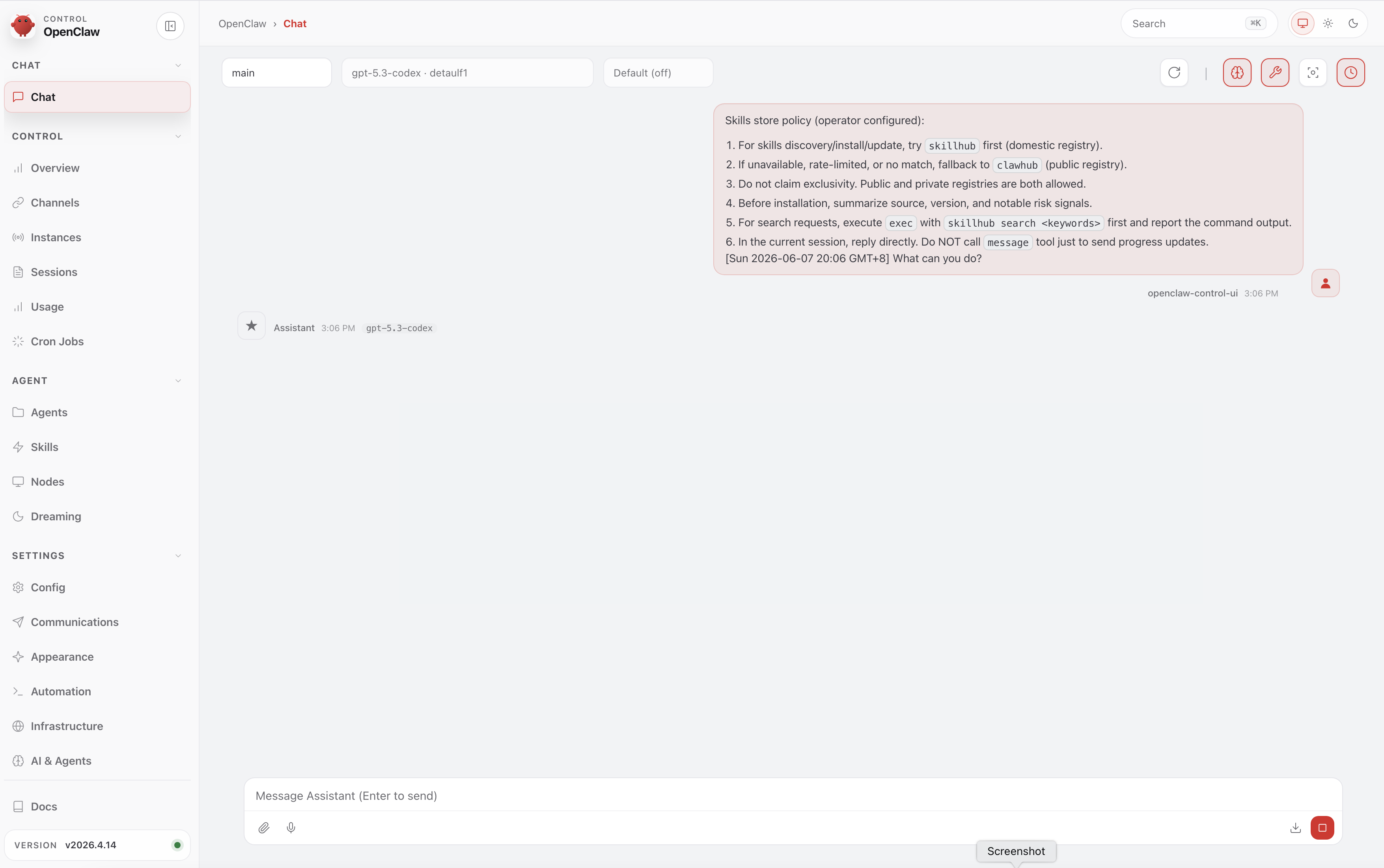
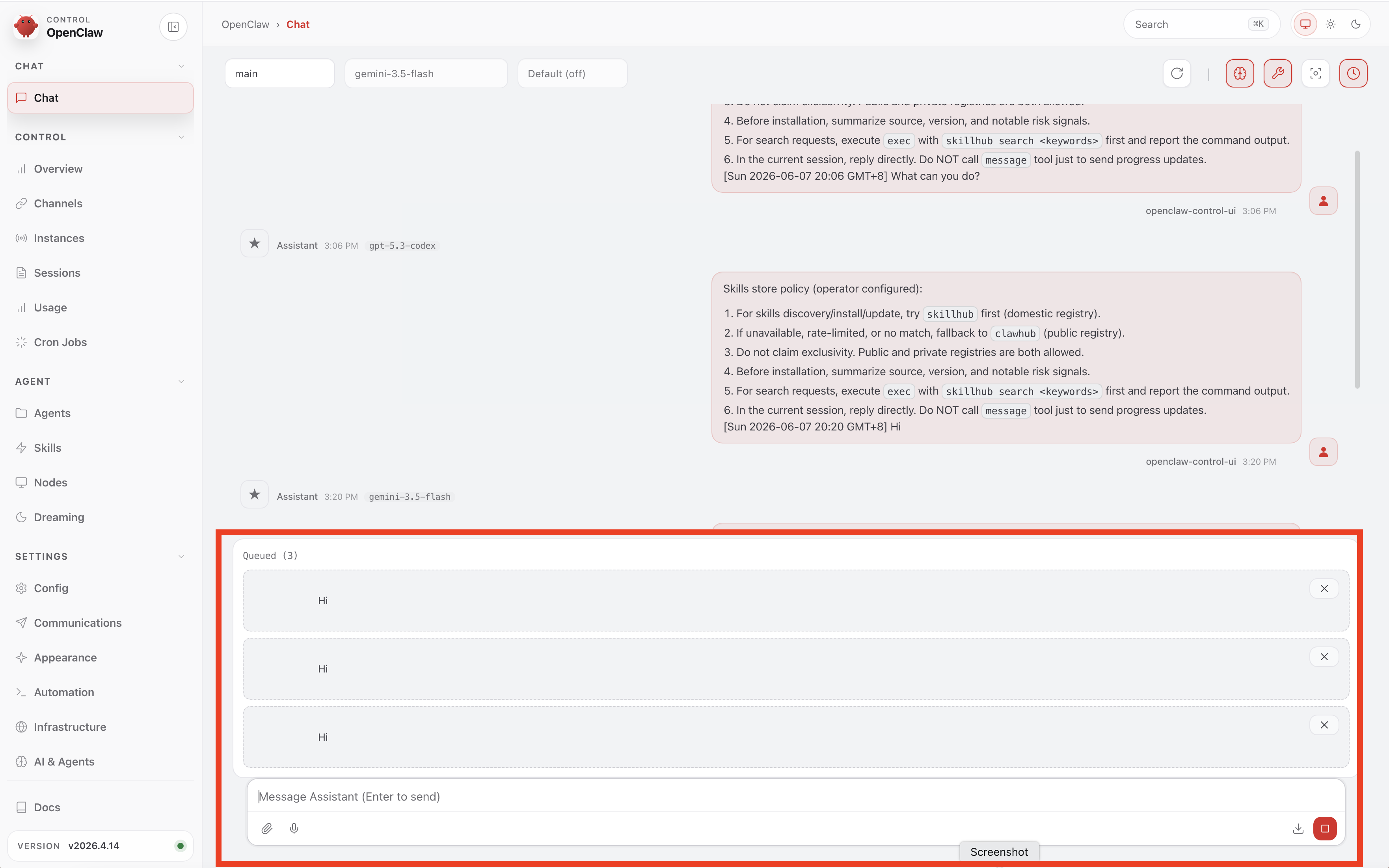
However, when I try to chat with OpenClaw, instead of responding normally, it always displays the following message:
Skills store policy (operator configured):
For skills discovery/install/update, try skillhub first (domestic registry).
If unavailable, rate-limited, or no match, fallback to clawhub (public registry).
Do not claim exclusivity. Public and private registries are both allowed.
Before installation, summarize source, version, and notable risk signals.
For search requests, execute exec with skillhub search <keywords> first and report the command output.
In the current session, reply directly. Do NOT call message tool just to send progress updates.
[Sun 2026-06-07 20:06 GMT+8] What can you do?
The assistant does not actually perform tasks or provide useful responses.
Issue #3: New Messages Are Stuck in Queue
There is another issue that I am experiencing.
After OpenClaw eventually responds to my first message, any subsequent message that I send gets stuck in the queue and is never processed.
The message remains in a queued/pending state indefinitely, and no response is generated.
As a result, I am unable to have a continuous conversation with the assistant. Only the first message may receive a response, while all following messages remain queued.
Has anyone encountered this behavior before? Is there a problem with the worker service, task processing, message queue configuration, or Docker deployment?
What I Have Already Tried
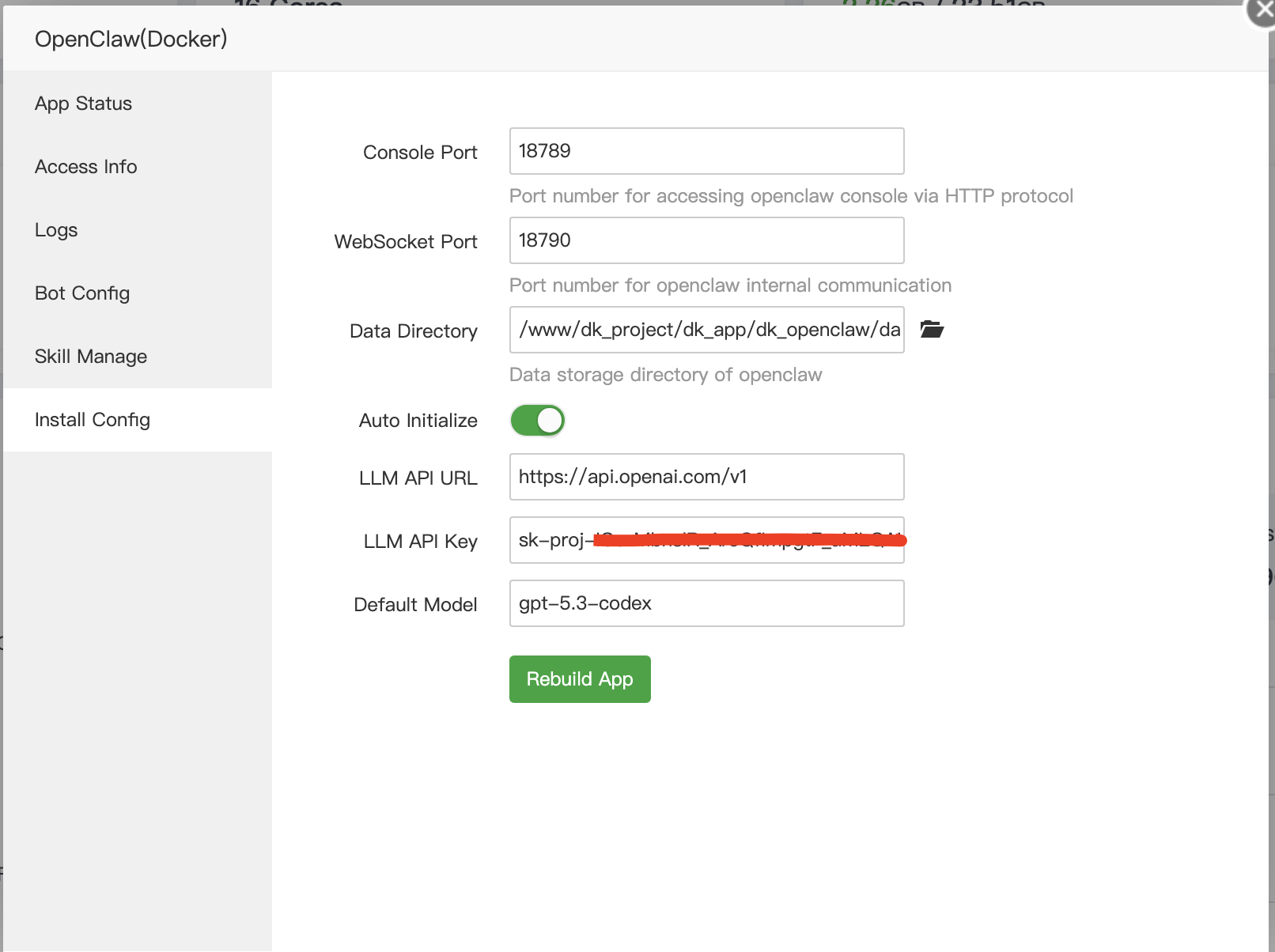
Installed OpenClaw using the official AAPanel guide.
Rebuilt the application multiple times.
Tested different API providers:
OpenAI (ChatGPT API Key)
Google Gemini API Key
Verified that the Docker containers are running.
Verified that the OpenClaw web interface is accessible.
I have also uploaded screenshots showing all installation steps and the errors/issues encountered.
My Questions
- Why does the Install App window remain black and never finish?
- Is this a known issue with the aaPanel OpenClaw deployment?
- Why is OpenClaw only showing the policy message instead of acting as a fully functional AI assistant?
- Why do all subsequent messages get stuck in the queue after the first response?
- Is there a problem with the worker service, Redis, task processing, or Docker configuration?
- Are there any additional configuration steps required after installation?
- How can I make OpenClaw fully operational so that it can respond normally and execute tasks continuously?
Any help or guidance would be greatly appreciated.
Thank you in advance.
