Hello everyone,
I've been experiencing issues with Nginx and PHP on my WordPress site. My server has 16GB RAM and a 6-core CPU. When 2 or 3 users access the site simultaneously, the CPU usage hits 100%. I applied the following configurations and installed Nginx Helper and Rocket, thinking the problem was solved, but I've encountered the following issues:
On loader.io, I can handle 10,000 users in 1 minute without any problems, but the next day the CPU usage hits 100% again, and after a few hours, everything works fine again (it's not stable).
Sometimes the WordPress admin dashboard does not load.
Sometimes updates to the site do not take effect.
Sometimes I cannot activate or deactivate plugins, and the changes are not applied.
Plugin settings are not saved.
Nginx Configuration File (nginx.conf)
user www www;
worker_processes auto;
error_log /www/wwwlogs/nginx_error.log crit;
pid /www/server/nginx/logs/nginx.pid;
worker_rlimit_nofile 51200;
stream {
log_format tcp_format '$time_local|$remote_addr|$protocol|$status|$bytes_sent|$bytes_received|$session_time|$upstream_addr|$upstream_bytes_sent|$upstream_bytes_received|$upstream_connect_time';
access_log /www/wwwlogs/tcp-access.log tcp_format;
error_log /www/wwwlogs/tcp-error.log;
include /www/server/panel/vhost/nginx/tcp/*.conf;
}
events {
use epoll;
worker_connections 51200;
multi_accept on;
}
http {
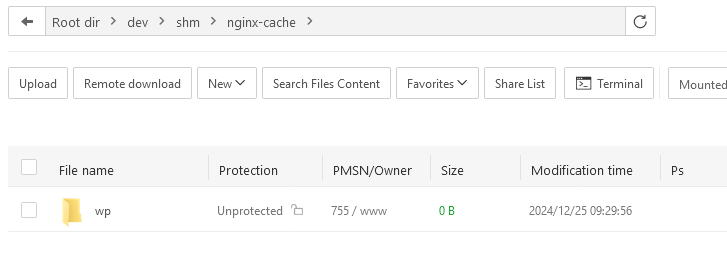
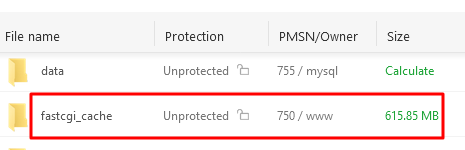
fastcgi_cache_path /var/cache/nginx levels=1:2 keys_zone=WORDPRESS:100m inactive=60m max_size=1g;
fastcgi_cache_key "$scheme$request_method$host$request_uri";
fastcgi_cache_use_stale error timeout invalid_header updating http_500 http_503;
fastcgi_ignore_headers Cache-Control Expires Set-Cookie;
}
- Since all solutions are from several years ago, is there a new way to better configure my hosting management on aaPanel?