RESOLVED!
Got the same issue after a fresh install on Google Cloud Platform with Ubuntu 24.04 LTS.
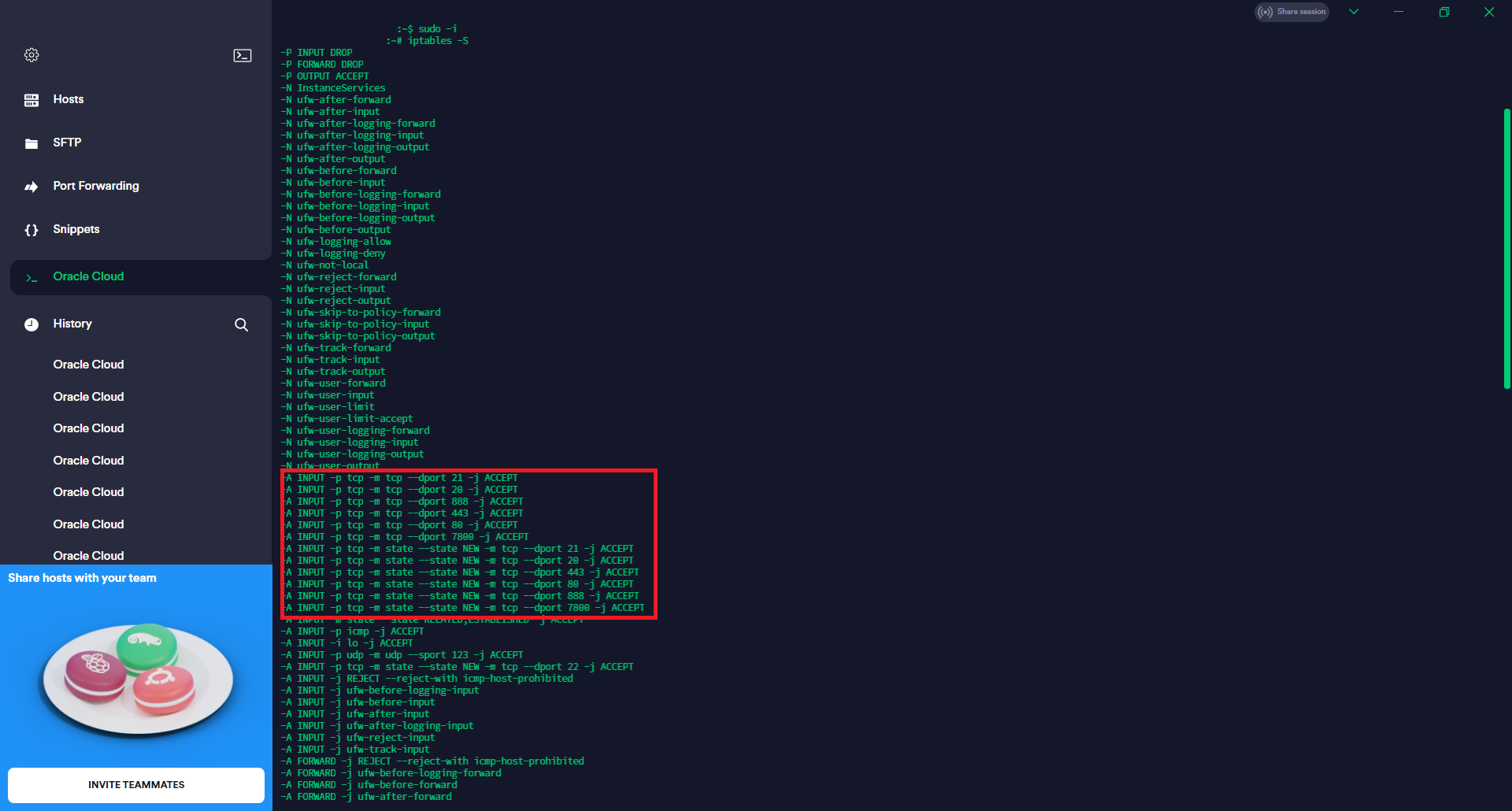
Had to enable the ports on the iptables:
sudo iptables -I INPUT -p tcp --dport 20 -j ACCEPT

sudo iptables -I INPUT -p tcp --dport 21 -j ACCEPT

sudo iptables -I INPUT -p tcp --dport 22 -j ACCEPT

sudo iptables -I INPUT -p tcp --dport 80 -j ACCEPT

sudo iptables -I INPUT -p tcp --dport 443 -j ACCEPT

sudo iptables -I INPUT -p tcp --dport 888 -j ACCEPT

sudo iptables -I INPUT -p tcp --dport 7800 -j ACCEPT

sudo iptables -I INPUT -p tcp --dport 12888 -j ACCEPT
Then restarted the panel:
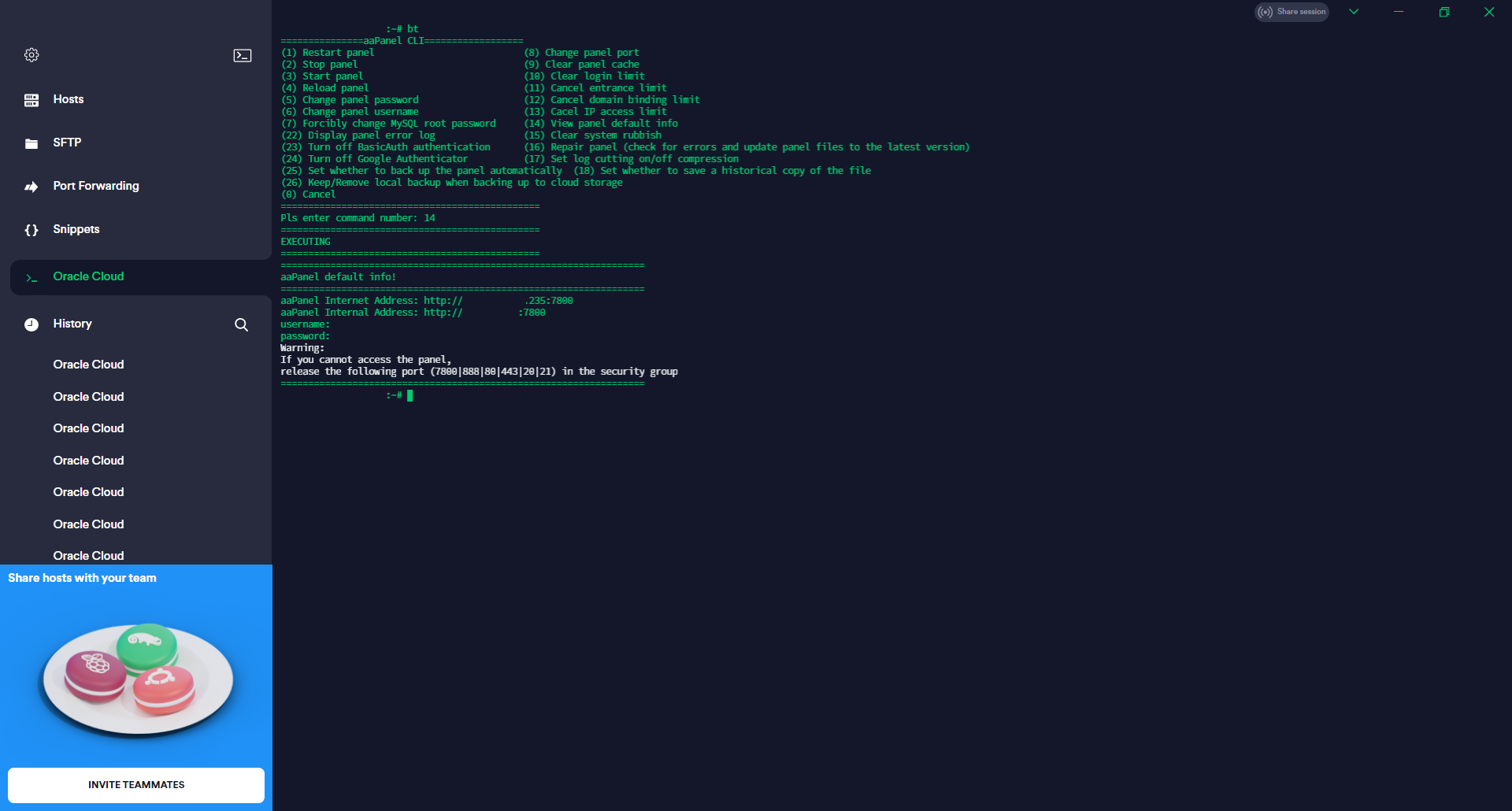
sudo bt 1
Finally, just to see the panel access details:
sudo bt 14
Still not able to save the iptables using the sudo /sbin/iptables-save > /etc/iptables/rules.v4 as it keeps giving me a permission error, but that might be a machine-specific issue for me (something to do with my personal setup).