aaP_cimamax_00 aaPanel_Kern Well, that problem has been solved. —- I want to know how to update something for you on the control panel in terms of PHP and other additions.
aaPanel_Kern aaP_cimamax_00 Hello, you can install the php you need in the app store. After the installation is complete, there is a Setting that can add some additional content. If not, you need to add it yourself.
farihkhoirulhuda please open using https using an incognito tab if there is a warning just continue. if you can't please use another browser and use https.
aaP_cimamax_00 aaPanel_Kern I'm not talking about installation. I'm talking about updating the additions I have.
aaP_cimamax_00 aaPanel_Kern I did my IP link aapanel with domin and server but when you enter that problem happens This is the first time I log in.
aaPanel_Kern aaP_cimamax_00 Hi, did you set the domain name in the settings of the panel? If you need to use a domain name to access, ip can not access. If you want to cancel using the ssh tool to execute the command: bt 12
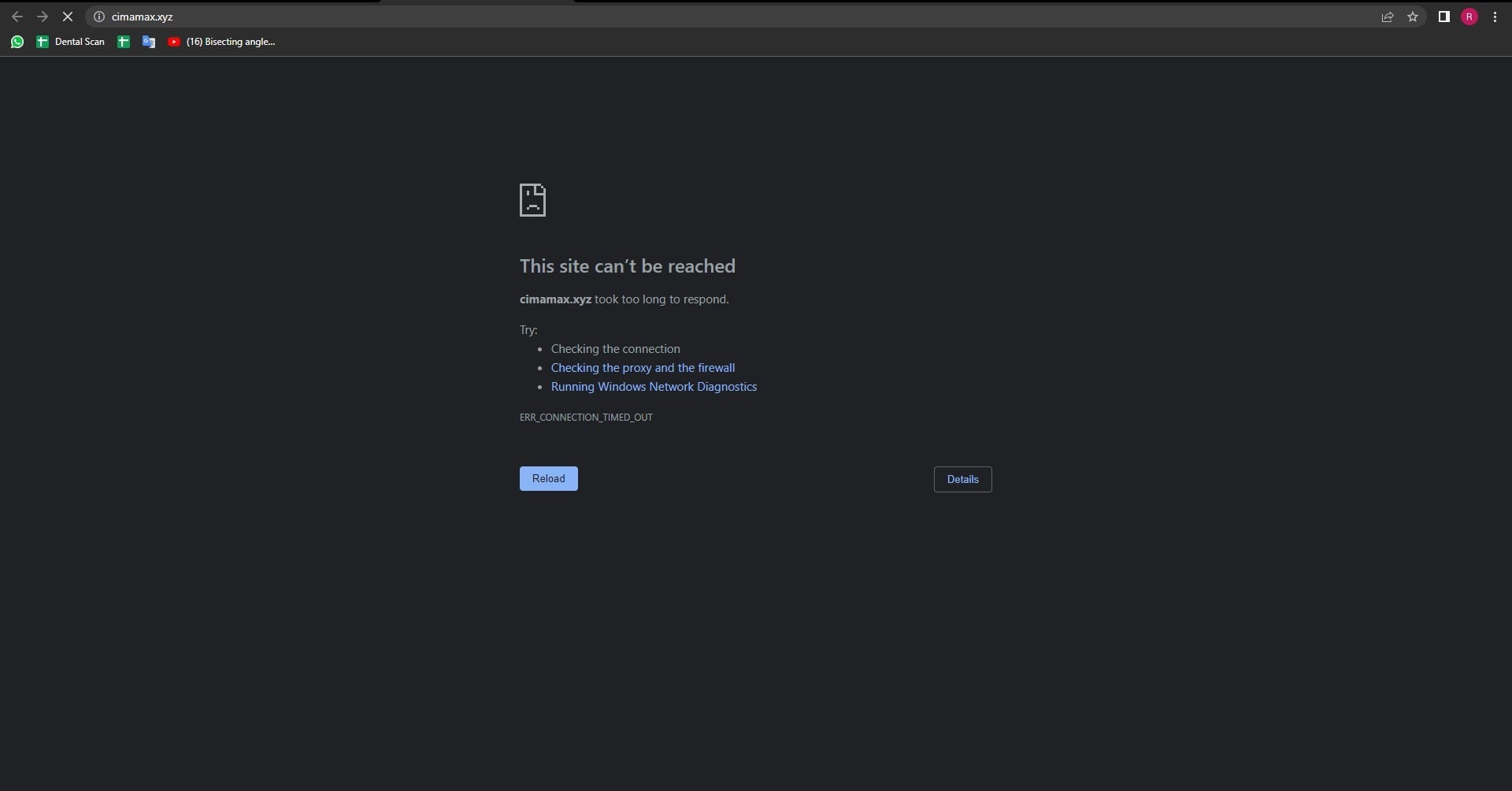
aaP_cimamax_00 aaPanel_Kern I can't enter the board even once I installed the board now and when I enter the private ip that gave me, when I finished installing the board, it gives me that error.
aaPanel_Kern aaP_cimamax_00 Hello, do you have any input security entries, such as: http://192.168.247.129:7800/a36c45b0, the 36c45b0 must be fully linked.
aaP_cimamax_00 aaPanel_Kern My friend, this is him aaPanel Internet Address: http://xxx.xx.xx.xx/e443d039 This is the address that appeared when the aapanel was installed and I can't log in yet
aaPanel_Kern aaP_cimamax_00 Hello, it is recommended to restart the panel: bt restart You can check whether the log of the panel reports an error: bt 22
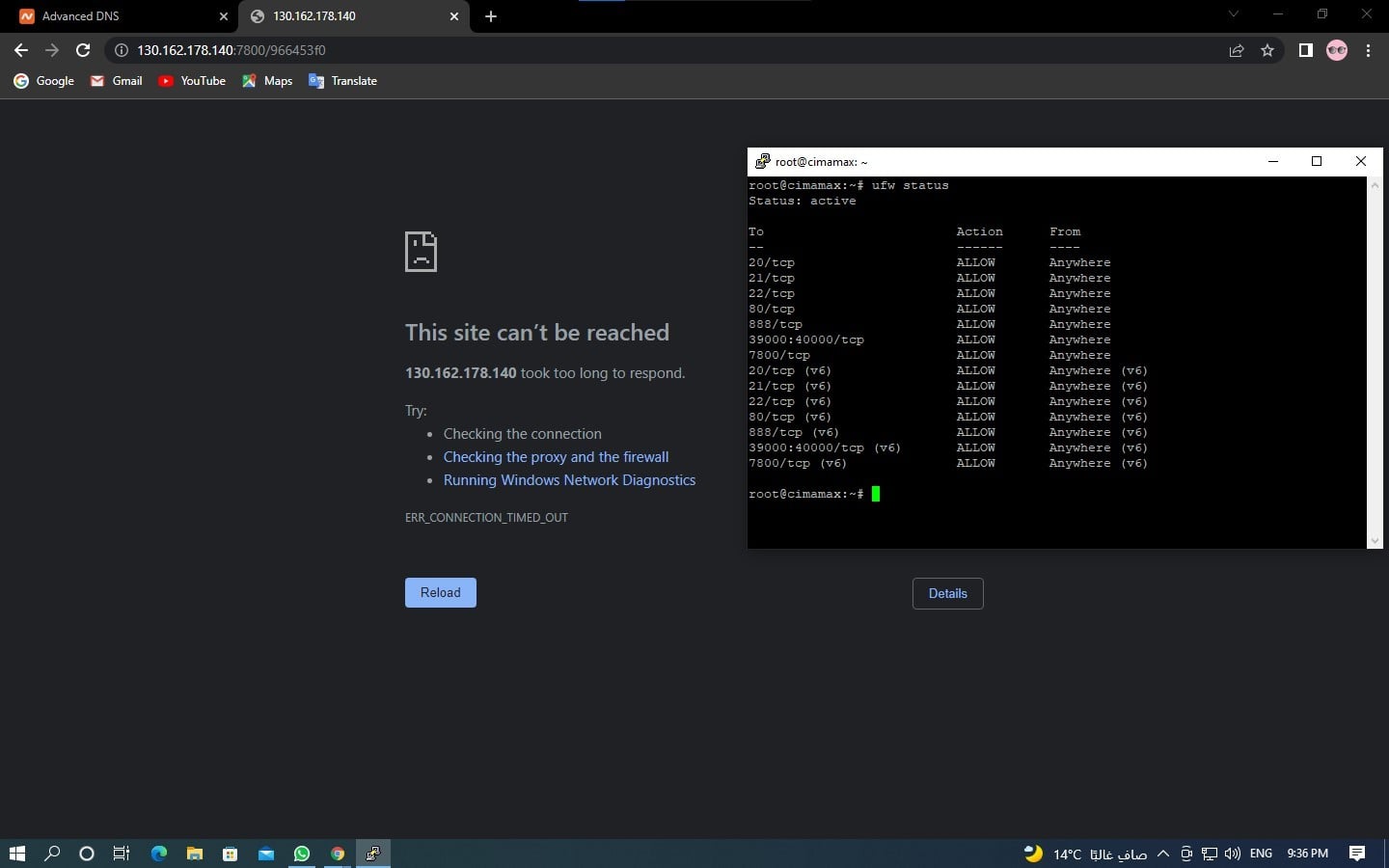
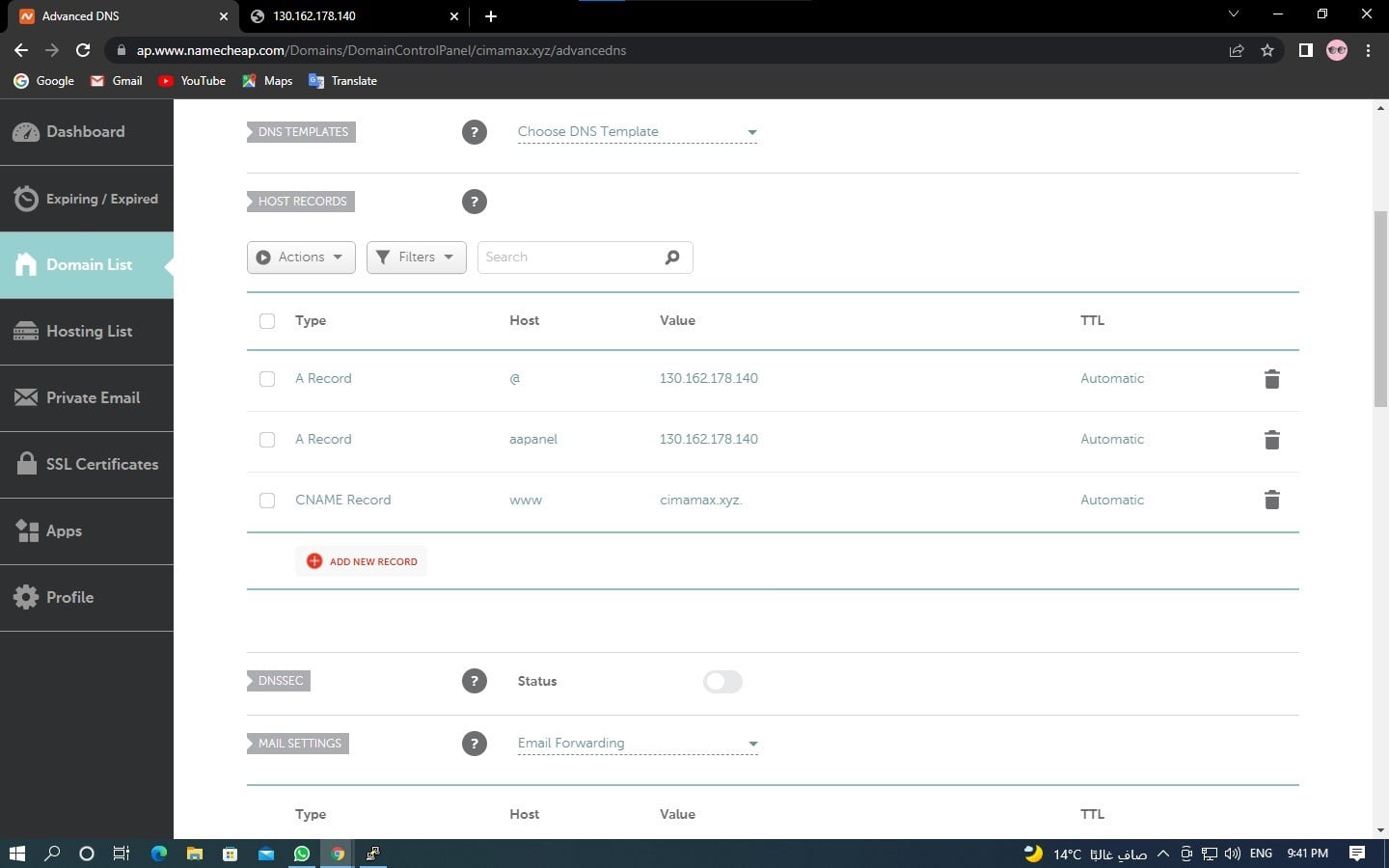
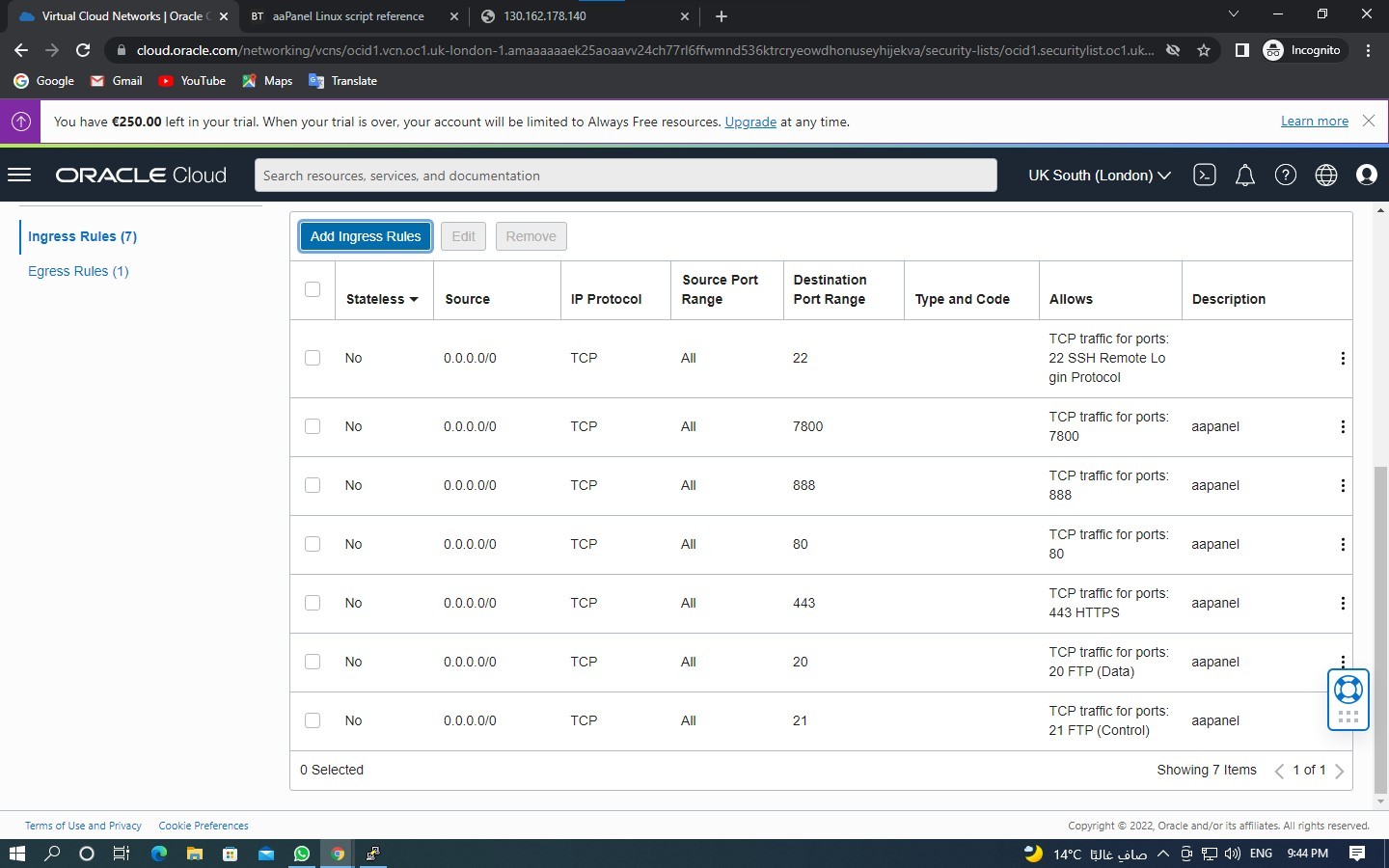
aaP_cimamax_00 aaPanel_Kern I've checked my ports and DNS and everything works. Please see the pictures I've sent
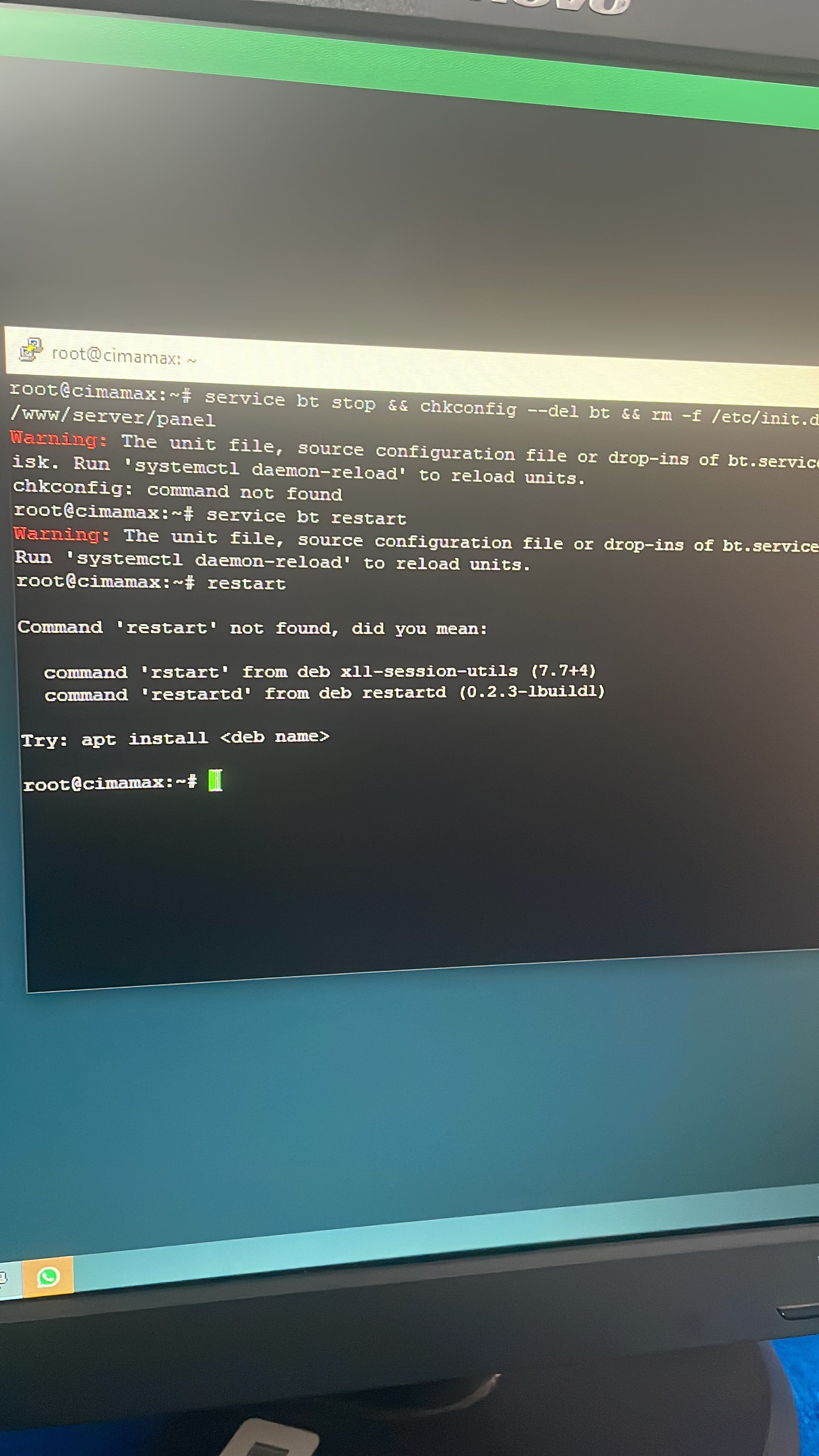
aaPanel_Kern aaP_cimamax_00 Hello, this interface is not clear what command you executed. It is recommended that you re-install aapanel, and the over-installation will not lose data. https://www.aapanel.com/forum/assets/files/2022-04-01/1648820689-421630-73c0f9e3-df01-4022-8c8b-d424da83e623.jpg Centos : yum install -y wget && wget -O install.sh http://www.aapanel.com/script/install_6.0_en.sh && bash install.sh forum Ubuntu/Debian: wget -O install.sh http://www.aapanel.com/script/install-ubuntu_6.0_en.sh && bash install.sh forum
aaP_cimamax_00 aaPanel_Kern The same problem I used this link to install because I use Ubuntu system Ubuntu/Debian: wget -O install.sh http://www.aapanel.com/script/install-ubuntu_6.0_en.sh && bash install.sh forum
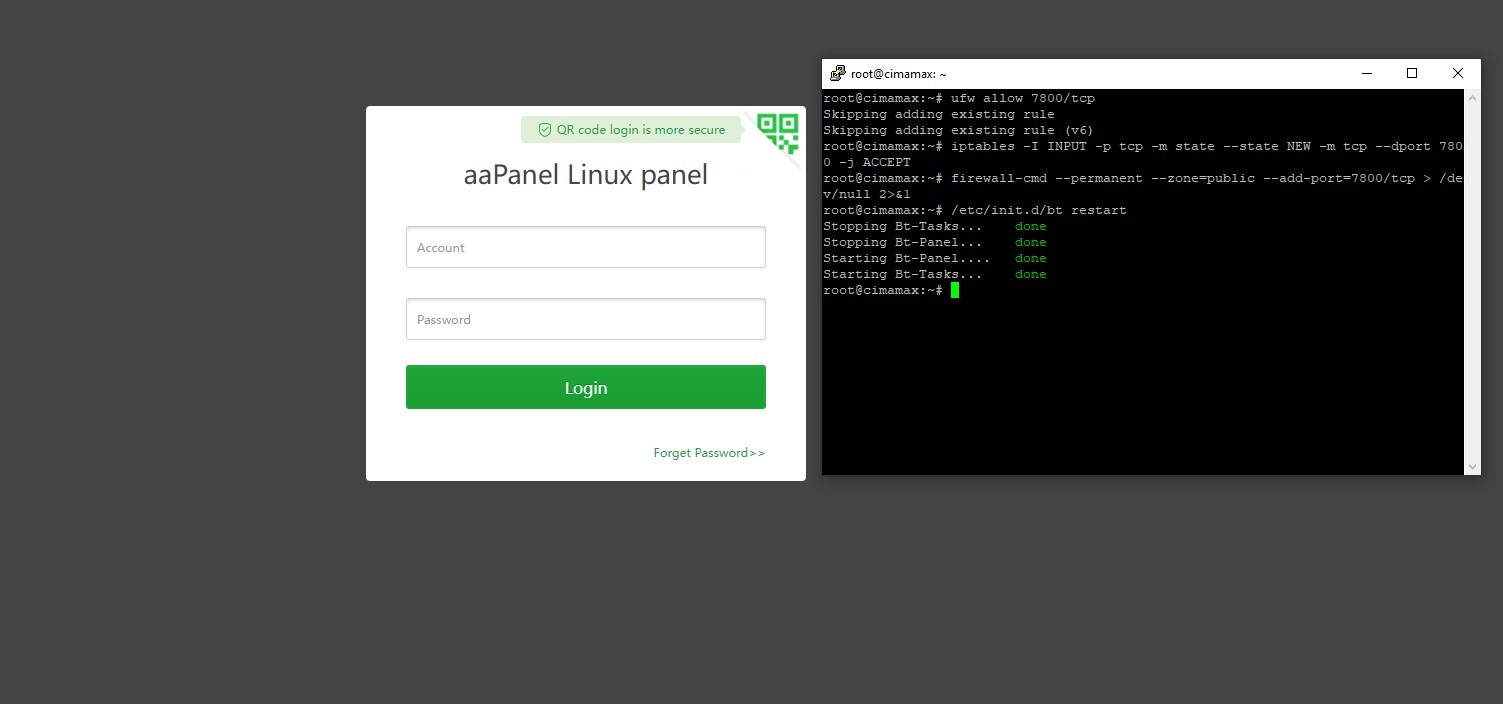
aaPanel_Kern aaP_cimamax_00 Hello, does the firewall of the server have relevant ports open? ufw allow 7800/tcp iptables -I INPUT -p tcp -m state --state NEW -m tcp --dport 7800 -j ACCEPT firewall-cmd --permanent --zone=public --add-port=7800/tcp > /dev/null 2>&1 Is there an error when restarting the panel now: /etc/init.d/bt restart
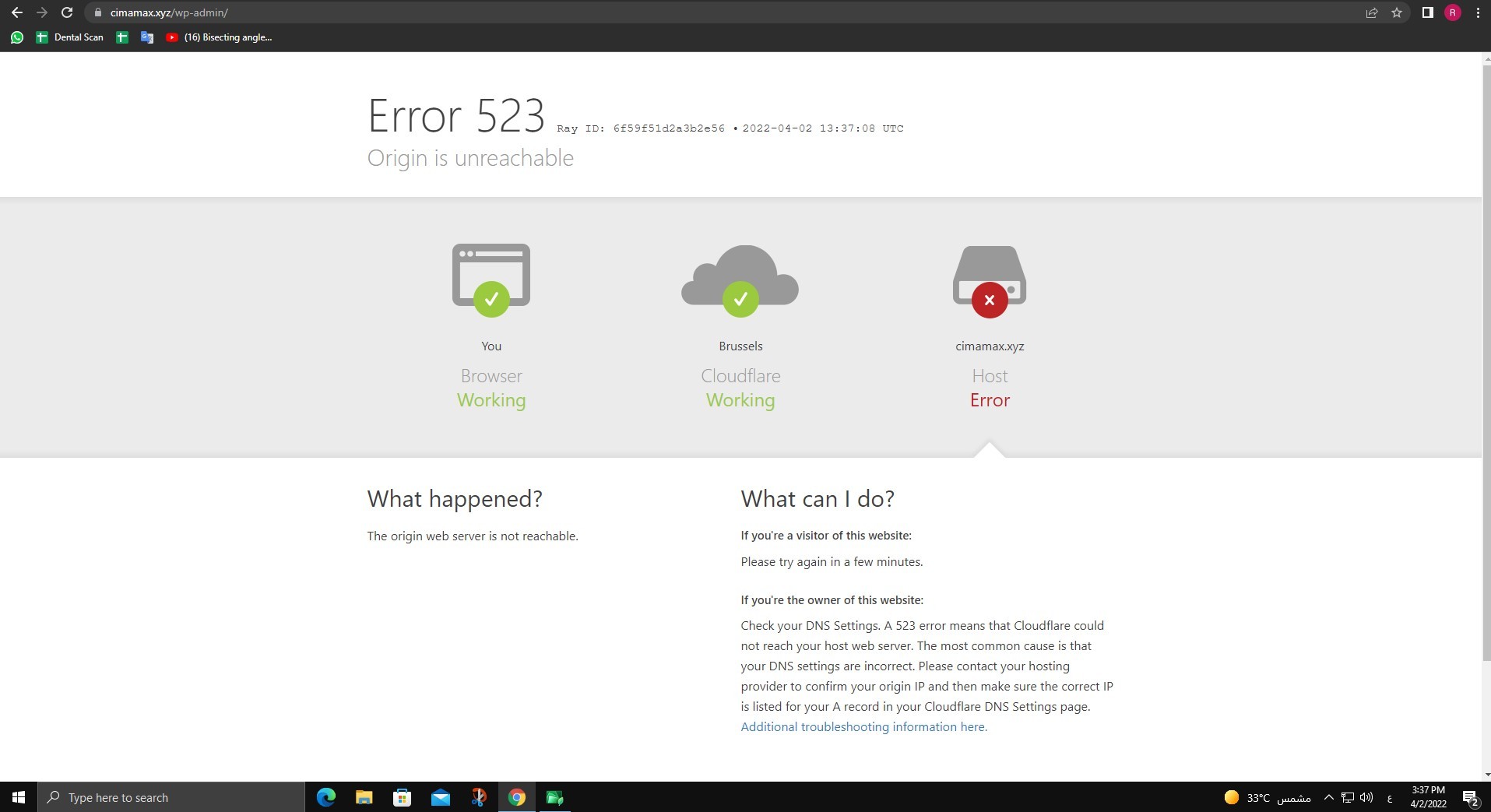
aaP_cimamax_00 aaPanel_Kern I have added my domain to my website on the aapanel but when I activate the ssl certificate I get this error why ——- And when I link the site to Cloudflare he gives me a Error 523 You can see the picture