aaP_irbaaz2
Yes, I have the same issues.
2025-04-27T17:30:10.084533+07:00 mail dovecot: pop3-login: Disconnected: Connection closed: SSL_accept() failed: error:0A000412:SSL routines::sslv3 alert bad certificate: SSL alert number 42 (no auth attempts in 1 secs): user=<>, rip=[CLIENT_IP], lip=[SERVER_IP], TLS handshaking: SSL_accept() failed: error:0A000412:SSL routines::sslv3 alert bad certificate: SSL alert number 42, session=<9vlLDcAzX/jcnul1>
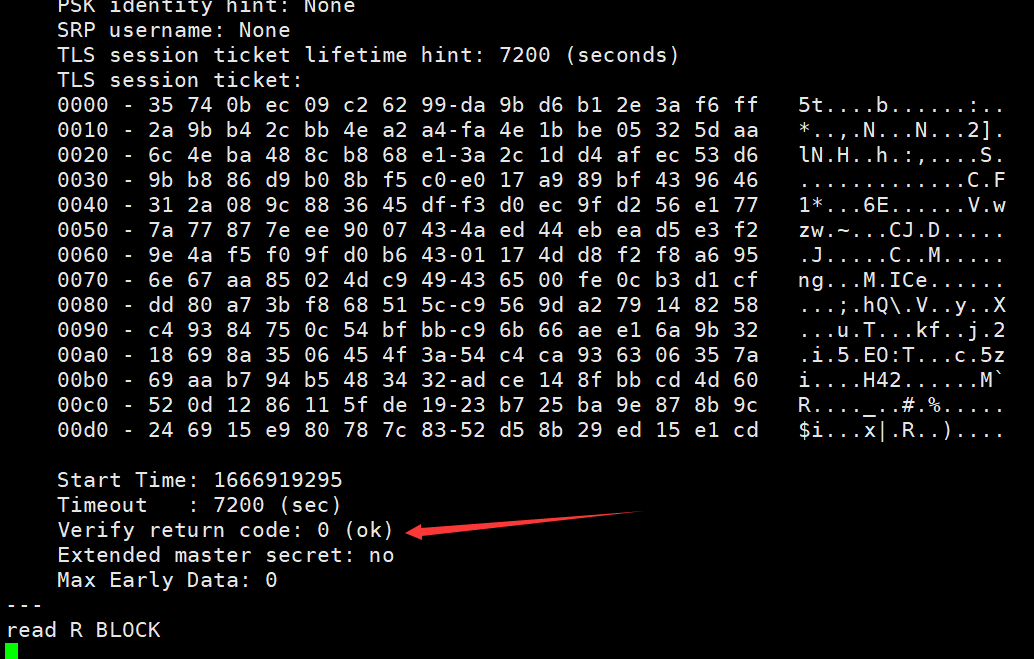
I did enable pan-domain SSL on mail server, verify SSL Common Name matched with my hostname to the IMAP and SMTP. enable stored SSL directory to the smtpd_tls_chain_file correctly.
But Thunderbird App cannot match my email hostname to the correct SSL common name. It found my other SSL Common Name instead.
Do you have any other solution to fix this? I have updated the mail server to latest version now. but still not helped.
PS: I have enabled SMTP Relay on my mail server.
Edit: My SSL Certificate using Protocol : TLSv1.3 and Cipher : TLS_AES_256_GCM_SHA384