Looking for the best Virtualmin (Webmin) alternative in 2026? Honestly, aaPanel stands out as the top pick. If you want something lightweight, modern, and easy to use. This is a hosting control panel that actually saves you time. Forget about the clunky old interface or confusing menus of Virtualmin. With aaPanel, things actually feel simple, even if you’re not a webmaster.
Over time, server management tools have evolved, but Virtualmin is still stuck in the past. Sure, some power users stick with it for its deep customization, but most people now want a panel that’s quick to install, doesn’t hog resources, and just works right out of the box. After testing all sorts of panels myself, switching to something better honestly feels like a breath of fresh air.
Let’s break down why aaPanel is my top recommendation and see how it stacks up against the competition.

Why Choose a Different Hosting Control Panel?
Server management shouldn’t feel like a chore. Virtualmin, even with all its options, often overwhelms people with a dated design and a steep learning curve. Most website owners whether running a personal blog, a busy online store, or a client’s portfolio don’t need all that fuss. They just want things to work without reading a giant manual.
Panels like aaPanel nail that. You get easy one-click LAMP/LEMP installs, automatic SSLs, solid security, and they’ll run smoothly even on smaller VPS plans. Plus, the interface feels fresh, with less clutter, and you can actually find things without hunting through menus.
My Top 10 Virtualmin Alternatives for 2026
Here’s my shortlist after a ton of hands-on testing. For each one, I’ll tell you why it’s worth considering—and why aaPanel comes out on top for most users.
1. aaPanel
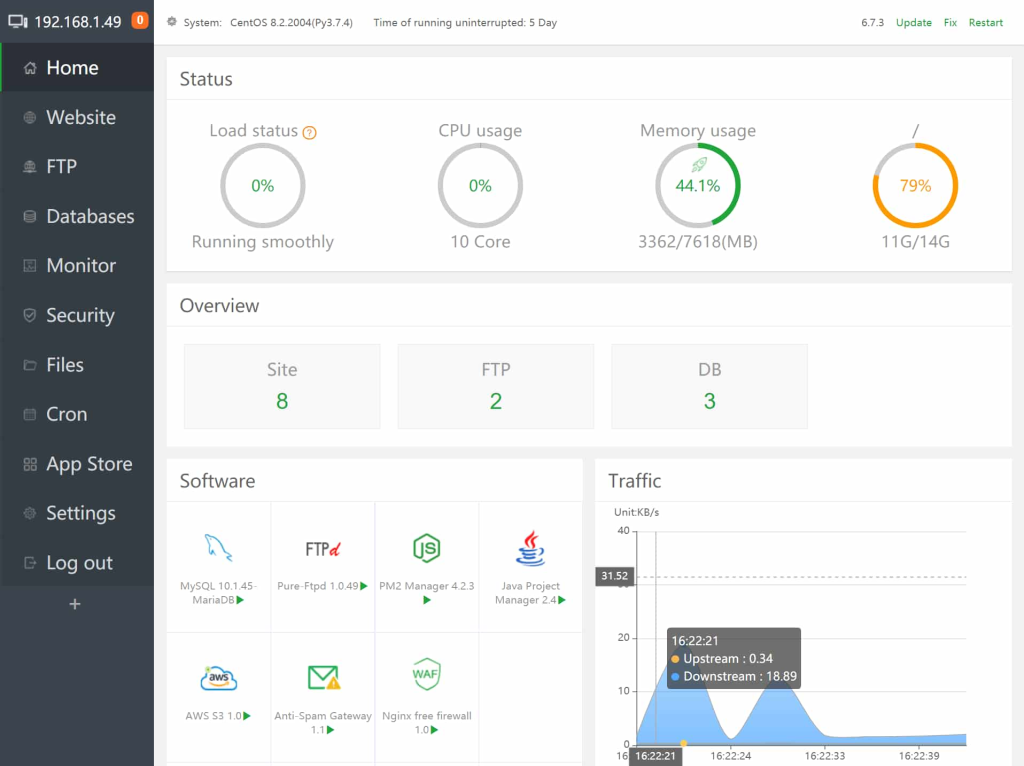
This one’s free, open-source, and looks great. One-click app installs, Docker support, modern dashboard, and solid security all baked in.
- Pros: Super lightweight, straightforward, regular updates, excellent security, Docker ready.
- Cons: Some advanced plugins need the Pro version.
Who should use it
Beginners and devs who want power without the bloat.
2. CyberPanel
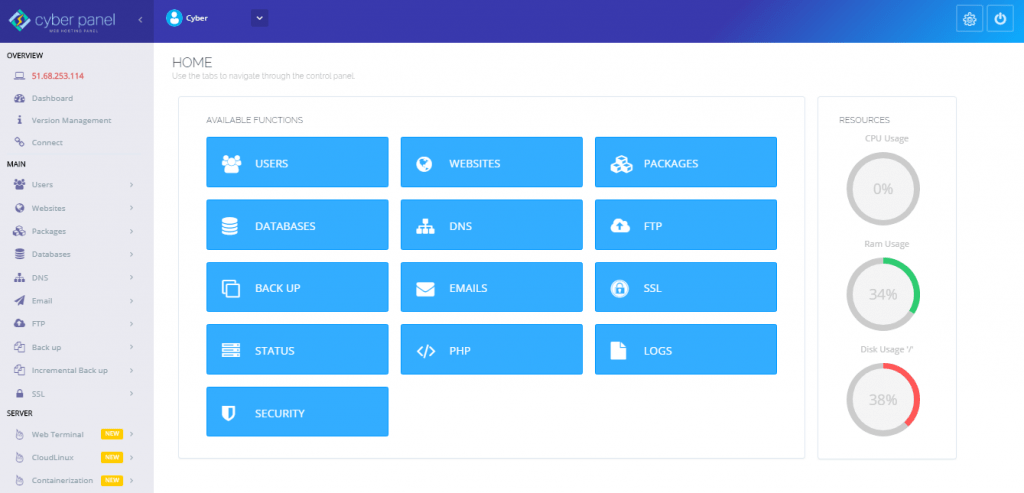
Built for speed, especially with WordPress and OpenLiteSpeed.
- Pros: Super fast, strong WordPress tools, built-in caching, simple staging.
- Cons: Not as big a community, can be quirky on some servers.
Who should use it
Those who need speed, especially for dynamic sites.
3. CloudPanel
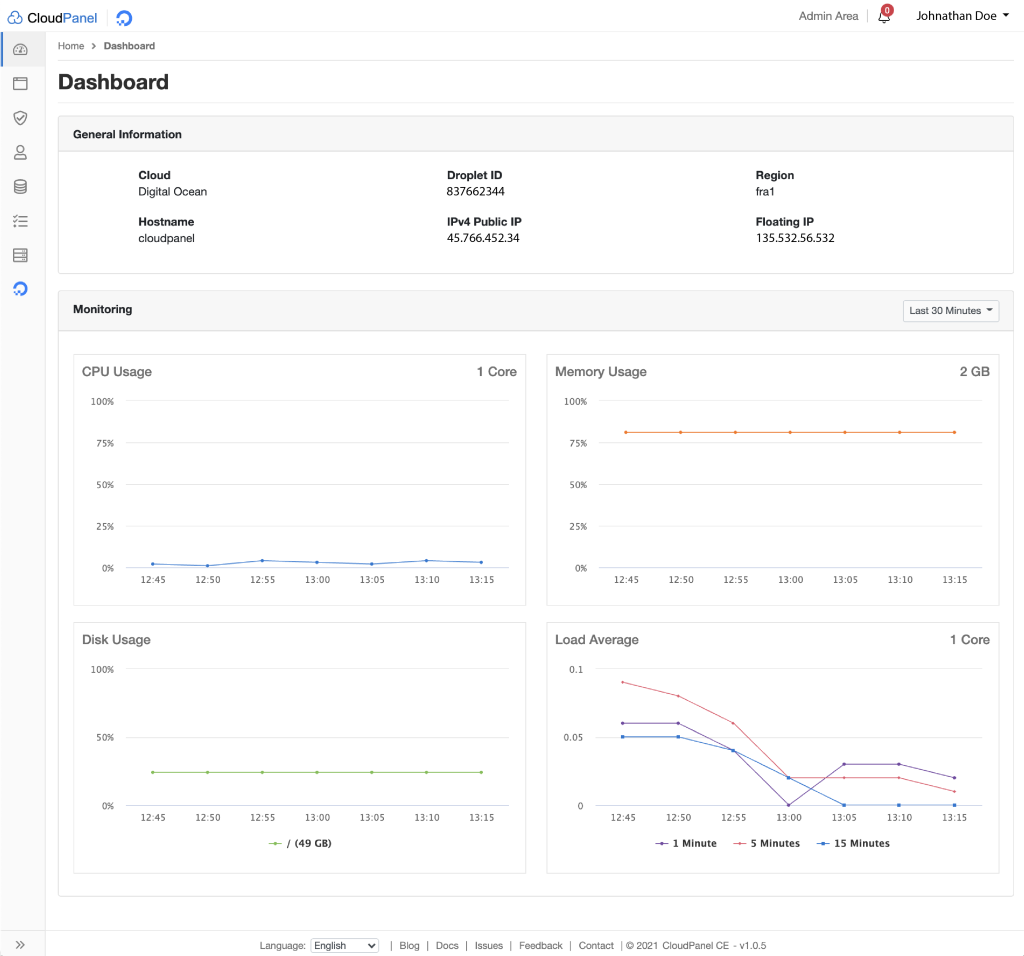
If you need fast PHP apps on Nginx, Cloudpanel is a perfect option.
- Pros: Fast, minimal, Docker support.
- Cons: Not ideal for non-PHP projects, limited general hosting tools.
Who should use it
High-traffic PHP sites where speed is everything.
4. DirectAdmin
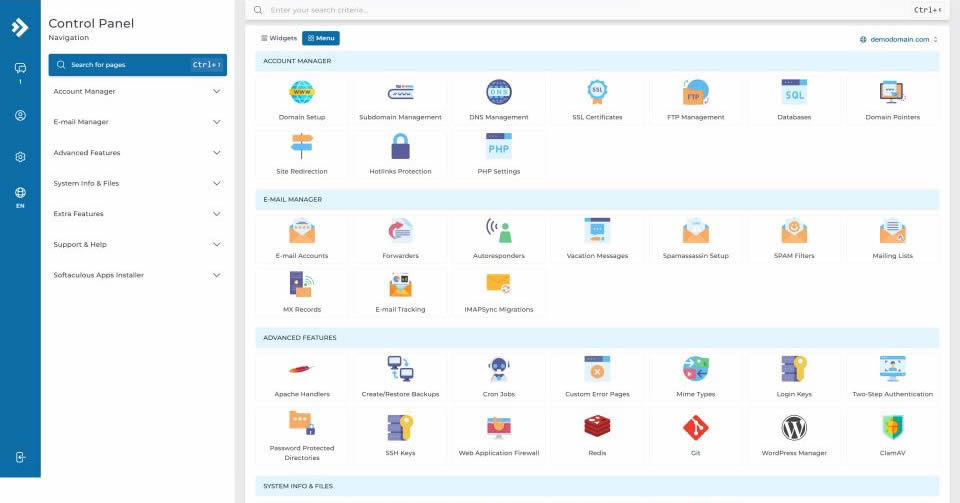
Directadmin is affordable, paid panel that gets the job done.
- Pros: Lightweight, stable, friendly for resellers, cheaper than cPanel or Plesk.
- Cons: Old-school interface, less modern tools.
Who should use it
If you use shared hosting on a budget.
5. Plesk
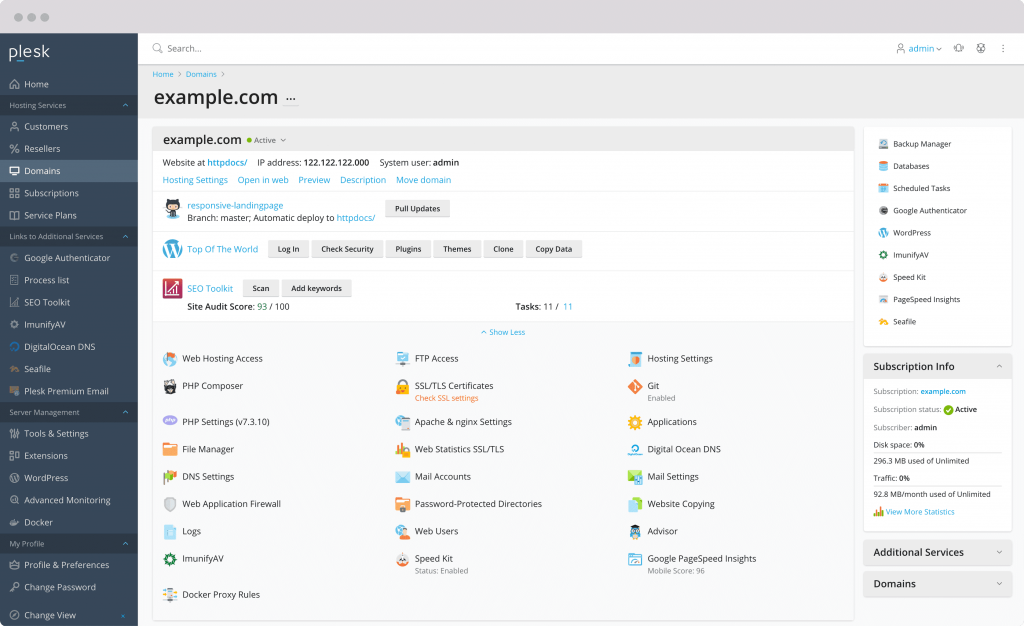
Big and feature-rich, running on Windows and Linux.
- Pros: Giant ecosystem, excellent security, perfect for agencies.
- Cons: Expensive, heavy on resources.
Who should use it
Go with Plesk when you need Windows or enterprise features.
6. cPanel
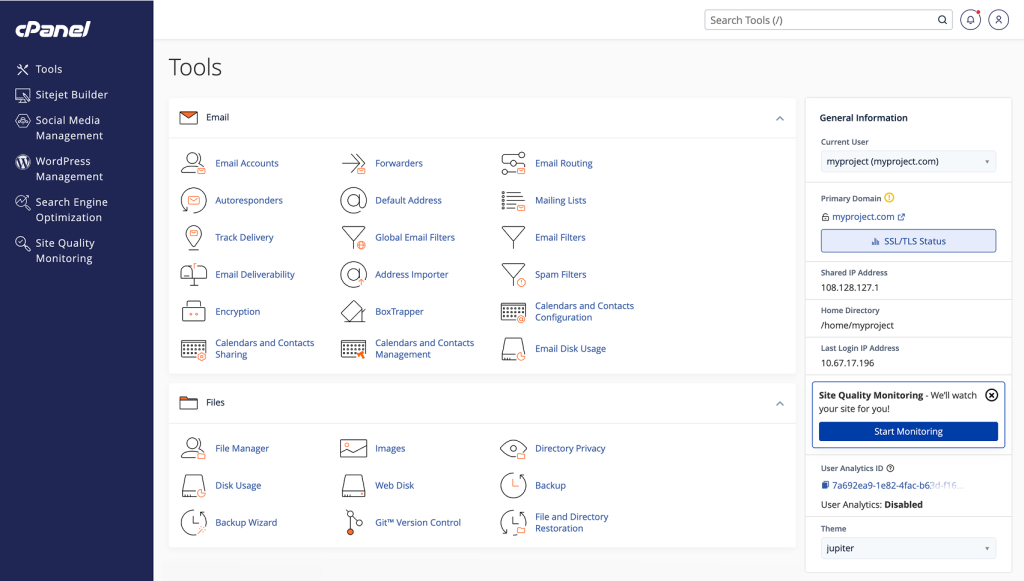
Cpanel is still the hosting control panel legend. With over 20 years of experience it’s leading the market.
- Pros: Most hosts use it, tons of integrations, great docs.
- Cons: Pricey, heavy on resources.
Who should use it
Stick with it only if you’re already locked in or need every third-party addon.
7. ISPConfig
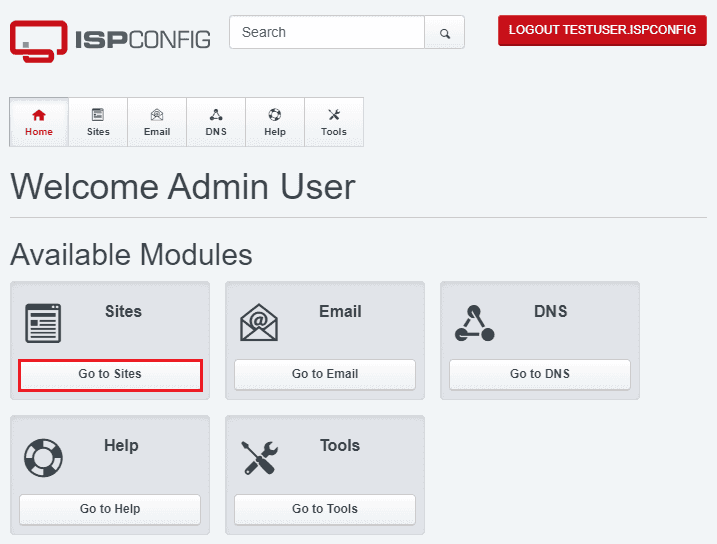
For power users and resellers, open-source.
- Pros: Free, flexible, multi-server, solid for pro users.
- Cons: Steep learning curve, old interface.
Who should use it
Best for: Advanced admins on a budget.
8. HestiaCP
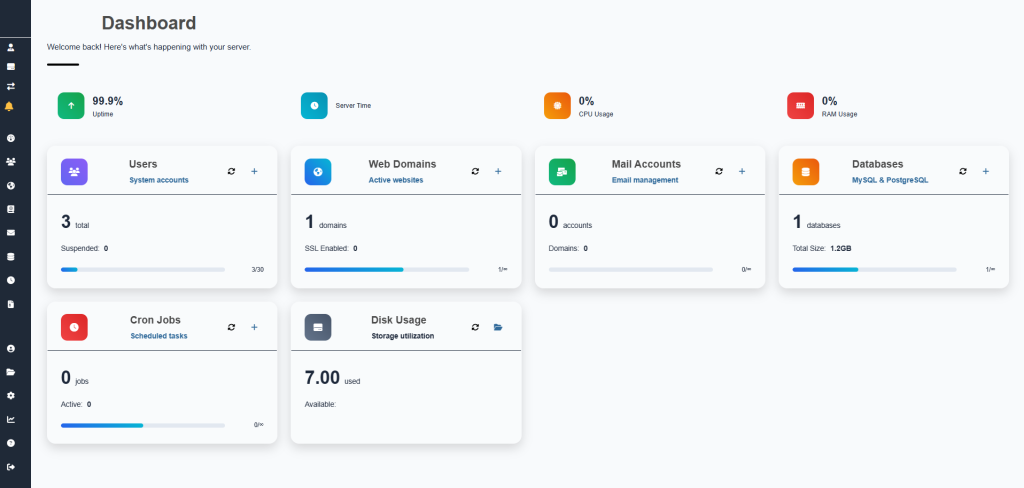
Clean, free, and no nonsense—simple fork of VestaCP.
- Pros: Minimal bloat, lightweight.
- Cons: Fewer features, smaller plugin selection.
Who should use it
For users with basic needs and simple setups.
9. Ajenti
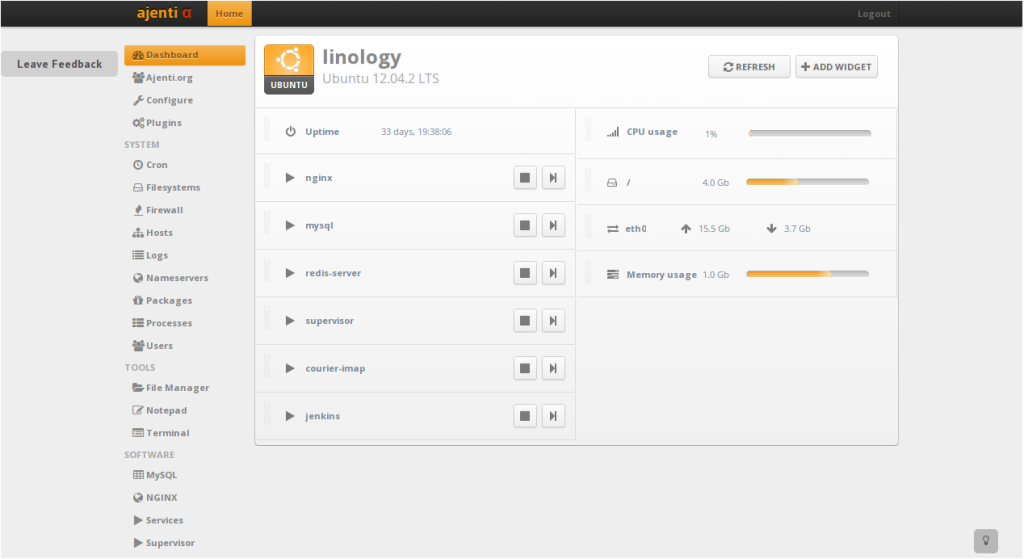
Modern plugin hub for server tweaks.
- Pros: Extension support, fresh UI.
- Cons: More setup required for full hosting stack.
Who should use it
Pick it: If you love plugins and customizing.
10. Froxlor
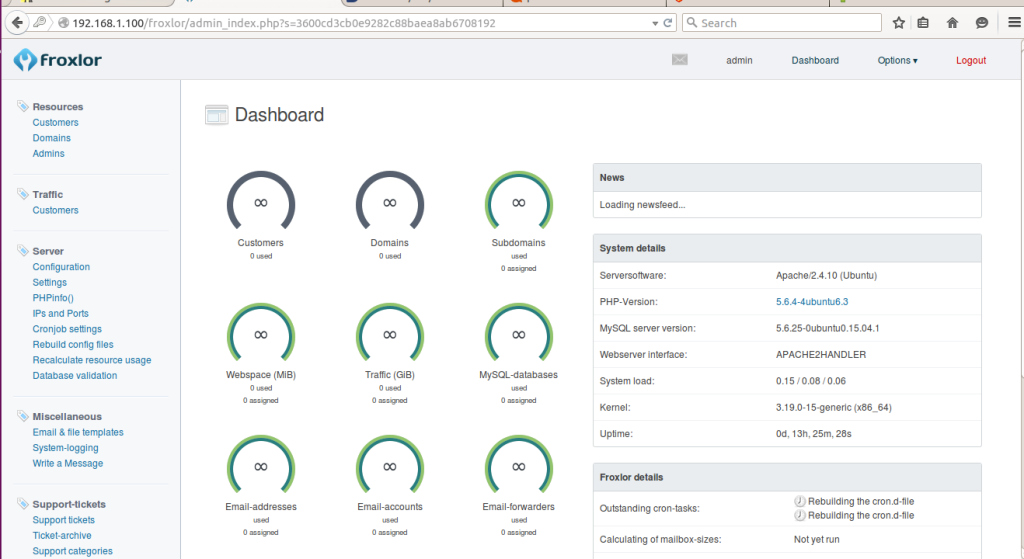
Froxlor is light-weight and open-source. This hosting control panel is not complicated and only have the basic needs
- Pros: Barebones, low resource use.
- Cons: Manual configuration for many features.
Who should use it
Users with simple hosting and no extra frills.
Why aaPanel Tops the List
aaPanel’s best features include one-click LAMP/LEMP stack install, multi-PHP version support, free SSL via Let’s Encrypt, integrated Docker management, built-in backup/restore, and Cloudflare integration right from the dashboard. Managing things like email or FTP just feels easy.
Top 10 Virtualmin Alternatives Comparison Chart (2026)
To give you a clearer picture, here is a quick comparison chart of resource usage and key capabilities (based on average tests on a 2GB RAM VPS):
| Rank | Control Panel | Idle RAM Usage | Ease of Use (1-10) | Pricing Model | Key Strength | Best For | Overall Score |
|---|---|---|---|---|---|---|---|
| 1 | aaPanel | 150-250MB | 9.5 | Free + Pro Upgrade | Lightweight + Modern UI | Beginners to Pros, WordPress | 9.6/10 |
| 2 | CyberPanel | 280-350MB | 8.5 | Free + Premium | LiteSpeed Speed & Caching | High-traffic WordPress sites | 8.7/10 |
| 3 | CloudPanel | 120-200MB | 9.0 | Completely Free | Ultra-fast PHP Performance | PHP & Laravel projects | 8.5/10 |
| 4 | DirectAdmin | 300-400MB | 7.8 | Paid (License) | Stability & Reseller Features | Shared hosting businesses | 8.2/10 |
| 5 | Plesk | 600-900MB | 8.0 | Paid (Subscription) | Windows + Linux Support | Agencies & Enterprise | 8.0/10 |
| 6 | cPanel | 700-1200MB | 8.2 | Paid (License) | Mature Ecosystem | Large hosting companies | 7.9/10 |
| 7 | ISPConfig | 350-500MB | 6.5 | Completely Free | Multi-server Management | Advanced users & resellers | 7.6/10 |
| 8 | HestiaCP | 180-280MB | 8.7 | Completely Free | Clean & Minimal Design | Small sites & minimalists | 7.8/10 |
| 9 | Ajenti | 250-380MB | 8.3 | Free + Extensions | Plugin Flexibility | Developers who love customization | 7.4/10 |
| 10 | Froxlor | 200-320MB | 7.0 | Completely Free | Low Resource Usage | Basic hosting needs | 7.1/10 |
aaPanel vs. Virtualmin Compared
People always ask: how different is aaPanel compared to Virtualmin? Well, Virtualmin lets you reach deep into system tweaks. Perfect if you’re really into customizing every corner of your server. But for everyone else, aaPanel just feels simpler and faster, while still letting you pop open the command line if you really need to.
Performance is smoother, day-to-day tasks are less of a hassle, and updates roll out more often which is huge with all the security threats popping up in 2026. Personally, after switching friends and clients over, the number of support requests dropped and their sites loaded faster. Everyone wins.
What Happens When You Switch to aaPanel
Life gets simpler. You manage unlimited sites for free (which is rare at this quality level), security is solid out of the box, and features like fail2ban keep things locked down. On a recent client project, I set up multiple accounts, domains, and automated backups in minutes. The file manager is genuinely handy with live editing so you can skip SSH for small changes.
If you’re a dev, working with Docker and multiple PHP versions opens up all kinds of flexibility. If you’re a hosting provider, the pro version even supports re-seller models. Basically, aaPanel adapts whether you’re solo or managing a bunch of sites.
Easily Migrating Your WordPress Sites
Moving existing WordPress sites is straightforward. Use the migrate WordPress to aaPanel guide. Usually, it’s a matter of backup on Virtualmin, create a new site in aaPanel, restore files and databases, and you’re done (normally within an hour per site). The aaPanel docs and forums are always there if you hit a snag.
Choosing the Right Virtualmin Alternative for Your Needs
Not every Virtualmin Alternative is for everyone. If you need Windows integration, Plesk probably makes more sense. If you run pure high-traffic PHP setups, take a look at CloudPanel. But for most people especially beginners and those wanting a free, reliable, and modern control panel aaPanel just works.
Test it on a VPS. Most users stick with it for good once they try it.
Getting Started and Best Practices
Install aaPanel on Ubuntu or CentOS in five minutes and just run their script, log in, and start configuring. Set up automatic security updates and a solid firewall right away.
Pair aaPanel with best hosting services for a smooth experience. Think about fast SSD drives and good uptime. Explore plugins for things like analytics or performance monitoring, and don’t be shy on the forums. The documentation stays current, and actual developers answer questions.
Final Thoughts
From all the panels I put to the test through 2026, aaPanel comes out on top for Virtualmin (Webmin) alternative. It’s simple, efficient, and actually fun to use. Whether you manage one site or a handful, aaPanel lets you get work done, not fight with the interface.
So go ahead install aaPanel for free on a clean server, move one test site, and see the difference. Most of what you need comes free, upgrades are affordable, and the boost in speed and sanity is worth it. In the ever-changing world of web hosting, aaPanel makes life a bit easier and that’s hard to beat. Try it yourself and enjoy the workflow upgrade.