Hosting your own email sounds intimidating at first, but it gives you real ownership over your messages, privacy, and data. These days, admins want more control. They’re tired of big tech snooping around, or just want to tailor things for their small business or personal projects. If you’ve got a little technical curiosity, you can set up your own email system and keep everything in-house instead of trusting it to faceless third parties.
Running your email server means every message sits on hardware or a virtual server that you control. No more wondering who’s looking over your shoulder or what might happen if a commercial provider changes its rules or locks you out. So, if you care about privacy or just want to stop renting your digital home from someone else, hosting your own is the best solution. Plus, using your own domain brings a professional touch and centralizes your communications.
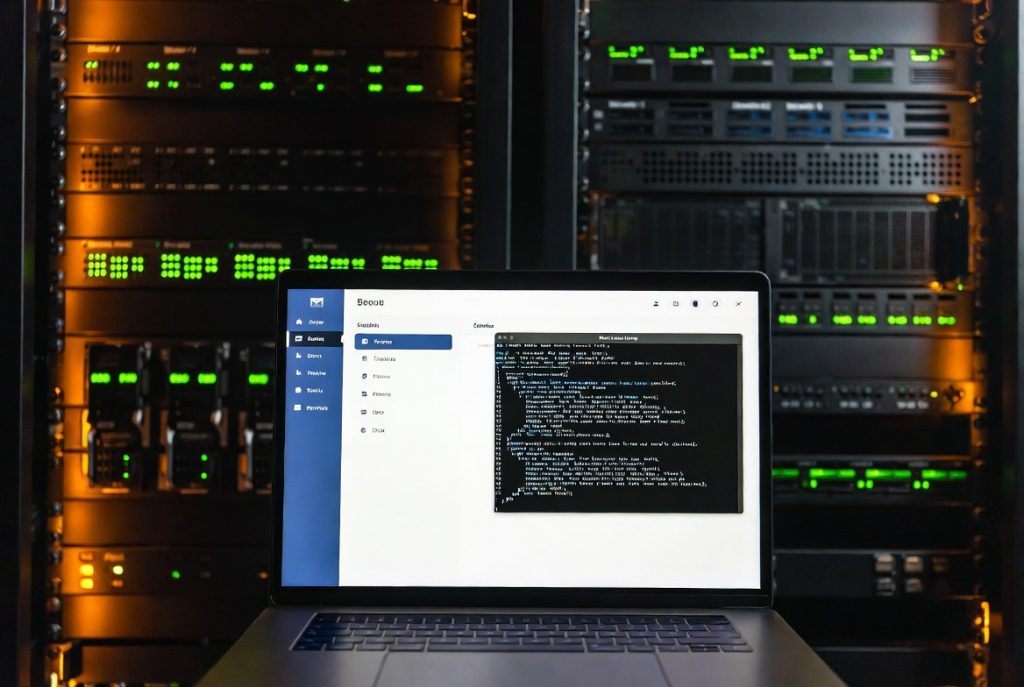
Why More People Choose to Host Their Own Email
Privacy leads the list. Large providers scan your emails. They say it’s for security or advertising, but either way, your data’s out of your hands. When you host your own email, you decide where and how your messages are stored. There’s no risk of surprise suspensions, and no sudden policy changes that trap your data.
Cost plays a part, too. Once you’ve set things up, your main expenses are usually a VPS or dedicated server and renewing your domain name. Over time, especially for businesses this often costs less than endless monthly fees. You also gain freedom: add features when you want, remove the ones you don’t, and scale the system as your needs grow.
Of course, reliability’s on you. You need to keep up with updates, block spam, and monitor performance. It can feel like a lot, but people find the challenge rewarding with those new server skills spill over into other tech projects.
Essential Requirements Before You Begin
First, grab a domain name you control outright. You’ll also need a server with a static IP; most people rent a virtual private server from a reputable host. Stick with a solid Linux distribution (think Ubuntu or Debian). Not only are these secure, but the community support is top-notch.
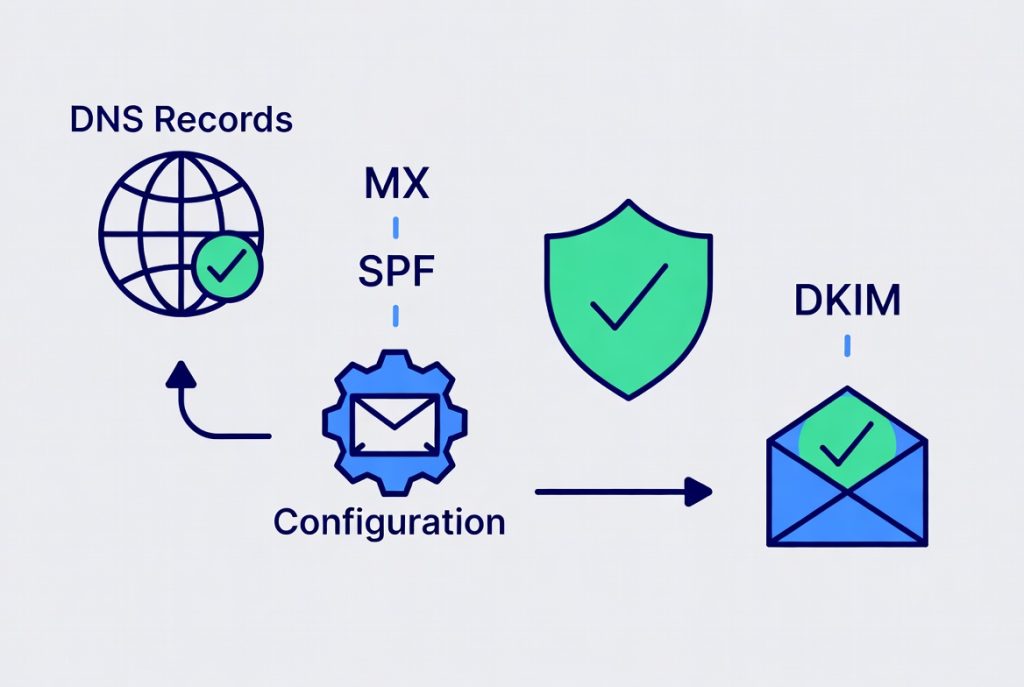
You should get comfortable with the command line and know a bit about server management. DNS records can trip you up. MX, SPF, DKIM, and DMARC are must-haves for proper email delivery. Skip these and your messages might vanish into spam at best or never get delivered. There are plenty of guides, but take time to learn the basics before you dive in.
For the software stack, you’ve got options. Some admins want a suite with everything: mail servers (like Postfix or Exim), IMAP access (Dovecot), and a webmail interface (Roundcube, for example). Others go for lighter setups. Choose what fits you, simple setups for personal use; full-featured for business.
Step by Step Process to Set Up Your Email Server
Here’s the content converted into a clean numbered list:
- Setting up isn’t plug-and-play, but there’s a clear roadmap. Secure your server, update packages, install mail software, and tweak the settings for your domain. Set up users and mailboxes, and test with a few internal messages before pushing live.
- DNS comes next. Forge your MX records, add your SPF, DKIM, and DMARC entries, and check that everything points to your server. Use online tools to verify. Most providers offer them for free. Once DNS settles, try sending a few emails out into the world (Gmail, Outlook, etc.) and make sure you get replies.
- Don’t skip security. Lock down your firewall, restrict to only necessary ports, and enable encryption on every connection. Use strong passwords and two-factor authentication wherever you can. Monitoring helps too keep an eye out for strange activity, because mail servers attract attention.
- After your basic system is running (and you’ve documented your configs), strengthen it with spam filtering and antivirus scanning. These tools shield you from junk and threats. Add webmail and set up mobile support if you want more convenience. Planning ahead, writing down steps and changes saves massive time later on.
Maintenance and Security
Ongoing maintenance is the price of freedom. Stay on top of security patches, regularly check disk space, and watch your logs. Backups are non-negotiable. Store automated backups separately. You never want to tell someone you can’t recover their lost emails.
Spam and phishing attacks are always evolving. Update your filters, educate users, and monitor your IP’s reputation on blacklists. Routine check-ins like weekly or monthly and let you find and fix issues before they become real headaches. If your organization already runs an internal directory, Active Directory Management Tools can tie your email system into a broader user management platform. This saves time managing accounts, especially at scale.
Final Thoughts on Self-Hosting Email
Host your own email is a process, not a single event. The trade-offs are worth it for those who want privacy, independence, and flexibility. Start with a plan, use reliable software, and keep security front and center. Test, tweak, and learn as you go. Tech’s always moving. Tools like AI agents can help monitor logs or automate routine work, but the final responsibility is yours. If you’re methodical and open to learning, you’ll not only run your own email but also pick up valuable skills you can use all over IT and server management.
Take your time. Keep things secure. Build the system that suits your life or business, and enjoy the independence of hosting email on your terms.