If you’re already thinking about how to reduce TTFB on your VPS, you’re on the right track. Time To First Byte or TTFB is one of those speed metrics that really matters now. Google pays attention to it with Core Web Vitals, so if your TTFB is high, you’re facing slower page loads, more people bouncing, and your rankings start to slide. The upshot? Lowering TTFB on your VPS is totally doable if you know where to look.
Let’s get practical. Here’s exactly how to bring your TTFB down, step by step. Doesn’t matter if you run WordPress, WooCommerce, a SaaS app, or something custom. These steps help your VPS answer every request faster.
What is TTFB and Why Does It Matter?
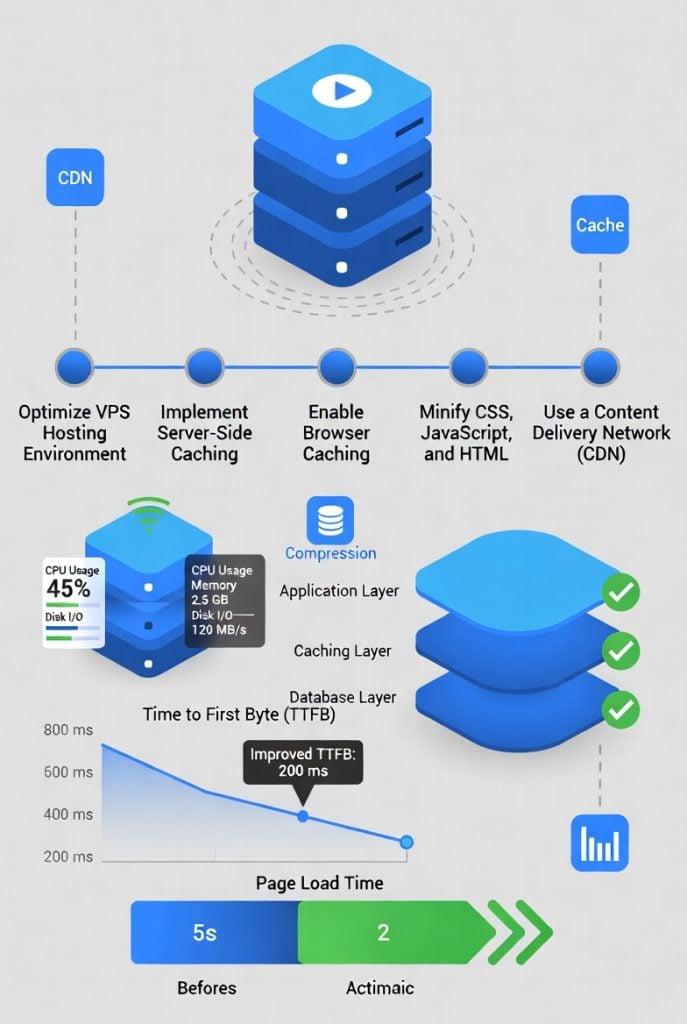
TTFB is simply how long your server takes to send the very first byte of data after someone visits your site. Under 200ms? That’s great. If you’re above 600ms, things feel slow and search engines notice.
Usually, a high TTFB comes from slow database queries, a clunky web server setup, no caching, or just not enough server resources. The good news: with a VPS, you call the shots and can fix most of it yourself.
Choose the Right VPS Resources First
Start here and don’t even bother with tweaks if your VPS is running on fumes.
- Go for at least 2 to 4 vCPUs.
- 4–8 GB RAM is a sweet spot. Running WooCommerce or high-traffic sites? Get more.
- Only use NVMe SSD storage. Skip SATA drives.
- Pick a location close to your users.
A lot of people notice better TTFB just by upgrading from, let’s say, 1 vCPU/2 GB RAM to 4 vCPU/8 GB RAM. Power does matter.
Optimize Your Web Server Configuration
Nginx almost always beats Apache for TTFB. If you’re still on Apache, consider trying Nginx or OpenLiteSpeed.
Nginx Tweaks for Lower TTFB
- Turn on Gzip and Brotli compression.
- Use HTTP/2 or HTTP/3.
- Bump up worker_connections, tune worker_processes.
- Enable fastcgi_cache or at least micro-caching for dynamic content.
- Set a proper keepalive_timeout.
Roll these out and you could lower TTFB by 100–300ms pretty easily.
Implement Proper Caching Layers
Caching really moves the needle on TTFB.
Server-Level Caching
Nginx FastCGI Cache or OpenLiteSpeed Cache are excellent. These are all about serving full pages instantly to repeat visitors.
Object Caching
Set up Redis or Memcached. Hook it into your site. Your database will feel a lot lighter.
Browser Caching
Tell browsers to hang onto static files like CSS, JS, and images longer, so returning users aren’t always downloading the same stuff.
Database Optimization
A sluggish database drags down TTFB fast.
- Use Query Cache or Redis Object Cache.
- Run OPTIMIZE TABLE regularly.
- Make sure your most-used tables are properly indexed.
- Trim out heavy, unnecessary plugins or database calls.
Sometimes, just cleaning up your database trims down TTFB by 100–200ms.
Use a Good CDN
A CDN won’t directly drop your server TTFB, but it shortens the journey your data takes so pages load faster for everyone. Cloudflare’s free plan is surprisingly good, but Bunny.net and QUIC.cloud are also solid picks.
Keep Everything Updated and Lean
- Always run the latest secure versions of PHP, MySQL/MariaDB, and your web server.
- Ditch plugins and themes you don’t use.
- Turn off unnecessary WordPress features (like emojis or embeds).
- Stick to lightweight themes and smartly-coded plugins.
Monitor and Test Regularly
You can’t fix what you don’t track. Try these tools:
- GTmetrix or PageSpeed Insights
- WebPageTest.org
- Netdata (for server stats in real time)
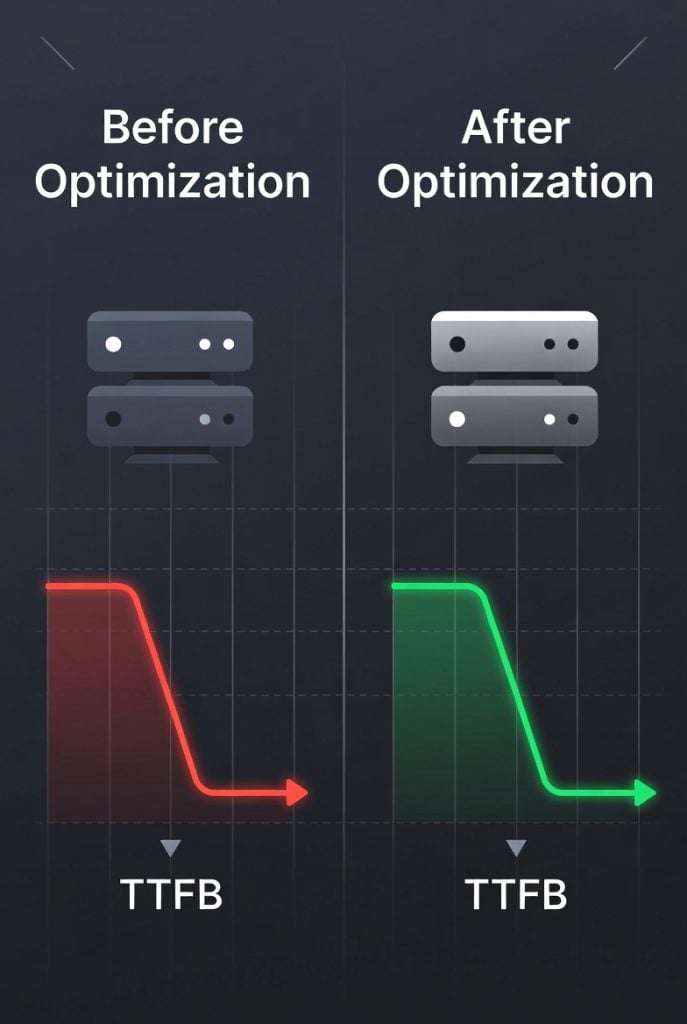
Benchmark your TTFB before and after each change. You want to see what really helps.
Final Thoughts
If you want reliable speed, most folks get the best results by mixing a well-tuned VPS, smart caching, and a good CDN. When picking a host, look for the best hosting services for WordPress that gives you strong VPS options with fast NVMe storage and easy upgrades.
Cutting TTFB takes a bit of effort, but the rewards show up fast with snappier sites, happier users, and better rankings. Focus first on essential stuff: solid resources, sharp web server config, and strong caching. Then tweak from there.
Take it step by step. Small wins add up quickly, and even a modest drop in TTFB can really freshen up your website’s feel and speed.