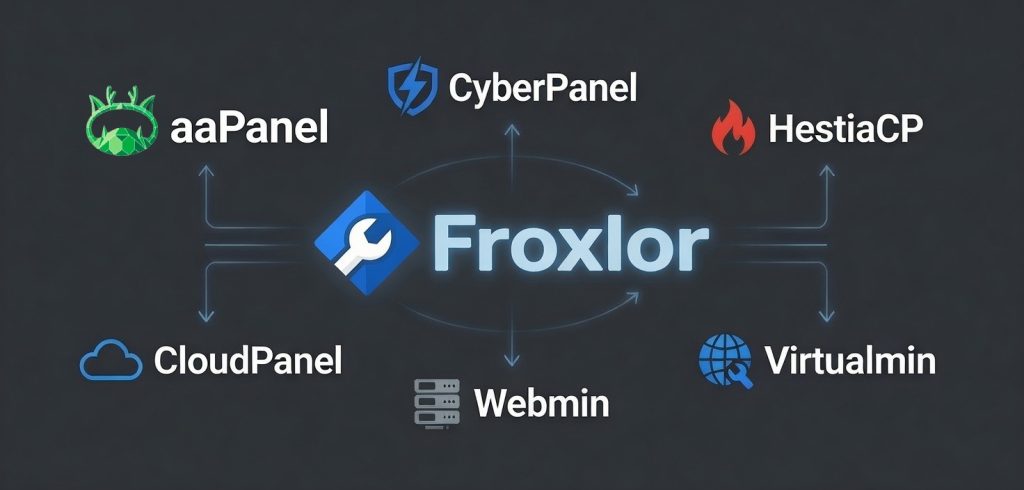
Looking for a good Froxlor alternative? Let’s get straight to it! If I had to pick one, I’d recommend aaPanel. It outpaces Froxlor with faster speeds, a cleaner dashboard, lower resource demands, and a bunch of up-to-date features, all while staying free for most users. It’s no wonder a lot of system admins and hosting providers are ditching Froxlor. They want quicker load times, easier management, and solid long-term support, not the same old clunky interface.
Froxlor has been around the open-source block for years, but these days, it just can’t keep up with the new kids in town. People complain about it hogging resources, dragging its feet during updates, and forcing them to wrestle with a dashboard that feels stuck in another era. Swapping this hosting control panel out for something better isn’t just about following trends but it really boosts server performance and cuts down on the daily headaches.
Why People Search for a Froxlor Alternative
The interface of Froxlor is clunky. Handling modern workloads feels just “okay.” And if you want advanced stuff? That means even more tinkering. Small businesses and VPS users run into these snags fast, especially when they’re deploying sites, keeping an eye on their server’s health, or trying to shore up security without burning time.
So, what should a decent Froxlor alternative do? Things like lightweight: less resource usage, faster panel loading, one-click app installs, real security tools, updates you don’t have to wait months for. Honestly, it matters most for anyone managing a bunch of websites on a server that isn’t exactly enterprise grade.
Key Factors When Choosing a Better Hosting Control Panel
If you’re considering switching, here’s what you need to keep in mind:
- How much load does it put on your server?
- Is it actually easy to use, or will you need hours to figure it out?
- Does it pack real security features and handle its own updates?
- Can you back everything up (and restore it) easily?
- Is there a community, or do you end up on your own when something breaks?
Check these boxes, and you won’t replace one headache with another.
Top 15 Froxlor Alternatives for Better Performance
Here are top 15 Froxlor alternatives you should know about with the things you need to know on each hosting control panel.
1. aaPanel

A lightweight, modern control panel for Linux. One-click installs, an uncluttered dashboard, strong security tools, and barely any impact on resources.
Pros: Ridiculously low resource use, free core features, top-notch installers, gets regular updates.
Cons: Linux-only focus, some pro features need payment.
Best for: Anyone who wants max performance and simplicity without paying a cent.
2. CyberPanel

Built on OpenLiteSpeed. Super fast for PHP and WordPress. Slick interface.
Pros: Zippy speeds, free version, solid security.
Cons: Bugs pop up from time to time, not the best fit if you’re not using LiteSpeed.
Best for: Users chasing top speeds with LiteSpeed.
3. HestiaCP

Successor to VestaCP, it’s free and light. The interface feels fresh, not fussy.
Pros: Free, efficient, simple, gets updates regularly.
Cons: Fewer features than paid panels.
Best for: Open-source fans looking for simple and effective.
4. CloudPanel

Free, modern, and tuned for cloud servers. Handles multiple PHP versions smoothly.
Pros: Free, cloud-optimized, slick design.
Cons: Smaller user base, newer on the scene.
Best for: VPS users who want a cloud-first approach.
5. Webmin

A veteran free control panel that gives you deep system power but isn’t obsessed with web hosting alone.
Pros: Free, powerful, works just about everywhere.
Cons: Steep learning curve, looks old-school.
Best for: Seasoned admins who want control over everything.
6. Virtualmin

Stacks onto Webmin, bringing strong virtual hosting and domain tools.
Pros: Full-featured free plan, excellent for multiple domains, good docs.
Cons: Can be daunting for newbies.
Best for: Managing lots of domains, especially with advanced needs.
7. ISPConfig

Multi-server management for free. Big in Europe.
Pros: Free, solid for multi-server setups, rich features.
Cons: Interface gets the job done but won’t win any awards.
Best for: Anyone overseeing multiple servers.
8. CentOS Web Panel (CWP)

Made with CentOS in mind, solid balance of features.
Pros: Free, gets updates, good feature mix.
Cons: Can feel crowded, limited to certain Linux distros.
Best for: CentOS users on a budget.
9. Ajenti

Python-based, lightweight, and modular with a snazzy UI.
Pros: Light on resources, modern, customizable via plugins.
Cons: Smaller support community; fewer built-in features.
Best for: Folks who want a lean, extensible panel.
10. RunCloud

Paid, developer-friendly, great performance, cloud-focused.
Pros: Top-notch speed, current features, support that actually helps.
Cons: Costs can add up, no free version.
Best for: Developers and agencies ready to pay for the best stack.
11. ServerPilot

Another paid option, all about PHP performance and simplicity.
Pros: Easy, fast, secure.
Cons: Not free, niche use.
Best for: Users who crave hassle-free PHP hosting.
12. Plesk

All the bells and whistles, polished, huge extension library, works on Linux and Windows.
Pros: User-friendly, flexible, reliable.
Cons: Not cheap, heavier on resources.
Best for: Anyone who needs a “name brand” solution and is willing to pay.
13. cPanel

The industry standard, packed with features, hosting favorites.
Pros: Loads of features, bulletproof reliability, huge support network.
Cons: Expensive, hogs resources.
Best for: Big hosting setups who need something tried and tested.
14. DirectAdmin

Paid, efficient, quick, and cheaper than cPanel/ Plesk.
Pros: Fast, lean, affordable licenses.
Cons: UI isn’t the flashiest.
Best for: Users prioritizing speed and cost-effectiveness.
15. Cockpit

Free, focused on real-time server monitoring, modern UI—less about hosting, more about management.
Pros: Free, super-light, great monitoring.
Cons: Not a traditional hosting panel.
Best for: Supplementing your panel or keeping things really simple.
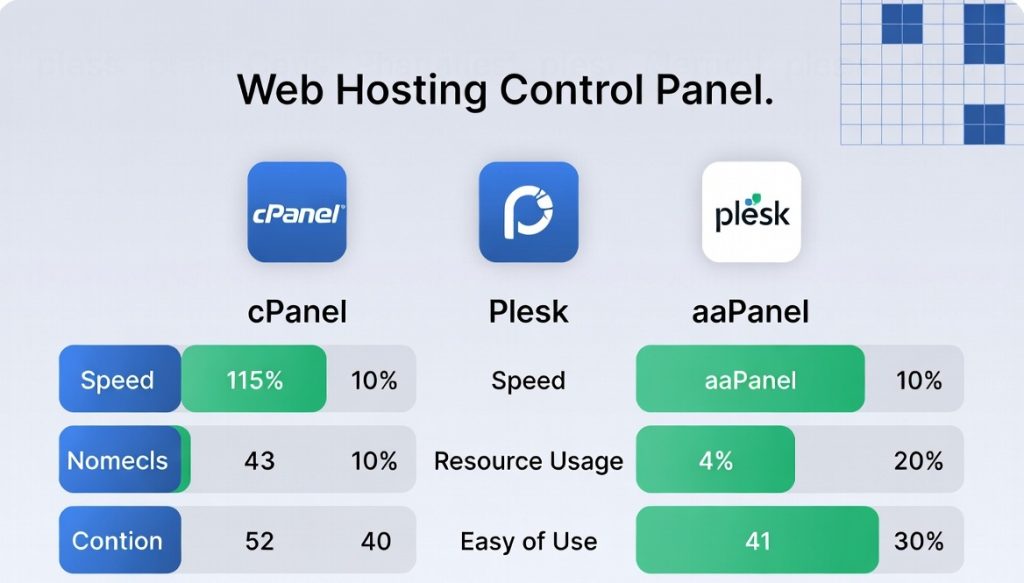
Performance Comparison Overview
| Panel | Resource Usage | Ease of Use | Free Version | Best For |
|---|---|---|---|---|
| aaPanel | Very Low | High | Yes | Most users |
| CyberPanel | Low | High | Yes | Speed-focused setups |
| HestiaCP | Very Low | High | Yes | Simple open-source needs |
| CloudPanel | Low | High | Yes | Cloud servers |
| Webmin | Medium | Medium | Yes | Advanced system control |
| Plesk | Medium-High | High | No | Commercial environments |
| cPanel | High | High | No | Large hosting providers |
Making the Switch Successfully
Before you switch out Froxlor, do a little homework. Back everything up like sites, databases, configs and all the works. If you can, test things out on a staging server first. Most modern panels have built-in migration tools or import features that smooth the process.
After you move, dig into the new panel, tweak the security settings, and stick with regular monitoring and backups. That’s just smart administration, no matter what panel you choose.
Final Thoughts
Honestly, swapping Froxlor for something newer does wonders like servers run smoother, you spend less time on chores, and the experience just feels better. Right now, aaPanel leads the pack with a winning mix of speed, simplicity, and features (all without charging for the basics). If you’re managing anything from a solo side project to a whole client roster, switching to a lightweight, modern panel saves you time and headaches. Do a bit of testing, pick what fits your needs, and pull the trigger. You’ll enjoy the upgrade.

And if you’re curious about free web hosting control panel for Windows, sure, there are free options. Just know that the top performers really shine on Linux, where things like aaPanel push hardware and security further without letting you down.