Looking for the best website control panel for your small business? Honestly, aaPanel comes out on top. It’s lightweight, starts off free, does what you need, and won’t bog down your server or your wallet like some other panels. If you own a small business, you probably don’t have much time, money, or patience to waste on confusing setups and tech headaches. That’s where aaPanel steps in. It gives you easy one-click installs, strong security, and solid performance out of the box even on basic VPS hosting.
Running a website as a small business owner is a complicated task. You’ve got a hundred things to think about, which means you need a straightforward way to manage domains, install new software, set up databases, and keep everything secure without bringing on an IT guy. That’s really the point of a good website control panel. It cuts through all the technical nonsense and lets you focus on running your business instead of fighting server settings.
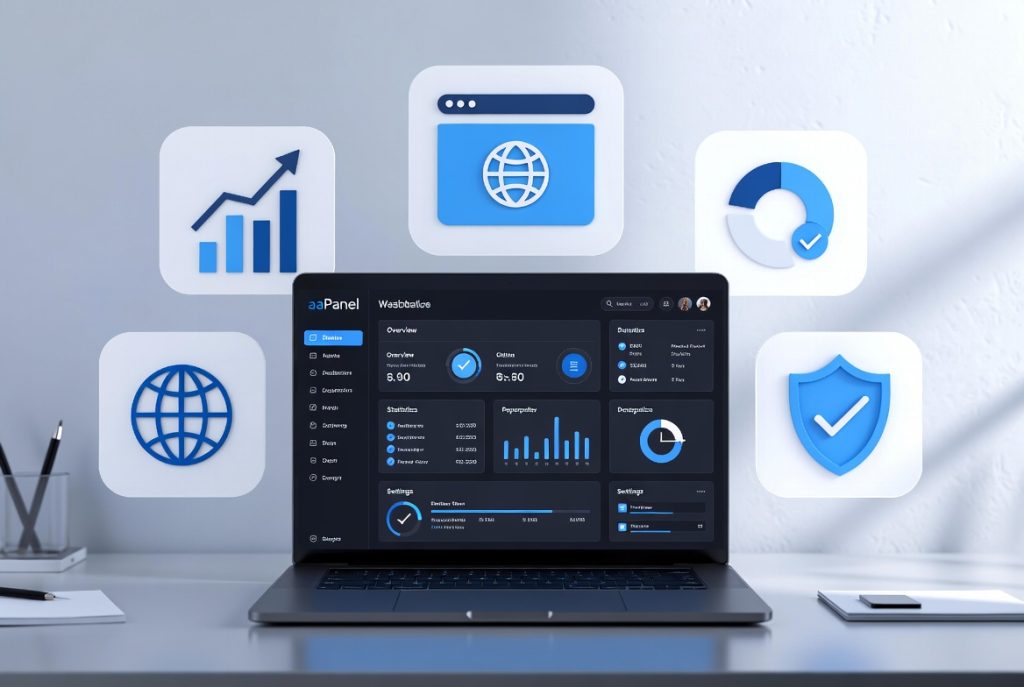
Why Small Businesses Need a Reliable Website Control Panel
Most small businesses start out on shared hosting or a cheap VPS. Things get messy fast when you try to handle everything in the command line, especially as your site grows or you add more sites. A decent control panel gives you a clear, visual dashboard for everything. Need to make email accounts? Set up SSL? Monitor resources? Install WordPress? Easy. Without a panel, even the smallest updates eat up time and energy.
Security’s another big piece of this. A good panel isn’t just there to make things look nice and it protects your site, too. Built-in firewalls, automatic updates, simple backup tools—all that adds up to better protection, especially if you can’t afford a dedicated IT crew. Peace of mind goes a long way.
Key Features Every Small Business Should Look For
Forget the flashy marketing and check for practical features:
- Lightweight, so your server doesn’t get bogged down
- One-click installers (huge time saver)
- Simple, clear resource monitoring
- Automated backups you can actually use
- An interface you don’t need a manual to understand
Here are the basics you want:
- Easy site and domain management
- Installers for WordPress and other apps
- SSL built in
- Resource alerts and monitoring
- Backups, with simple restore
You really just want a dashboard that works—the rest is noise.\
Comparing Popular Website Control Panel Options
Now, there are lots of panels out there. Some are packed with features but come with a price tag—or they drain your server. Others are totally free but feel like they’re meant for system admins, not business owners. This quick comparison breaks it down:
| Control Panel | Cost | Resource Usage | Ease of Use | Best For |
|---|---|---|---|---|
| aaPanel | Free/Paid | Very Low | High | Small businesses & VPS |
| cPanel | High | Medium-High | High | Hosting companies |
| Webmin | Free | Medium | Medium | Technical users |
| CyberPanel | Free/Paid | Low-Medium | Medium | LiteSpeed users |
| Plesk | Medium-High | Medium | High | Windows & Linux hosting |
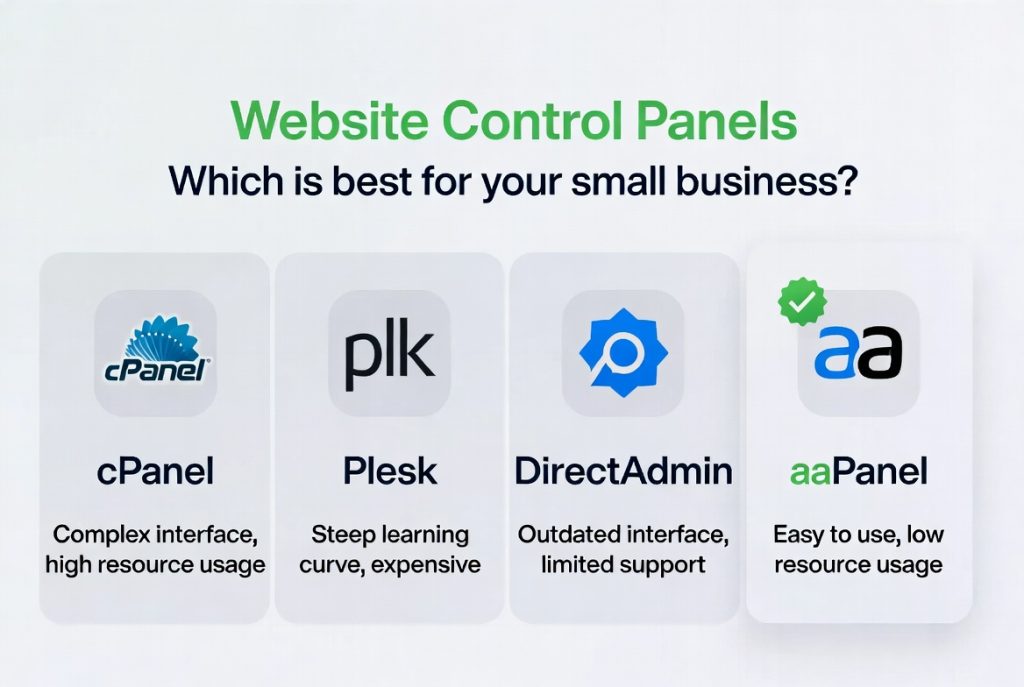
You can see why small businesses often lean toward something light. Big, “enterprise” panels can slow down smaller servers, and the free ones can be more trouble than they’re worth if you aren’t a techie.
Why aaPanel Is the Best for Small Business
So, why’s aaPanel such a good fit? It’s popular with solo site owners and small teams for a reason. Install it on most Linux servers and you’re ready to go. You get access to everything sites, databases, file manager, security settings right from the dashboard. The one-click installer handles all the usual apps, which is perfect for launching new projects fast.
Performance stays solid even on budget servers. That means you don’t have to rent extra VPS power just to keep your panel running and save that cash for your actual website traffic. Security’s covered too, with firewall management and Fail2Ban built right in, without needing to be a security guru.
And the thing keeps getting better. Regular updates add features users actually want, without adding unnecessary bulk. aaPanel’s focus is clearly on the real-world needs of small site owners, not just big enterprise clients. If you’re on Linux (and let’s be honest, most hosting is), you’re in good shape.
Another practical advantage is the active development and regular updates. The panel continues to add useful features while staying focused on the needs of everyday users rather than enterprise complexity. For owners who also explore Windows environments, it is worth noting that some users look for a free web hosting control panel for Windows, yet aaPanel’s strength remains on Linux where most modern hosting happens.
Getting Started and Daily Management Tips
Getting up and running doesn’t take long. After installing aaPanel, you get your login, and you’re pretty much ready to create sites, add domains, set up emails, and install WordPress or other apps. Most of it just by following the prompts. Monitoring graphs make it easy to keep an eye on server health, so you only need to scale up when you really have to.
Daily management is simpler, too. Need to renew SSL, check backups, or see if you’re running out of disk space? Do it all from one spot. Centralizing everything means it’s a lot harder to forget about important updates or maintenance. No more scrambling to log into the server at midnight because something broke.
Security and Long-Term Reliability
Security’s not just nice to have but it’s essential. A reliable panel should help you cover the basics: firewall setup, automatic software updates, SSL tools, regular backups. These tools aren’t just there for show but they keep your business running and give you the backup you need if something ever goes sideways.
Over time, you’ll trust your setup more, which means you’re freed up to actually work on your website, improve your marketing, and focus on your customers.
Final Thoughts on Choosing the Right Panel
At the end of the day, picking the right website control panel is a big deal for small businesses. With aaPanel, you get an easy, low-cost solution that does everything you need without the heavy resource use or complicated interface of bigger names. It’s about finding something that lets you run your website, not the other way around.
Don’t just go with what’s popular and think about what your business actually needs and how much time you want to spend fiddling with servers. Try a couple of panels on a test server first to see which one feels right. When your control panel does its job, you get back precious time to put toward growing your business.

A smart choice here is more than just ticking a technical box. It’s an investment in how smoothly and securely your business can run and how much time you get back for the work that actually matters. Business owners who switch to a panel like aaPanel usually notice the difference pretty quickly: better site speed, easier management, and a lot less stress.
Bottom line: whether you’re just launching, rebuilding, or managing several client projects at once, the right panel saves you time and headaches. If you want something that’s efficient and doesn’t get in your way, aaPanel keeps proving itself as a smart, everyday tool without any silly overhead.
Frequently Asked Questions
1. What is the best website control panel for small businesses in 2026?
aaPanel is widely considered the best website control panel for small businesses because it is lightweight, free to start with, easy to use, and offers strong features without high costs or heavy resource usage.
2. Is a website control panel necessary for small businesses?
Yes. A good website control panel for small businesses simplifies website management, security, backups, and application installation, saving time and reducing the need for advanced technical skills.
3. Can I use aaPanel on a budget VPS?
Absolutely. aaPanel is designed to run efficiently even on lower-spec VPS plans, making it ideal for small businesses that want to keep hosting costs low.
4. Does aaPanel support one-click WordPress installation?
Yes. aaPanel includes a one-click installer that supports WordPress and many other popular applications, which is a major advantage for small business owners.
5. How does aaPanel compare to cPanel for small businesses?
cPanel is more expensive and uses more server resources. aaPanel offers similar everyday functionality at a much lower cost and with better performance on smaller servers.
6. Is aaPanel free?
Yes, aaPanel has a free version that covers most needs of small businesses. There are also paid options for users who want additional advanced features.
7. Can beginners use a website control panel for small businesses?
Yes. Modern panels like aaPanel are designed with user-friendly interfaces so that even non-technical users can manage websites, domains, and security settings without difficulty.
8. Does aaPanel help with website security?
Yes. It includes firewall management, SSL certificate tools, and other security features that help protect small business websites from common threats.
9. How often should I back up my website using a control panel?
It is recommended to set up automatic daily or weekly backups. Most website control panels for small businesses, including aaPanel, make this process simple and reliable.
10. Can I manage multiple websites with one control panel?
Yes. A good website control panel for small businesses allows you to manage multiple websites, domains, and applications from a single dashboard.