Finding a reliable, free web hosting control panel for Windows has always been a struggle. Most big-name panels built their reputations on Linux, leaving Windows users to either shell out for pricey licenses or mess around with complex manual setups. It’s frustrating. Developers, businesses, and anyone loyal to the Windows ecosystem really just want something simple, powerful, and free. That’s where aaPanel steps in and actually makes a difference.
Why Windows Hosting Needs Something Like aaPanel
There’s always been a gap in the Windows hosting world. People want to run sites or apps on Windows Server, but the tools for managing everything were either clunky, expensive, or non-existent. Over the last few years, more admins have looked for free web hosting control panel for windows that is lightweight, secure panel that won’t suck up all their server resources or empty their wallets. aaPanel heard that call and actually delivered by expanding support to Windows.
Where aaPanel Stands Out
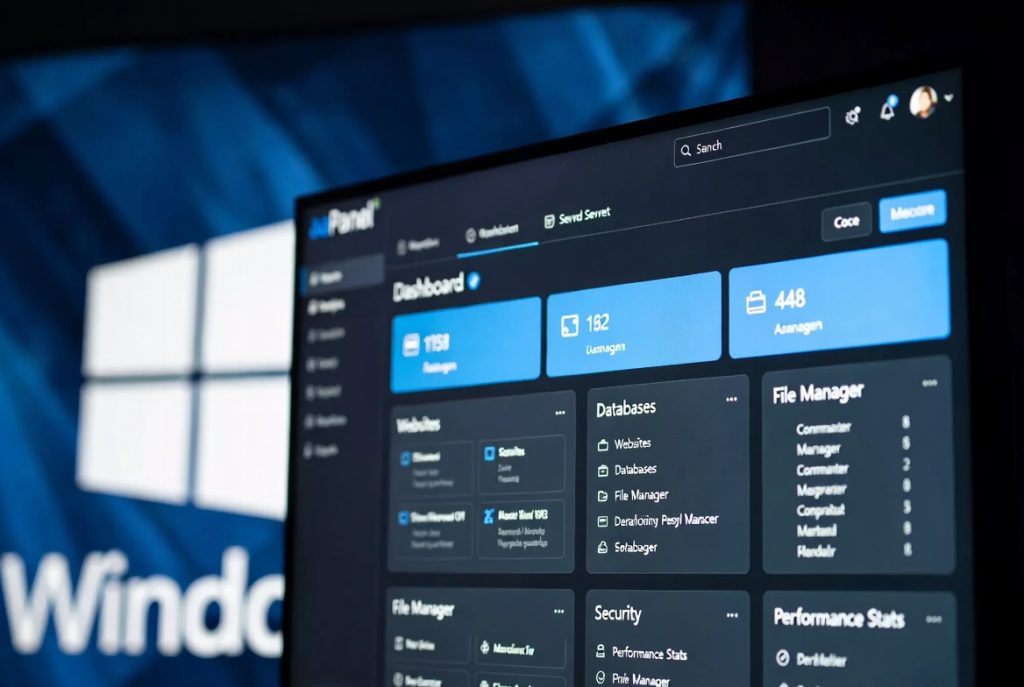
The first thing you notice with is how clean and modern it feels. Forget those crowded, ugly interfaces. We’re talking something far more user-friendly here. Sure, aaPanel started with Linux, but the Windows version has matured fast. You get solid support for Windows Server editions from 2012 all the way through 2026.
What really stands out is how light the hosting control panel runs. You can drop it onto a modest VPS or a small dedicated server, and it won’t turn everything down. That’s something you notice right away, especially if you’ve fought with resource-hungry panels before.

Managing sites is straightforward. From the dashboard, you can juggle multiple websites, handle your databases, set up FTP accounts, install SSL, and check vital metrics and everything’s packed into a single, intuitive interface. Agencies and developers especially will appreciate the ability to keep everything in one place without getting lost.
Key Features That Matter
It’s the features that really sell it. The built-in file manager is fast and easy to use. You get drag-and-drop uploads, direct file edits like stuff that just works without fiddling around. MySQL and SQL Server support is handled smoothly, with easy ways to backup or restore your databases. For security, you get basic firewall controls and simple SSL setup, so you’re not left exposed.
Performance monitoring’s built right in, so you can keep tabs on CPU, memory, and disk in real time. It’s easy to spot problems before they turn into real issues. And if you need a quick way to set up WordPress or another CMS, there’s a one-click installer that shaves off a ton of setup time.
If you’re shopping around, aaPanel is a strong CyberPanel Alternative, especially if you need proper Windows compatibility and a better-developed ecosystem.
Free Web Hosting Control Panel For Windows Simple Installation
Some people find it complicated of How to Install a Control Panel because so many ways it can go wrong. But aaPanel makes setup on Windows pretty painless. Just grab the official installer or script, follow the prompts, and you’ll have it up and running quickly.
Once it’s installed, aaPanel helps you secure your server right away guiding you through setting up the firewall, sorting SSL certificates, and nailing down the basics, without all the guesswork.
Performance and Resource Use: A Clear Edge
If you care about server speed (and really, who doesn’t?), aaPanel wins big on efficiency. Some panels chew through resources, but aaPanel stays lean. That’s great news if you’re working with limited hardware or just want to get the most mileage out of your server.
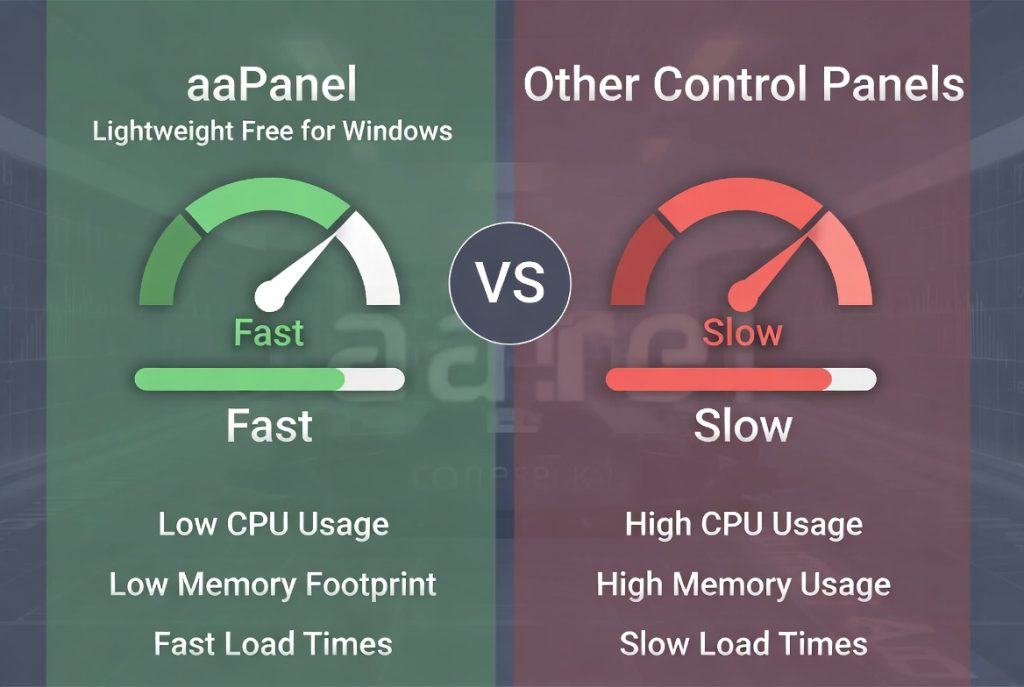
Switching to this hosting control panel usually means faster site response and better uptime, judging by most users’ experiences. Visitors feel the benefit too with snappier load times and fewer headaches.
Security Features
aaPanel comes packed with tools to keep your server safe. You get regular updates, easy firewall tweaks, and SSL management—plus the basics are simple enough that you don’t need to be a security expert.
Of course, good habits still matter. Update Windows, use strong passwords, keep an eye on those logs. The control panel just makes sticking to best practices a whole lot less painful.
Who Should Use aaPanel?
Honestly, almost anyone who relies on Windows hosting. Small business owners will love not paying for core features. Developers and agencies get an easy way to manage multiple projects from one place. Even bigger organizations, tired of hefty license bills, are starting to realize aaPanel’s value.
It fits especially well if you’re running both Linux and Windows servers, or if you’re switching from Linux but want something familiar and reliable on your Windows boxes.
Final Thoughts
After trying plenty of free web hosting control panel for windows, it’s clear aaPanel isn’t just another also-ran. Performance, usability, features that actually matter. It’s really closed the gap for Windows users who never had many good panel choices.
Not every panel will be perfect for every job, but this one hits the right notes for most people. As the Windows hosting world keeps growing, having an actively developed, free control panel like this becomes a big asset.
If you’re tired of expensive licenses or convoluted installs, aaPanel is well worth a spin. It’s gaining fans, getting frequent updates, and looks set to stick around as the best free choice for Windows web hosting control panel.
Bottom line? Whether you manage one site or dozens for clients, the right control panel makes everything smoother. For a lot of Windows users, this panel finally brings a smart, modern, zero-cost solution that just works.