If you’re looking for a free game server control panel for your Linux VPS, Pterodactyl is the one most admins start with and for good reason. It’s open source, it works on Ubuntu or Debian, and every game you spin up runs in its own Docker container. You can manage Minecraft, Rust, CS2, FiveM, and all sorts of other servers right from your browser, so you’re not glued to SSH for every little thing. AMP and Multicraft might feel slicker out of the box, but after you pay for your VPS, those aren’t free anymore. Pterodactyl does take some setup. You’ll have to put in a web stack, a database, Redis, and their Wings daemon. But after you slog through that, you get a panel that can grow from a “just me and my friends” server to a beefier setup, all without worrying about license fees.
This guide is really for people running their own Linux VPS. If you’re on shared game hosting, you probably already get a hosting control panel tossed in. None of this is necessary unless you want full control over ports, snapshots, and who logs in.
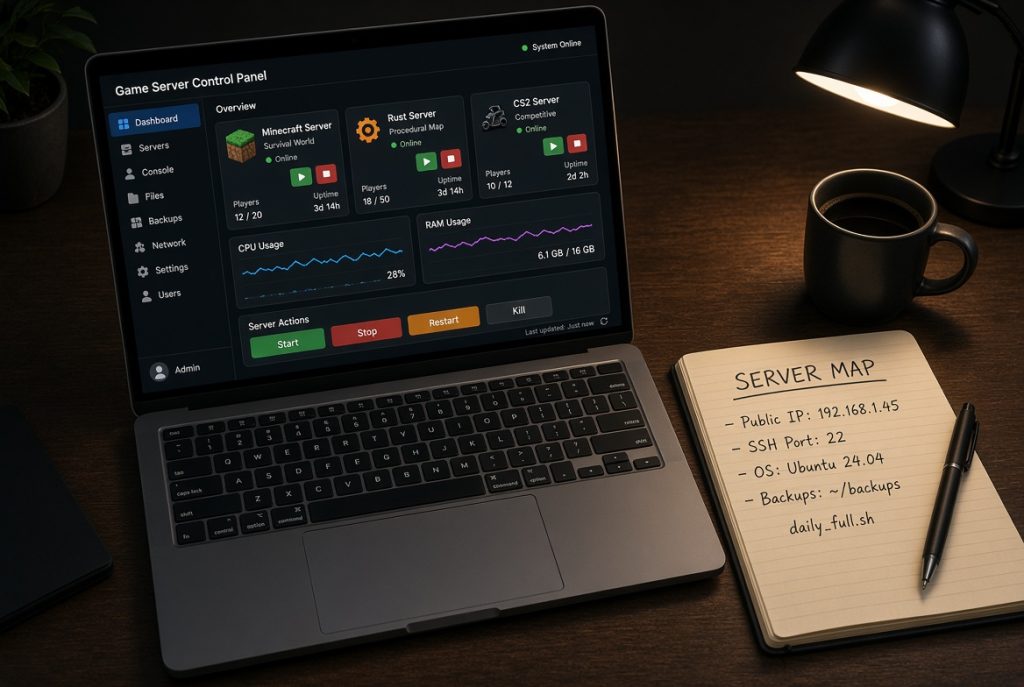
What you actually need on a Linux VPS
A panel won’t replace basic server hygiene. Before you start copy-pasting commands, jot down the public IP, SSH port, Linux distro, disk size, and the games you actually plan to run. Make yourself a sudo user, stick your working SSH key on there, and shut off root password logins if your host is extra lazy and left them open. OS and package updates aren’t optional here. Pterodactyl sits on top of PHP, Nginx or Caddy, MySQL or MariaDB, and Docker. Ignore updates, and your VPS turns into somebody else’s playground.
RAM is the thing that trips people up. You can run the panel and Wings in 2 GB, but that doesn’t leave much for a Minecraft world. You really want 4 GB minimum for anything serious, and double that if you want to run two games or a decent modpack. Disks fill up fast once you stack backups, logs, and SteamCMD downloads. Once you’re above 80% disk usage, the panel might still load, but your games will crash in the worst ways.
Firewalls don’t need to be complicated. Open up SSH, HTTP, HTTPS, and the ports your games need (only the ones you can describe in a sentence). Never open your database to the whole internet. If you change SSH ports, write it down before you log out, and double-check you can get back in.
How to install Pterodactyl without wrecking your server
Official instructions change with every PHP release, so treat random tutorials like checklists, not gospel. Always start with a fresh Ubuntu 22.04 or 24.04 install. Update your packages, set up your timezone, and if you want HTTPS, point a subdomain at your VPS—dealing with raw IPs for SSL is just not worth it. The panel wants web server, PHP, Composer, database, Redis, and cron; Wings is its own thing and it’s what actually launches game containers via Docker. You’ll see the site without Wings, but nothing will launch.
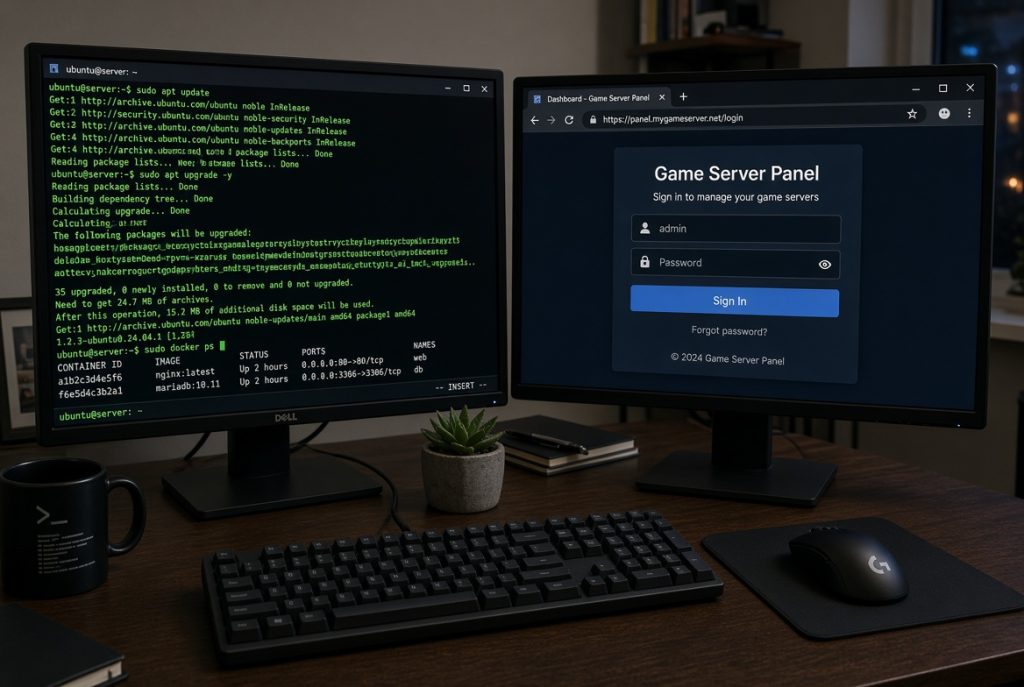
Anyone who’s tried hand-installing Nginx and PHP configs understands why installer scripts exist. If you use one, write down your panel’s URL, login details, and Wings token. Always snapshot your VPS before you start. You can roll back a whole machine way faster than fighting with broken configs. After everything comes online, add a node, set up allocations (IP and port ranges), and spin up something simple first, like vanilla Minecraft. Test start/stop, the console, and file uploads before you drop a modpack on there.
SSH stays important, even with the free game server control panel working. When Wings goes offline or you mess up a config, you need shell access for Docker logs, disk checks, or daemon restarts.
Panel and Wings: one server or two?
If you’ve just got one VPS, put everything on it. That’s the beginner path. When you outgrow that, keep your panel on a tiny VPS and hook up more Wings nodes on bigger boxes. But splitting the stack means two firewalls, two sets of updates, token syncs, and more things that can break. Don’t make it complicated just because someone online says it’s more “pro.”
Other free alternatives to Pterodactyl
Pterodactyl isn’t the only decent choice. Pelican is a popular fork with a familiar structure and an updated look. Crafty Controller is great if you’re just running Minecraft and want something lighter with less Docker hassle. PufferPanel is a basic, lighter-weight option, and LinuxGSM isn’t even a panel but it’s a script that runs dedicated servers from the shell. It’s perfect if you already live in a terminal and don’t care about web GUIs.
Paid tools always show up in these roundups because they do make life easier. AMP supports a huge array of games. Multicraft is still normal for Minecraft hosting. TCAdmin handles billing and nodes if you go that deep. These can be worth it, but that’s not what we’re doing here. If you’re trying to keep costs down after the VPS bill, stick with the free stuff and be ready to handle your own support.
An MC Server Control Panel like Crafty or a Minecraft-focused Pterodactyl egg will feel faster for a survival world with a few plugins. A broader Game Server Management Panel is what you want once FiveM, Palworld, or a voice server joins the same box. Don’t waste your weekend fighting with giant stacks just to run one Paper server; match your tool to your actual needs.
Use the comparison chart before you wipe your VPS and start over.
| Panel | Cost to self-host | Best fit | Linux VPS | Isolation | Pain point |
|---|---|---|---|---|---|
| Pterodactyl | Free | Multi-game, more than one server | Yes | Docker | First install |
| Pelican | Free | People leaving Pterodactyl | Yes | Docker | Newer ecosystem |
| Crafty Controller | Free | Minecraft only | Yes | Process or container | Weak for mixed games |
| PufferPanel | Free | Small personal box | Yes | Mixed | Fewer games |
| LinuxGSM | Free | One game, CLI comfort | Yes | None by default | No web UI |
That chart is not a scoreboard. If you don’t know why you need Docker isolation, you probably don’t need Pterodactyl yet.
Hardware and ports: what affects whether the panel actually works
CPU speed is more important than core count for Minecraft. Rust, CS2 those just want more RAM and a clean network. FiveM is picky: bad scripts or laggy ticks ruin everything. The game server panel can’t fix weak hardware it just shows you sad graphs after your friends are already complaining. Buy a VPS powerful enough for your toughest game, and let the lighter ones share the leftovers.
Ports mess up almost every beginner. Minecraft Java uses 25565/TCP, Bedrock uses 19132/UDP, Source engine games are usually 27015, FiveM is 30120. The panel itself needs 80 and 443; Wings sometimes uses 8080 and SFTP on 2022. Open only the ports you actually set up in the panel, and don’t forget to also open them in your host’s dashboard. If your console says the server is online but people can’t connect, it’s almost always a port or bind problem.
Backups should live somewhere other than your main game disk. A VPS snapshot is nice on day one, but a copied world folder is what actually saves you after a bad plugin or admin slip. Test your backups! Download one, unpack it somewhere else, make sure it works. A backup you’ve never restored is just wishful thinking.
Weekly habits after you get the panel up and running
Spending ten minutes a week checking things beats a whole Saturday fixing outages. Check disk space, memory, running game processes, and yesterday’s backup. Watch for crash loops. If something restarted a bunch overnight, fix it early. You should also check for strange SSH logins. Random scanners will always hit your box, but it’s the odd successful one that matters.
Your free game server panel makes these checks easier with all the graphs and logs on one page, but it doesn’t make you invincible. Update Pterodactyl and Wings on a schedule. Read the changelogs, especially for Docker or PHP. Always snapshot, then update, then test by logging into a game server from a different network.
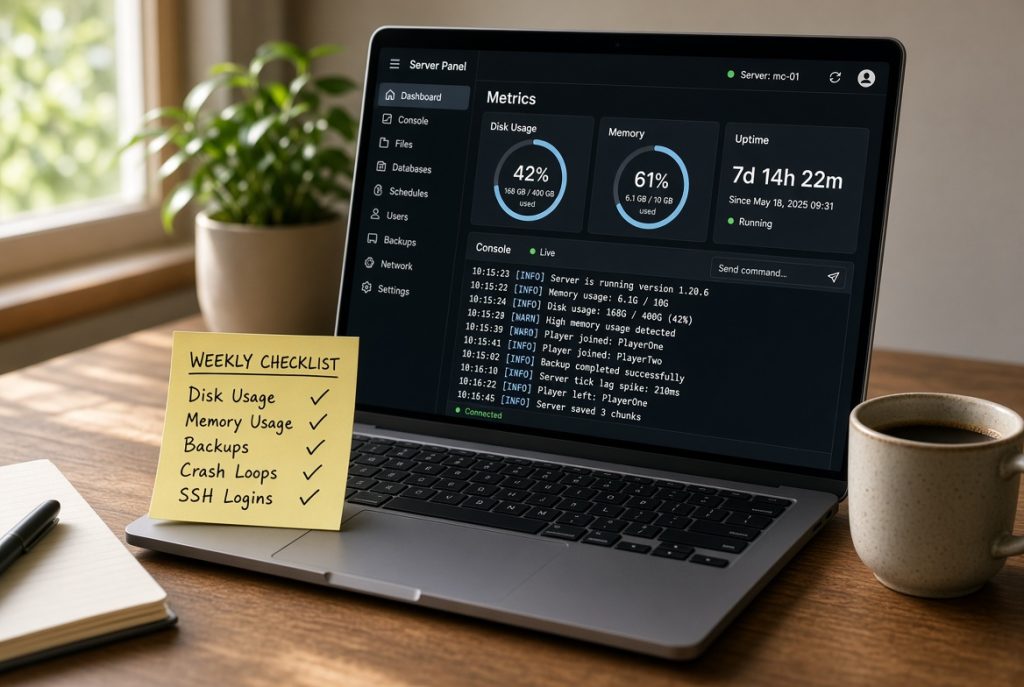
Write everything down on that original note like when you updated Paper, what ports you opened for FiveM, stuff like that. If you’re offline, your friend needs those notes to reboot the box in an emergency.
When a free panel is the wrong call
If you’re just running a vanilla world for a few friends and you’re fine with systemd, don’t bother with all this. If you want instant game switching, billing, and actual support, rent from a host and let them worry about it. A free game server control panel makes sense when you’re running your own VPS, want a browser UI, and don’t mind handling your own installs and upgrades.
It’s also wrong if your VPS is too small. Pterodactyl, Docker, and a giant modpack on 2 GB of RAM is a recipe for disaster. People blame the panel, but the box is just undersized. Upgrade RAM, or only run one game per server.
Classic mistakes that lock people out
Most errors come from small oversights. Admins close port 22 once the panel works (and lock themselves out). They bind games to 127.0.0.1. Disks fill with ancient backups, and suddenly nothing saves. Some people run HTTP, post passwords in Discord, or leave Wings wide open with no firewall. Don’t do any of that.
Fix problems in this order:
- Make sure you have disk space and Docker is running before blaming anything else.
- Double-check the IP and port allocations against your VPS firewall.
- Read the game’s container logs instead of smacking the restart button all day.
- Restore from a tested backup, not just wishful thinking.
Stick with these basics, and your free game server panel on Linux will stay as boring and reliable as you want. Start with Pterodactyl if you want to run lots of games. Go with Crafty for Minecraft-only setups. Don’t install anything you can’t restore in one click. Keep it simple.
Keep things simple, and your free game server control panel just works with no drama, no surprises. For running multiple games, go with Pterodactyl. If you only want Minecraft, use Crafty instead. Only add stuff you know you can recover from a backup or snapshot.