It used to be pretty simple: you’d build your website using online web development tools, just playing around in your browser, adjusting colors, then you’d worry about hosting later. You’d go buy some shared hosting, upload your files, and call it a day. Now, that line between making the site and hosting it is almost gone. Most modern builders let you create, store drafts, and publish your site live, all without touching FTP. So, when you’re picking hosting, it’s less about storage space and more about what your builder already takes care of, and what it leaves on your plate.
If your site is just a digital brochure you built with an in-browser editor, you don’t need anything close to the setup for a WordPress shop loaded with custom plugins. Static sites built with code tools barely need anything on the server. Apps that run Node, require a database, or need real backend processes obviously need more breathing room. It’s the tools changing what hosting actually means. The host needs to fit the job, not the other way around.
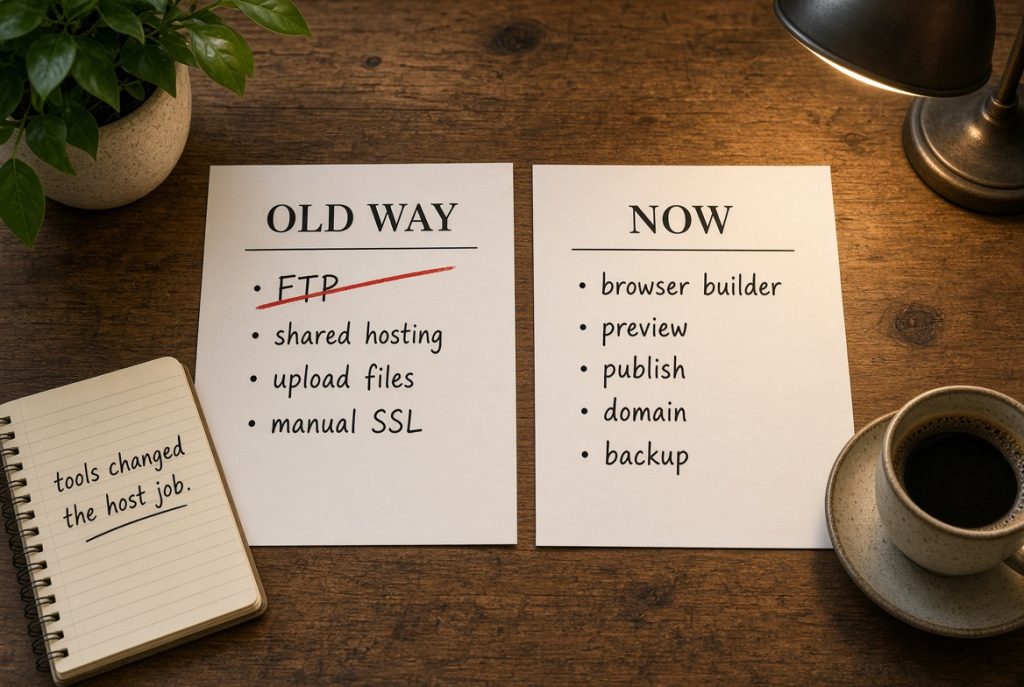
Let’s look at what these tools actually handle now
These days, a bunch of online builders do all the things that used to send you combing through confusing control panels. They’ll show previews, let you set up domains, manage SSL, and handle publishing. Some even toss in forms, basic analytics, and media storage. If your website is just a handful of pages and a contact form, that whole package might cover everything. In that case, hosting is bundled inside the tool. You’re basically paying for a platform, not just a place to store files.
Trouble pops up when you want out. Exporting simple files isn’t the same as exporting a fully working site with redirects, forms, or databases your builder kept hidden for you. Read the exit options before loading years of content into anything. Some tools lock you in with their own runtime, pretending to be only an editor, when really you’re renting their platform.
On the flip side, code-first tools are more open. A browser IDE or a git-based builder usually lets you deploy anywhere, but expects you to know where to put the finished site. You might need a static host, a container platform, or a plain VPS. So, these tools don’t get rid of hosting; they just push the decision to the moment you hit deploy.
What you still have to provide
And, no matter how easy a builder gets, three things are always your problem. You need your own domain, proper backups stored outside the platform, and a plan for outages. DNS stays in your hands if you ever switch hosts. A regular export or database dump could save you if your platform vanishes. These are real hosting concerns, even if you never see a traditional host. How to Manage Linux Server basics still apply when the tool deploys to a VPS you control. Check disk space, keep the OS updated, and make sure SSH works with a key. The builder does not do those jobs for you.
Another big hole is performance. Tools make everything look smooth in previews, but a slow shared server can tank a live site. Heavy images, uncached scripts, and distant servers don’t care if your builder’s interface is slick. If your tool deploys on its own network, check how close it is to your visitors. If it deploys to your server, then the server location and stack matter again.
Deploying to a VPS you control
Take aaPanel, for example. You build or generate your site online, then deploy it to a VPS. The panel gives you folders, SSL, and logs, without drowning you in terminal commands. You own your files, your backups, and your updates. The builder speeds up design, but, in the end, your host still needs to be reliable.
How does all this actually affect your choices?
If you’re making a static marketing site, it’s almost too easy. Most online tools can publish directly, or you can export and upload files to any basic host. No PHP, no database, no heavy control panels but just a domain, HTTPS, and a way to overwrite files. Buying premium WordPress hosting for a tiny site is a common mistake.
WordPress or similar apps change things a lot. Sure, some tools help you with design and staging, but once your site is live you’ll need PHP, a database, and plugin support. Shared hosting works for small sites, but a VPS is smart if you want custom PHP, your own backups, or multiple apps. The builder doesn’t erase those requirements; it just hides them until launch.
Custom applications are the biggest shift. If you’re using a cloud IDE to build a Node or Python project, shared hosting is all wrong. You want a host that can run processes, set up environment variables, and handle resets. That could mean using a platform-as-a-service, or sticking with a VPS to build your own setup. The old checklist like disk space and email accounts is basically pointless here.
Here’s a quick checklist before you dive in
Here’s a quick checklist before you dive in:
- Make sure your hosting matches what your tool actually spits out, not just what their homepage claims.
- If the builder hosts your site, double-check how you can export your data and transfer your domain.
- If it’s only a design tool, confirm what your final destination needs to run.
- Keep your domain registered somewhere you actually control.
- Store at least one backup off both the tool and the host.
- Check server locations; your visitors care more than you think.
- Start small. Upgrade later, when you actually hit limits.
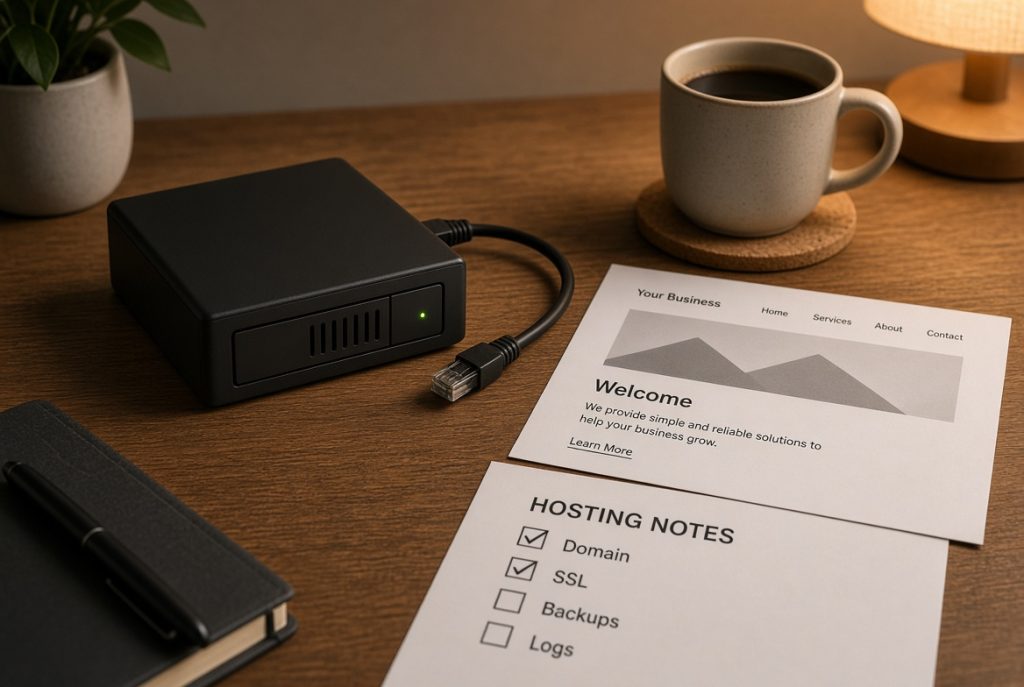
That covers most first-time sites. You can skip fancy staging, mail setups, and complicated multi-server arrangements. Nail the simple version first. When that’s boring, you can expand. Online web development tools made launching your first site painless, but they didn’t make long-term hosting automatic. What you actually need is whatever keeps your site alive once the editor is closed, and you’re back to being just another site owner.