Leaving your VPS unprotected isn’t just risky it’s asking for trouble. But protecting your server security doesn’t have to mean hours lost wrestling with complex commands. With aaPanel’s Firewall Configuration, you can lock down your hosting control panel in just a few minutes, even if Linux is totally new to you.
Maybe you’re setting up your server for the first time. Maybe you want to be sure you’re not missing something critical. Either way, aaPanel’s firewall tools are so straightforward, you don’t need to be a sysadmin to use them.
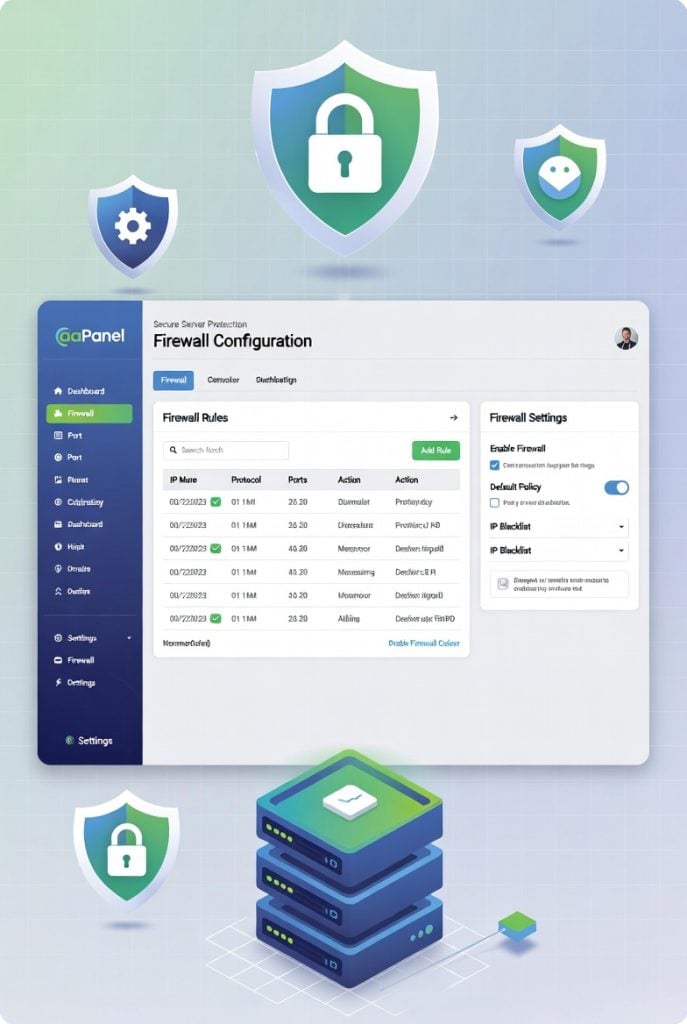
Why Does Firewall Configuration Matter?
A firewall manages which traffic can get in and out of your server. It decides which ports are open for business and which connections are blocked at the gate. Without proper firewall configuration, hackers can sniff out open ports like your aaPanel login page and try to force their way in.
The good news? aaPanel puts a friendly web interface on top of whatever system firewall you’ve got—UFW or firewalld. So you get real protection, but it’s actually easy.
Getting Started: Access aaPanel Firewall
Log into your aaPanel dashboard, then look for Security on your sidebar. You’ll find either Firewall or SYS Firewall there.
Make sure the firewall is ON. aaPanel uses a “deny by default” approach, so you start out locked up tight, and then add rules as you go.
How to Set Up Your Firewall
Setting up a solid firewall configuration with aaPanel doesn’t take much. Here’s what you do:
- Flip the Firewall Switch
Turn on the firewall in the Firewall section. You get instant protection. - Open Only the Ports You Need
Leave everything closed except what’s absolutely necessary:
- Port 80 for HTTP
- Port 443 for HTTPS
- Port 22 for SSH
- Your custom aaPanel port (you should swap the default 8888 for something unique)
Hit Add Rule, choose TCP, set your port, name it clearly so you know what it’s for, and save.
- Lock aaPanel Access Down
Don’t let anyone in through the aaPanel port except you. After you’ve changed the panel port in Settings, set a firewall rule that lets only your IP address through. - Cut Off Extra Noise
Block ICMP (ping) traffic if you don’t need it. This makes your server less visible to scanning bots.
After changes, test your website and aaPanel login. Double-check so you don’t accidentally shut yourself out.
Advanced Firewall Configuration: Take It Further
If you want extra safety, grab the Sys Firewall plugin from the aaPanel App Store. This opens up advanced features like IP whitelisting, country-specific blocking, and rate limiting.
You can also pair your firewall with Fail2Ban (find it in Security) to automatically block IPs that mess up too many login attempts. This combo makes your firewall configuration tougher for bots and attackers.
SSH Security: The Basics Done Right
Don’t trust simple passwords for SSH. Switch to secure SSH key authentication Linux server. That means you generate an SSH key pair on your own computer, upload the public key to your server, and turn off password logins. It’s a game-changer against brute-force attacks.
Keep aaPanel and your OS in good shape by running updates regularly. Bad actors love old, vulnerable software and that’s not something your firewall can fix for you.
SSL: Don’t Skip Encryption
Sure, firewalls are good, but your web traffic should be encrypted, too. Even cheap SSL certificates work alongside your firewall to keep your site’s data safe. aaPanel lets you install free Let’s Encrypt SSL certificates with one click, so setting up HTTPS is basically effortless.
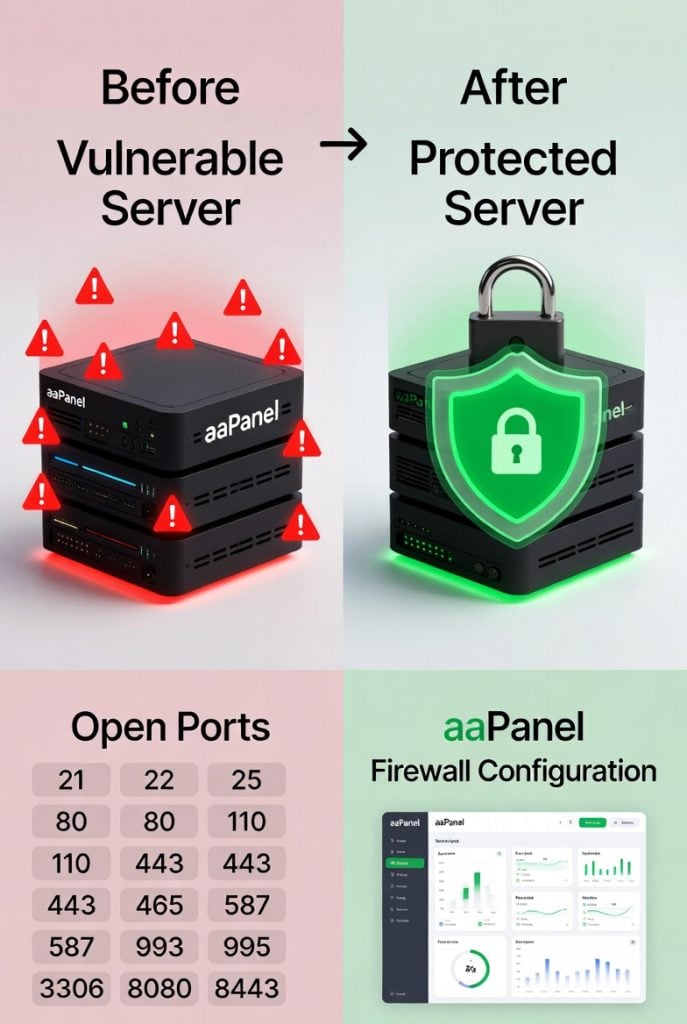
What to Watch Out For
Lots of folks slip up here:
- Opening extra ports “just in case”
- Forgetting to update rules after changing aaPanel port
- Accidentally blocking their own IP (whoops!)
- Relying only on the firewall ignoring strong passwords or skipping two-factor authentication
Always check your rules anytime you tweak something, especially if you change ports or add new software.
Keep Your Firewall Configuration Fresh
Security isn’t set-and-forget. Take a peek at your aaPanel firewall configuration every few weeks. Check the blocked logs because sometimes you’ll spot a sketchy IP or a pattern that means trouble.
Set up email alerts so you hear about anything serious right away. If you’re running more than one website, it’s smart to use extra security plugins like aaWAF to shield your web apps, too.
Final Thoughts
Great firewall configuration doesn’t need to be a headache. aaPanel gives you the tools to lock down your control panel quickly. Start by turning the firewall on, open only the necessary ports, limit admin access, and switch to SSH key authentication.
If you follow these steps, your server and sites are way safer. With just a few clicks, you’ve added serious protection without wasting your day.
So go ahead and log into aaPanel now and review your settings. A properly configured firewall is one of the smartest moves you can make for your VPS.
Stay safe. Keep your server locked down tight!