Choosing the right website control panel isn’t just some small step. It’s really at the core of how you manage your site every day. When you sign in, you want everything right in front of you. No digging around. No messing with tools that don’t do what you need.
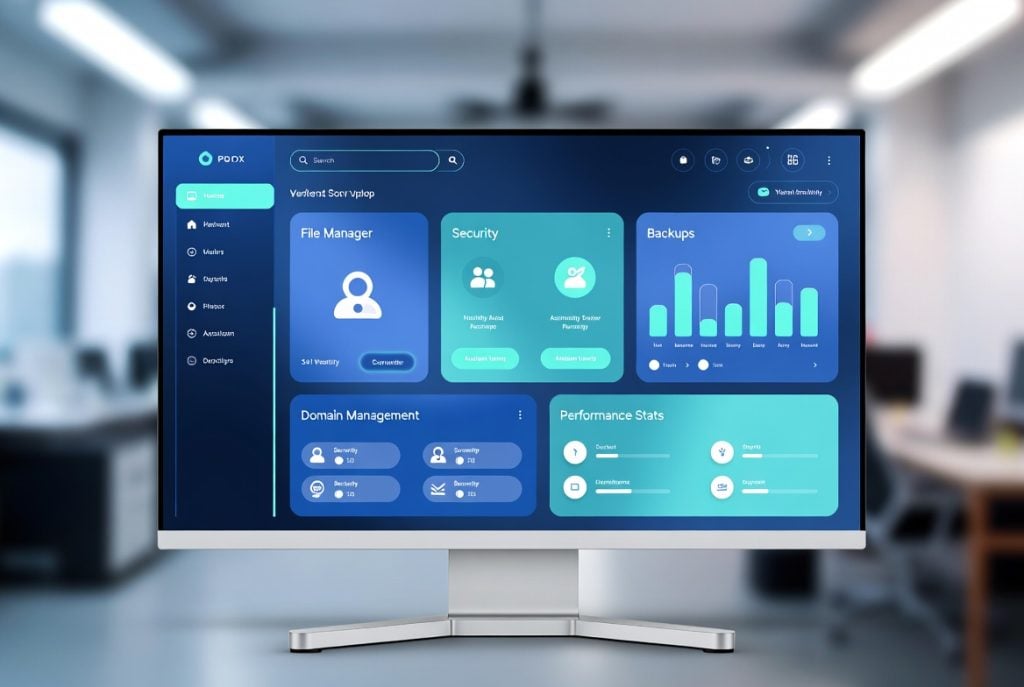
Essential Core Features Every Control Panel Needs
First off, the interface. If it’s confusing or cluttered, it’ll slow you down. A good control panel welcomes both pros and beginners with clear menus, smart layouts, and easy navigation.
You need powerful file management. The panel should have a built-in file manager that lets you drag and drop, edit files on the fly, adjust permissions, and compress folders that no need to download extra FTP apps.
Don’t forget database management. Whether you’re running WordPress or an online shop, you want to create, back up, and tweak databases without wrestling with command lines. One-click database tools and simple permission controls save tons of time.
Managing domains and subdomains should be painless too. You ought to be able to add new domains, set up redirects, and handle multiple sites without bouncing between complicated screens.
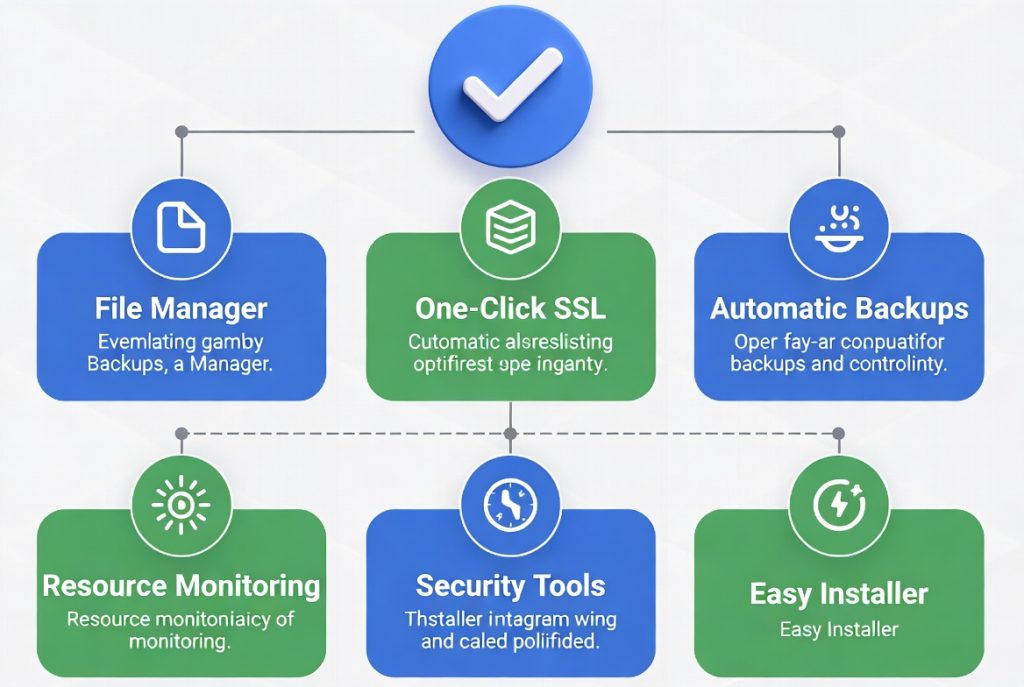
Security Features That Protect Your Website
Security’s a big deal and maybe the biggest. Today, a solid control panel comes loaded with security essentials. You shouldn’t have to mess around manually with SSL certificates. Look for one-click installation and simple renewal so your site stays trusted and safe. Firewall management, IP blocking, and malware scanning should be built in, not an afterthought.
Automatic backups are a must. The panel should let you schedule backups, restore with just a few clicks, and get peace of mind that a mistake or attack won’t mean disaster.
Strong password policies and two-factor authentication really cut down the risk of someone breaking in. Small features, big impact.
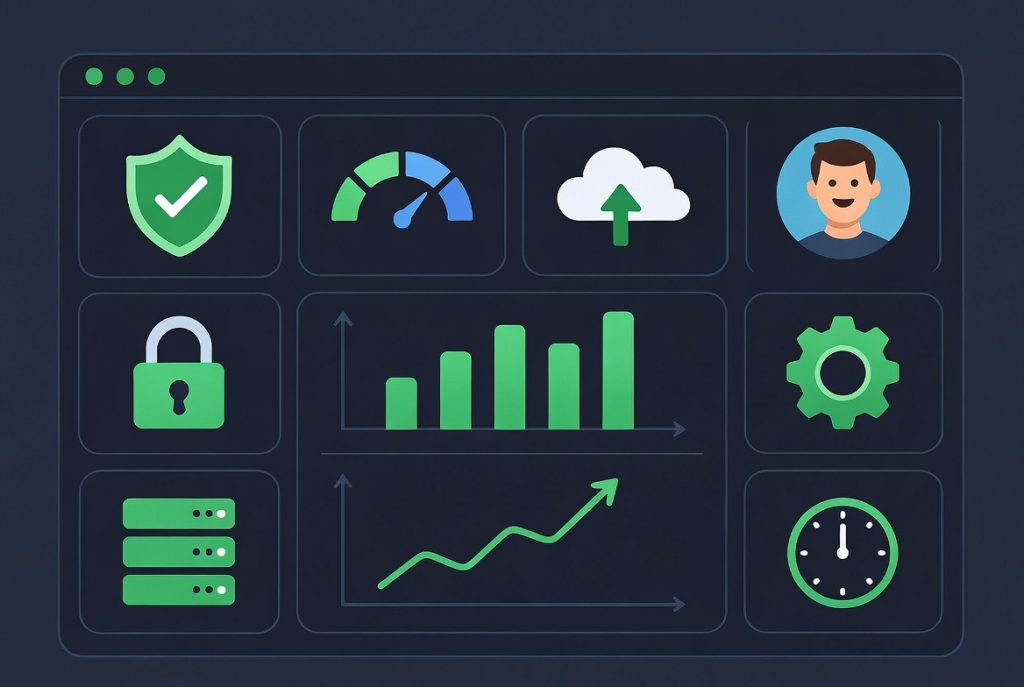
Performance and Resource Management Tools
Anyone running a website cares about speed. Your control panel should give you a clear view of your server’s brainpower like CPU, RAM, and bandwidth stats all in real time. That way, you see issues coming up before they become problems.
Integrated caching and other optimization tools make your website feel snappy and keep visitors around. And when your site starts to get busy, these tools help you stay ahead instead of scrambling. When Using Control Panel in Web Hosting, having quick access to these performance tools makes a huge difference in maintaining a smooth running website.
Ease of Use and Automation
Control panels have to balance power and simplicity. You don’t want a system that’s either so “idiot-proof” it lacks advanced options, or so complex you spend half your day poking around help articles.
One-click installers are a lifesaver. Just hit a button to set up WordPress, Joomla, Laravel, or whatever app you need. Skip the manual uploads and configurations.
Managing email should be easy too. Setting up new addresses, creating autoresponders or forwarders, and accessing webmail shouldn’t take more than a few clicks.
If you have a lot of sites or clients, look for role-based accounts and multi-user options so you can delegate tasks safely without handing over the keys to everything. Here is a helpful comparison chart of key features you should look for in a good website control panel:
| Feature | Importance | Why It Matters | Good Control Panel Example |
|---|---|---|---|
| File Manager | High | Daily file operations | Built-in drag & drop |
| One-Click Installers | High | Quick application setup | WordPress, Laravel |
| Automatic Backups | Very High | Data protection | Scheduled + easy restore |
| SSL Management | Very High | Security & SEO | Free one-click SSL |
| Resource Monitoring | High | Performance tracking | Real-time stats |
| Security Tools | Very High | Threat protection | Firewall + malware scan |
This chart gives you a quick reference when evaluating different control panels for your needs.
Advanced Features for Growing Sites
If your website’s growing—or your whole business is—basic tools won’t cut it. You need a panel that keeps up. Think about things like scheduling tasks with cron jobs, using Git to manage your code, or even juggling more than one server. The good ones make these features simple, not a hassle.
And if you’re working on a VPS & Server Management, you want real backend control. That’s where a strong control panel comes in. It cuts down the stress, even when managing some pretty complex setups.
Developers will appreciate stuff like switching PHP versions on the fly, using Composer without leaving the panel, or popping open a terminal window right inside the dashboard. All these details can seriously save time and keep your workflow smooth.
How to Choose the Right Website Control Panel
Honestly, the best website control panel depends on what you need. Beginners should look for a clean interface and plenty of one-click shortcuts. Developers and admins will want features that let them customize and automate.
Take free trials if you can. Spend a little time poking around, Does it feel fast, friendly, and reliable? The right control panel doesn’t just look good; it actually saves you time and reduces headaches.
In the end, a well-designed control panel pays off with smoother management, better security, and stronger site performance. Look for active development and solid community support, too because you want tools that keep getting better, not ones that get left behind.
Understand what matters, match the features to your needs, and you’ll pick something that makes running your site a lot less stressful and maybe even fun.