Most website owners don’t launch a hosting company when they open up a VPS they start with one website. Then a second site slips in, maybe a staging copy you forgot, and pretty soon your server’s holding a personal portfolio, a blog, a demo app, and a random page for a friend. If you’re comfortable in the command line, you can manage all that, but let’s be honest, most people don’t want to do the same setup steps every single weekend. That’s where a self hosted control panel really shines. It gives you an easy-to-use browser interface to create sites, set up certificates, monitor resources, and keep your directories in order, so you don’t drown in a sea of forgotten folders. The point isn’t to get fancy. The point is practical control without turning every tweak into a headache. Shared hosting is fine until you want a custom stack or some niche tool your provider refuses to install. A panel on your own server means those choices stay yours, and you still get a nice visual dashboard.
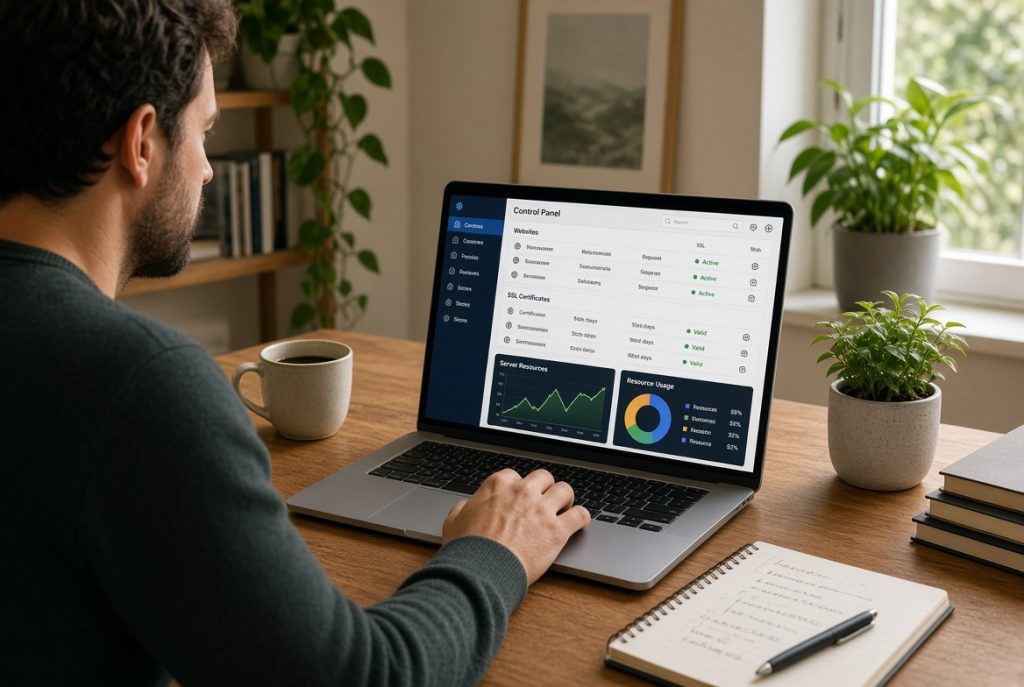
Why a Personal Project Needs a Hosting Control Panel
Why does a personal project need a panel? Simple: personal servers fail quietly and get messy fast. You remember naming your first project, but the fourth one? Just a cryptic folder you created at midnight. Databases blur together. You lose track of which PHP version runs where, and you only catch expired certificates when something’s already broken. Suddenly you’re piecing together a disaster at midnight, wishing you’d kept notes. A panel won’t magically make you a better sysadmin, but it will at least show you the whole map of domains, databases, disk usage, you name it before anything goes sideways. People also underestimate the time cost. Sure, writing a vhost by hand is educational once, but not so much the fifth time when you’re supposed to be relaxing. A hosting control panel turns that into a form. Now you spend energy on the actual project, not the busywork. You still need some command line chops. The goal is cutting down how often you drop to terminal, not skipping it altogether.
What a Good Self Hosted Panel Needs to Do
So, what does a good self hosted panel need to do? Focus on basics: creating sites, issuing SSL certificates, handling files and databases, and running backups. If those things are painful, no amount of bonus features will make up for it. Resource usage graphs really help, because small VPSs can look fine until one site hogs all the RAM. Logs are critical and you need them when stuff breaks. One-click installers are nice if they’re simple, like quickly spinning up WordPress, but avoid overloaded app stores you’ll never touch. If you already think in Docker containers, great; find a hosting control panel that supports Docker. Otherwise, don’t overcomplicate things, A control panel should feel like your workbench, not its own side gig. Security matters too. You want basic, understandable tools: a firewall panel, SSL management, and a clear update/upgrade path. Most personal servers don’t need anything wild. Upgrade later if a project actually requires it.
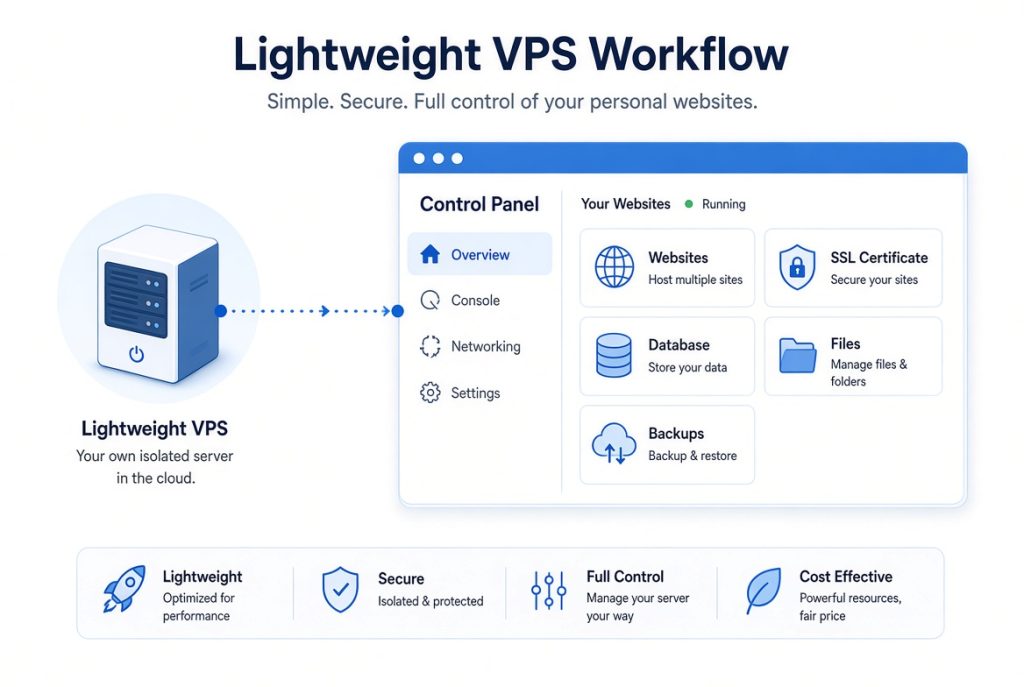
How to Choose a Panel for a Small VPS
When picking a panel, start with your hardware, not flashy names. A 1 or 2 GB VPS doesn’t need a heavy commercial suite built for hosts juggling clients and billing. A lightweight panel gives more RAM to your actual sites, which is the real point. Check OS compatibility and make sure your panel supports the distribution you’ll keep patched. Ubuntu and Debian are popular for a reason: wide documentation and fresh packages. Straying from that isn’t worth the headache when a major upgrade comes along. Project activity is a must. Fancy UI means nothing if the last update was two years ago. Check recent issues and community posts for signs the tool’s still alive. And honestly, installation should not feel like you’re setting up corporate infrastructure. If it does, it’s overkill for your needs.
Security Basics for a Hobby Server
Let’s talk security basics and don’t get careless just because it’s a hobby box. The self hosted control panel login is an internet-facing door. Use a strong password. Enable two-factor auth. Change the default port if you can, and only expose the ports you actually need. Keep SSH key-based access as a safety net and the web panel shouldn’t be your only way in. SSL should cover everything: your sites, your admin panel, the whole lot. Backups? Essential. The panel can help, but always keep copies somewhere off the server. On-disk backups alone are not enough. Test restoring a file now and then just to make sure you’re not learning during a meltdown.
Everyday Tasks the Panel Makes Easier
Day-to-day, the biggest win is speed. Adding domains, mapping them to folders, choosing PHP versions, and grabbing certs—all a breeze compared to hand-editing configs for each new site. Database management’s smoother too; less risk of tangled permissions or orphaned accounts. File managers help a ton for quick edits or uploads without messing with SFTP. You don’t have to handle email if you don’t want to. Some keep mail on a separate service entirely, and that’s fine. Half-setting up email and forgetting about it is the mistake. Now and then, you’ll want to run little experiments like staging tools, private tools, maybe test Open Source AI Models on Server if your server can handle it. Your panel won’t replace a dedicated AI stack, but it can keep everything else organized so your projects don’t trip over each other.
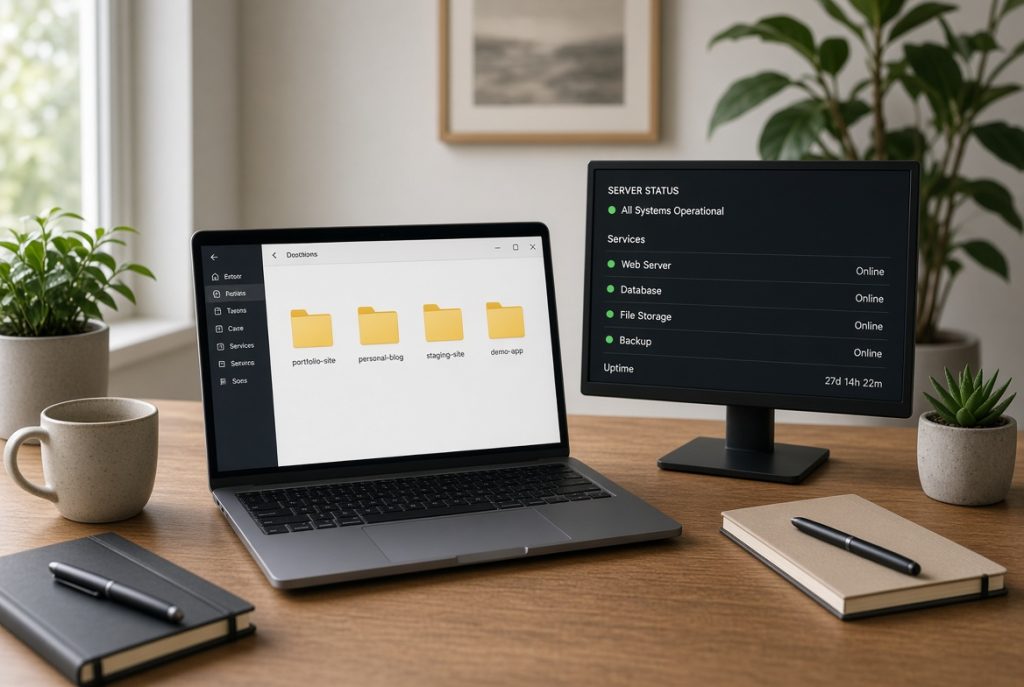
Limits to Accept Early
That said, accept the limits early. If your VPS is tight on RAM, don’t bog it down with junk. Install what you need, disable what you don’t, and keep an eye on disk space like backups and logs pile up. Personal servers work best when you keep things lean. A self hosted control panel won’t handle core maintenance for you. Updates, cron jobs, cert renewals you still have to do those. The panel just makes the jobs easier to see (and harder to neglect). If you’re the only user, one account’s enough. If you need to share access, set up limited accounts and don’t hand out your admin login. Shortcuts like that become messes later.
A Simple Way to Start and Stay Sane
Starting out? Use a clean server, set up one site with the self hosted control panel, turn on SSL, test backups. Once that’s solid, add more sites. The “all at once” migration often turns into troubleshooting hell. Keep a short list of your go-to settings like PHP version, root folder structure, backup target, firewall rules so you’re not reinventing the wheel when rebuilding or expanding. A self hosted control panel should stay in the background. Log in, do the job, get back to building the stuff you actually care about. If the panel starts feeling like the main system you’re fussing over, it’s too heavy.
Over time, consistency is the real win. You know where things live and how they’re set up. When something goes wrong, you know where to look. You don’t need a whole suite meant for web hosts but just a stable server, a simple control panel, and a routine that keeps things running. That’s all a good panel gives you. Chase less after flashy features. What matters is spending less time on grunt work, and more on your actual projects. When your control panel helps with that, it’s earned its keep. If it just adds clutter, drop it. Keep your tools light, and personal hosting stays fun.