Running large language models or other AI tools used to mean dealing with endless costs, tricky setups, and honestly, a lot of headaches. Cloud credits vanished quickly, hardware requirements felt mysterious, and most people just gave up unless they were already deep into devops. Now? More admins are taking control and hosting open source AI models on servers they own or rent. You get privacy, you dodge unpredictable monthly fees, and you’re free to pick whatever models you want, whenever you want.
That’s where aaPanel comes in, it moves all the complicated bits into a straightforward web interface. It’s a lightweight Linux control panel built mostly for websites, but it handles databases, Docker containers, and resource management just as well. All those features carry over when you want to set up and manage open source AI models on your own hardware. Whether you’re just testing out a small model or running something beefier for bigger projects, aaPanel keeps things manageable. And you don’t have to be a command line wizard to get there.
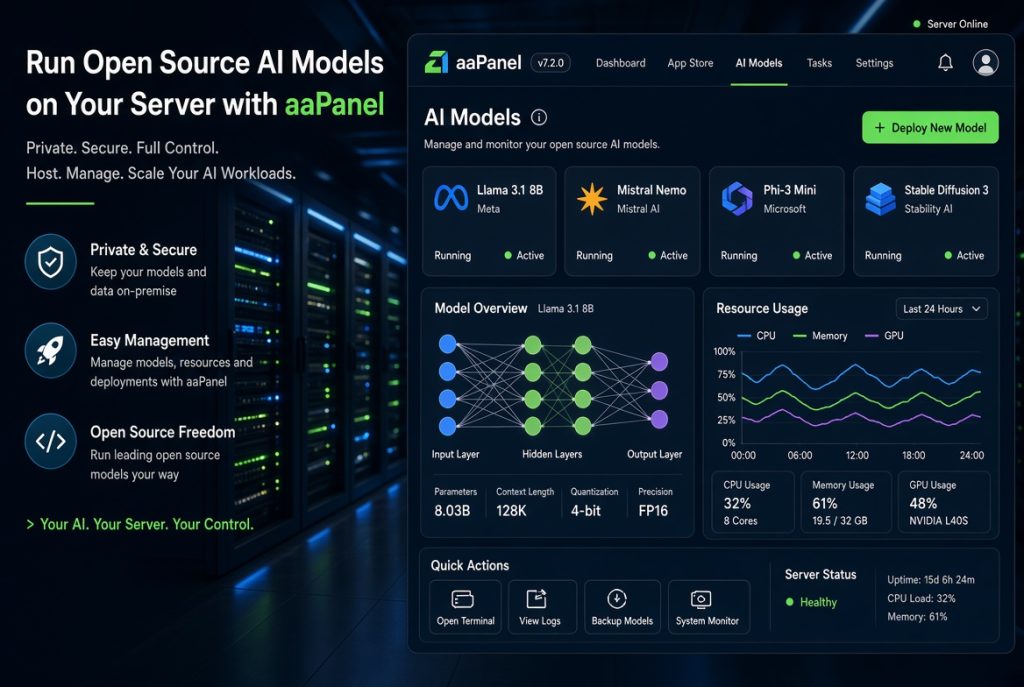
Why Host Open Source AI Models Yourself
Most people start with public APIs. They’re quick to spin up, With a couple clicks, you get working results. But soon enough, privacy gets sketchy, monthly costs add up, and some API limit catches up with your needs. Open source AI models, like Ollama, Llama derivatives, and plenty of others, flip the script. Now your data stays on your turf. You never need to worry about where sensitive information goes, and you’re safe from sudden price hikes or service changes. For privacy-focused teams, developers, and sysadmins, owning the pipeline matters a lot more than saving a little setup time.
Self-hosting isn’t magic, though. The models you run will chew through memory and CPU if you don’t keep an eye on them. That’s where a panel like aaPanel helps. Instead of bouncing between endless terminal windows, you get clear dashboards showing what’s running, stats on resource usage, and tools to tweak things quickly. You can handle daily AI management without fuss, even if you’re learning as you go.
aaPanel Features That Make Hosting Easier
Docker is the backbone for most modern AI projects, and aaPanel includes first-class Docker management. You can install Docker right from the panel, pull images, set up containers, and tweak their limits. All this from your browser, no command line gymnastics required. Starting, stopping, or updating a model container is as easy as it should be.
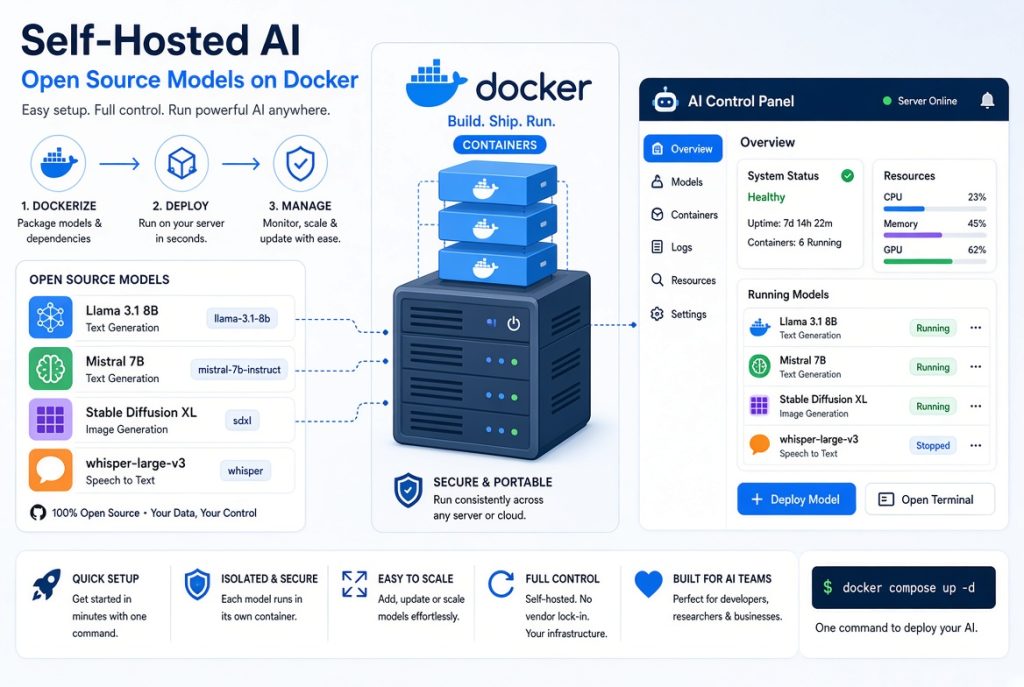
The resource dashboard is a lifesaver, too. Real-time graphs let you see exactly how much RAM, CPU, and disk you’re using. If a model starts hogging too much, you’ll spot it before something crashes. You can stop other services if resources get tight or plan upgrades with real numbers, not just guesses. The app store and one-click installs help, too. You’ll find tools for AI workloads right alongside everything else, so spinning up a web UI for chatting with your models is quick work. Even the built-in terminal saves time for those occasional one-off commands.
Getting Your Server Ready
Start simple: a clean Linux server with a decent chunk of RAM. For basic open source models, 8GB gets you working. You’ll want 16GB or more for larger ones, and adding swap never hurts. Once aaPanel’s installed, activate Docker. Then, pull a model runtime like Ollama, create a container, set resource limits, and grab the specific model files you want. Port mapping is straightforward; your browser becomes your primary interface for the models.
A lot of admins also add a frontend, such as Open WebUI, so users interact with the models through a chat window instead of fiddling with command line prompts. Containers keep everything tidy if an AI process misbehaves, it doesn’t mess with your other services, and restarting is a button-click away. Setting limits upfront stops wild resource spikes before they become full-blown headaches.
Practical Benefits for Daily Management
Once open source AI models on server setups are running smoothly, ongoing management is easier than you’d think. You can check logs in the panel, tweak resource allocations as usage changes, and set containers to restart on a schedule if needed. Back up your configs and models either through aaPanel’s backup suite or regular server routines.
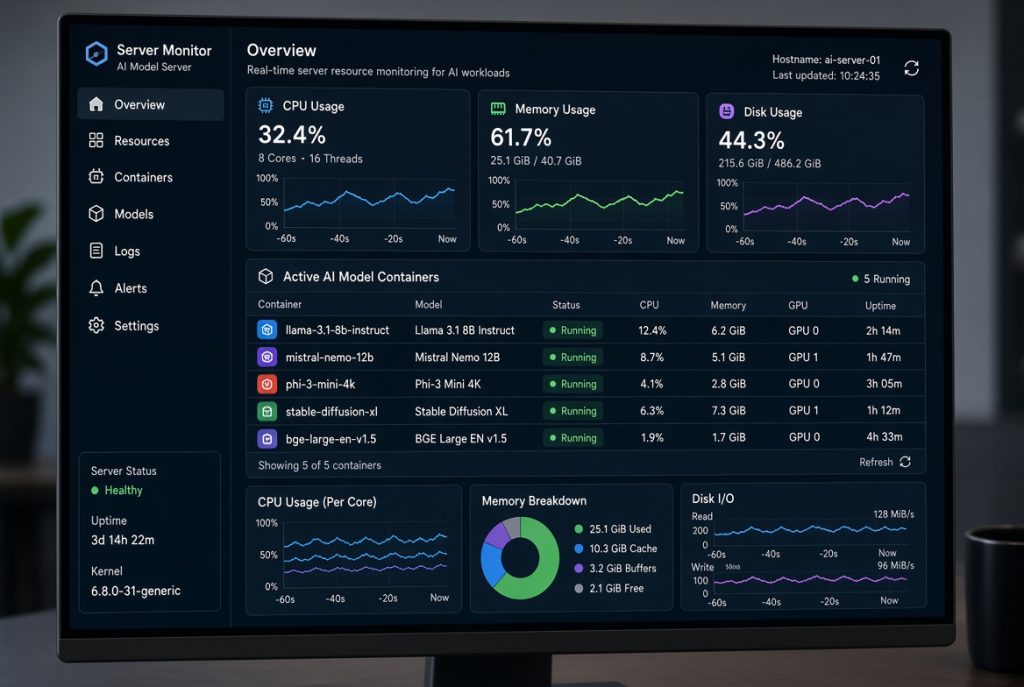
Security should always keep its place at the top of the list. Patch both aaPanel and your server regularly. Use the firewall options to lock down AI-related ports, only exposing what you absolutely have to. Stick with HTTPS where it counts. The learning curve is mild here because you’re just applying habits from websites and databases. And when it’s time to tune performance, aaPanel’s process monitor makes it easy. See what’s eating resources, plan upgrades, or swap in a lighter model for day-to-day work, the panel gives you the clarity, and you stay in control.
What’s Actually Working Out There?
Developers run local coding helpers for prompt testing and refining automation. It’s fast and keeps data private. Content teams draft and rework text with models, no leaks. Admins experiment with log analysis or quick AI scripts for summaries and suggestions, all off the cloud. aaPanel keeps everything in one spot like websites, databases, Docker containers, and AI tools so there’s less bouncing around. Troubleshooting is faster, too, when everything lives together.
Best Practices and Tips
Start small. Run lightweight models, get your bearings, then move up. Check your RAM and swap setup, especially in the first hours and days, using aaPanel’s built-in monitors. Document your container settings and deployed commands. In the future you will be thankful when it’s time for migration or a major upgrade. If you’re juggling multiple servers, standardize your base config so each new deployment is familiar and consistent.
For more advanced content workflows, some teams mix aaPanel management with AISEO tools so the open source AI models stay private, but research and optimization tasks use specialized platforms.
The Road Ahead
Open Source AI Models on Server and user-friendly control panels like aaPanel aren’t slowing down. New models keep arriving, containers get easier to use, and self-hosting makes more sense every quarter. Docker, resource monitoring, simple backup tools like aaPanel nails the basics, so more people can experiment or put AI into production without living at the terminal.
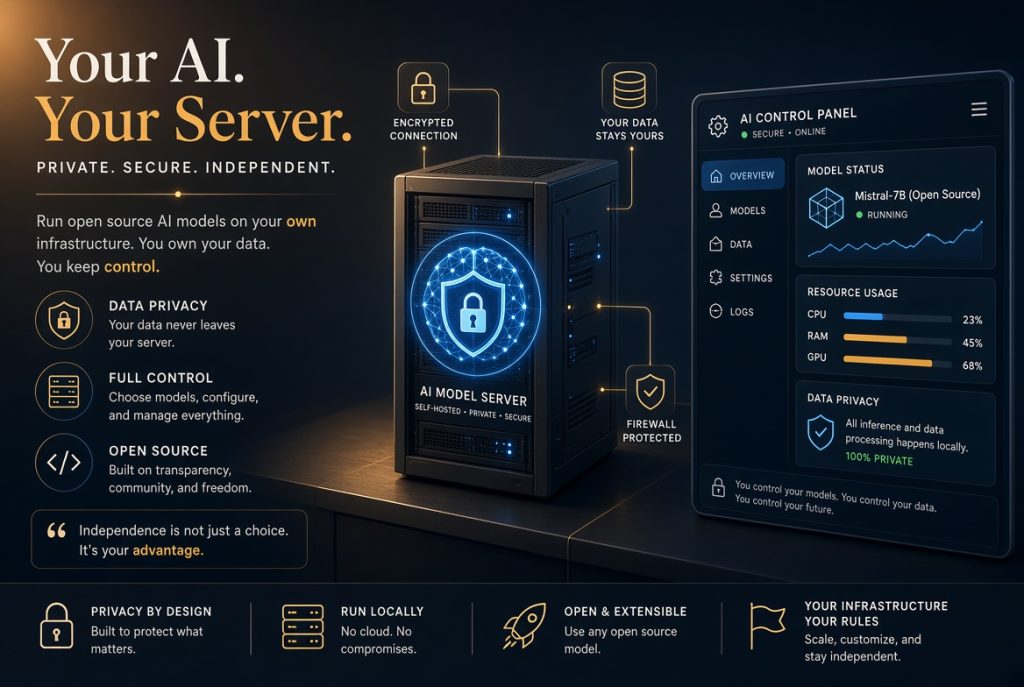
You don’t have to be a backend legend to get started. Pick a simple model, use the visual tools to keep things clean, and expand as your needs and hardware grow. The workflow becomes second nature with a little time. And really, the freedom to self-host these models beats renting random APIs all day. With aaPanel taking care of the daily grind, you can focus on what really matters.
Treat your AI containers like you do your sites and databases. Watch, tweak, and document as you go. Once used to these habits, scaling up or adding new tools is just the next logical step.