Hosting control panels make server management a breeze, but they come with a big tradeoff. They’re a prime target for attackers. If someone gets into your panel, they can usually walk right through every site, database, and mailbox you’ve got. Right from your very first login, you need to treat security as a priority. That’s not just about keeping data safe but it’s about protecting your clients and your reputation.
Too many people rush through setup. They install the panel and dive straight into building sites, skipping the basics. That leaves the door wide open. Spending a little extra time up front closes off most of the easy attack paths and gives you a stronger foundation.
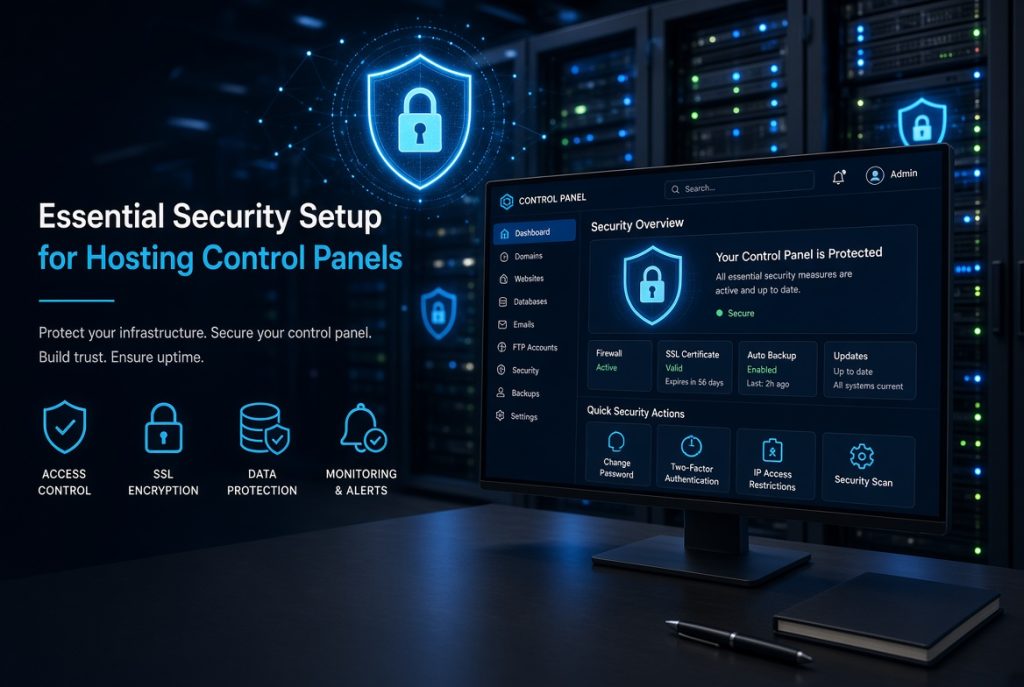
Securing Access to the Control Panel
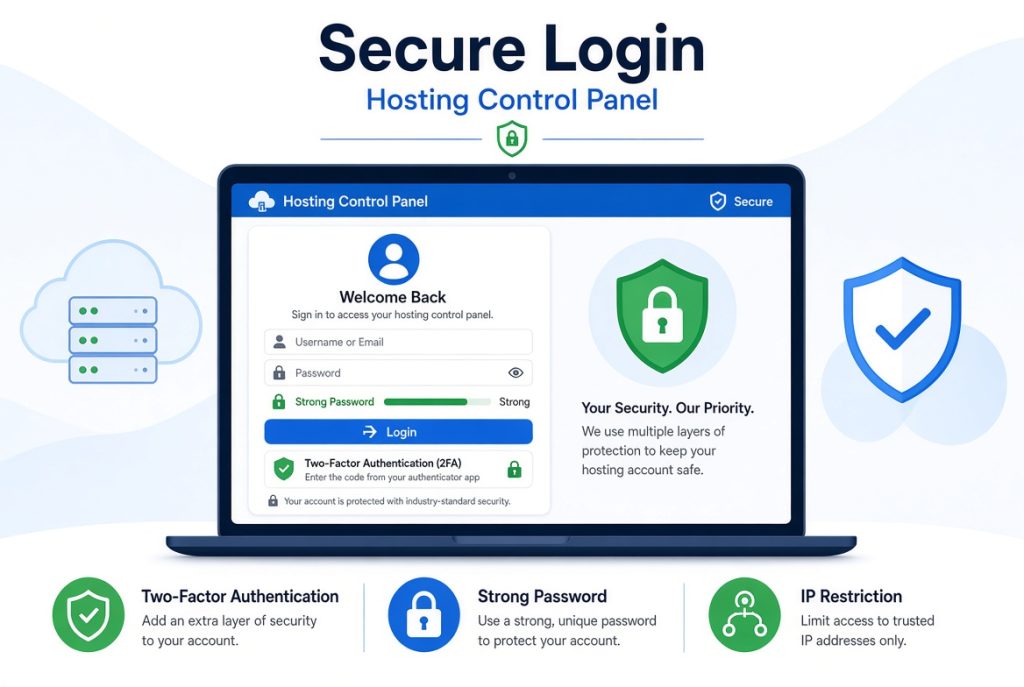
The login screen is where everything starts and where most attacks begin. Change the default port if you can. Attackers hammer standard ports nonstop. Just moving your panel login somewhere less obvious cuts down on automated attacks right away. Pair that with a strong password you don’t use anywhere else.
Always turn on two-factor authentication if the panel supports it. A stolen password by itself won’t mean much if there’s a second step. Most control panels today work with authenticator apps, and those are more reliable than SMS. Block off as much access as you can. Limit login attempts to stop brute force attacks. If possible, only allow logins from certain locations. I like to whitelist just my office and home IPs. If you’re often on the road, use a VPN with a fixed IP so you can still get in. Change or disable the default admin username, and use something unique for your accounts.
Stay up to date. Outdated panels have vulnerabilities that get exploited constantly. If automatic updates are an option, enable them. Otherwise, set calendar reminders and patch regularly.
Protecting the Underlying Server
The control panel is only as strong as the OS underneath it. Set up a firewall that lets through only the ports you absolutely need. Block everything else, especially outdated protocols.
SSH is another favorite target. Turn off root login, and use key-based authentication instead of passwords. Do your work from a regular user account with Sudo privileges. Change the SSH port for another layer of obscurity. Taken together, these steps make it way harder for anyone to brute force their way in.
Install a monitoring tool that watches for unusual changes like modified system files or too many failed logins. Intrusion detection systems can send you emails when something odd happens. Don’t ignore these alerts. Check them regularly. Keep the operating system patched. Security updates often fix serious holes. Schedule updates for off-peak hours, and always back up your system before making big changes.
Strengthening Website and Application Security
Once the back end is secure, lock down your individual sites. Force HTTPS for every domain, no exceptions. Use free Let’s Encrypt certificates to make the process simple. Make sure all HTTP traffic redirects to HTTPS, so nothing travels unencrypted.
- Set and store strong database passwords. Never give applications more database privileges than they actually need. Themes, plugins, and CMS tools get exploited all the time if you don’t keep them up to date, so clean out anything you’re not using.
- File permissions matter a lot. Directories should usually be 755, files 644. Avoid 777 permissions unless you know exactly why you’re doing it. Unrestricted permissions let attackers plant malware easily.
- Think about adding a web application firewall. Even basic, off-the-shelf rules block tons of automated attacks that look for common weaknesses.
Setting Up Reliable Backups and Monitoring
No matter how careful you are, things can go wrong. Backups are your lifeline. Turn on automatic backups for sites, databases, and mail and save copies off the server, either to cloud storage or a different machine. Test your backups. A backup that doesn’t restore is a waste of space. Practice recovering a site, so when the worst happens, you’re not trying to learn under pressure.
Enable logging and actually look at your logs once in a while. Watch for weird logins, strange file changes, or unusual traffic spikes. Most panels make it easy to view logs or even get important alerts by email. Use uptime and performance monitoring. The faster you know about an outage or spike, the faster you can act. Catching a problem early can turn a crisis into a simple fix.
Building Habits That Maintain Security Over Time
Security isn’t a set-it-and-forget-it deal. New threats pop up all the time, and attack methods shift. Block off time each month to review your panel settings, accounts, and installed software. Kill any accounts you don’t need, and update everything that’s out of date. If you work with a team or give out panel access, make sure everyone understands good security habits. One weak password or bad click can undo all your careful work. Spell out clear rules about what’s allowed and what’s not.
Write down your setup and your security choices. Good notes like which ports you changed, where you keep backups, or what custom rules you use save a ton of time when you need to rebuild, troubleshoot, or hand things off to someone else.
Stay alert. Follow security blogs or mailing lists focused on hosting and control panels. When you hear about a new vulnerability, you’ll be ready and not scrambling after an attack.
A solid security setup for your control panel gives you peace of mind. Start with access control and hardening your server, then lock down sites, set up reliable backups, and keep your eye on things over time. Every extra layer you add cuts down your risk. Put in the work up front and you’ll find your sites quietly running, day after day, with a lot less drama.