Managing servers isn’t just another task but it might be the most important part of IT and web hosting. Whether you’re managing a single VPS or a lot of servers, strong Linux server management skills will simplify your work and make it less stressful. Here, I’m sharing what I’ve picked up working hands-on with Linux servers, from tiny side projects to big corporate setups. Sure, things get trickier as the scale goes up, but the basic ideas stay the same.
You’ll still find Linux powering most servers around the world, and for good reason. It’s stable, secure, and you can bend it to your will. There’s a kind of freedom in Linux that’s tough to find elsewhere. If you invest the time to set things up right, your servers stay solid and you don’t have to babysit them all the time. There’s just something satisfying about being in complete control—tuning every corner of the system just how you like.

Why Linux Remains the Top Choice for Servers
Admins stick with Linux because it’s open, flexible, and doesn’t lock you down. You can peek under the hood whenever you want and adjust it for whatever your servers need to handle. Security is another big point. You get regular updates, patches, and a huge community watching out for the latest threats.
It also doesn’t hog resources. You can squeeze more performance out of the same hardware compared to bulkier operating systems. The command line can look intimidating, but after a while, you’ll be managing your tasks faster than you thought possible. Getting better with tools like SSH, package managers, and system monitors will speed up your workflow and cut down on mistakes.
Essential Tools for Linux Server Management
Good tools make all the difference. Start with SSH for secure server access. For keeping an eye on your machines, tools like Htop and Glances give you instant feedback on what’s eating up resources. If you want fancier, long-term stats, Prometheus paired with Grafana gives you dashboards and graphs that make sense of everything.
There are graphical options like Webmin and aaPanel if you prefer clicking around, especially when you’re managing a bunch of servers or still getting used to things. Still, most seasoned pros stick with the command line for its speed and control. Keep your systems updated with apt or dnf it’s not glamorous but it keeps things secure and stable. Automate regular updates with unattended-upgrades on Debian-based servers and save yourself the hassle.
Setting Up and Locking Down Your Server
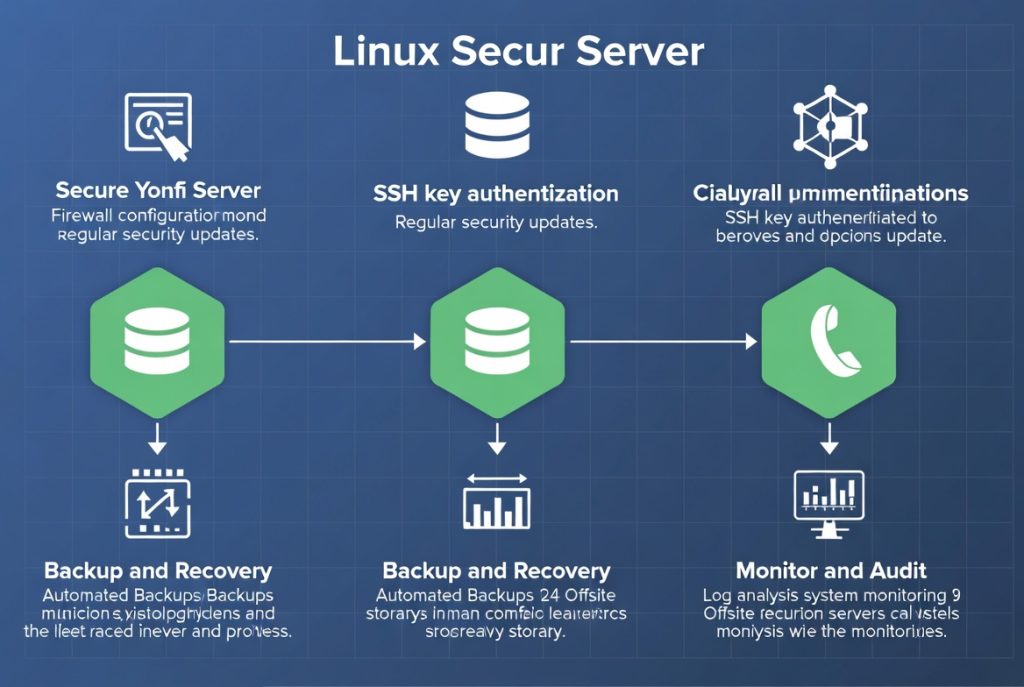
A reliable server starts with smart choices and strong security. Pick the Linux distribution that fits your needs. Once you’re up and running, lock it down: set up a firewall (UFW or firewalld does the trick), disable root SSH login, and use key-based authentication. Install Fail2Ban to automatically kick out bad actors trying to brute-force their way in. Get these basics in place for a safer, sturdier setup.
After that, add more layers like automatic security updates, tight file permissions, and regular vulnerability scans with Lynis or OpenVAS. Centralizing your logs can also make life easier when you’re troubleshooting especially across multiple servers.
Performance Monitoring and Optimization
You need to know what your servers are up to. Monitoring tools like Prometheus, Grafana, and Netdata lay out the details CPU load, memory, disk activity, and network usage. Setting up alerts means you get a heads-up about weird behavior before it snowballs.
Speed things up and avoid slowdowns by optimizing your databases, using proper caching, and taming background tasks. Scan your logs regularly; you’ll spot trouble and opportunities to streamline more easily. Simple automated scripts can prevent old log files and temporary junk from piling up. And, if your site gets heavy traffic, putting the right load balancer and caching strategies in place keeps things snappy.
Backup and Disaster Recovery
Don’t skip back-ups. Even the best setup needs regular, automatic backups. Use tools like rsync, BorgBackup, or Duplicity get the job done. Stick to the 3-2-1 rule: three copies, two types of media, one offsite. Just as important: actually test your backups. Too many people discover problems only after it’s too late.
Have a clear disaster recovery plan. Know how you’ll bring things back online, not just your data but your entire setup like services, dependencies, the works.
Common Challenges and How to Overcome Them
Every admin hits the same roadblocks. On smaller VPS boxes, tight resources force you to be creative and efficient. Security threats crop up constantly, so you can’t slack off on updates. The command line takes some time to get used to, but solid documentation (and a lot of practice) makes it manageable.
Build your own cheat sheet of commands and configs. It’ll make your work easier in the future. And don’t be shy about reaching out to communities like Stack Overflow, Reddit’s r/linuxadmin, or Discord channels for help. There’s always someone who’s been where you are.
Final Thoughts
Knowing your way around Linux server management opens a ton of doors in tech. With the right mix of smart tools, community support, and daily practice, Linux becomes a powerful platform for all kind of projects. Whether you’re managing servers for yourself or a business, the time you put in pays off with trustworthy systems and stronger job prospects. Start with the basics and keep building and you’ll find yourself handling bigger challenges with more confidence before you know it. The effort always comes back to you faster performance, and new opportunities.