If you’re just getting started with web hosting, figuring out your way using control Panel in web hosting is probably the best thing you can do. It’s your main hub, a place where you handle everything: sites, domains, emails, databases, files you name it. And the good news? You don’t need to mess with confusing command lines or weird scripts. In this guide, I’ll break everything down so you can jump in and actually enjoy learning how to use a web hosting control panel.
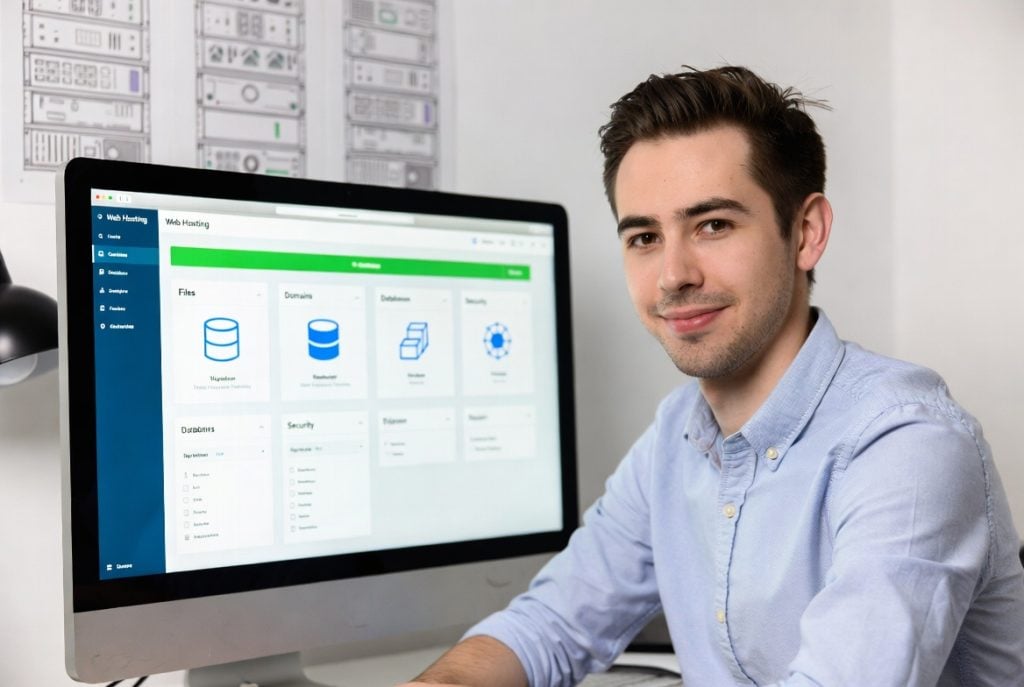
What’s a Control Panel in Web Hosting?
Basically, it’s a user-friendly dashboard for running your website. Instead of fiddling with command prompts, you just click buttons and choose from menus. Some common ones you’ll see are aaPanel, cPanel, and Plesk. They’re designed to make work simple whether you’re just starting out or you manage sites for a living.
It speeds things up. You want to upload files or launch a new email address? Click. Need to check your disk space or set up a database? A couple more clicks and you’re done. You don’t need a computer science degree to handle this stuff.
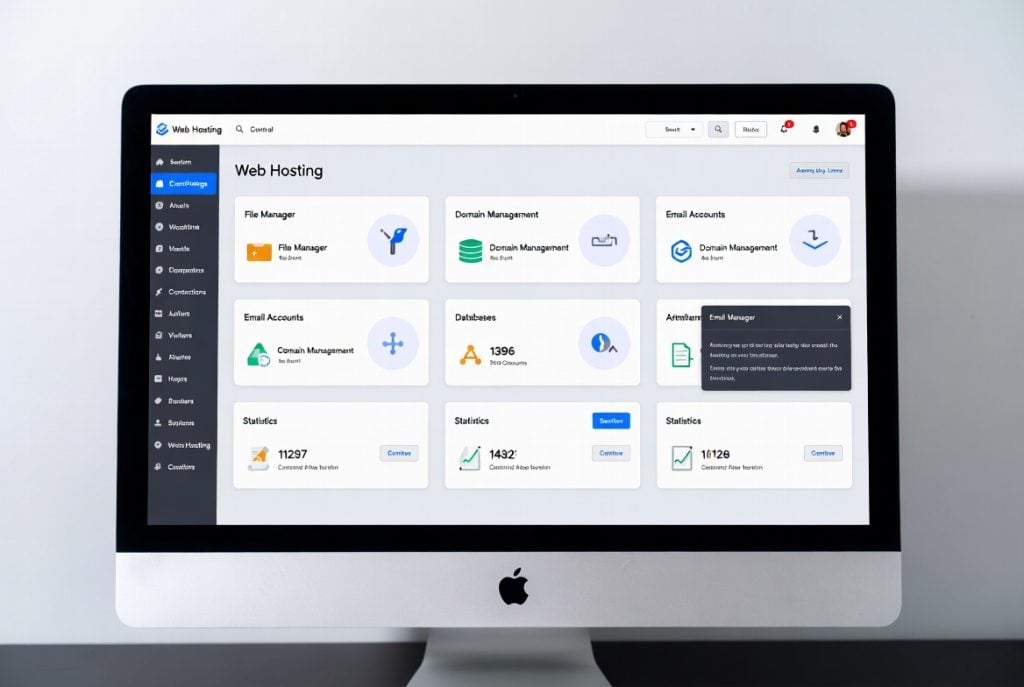
Why the Control Panel Actually Matters
Using control panel in web hosting does more than save you time. It saves your sanity. Instead of slogging through endless setup instructions, you can install an app like WordPress with a few taps. Seriously, what might’ve taken you an hour can take five minutes.
It also keeps your site safer. Most panels make it easy to set up cheap SSL certificates, tweak firewall settings, and limit who can do what. If you’re running a small business or just blogging from your kitchen table, that’s a lifesaver. It’s there when you’re on the go too; you just need a browser.
Basic Features You Should Know First
So, what do you actually do inside the control panel? Start with these:
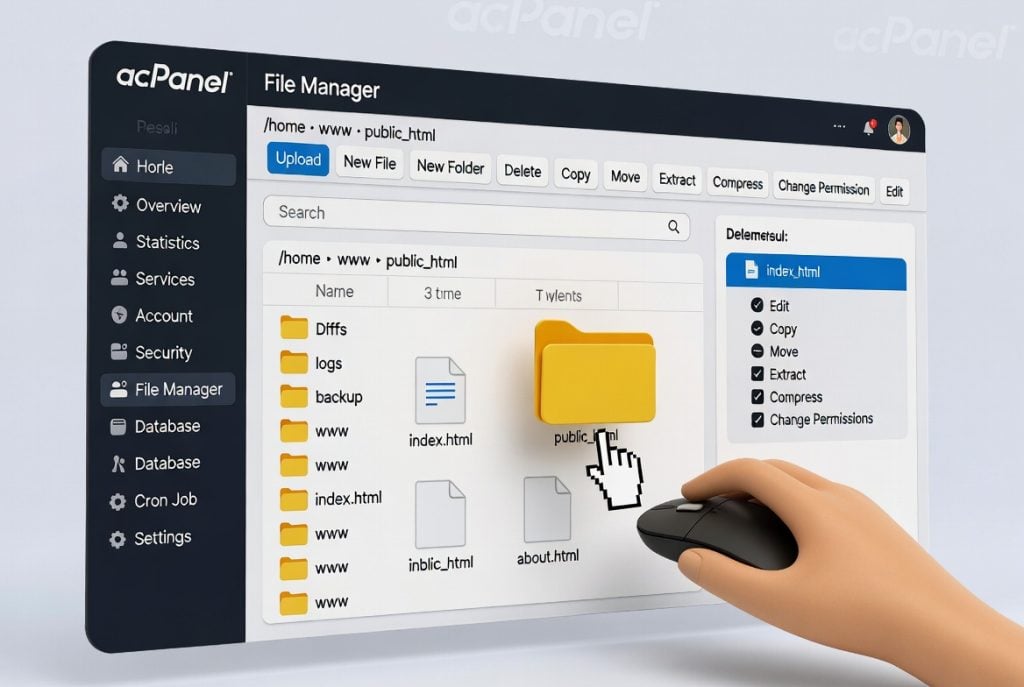
File Management
Most panels give you a built-in file manager. Need to upload photos for your site, tidy up some old files, or edit a config? It’s all right there and no separate FTP app required.
Domain and Subdomain Management
Want to add another domain? Launch a landing page on a subdomain? It only takes a minute. Great for expanding without breaking a sweat.
Database Management
You’ll probably use MySQL or MariaDB. Creating new databases, adding users, changing permissions simple, clear, and fast.
Email Accounts
Professional email addresses look sharp. You can make as many as you need and access them from right inside the panel.
One-Click Installers
Softaculous, the built-in installer, or something similar. These let you set up WordPress, Joomla, Laravel, and more in seconds, not hours.
Here’s a tip: don’t be afraid to start with the basics, like uploading files or making backups. Get those down first. As you get comfortable using control panel in web hosting, try things like setting up cron jobs or tightening your site’s security.
Popular Control Panels and Their Differences
You’ve got options. aaPanel? Super lightweight and free, ideal for anyone just starting or on a budget. cPanel? It’s the industry workhorse and a lot of shared hosting providers use it. Plesk? That’s a go-to for Windows-based servers. Or check out free web hosting panels for other option with different needs.
While they look a little different, the core features are almost always the same. Take a little time to poke around whichever one you have but it’s worth it.
Tips for Beginners
First, actually log in and look around. Notice the main dashboard and menu sections like Files, Databases, Domains, Security. They’re usually organized in a way that actually makes sense.
Enable backups. Most control panels let you do this with a single click. If something goes wrong, you’ll be really glad you did.
Keep an eye on your hosting stats like CPU use, memory, bandwidth. If you see those numbers creeping higher than usual, it’s time to think about upgrading your plan.
Security-wise, turn on two-factor authentication if you can, and don’t be shy about updating passwords.
If you want to go further, add server monitoring tools. They’ll give you extra detail about server performance, so you can spot problems before they turn into full-blown emergencies.
Mistakes Beginners Make (and How to Dodge Them)
Don’t sprint but start slow. Master the basics like managing files. Then move on to stuff like databases, one thing at a time.
Update notifications matter. If your panel or apps are out of date, you’re inviting security headaches. So, keep everything up to date.
And avoid clogging up your setup with a bunch of junk apps .They only drain resources and make your site vulnerable.
Final Thoughts
Learning the basics of using control panel in web hosting makes your hosting life easier. Once you’re used to the layouts and features, you’ll breeze through tasks that used to feel intimidating.
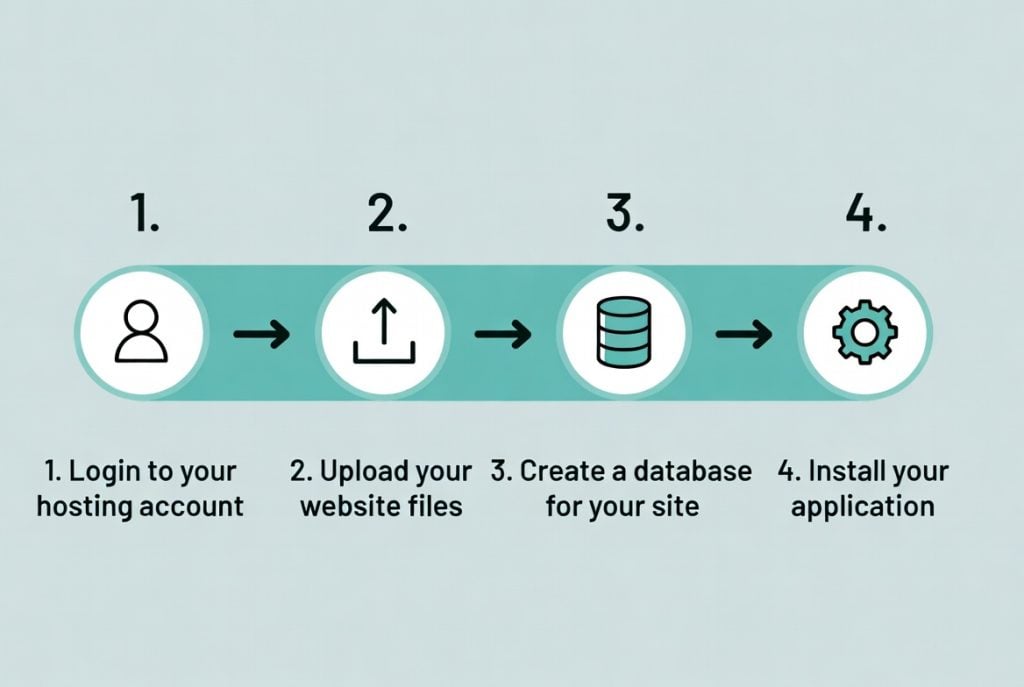
You can manage a personal blog, run an online shop, or juggle multiple client sites. It all gets easier once you’re comfortable inside your control panel. Practice, check out all the tools, and ask for help if you need it. Most hosting companies include solid support.
Stick with it, and those complicated tasks stop feeling so complicated. The effort you put in now keeps paying off. And remember web tech evolves quickly. Stay curious, keep learning, and your control panel skills will always be valuable.