If you are looking for Ajenti Alternatives, you’re definitely not alone. A lot of users feel like it just hasn’t kept up. Maybe it’s too limited, or maybe it’s just starting to feel outdated for what web hosting needs these days. After testing a bunch of different panels, aaPanel really stands out as the best alternative to Ajenti right now. You get better speed, a cleaner interface, and a solid set of features, all without paying a cent for the core tools. Here’s my rundown of the top eight alternatives, to help you pick what actually works for you.
Why People Are Switching from Ajenti
Ajenti used to have its moment like small, simple, easy to set up. But let’s face it, web hosting has changed. People want built-in security, fast web servers, and support for all the apps they’re actually using. Ajenti hasn’t really kept pace. That’s why more and more admins are looking for something faster, safer, and just easier to deal with when you’re managing several websites.
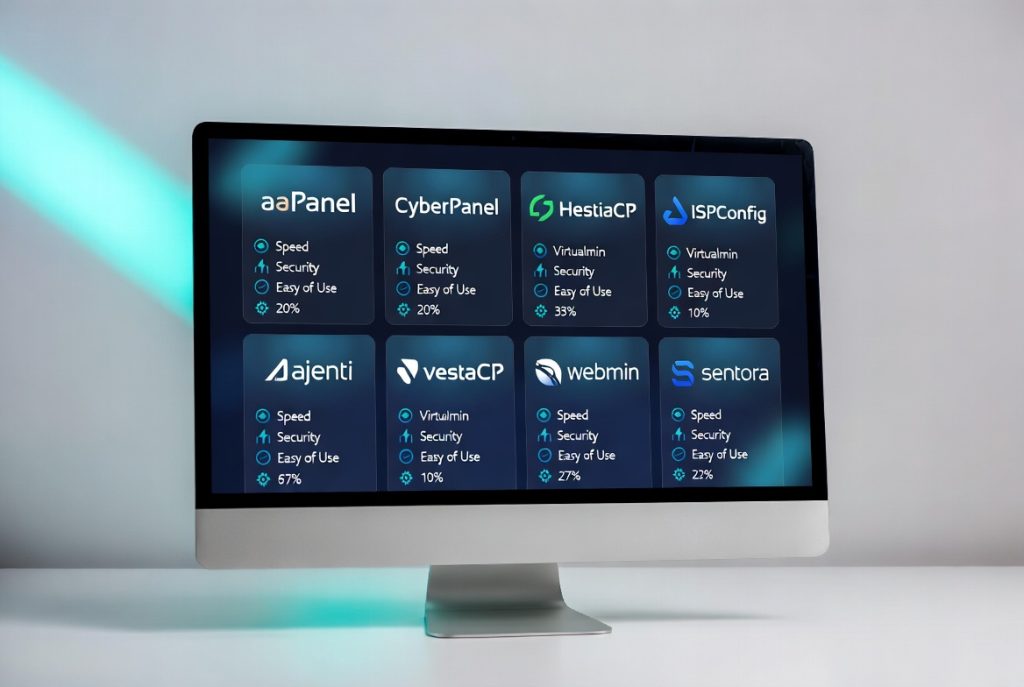
Top 8 Ajenti Alternatives
1. aaPanel

aaPanel attracts a lot of attention from folks moving away from Ajenti. The interface is simple but modern, and it doesn’t eat up server resources which is a big deal if you’re running more than one site. You get helpful features like one-click installers, frequent updates, and just an overall snappier experience. Beginners like how easy it is, and even pros find it efficient.
Pros: Really low resource usage, modern UI, excellent one-click tools, gets updates often, free for nearly everything.
Cons: Still working on some high-end clustering tools for enterprise use.
2. CyberPanel

If you need speed, CyberPanel is big on performance, thanks to OpenLiteSpeed as its web server. It’s one of the fastest free panels out there and comes with built-in LiteSpeed caching, which makes WordPress sites fly. Developers love the modern server management tools and the fact that it feels fresh and actively maintained.
Pros: Top performance in speed, built-in caching, works great for WordPress, core version is free.
Cons: Mainly optimized for OpenLiteSpeed, not as many third-party plugins as some other panels.
3. HestiaCP

HestiaCP is clean and straightforward. A fork from VestaCP, but with more polish and consistent updates. It’s straightforward enough for beginners, but there’s enough depth for anyone running small to mid-sized servers.
Pros: Simple to use, lightweight, active community, keeps things organized.
Cons: Lacks some of the very advanced features you’d find in bigger, enterprise panels.
4. Virtualmin

Virtualmin is the go-to for admins who want fine-tuned control. Built on Webmin, it’s been around for ages, and while the interface looks old school, you get serious customization and reliability. If you’re comfortable diving into configurations, this panel offers a lot of freedom.
Pros: Deep customization, mature platform, handles virtual hosting really well.
Cons: The UI feels dated, steeper learning curve if you’re new to server management.
5. ISPConfig

If you’re running a hosting business or you’ve got your hands full managing lots of servers, ISPConfig is worth a look. It’s built for demanding setups with a pile of clients and plenty of different service plans. The multi-server control is strong, and the built-in billing and reseller tools keep things organized. ISPConfig doesn’t mess around when it comes to reliability. The catch? The interface isn’t exactly shiny or modern, and if you’re just running your own little site, it’s probably more tool than you need.
Pros: Multi-server management, reseller and billing tools, solid reliability.
Cons: Not the slickest interface out there, might feel overkill for a solo webmaster.
6. VestaCP

Still hanging on as a lightweight classic, VestaCP keeps things simple and fast. If you want something that just works for basic web hosting and don’t need the latest bells and whistles, it’s a solid option. Just be aware that updates come slowly.
Pros: Super lightweight, quick to install, covers the basics well.
Cons: Slower development, missing modern features compared to the newest panels.
7. CentOS Web Panel

This panel crams in a lot of built-in tools and offers one-click installers for nearly everything. If you want a control panel that has everything out of the gate, CentOS Web Panel delivers but the interface can feel a little crowded.
Pros: Packed with tools, strong installer support, stays updated.
Cons: UI can get busy, and you might run into occasional stability hiccups.
8. CloudPanel

CloudPanel is built with speed and PHP development in mind. If your sites run on things like WordPress or Laravel, this panel is super fast and keeps things simple and modern. Perfect for developers who want to set up and go.
Pros: Optimized for PHP apps, fast, modern look, easy to deploy.
Cons: Only supports PHP stack, not really an option for non-PHP projects.
Feature Breakdown
When comparing Ajenti alternatives, the features that actually make your life easier are what matter. Think about what you need day-to-day, like site management, email, backups, security, multi-server capabilities, and platform support. Here is a helpful overview:
| Panel | Resource Usage | Ease of Use | One-Click Apps | Security Tools | Best For |
|---|---|---|---|---|---|
| aaPanel | Very Low | Excellent | Excellent | Strong | Most Users |
| CyberPanel | Low | Very Good | Good | Good | WordPress Sites |
| HestiaCP | Low | Excellent | Good | Good | Beginners |
| Virtualmin | Medium | Good | Good | Strong | Advanced Users |
| ISPConfig | Medium | Good | Good | Strong | Hosting Providers |
| VestaCP | Low | Good | Good | Medium | Lightweight Needs |
| CentOS Web Panel | Medium | Medium | Excellent | Good | Feature-Rich Users |
| CloudPanel | Very Low | Excellent | Good | Good | PHP-Focused Projects |
Extra Tips for Different Users
If you’re also looking at paid options, check out the Cpanel alternatives too. They come with premium support, but expect licensing costs. For most users who want zero licensing headaches, panels like aaPanel, CyberPanel, and HestiaCP bring a lot to the table for free.
Windows hosting? That’s usually tough since most free panels focus on Linux. But aaPanel has stepped up its Windows support, so it’s one of the better options if you need a free web hosting control panel for Windows.
How to Choose
Sorting through Ajenti alternatives really comes down to your priorities. Need good performance, an easy interface, and regular updates? aaPanel is almost always the top pick. If you need specific tools like advanced email or true multi-server support then experiment with some of the other panels to see which fits.

Honestly, try out two or three in a test environment. They’re easy to set up and you’ll know pretty quickly which one clicks with you.
Final Recommendation
After all the comparisons, aaPanel stands out for most people looking to move on from Ajenti. It nails the balance of speed, features, and ease of use, and it’s still being actively developed. Whether you manage just one site or dozens for clients, spending a little time to pick the right panel makes your life easier and your hosting setup more reliable. Judging by the growing communities around all these new alternatives, making the switch is working out well for a lot of users. Give them a spin, and leave the headaches behind.