Running a website means you have to keep a lot of plates spinning, but nothing’s more crucial than keeping your data safe. Even the best hosting platforms hiccup sometimes like hardware crashes, hackers get clever, someone hits “delete” by mistake. The only real defense is a strong backup and restoration plan. Here’s how you can set up solid strategies using your hosting control panel, so you never end up scrambling after a disaster.

Why Backup and Restoration Strategies Matter
A lot of people don’t think about backups until they’ve already lost something. By then, it’s too late, with no file there is no fix. A proper backup and restoration plan puts a safety net under everything: your files, databases, emails, and configurations. It doesn’t just save time; it saves your sanity by minimizing downtime and helping you bounce back fast.
Most modern hosting control panels whether you use aaPanel, CyberPanel, or something else can make the technical part easy enough. They offer built-in backup and restore features or simple extensions. The real challenge is finding the setup that matches your actual needs and risk level. Tools alone don’t fix problems but you need a plan that fits how often your site changes and how important your content is.
Types of Backups You Should Consider
You’ll find a few main types of backups in your control panel. Full backups capture everything: files, databases and settings. They’re thorough, but heavy on storage and server load.
Incremental backups just record what’s changed since the last one. These are fast and lightweight and perfect for daily safety nets. Most panels let you mix the two, so you can set daily incrementals and a weekly full backup. This kind of “hybrid” schedule is smart for most sites.
Don’t ignore database-only backups, especially if your site’s content changes a lot, like blogs or e-commerce stores. Most panels let you back up MySQL or MariaDB databases on their own and take advantage of that. Losing your database often means losing everything that matters.
How to Set Up Effective Backups
With most hosting control panels, setting backups isn’t rocket science. The first step is deciding how often. High-traffic, regularly updated sites really need daily backups. Lower-traffic or static sites can get by with weekly full backups and daily incrementals.
Never put all your eggs in one basket. Save one copy on the server, sure, but always push backups to the cloud like Google Drive, Amazon S3, or another remote service. Download a copy now and then for local safekeeping. If something takes down your host, you’re still covered.
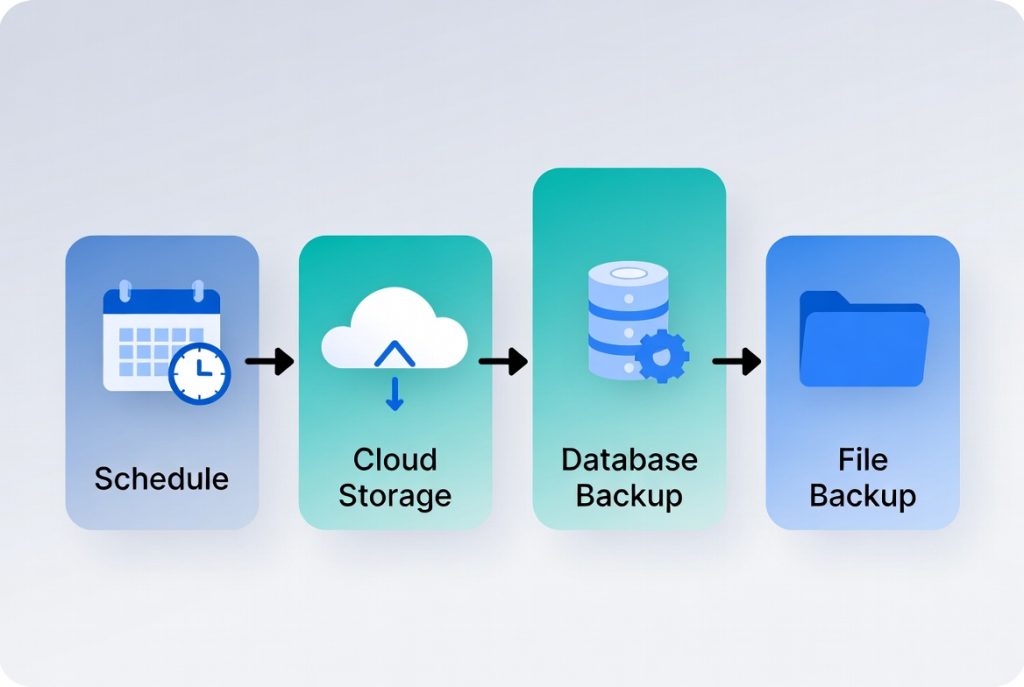
Test your backups and make sure you can actually restore them. Build a habit of restoring to a staging or development site and see if things work before you really need it.
Restoration Strategies That Get You Back Online Fast
Backups mean nothing if you can’t restore your site quickly. Your plan should cover more than one scenario. If you just lost a single file or page, you only need a partial restore and no sense undoing everything. For big disasters like hacks, server meltdowns you’ll need a full restore, and you should know exactly what steps to take.
Document your procedures. Jot down the process step-by-step. Whether you’re handling everything or working with a team, clear instructions cut down on panic when things go sideways.
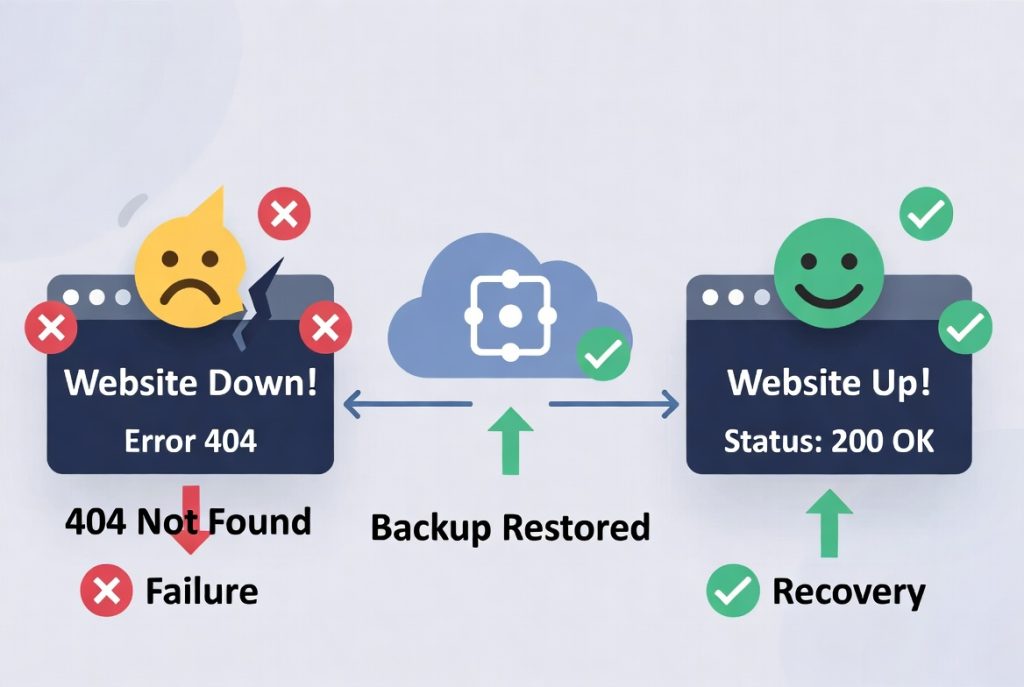
One last tip: keep multiple restore points. Don’t overwrite yesterday’s backup with today’s. If today’s backup gets corrupted or infected, you’ll want to jump back to a clean version from a few days ago.
Automation and Advanced Features
Let your hosting control panel do the heavy lifting and automation is your friend here. Schedule backups every day or week as needed, and use the built-in tools for remote storage. If your panel supports versioning, enable it, so you have several recovered copies in rotation. If you’re managing lots of users and permissions, especially in enterprise setups, Best Active Directory Management Tools are a smart add-on. Protecting accounts and roles matters as much as website files.
Common Mistakes
Plenty of experienced people still make rookie mistakes. Top of the list: never testing backups. Unless you’ve done a restore and it worked, you don’t actually have a backup.
Don’t leave all backup copies on your host’s server. If the server fails, you lose it all. Keep at least one backup off-site. Also, don’t let old backups pile up and delete outdated copies so they don’t clog your storage. And don’t tie yourself to what your hosting provider offers. Their backups help, but having your own control means you’re never relying on someone else’s schedule or policies.
Building a Solid Backup Strategy
Success is all about frequency, smart storage, regular testing, and good documentation. Start with something simple like a few scheduled backups and expand as your site grows. For most small and mid-size sites, daily incrementals plus weekly full backups cover you well.
Check and update your plan as your site changes. As you add sites or scale up, your backup approach will need tweaks too.
Final Thoughts
Protecting your website with smart backup and restoration strategies isn’t optional but it’s core maintenance. The right habits give you the freedom to experiment and the safety net to recover from anything. Modern hosting panels do most of the grunt work for you if you leverage their features. But the real protection comes from consistency with automatic scheduling, off-site storage, regular restore tests, and clear step-by-step notes.
It’s not just about making backups either. You want to know, for sure, you can restore them simply and quickly when it counts. Invest a little time now, and future-you will be grateful when things go wrong and let’s face it, at some point, something always will. In the end, good backup habits are just part of running any serious website today.